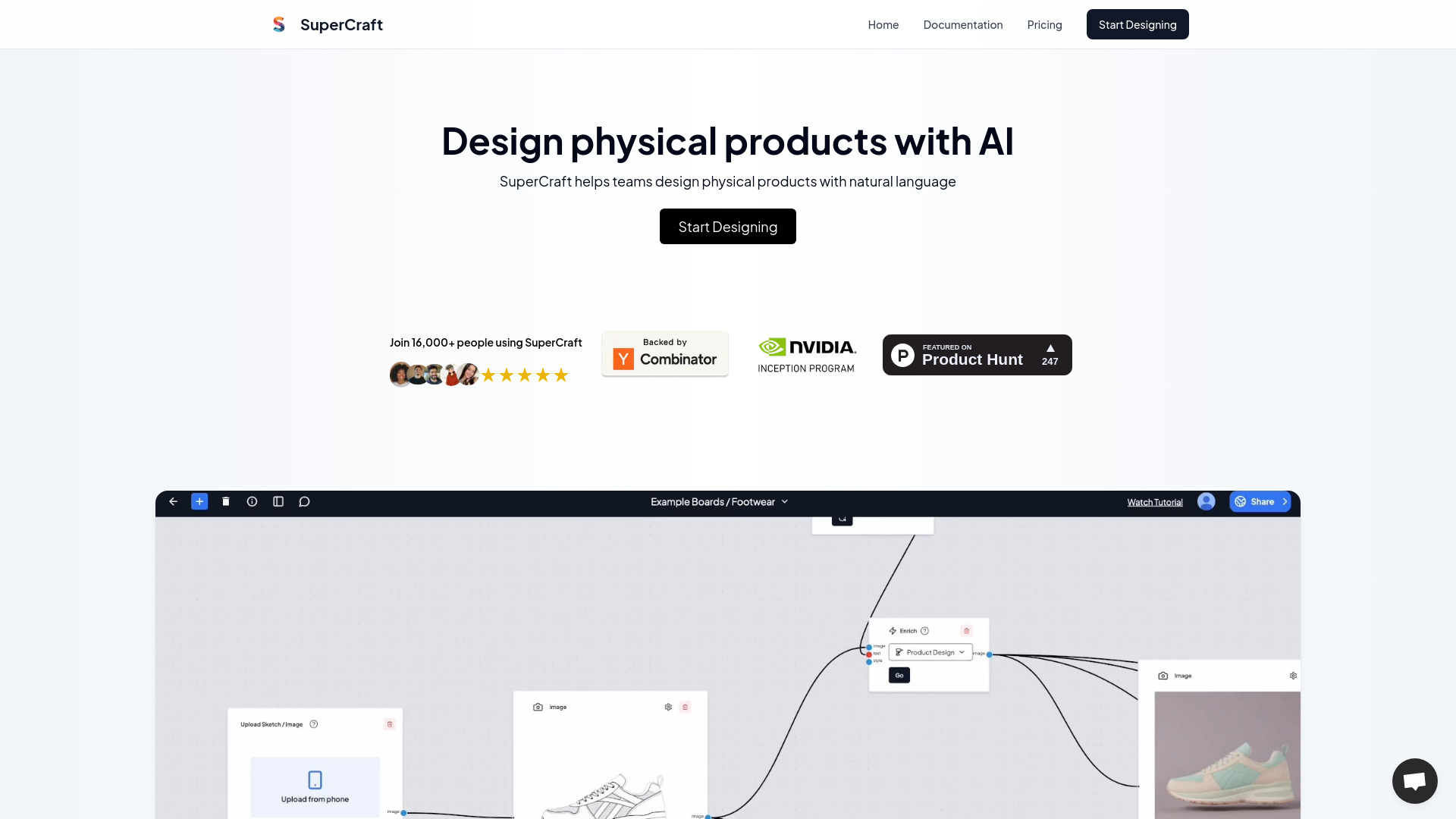
Turn text briefs into product designs, realistic renders, and 3D models in seconds with SuperCraft AI. Design physical products free.
AI tools by category
Explore design tools through the product profiles below. Visual AI tools cover image generation, photo editing, enhancement and design tasks. Choose between creating a new image and modifying an existing asset before comparing products.
Look for text prompts, image references, masks or sketches as appropriate. Compare composition control, supported upload types and the ability to revise a selected area.
Inspect text, hands, edges, reflections and repeated objects at full size. Check that important product or brand details survive editing.
Turn text briefs into product designs, realistic renders, and 3D models in seconds with SuperCraft AI. Design physical products free.
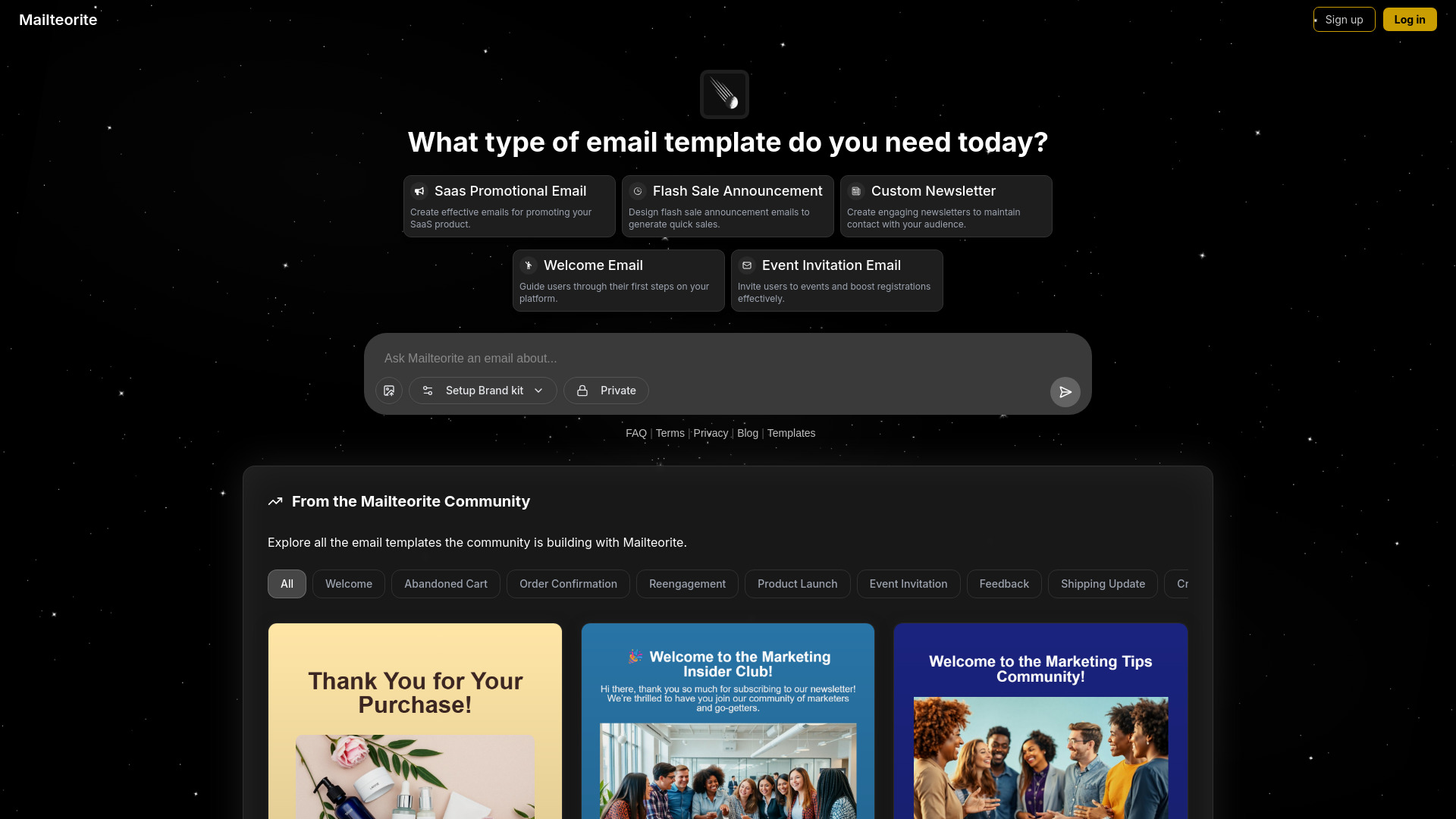
Create conversion-ready SaaS, newsletter, and welcome emails in seconds with Mailteorite AI. Use simple prompts and
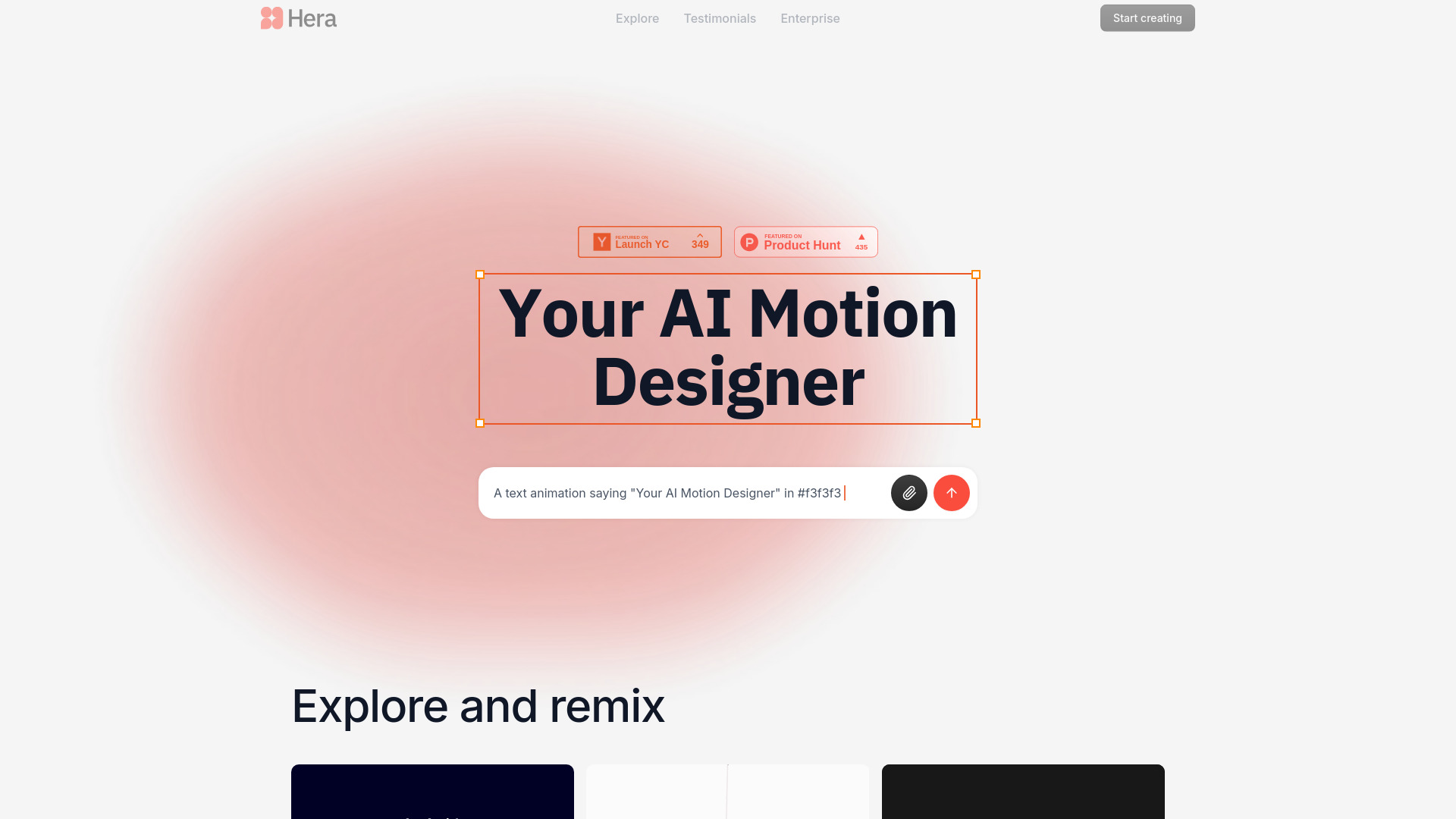
Turn text into AI motion graphics with Hera. Automate motion design and export professional 4K videos instantly.
Transform images into Wplace pixel art with a 64-color palette. Generate text in images with 95%+ accuracy. Try this pro AI tool free today!
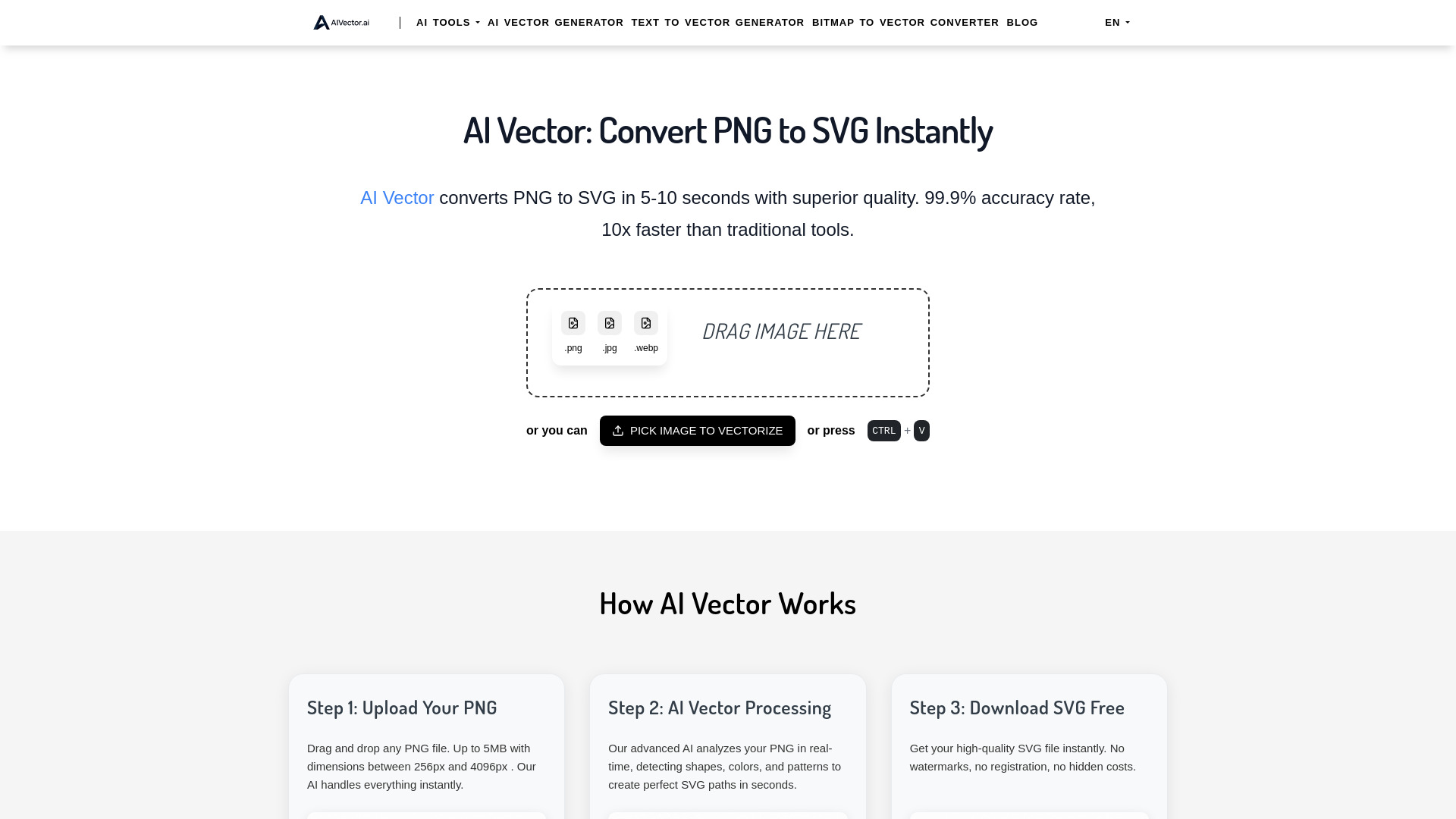
Convert PNG to SVG free with AIVector AI in under 10 seconds. Get professional-quality vectors, unlimited conversions, and no watermarks—try it now!
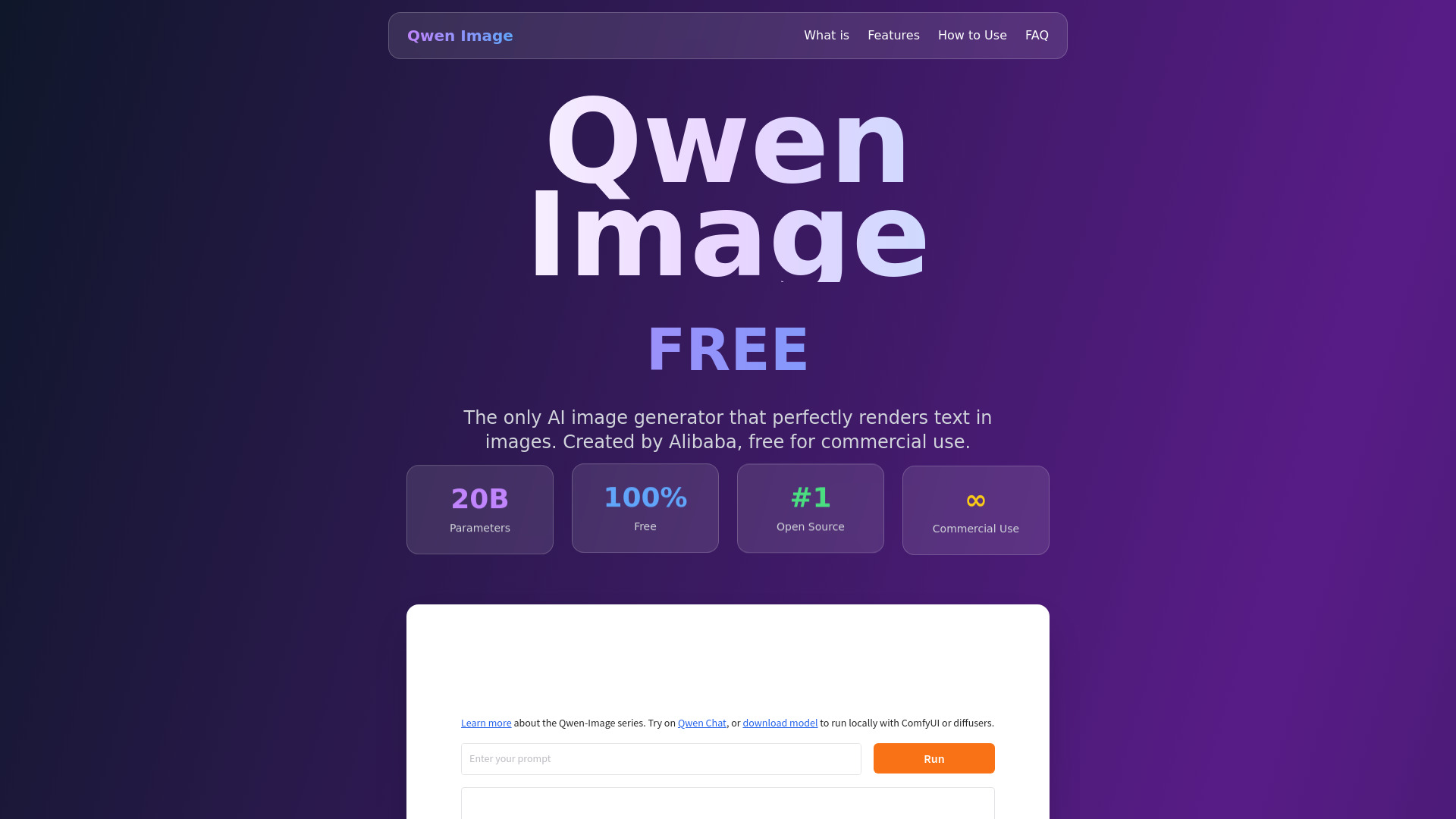
Create marketing visuals with Qwen Image AI. Get precise text rendering, multilingual support, and high-resolution images
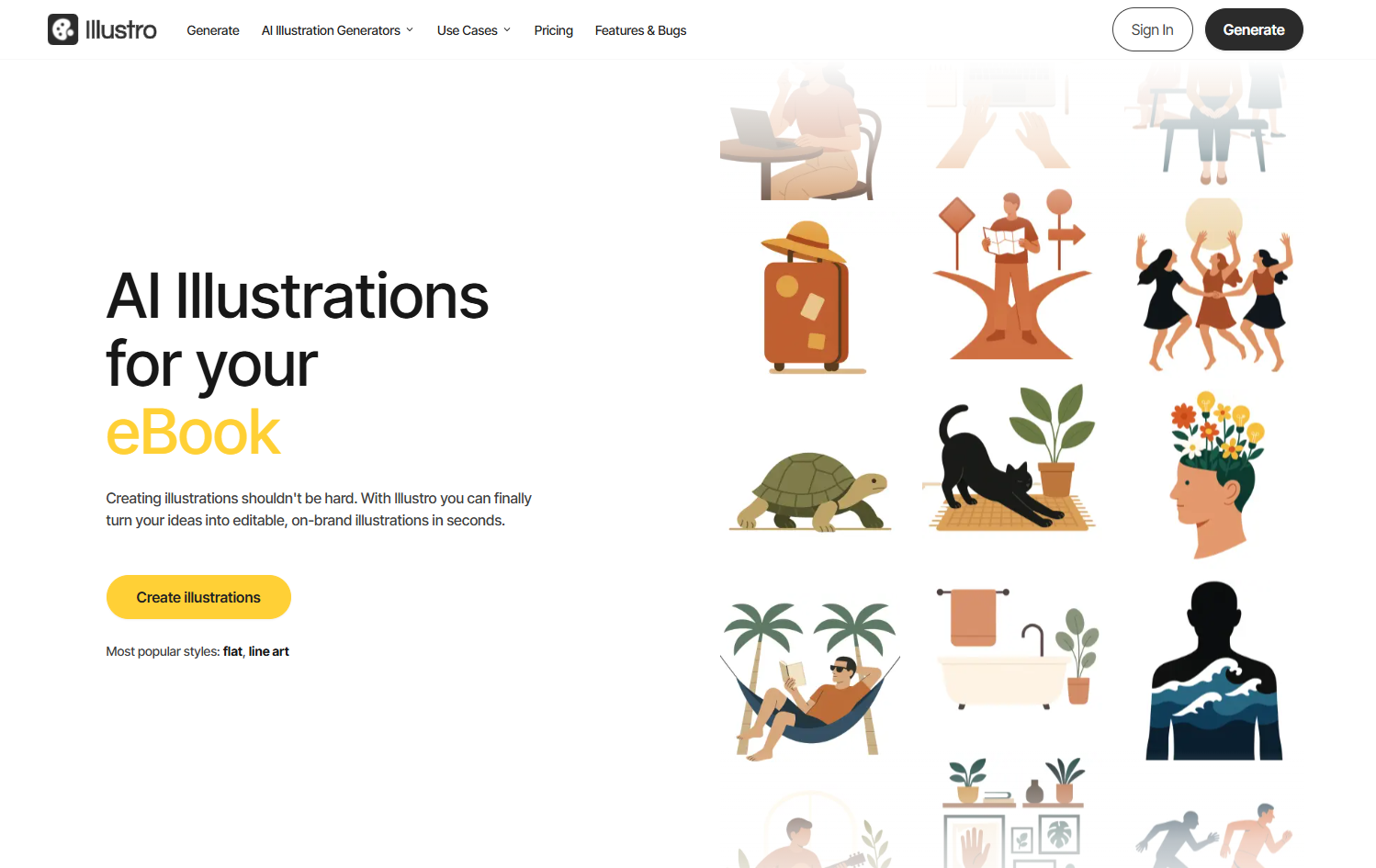
Create editable, on-brand illustrations in seconds with Illustro AI. Choose flat or line art, customize colors, and export SVG, PNG or JPG
Create consistent AI personas from one photo with Ideogram Character. Generate unlimited variations for stories, games, and marketing
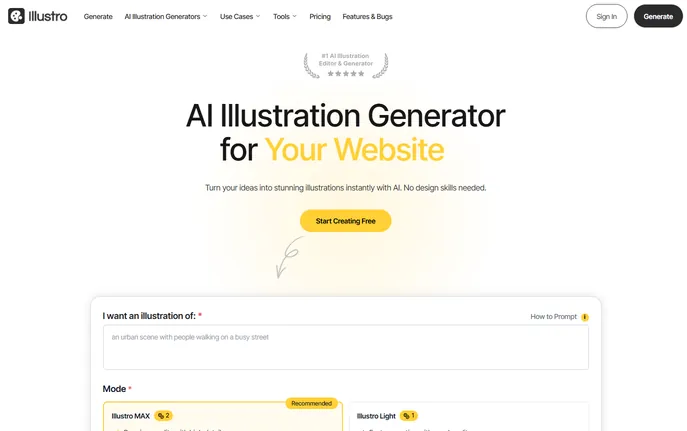
Create pro AI illustrations in seconds with Illustro—free online tool! Choose styles, export SVG/PNG. No signup needed. Try now!
BrandKiit: AI-powered brand identity in seconds—logos, names, taglines, colors, fonts, email signatures, domain checks & free CSS downloads!
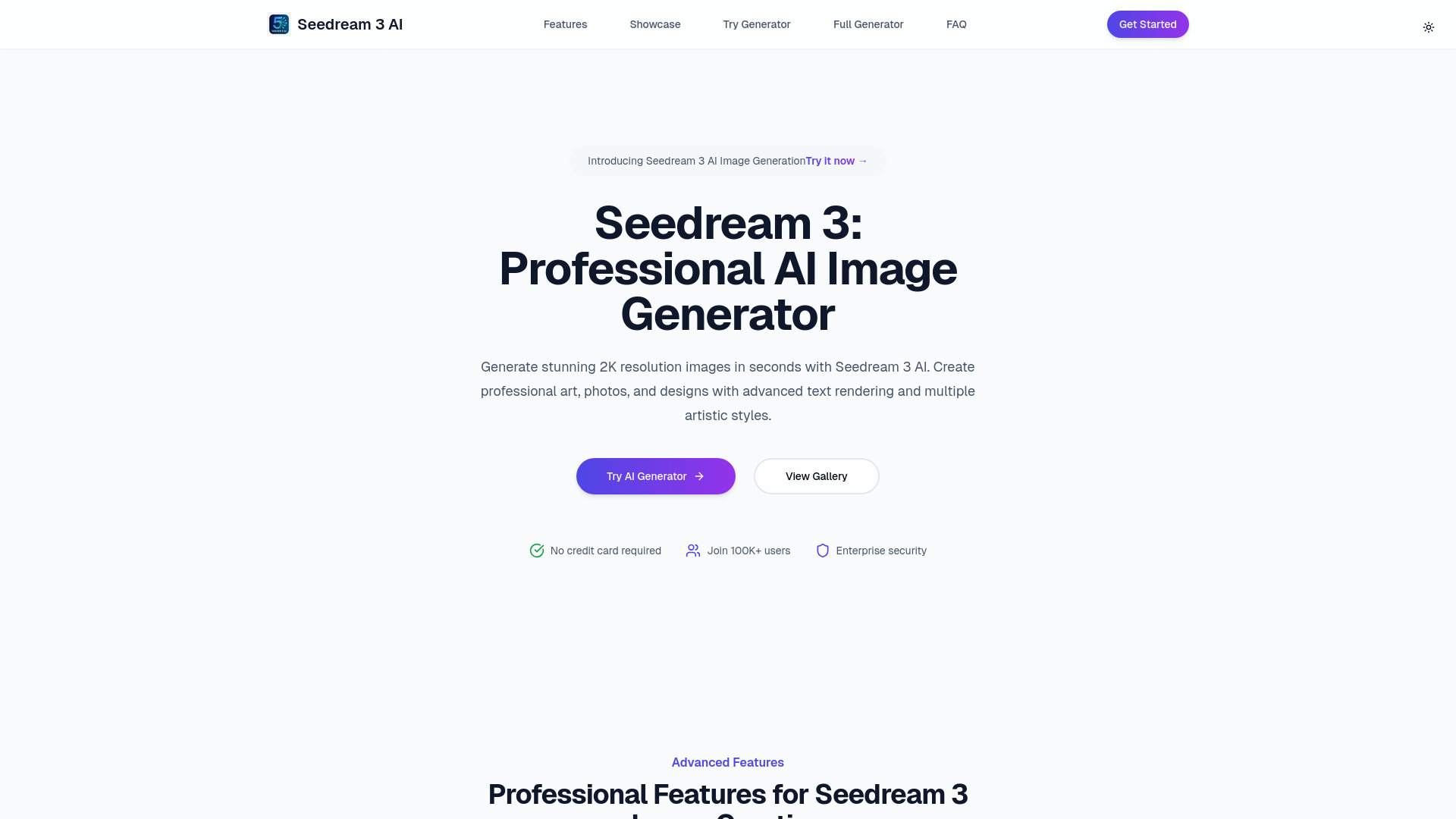
Seedream 3: Turn text into 2K AI art instantly! Powered by a 12B-param model—50 free images daily. Create pro-grade visuals, free. Try now!
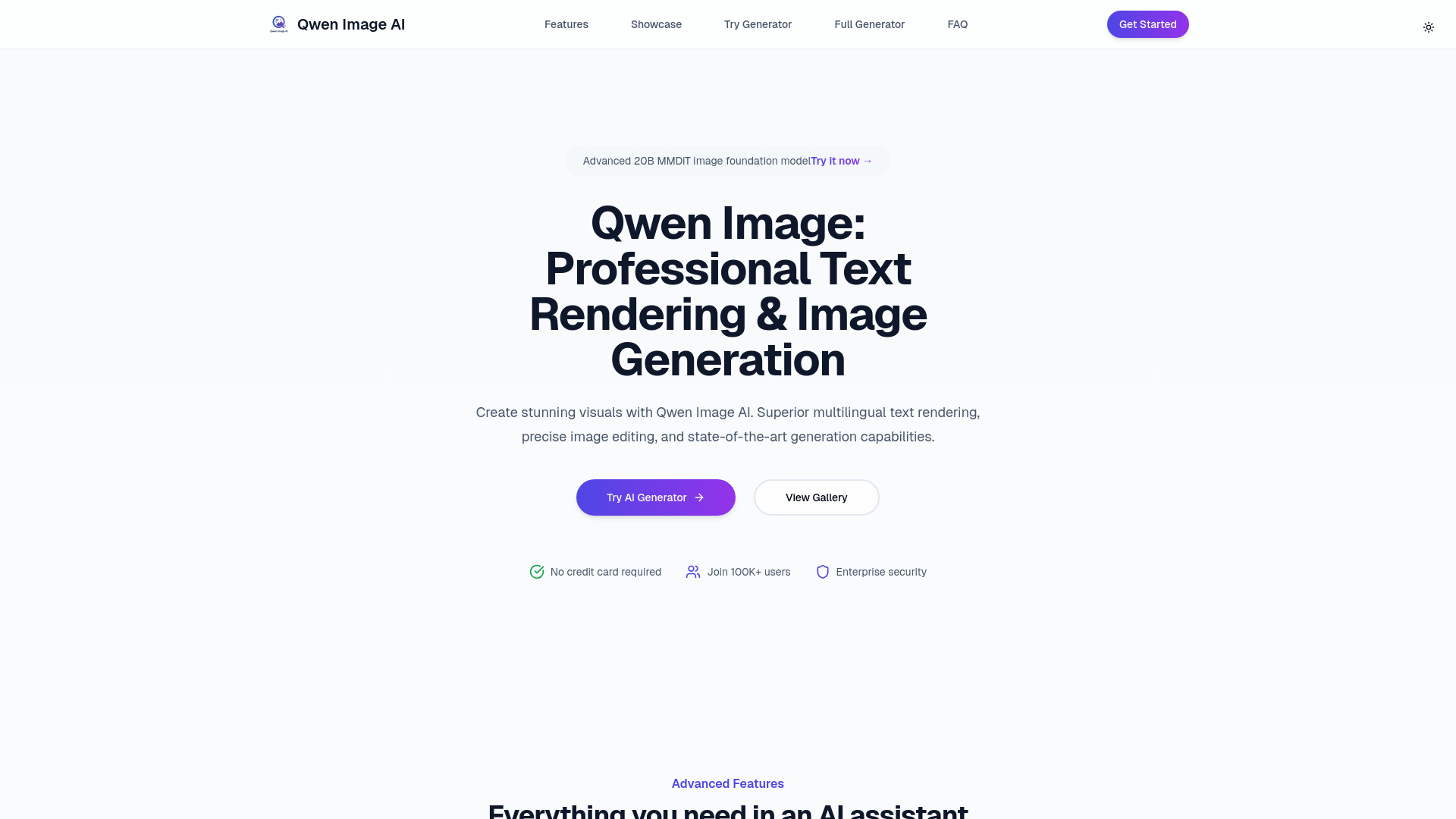
Qwen Image: AI-powered image generation with 20B MMDiT & flawless multilingual text rendering. Professional quality
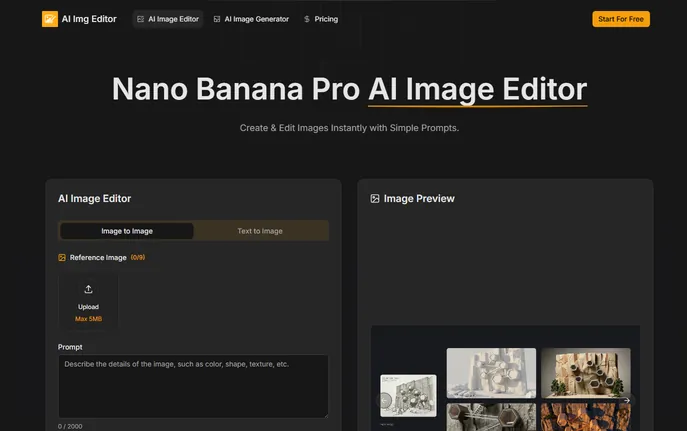
AI Image Editor: Pro AI-powered tool for visuals—94% text accuracy, multi-image blending & 4K output
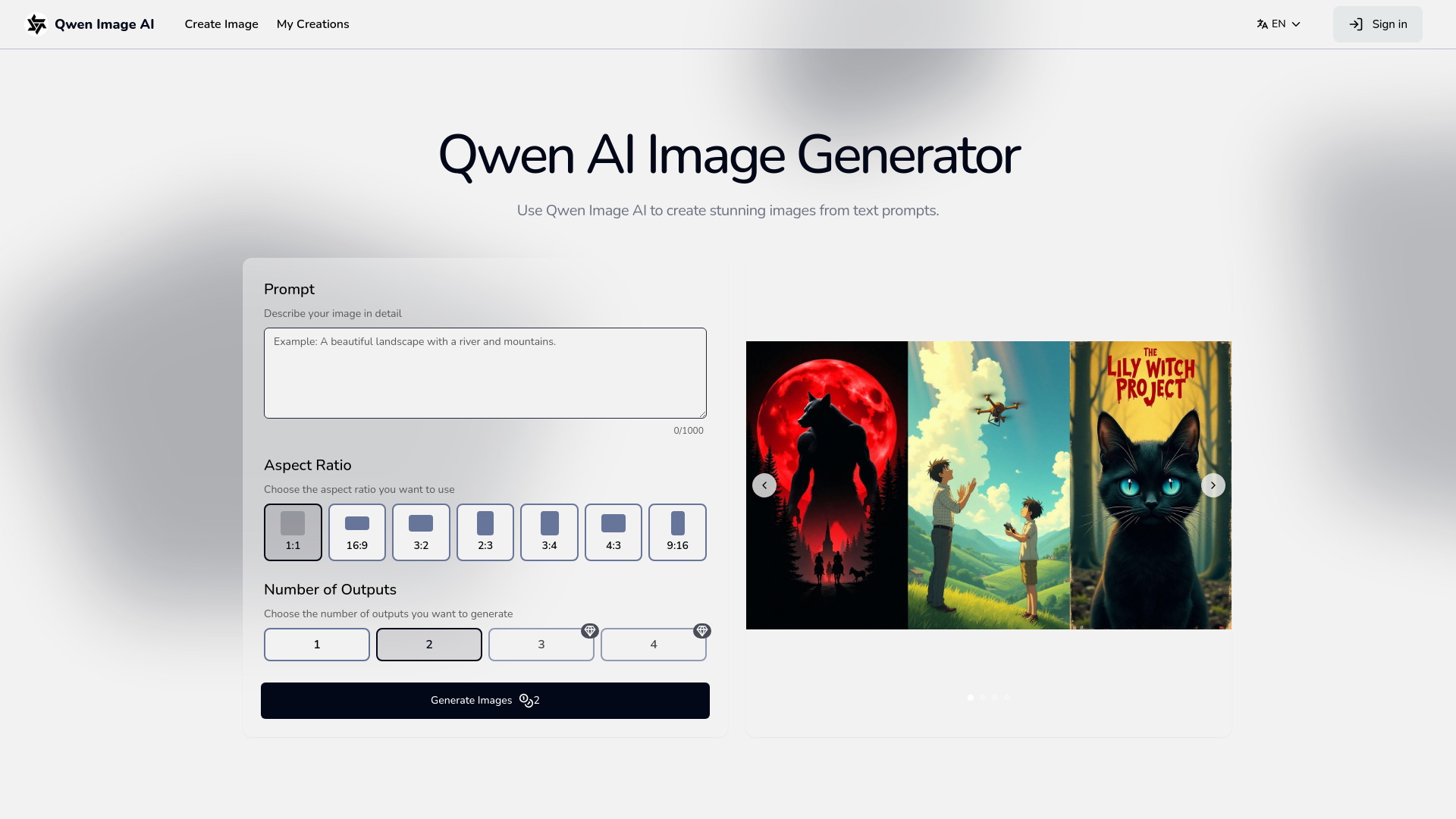
Qwen Image AI: 20B MMDiT model—generates visuals with flawless multi-line English & Chinese text. Professional quality. Free trial!
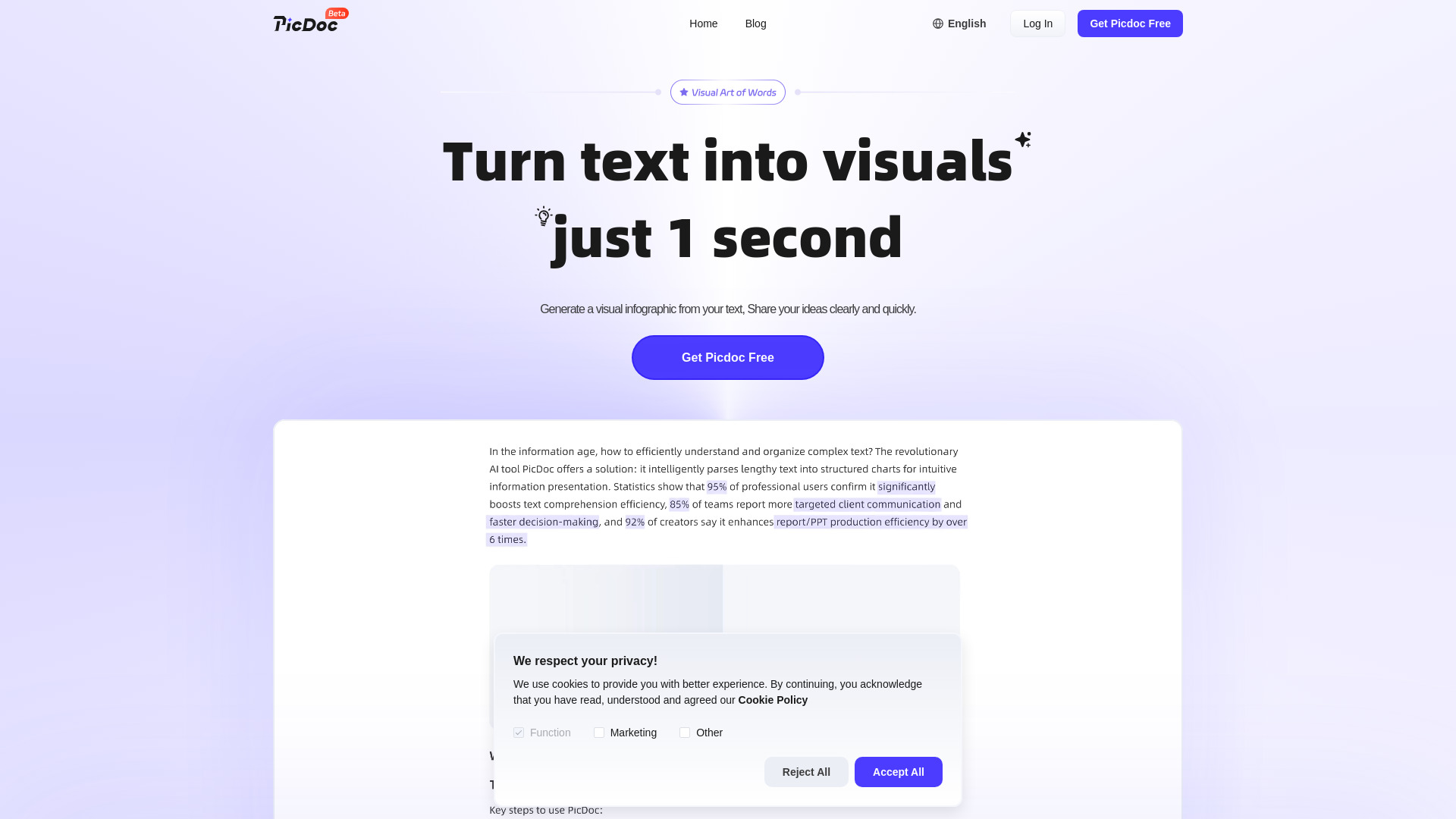
PicDoc AI transforms text into charts, flowcharts & infographics instantly—free, no-design-skills-needed. Try now!
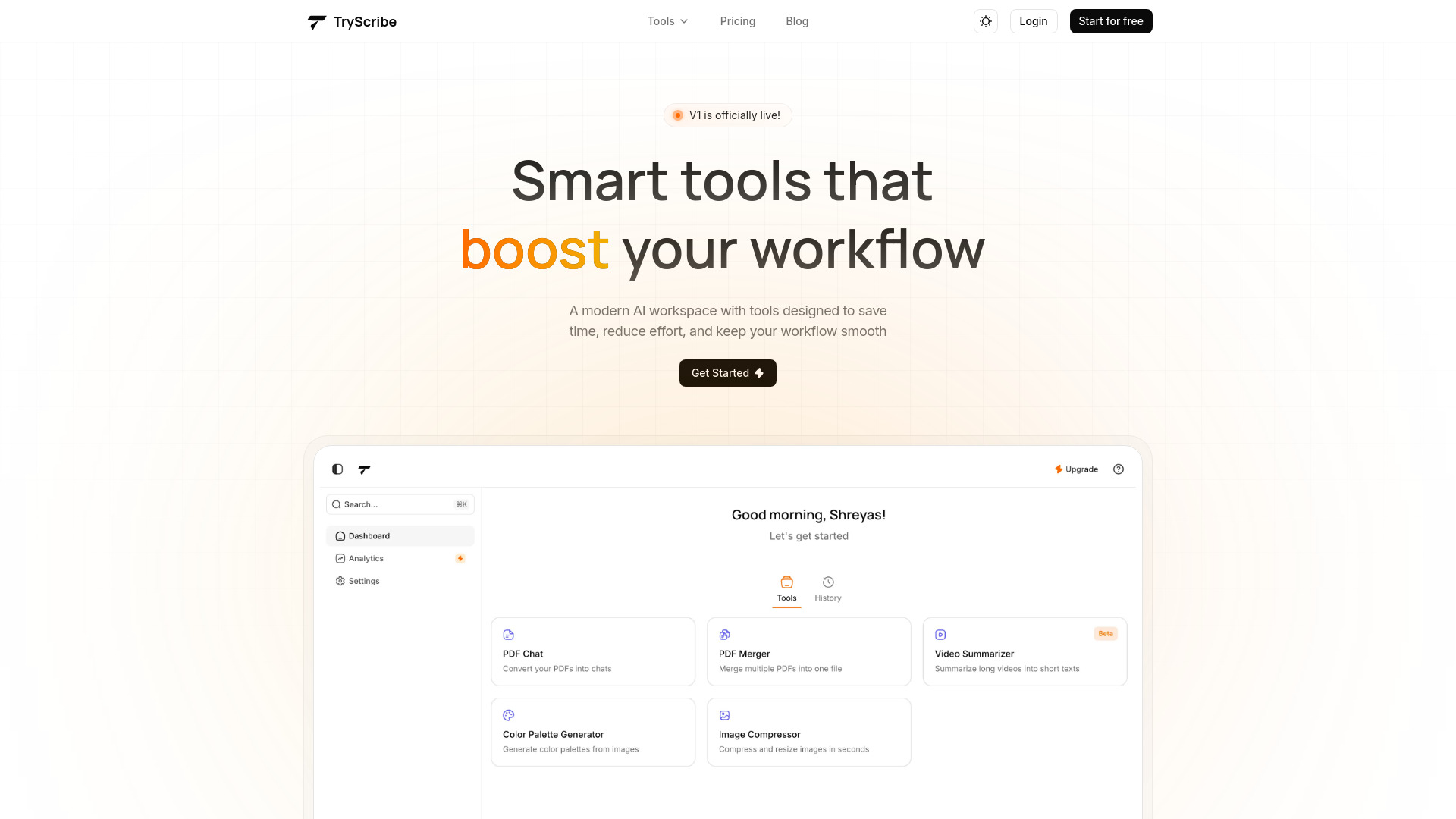
TryScribe: AI-powered PDF Chat, Video Summarizer, Image Compressor, Color Palette Generator & PDF Merger—streamline workflows instantly!
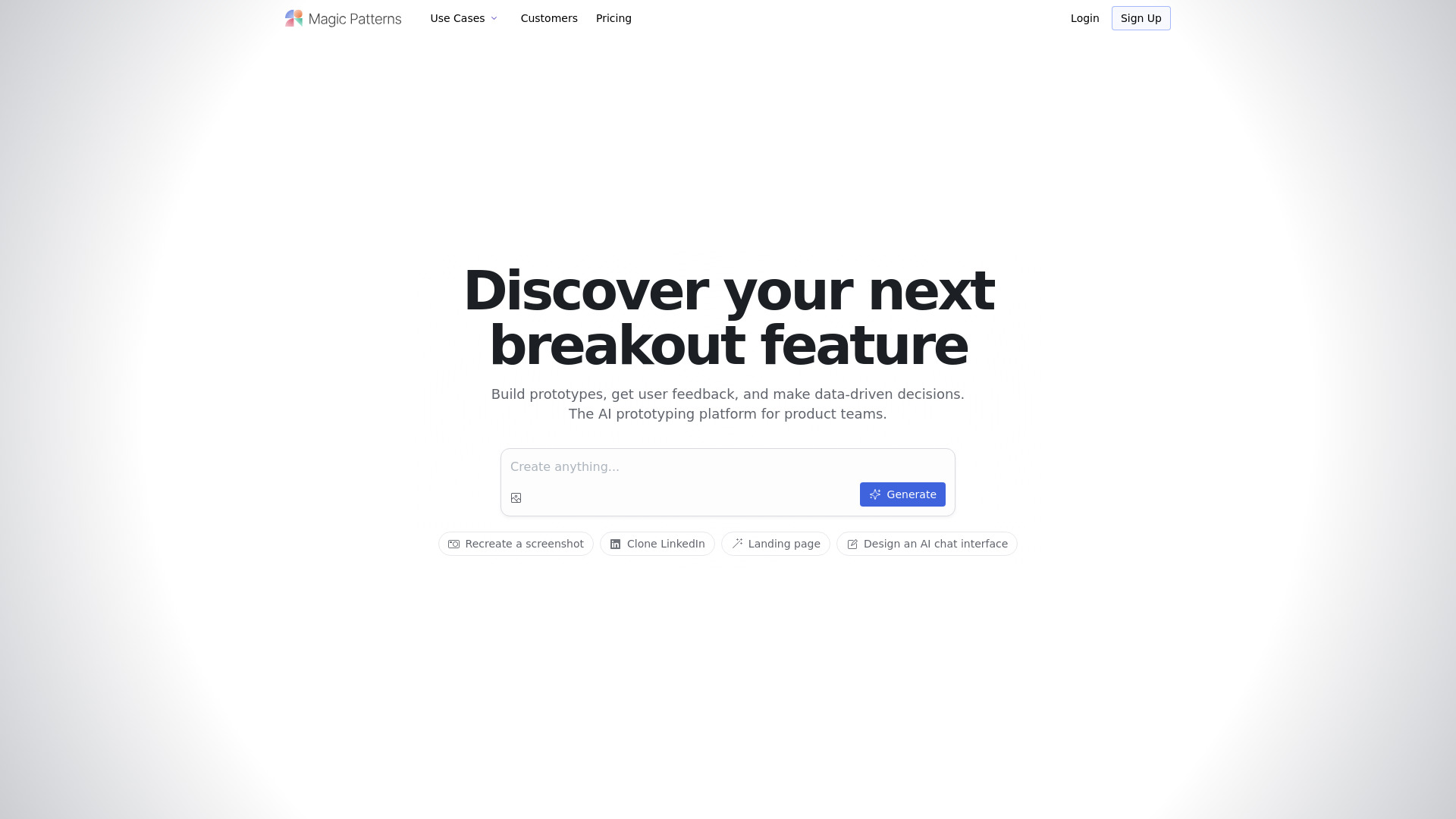
Magic Patterns: AI-powered UI generator for React & Figma—create, export, and collaborate in real time. Free trial now!
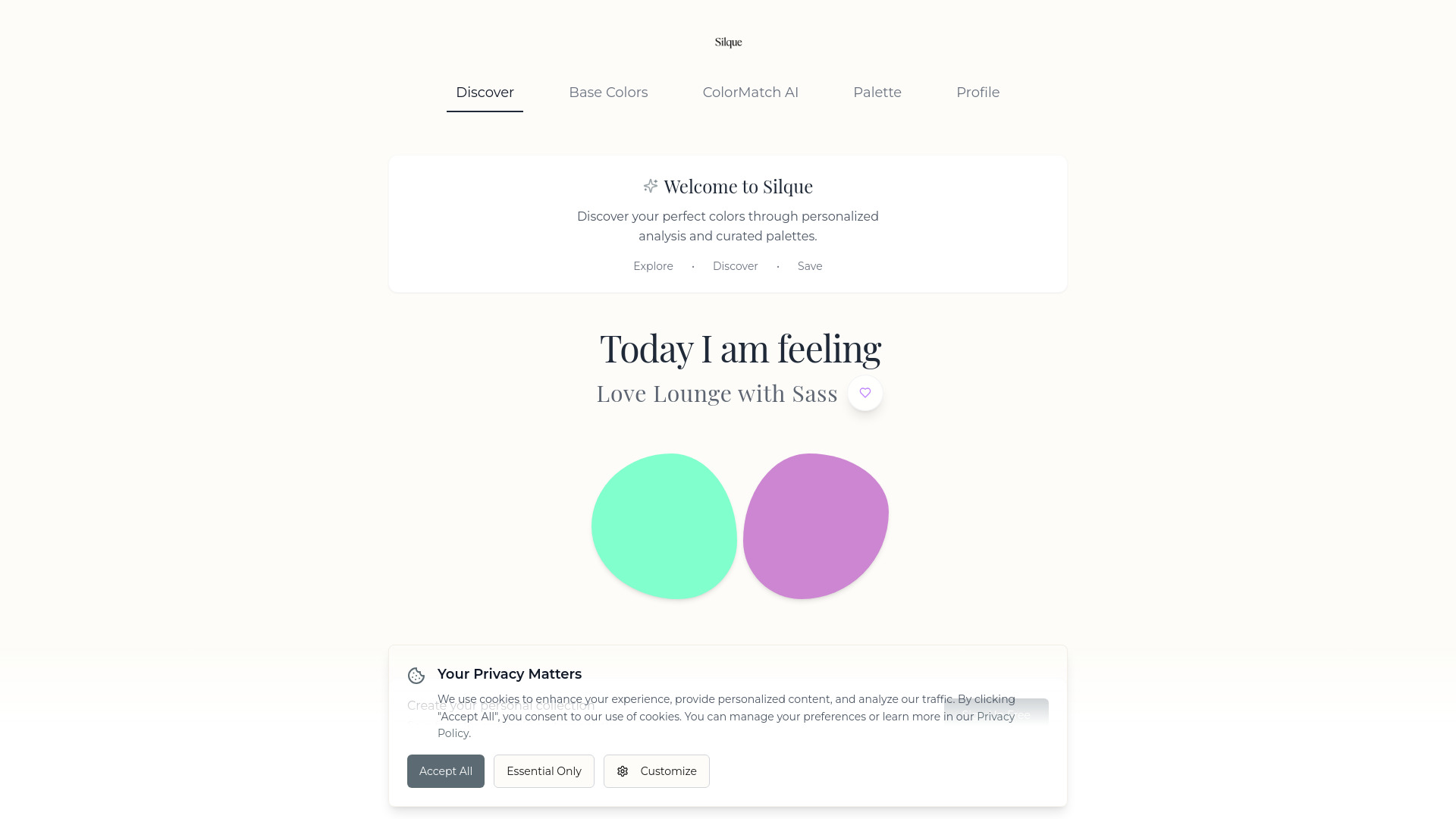
Silque AI: Your AI fashion companion for personalized color analysis, mood-based styling & custom palettes. Discover your unique style—start today!
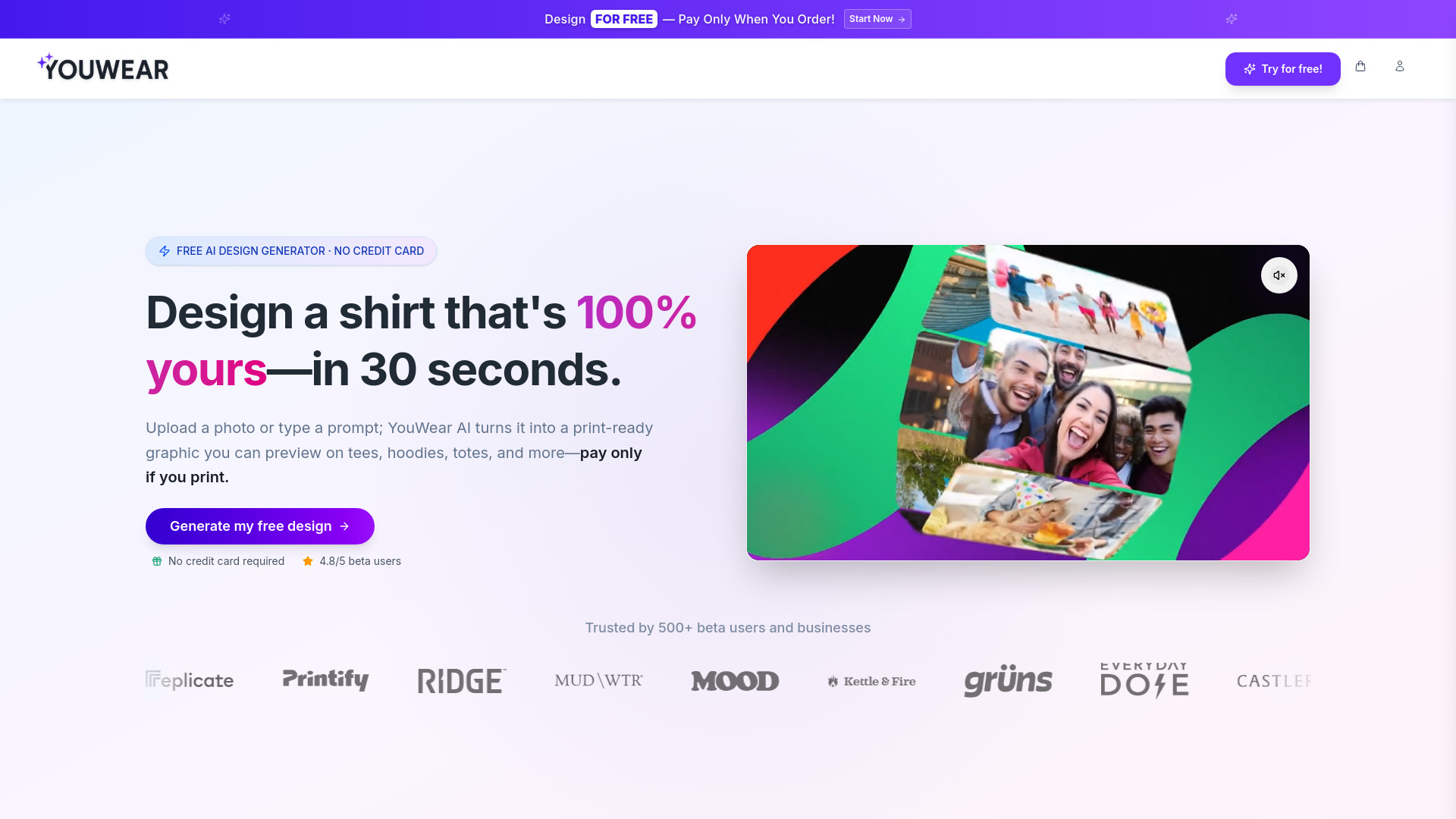
YouWear: Free AI t-shirt designer—turn photos or text into custom tees instantly. Unlimited free revisions. Zero design skills needed! 🎨✨
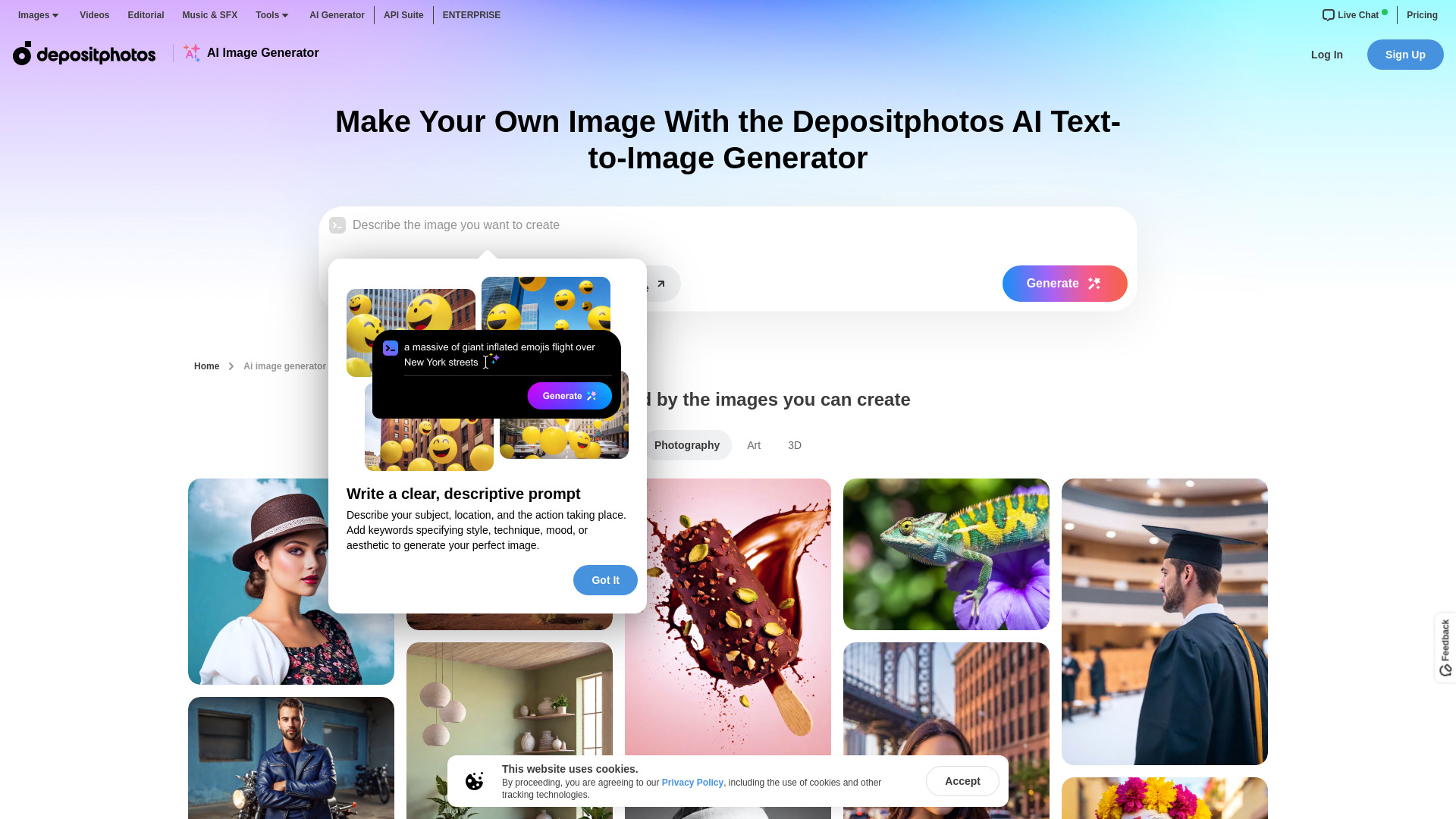
Turn text into unique, licensed AI images—commercially safe, high-quality, and ready in seconds. Try Depositphotos’ AI Image Generator free today!
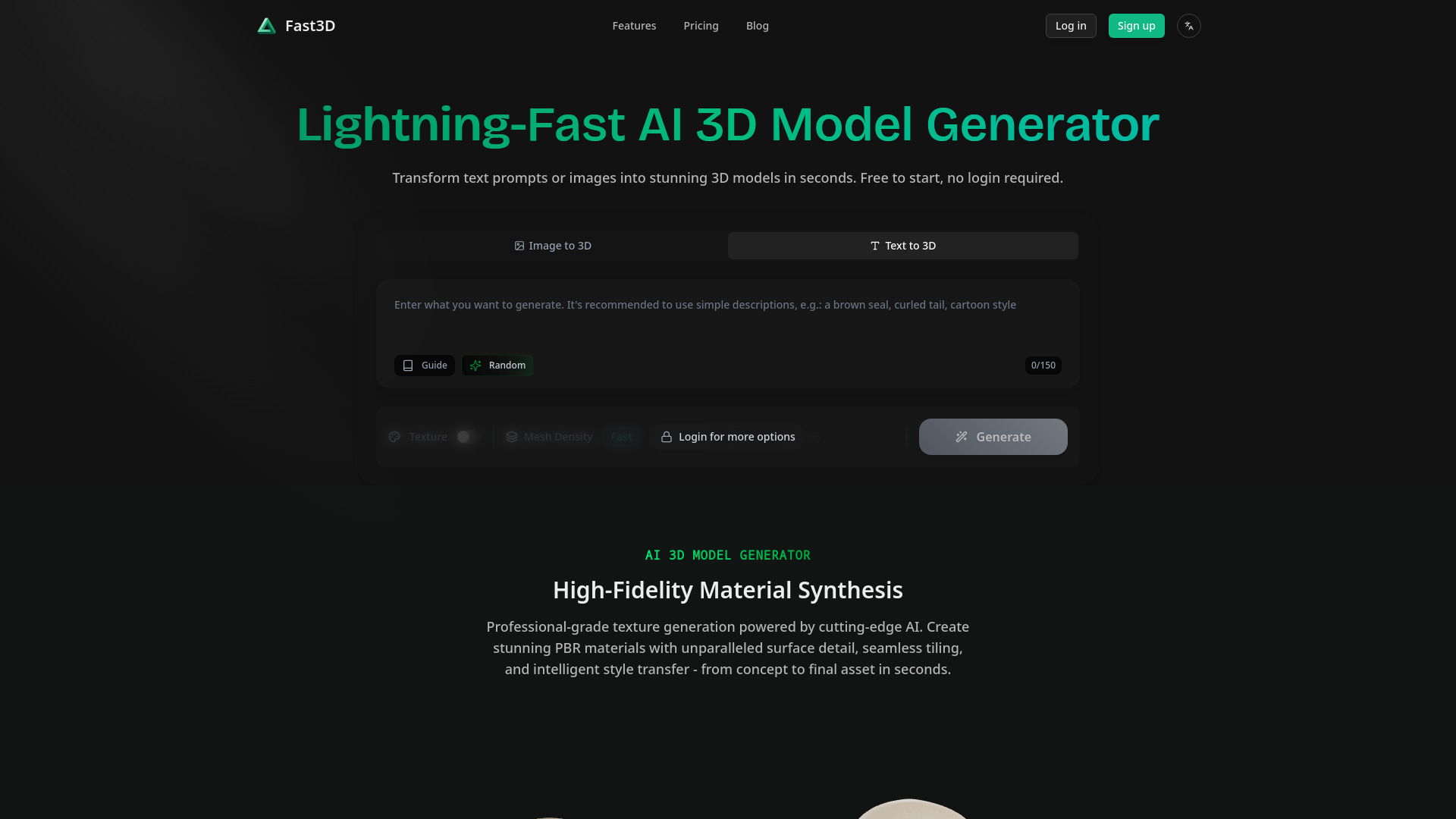
Fast3D: Turn text or images into 3D models in 10 sec—perfect for games, 3D printing & AR/VR. Free trial, no login needed!
ChatGPT Logo: AI-powered tool that instantly generates custom logos & full brand kits—fonts, colors, everything
FAQ
Practical answers to help you take the next step.
Visual AI tools cover image generation, photo editing, enhancement and design tasks. Choose between creating a new image and modifying an existing asset before comparing products.
Look for text prompts, image references, masks or sketches as appropriate. Compare composition control, supported upload types and the ability to revise a selected area.
Inspect text, hands, edges, reflections and repeated objects at full size. Check that important product or brand details survive editing.
Prepare a brief with a subject, composition, lighting and required output size. Test a first generation and a targeted revision to see how much control you retain.
Turn text briefs into product designs, realistic renders, and 3D models in seconds with SuperCraft AI. Design physical products free.
Read about SuperCraftCreate conversion-ready SaaS, newsletter, and welcome emails in seconds with Mailteorite AI. Use simple prompts and
Read about MailteoriteTurn text into AI motion graphics with Hera. Automate motion design and export professional 4K videos instantly.
Read about Hera AI Motion DesignerTransform images into Wplace pixel art with a 64-color palette. Generate text in images with 95%+ accuracy. Try this pro AI tool free today!
Read about AI Pixel Art Converter For WplaceConvert PNG to SVG free with AIVector AI in under 10 seconds. Get professional-quality vectors, unlimited conversions, and no watermarks—try it now!
Read about AIVectorCreate marketing visuals with Qwen Image AI. Get precise text rendering, multilingual support, and high-resolution images
Read about Qwen Image