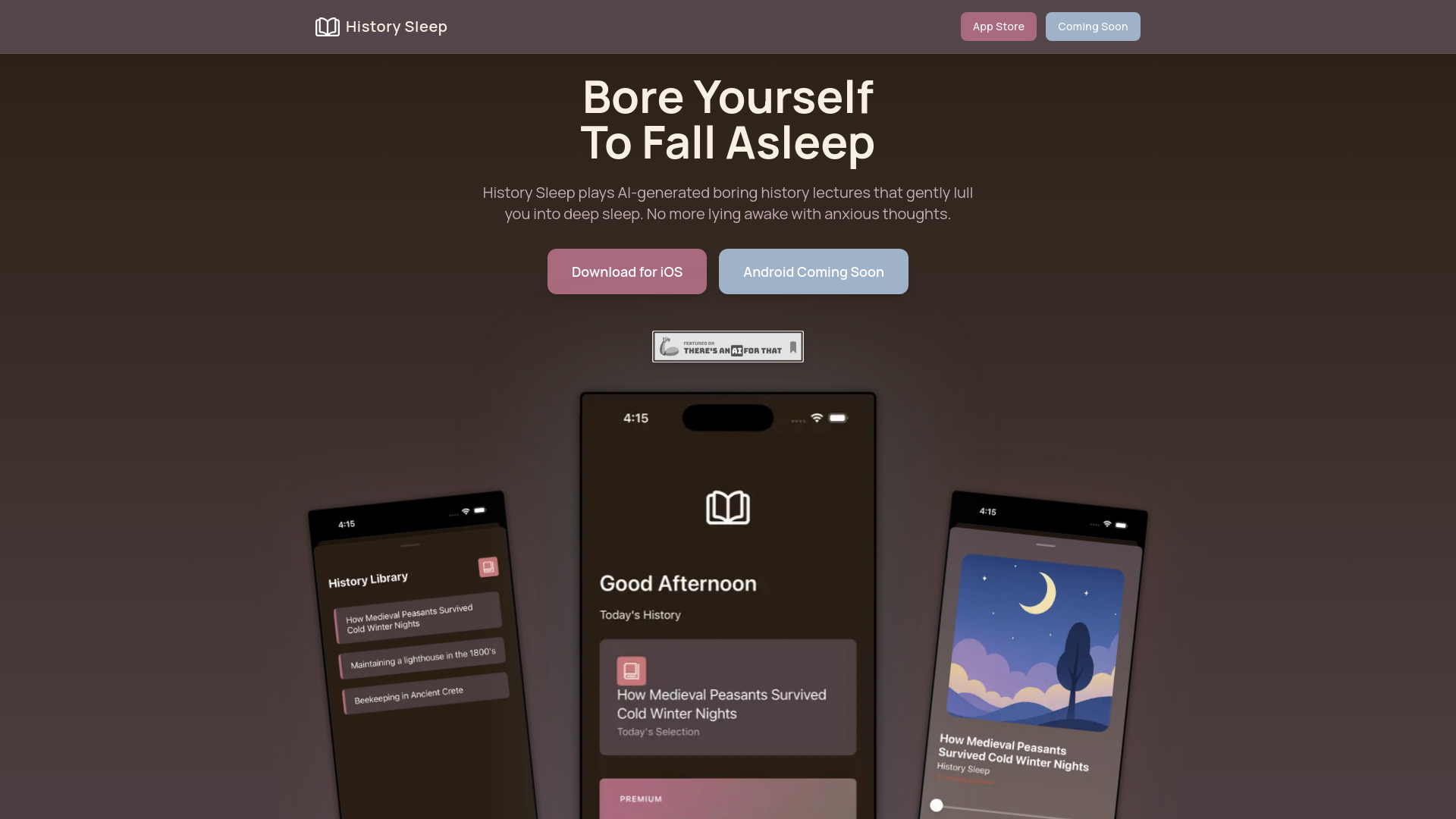
Drift off naturally with History Sleep’s AI-generated boring history lectures. Enjoy fresh content and calm narration nightly. Try free daily lectures!
AI tools directory
Search by product or task. Compare tools for writing, design, video, audio and productivity, then open a profile for details and the official link.
Drift off naturally with History Sleep’s AI-generated boring history lectures. Enjoy fresh content and calm narration nightly. Try free daily lectures!
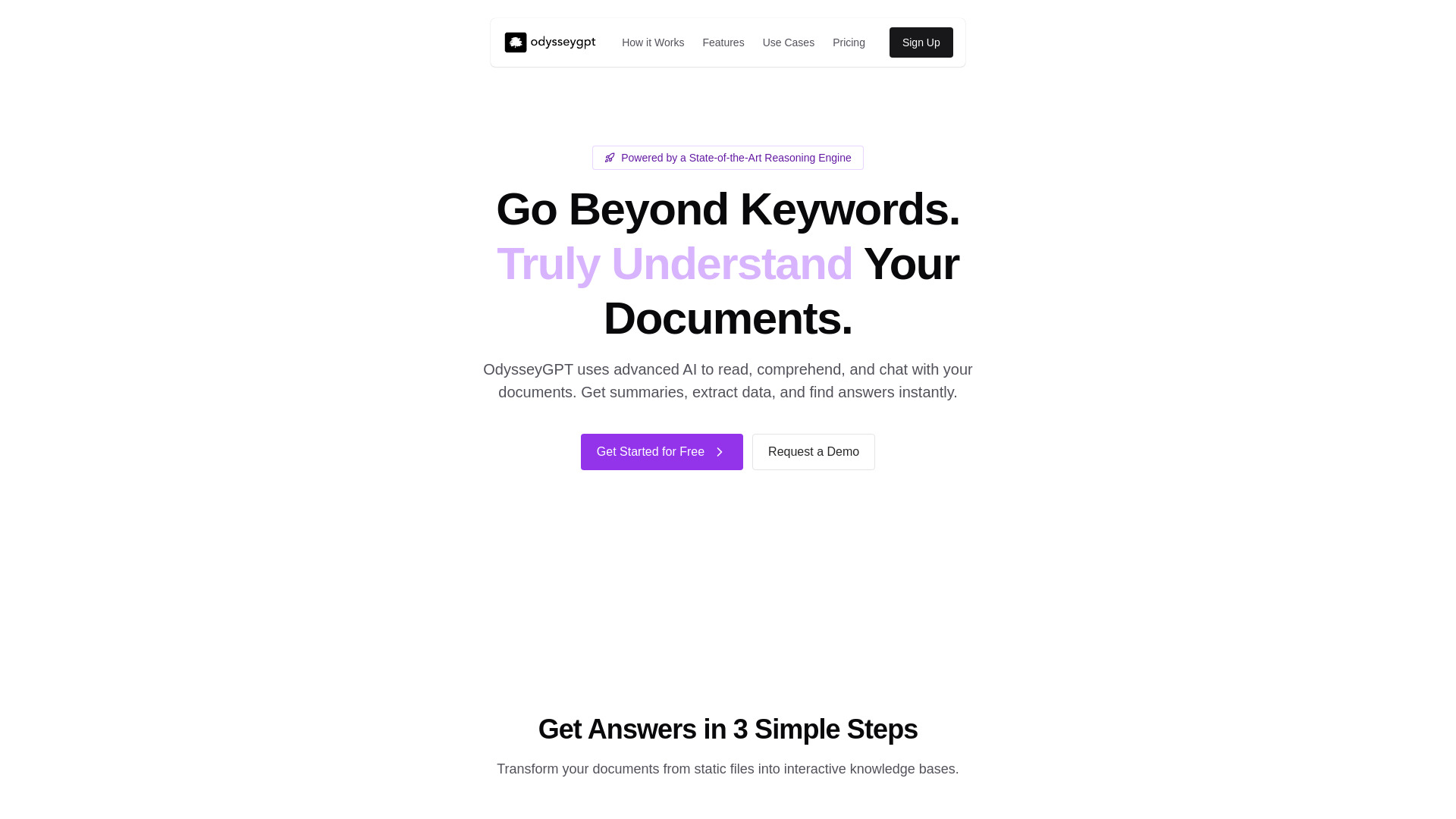
Chat with PDFs, DOCX, and TXT files using OdysseyGPT. Extract data and get instant AI answers with citations
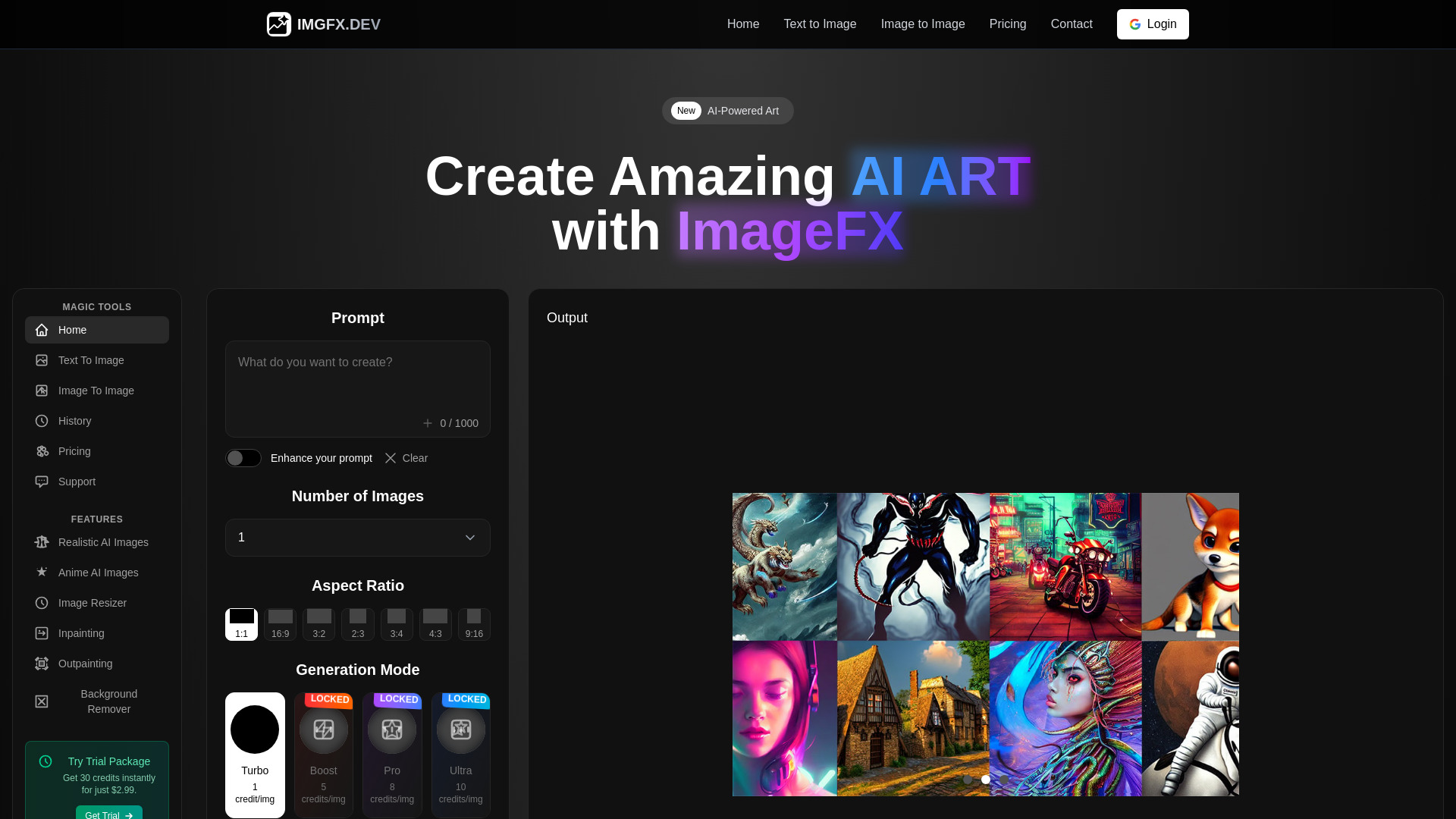
Bring ideas to life with ImageFx. Create photorealistic images, digital art & illustrations in seconds with advanced AI models
Mova AI scans 30+ job boards, finds your best-fit roles, and tailors your CV, cover letter and strategy. Start your free 7-day trial.

Create professional videos from text and images with Plexigen AI. Get AI-generated sound and effects, fast rendering, and multiple formats. Try it now!
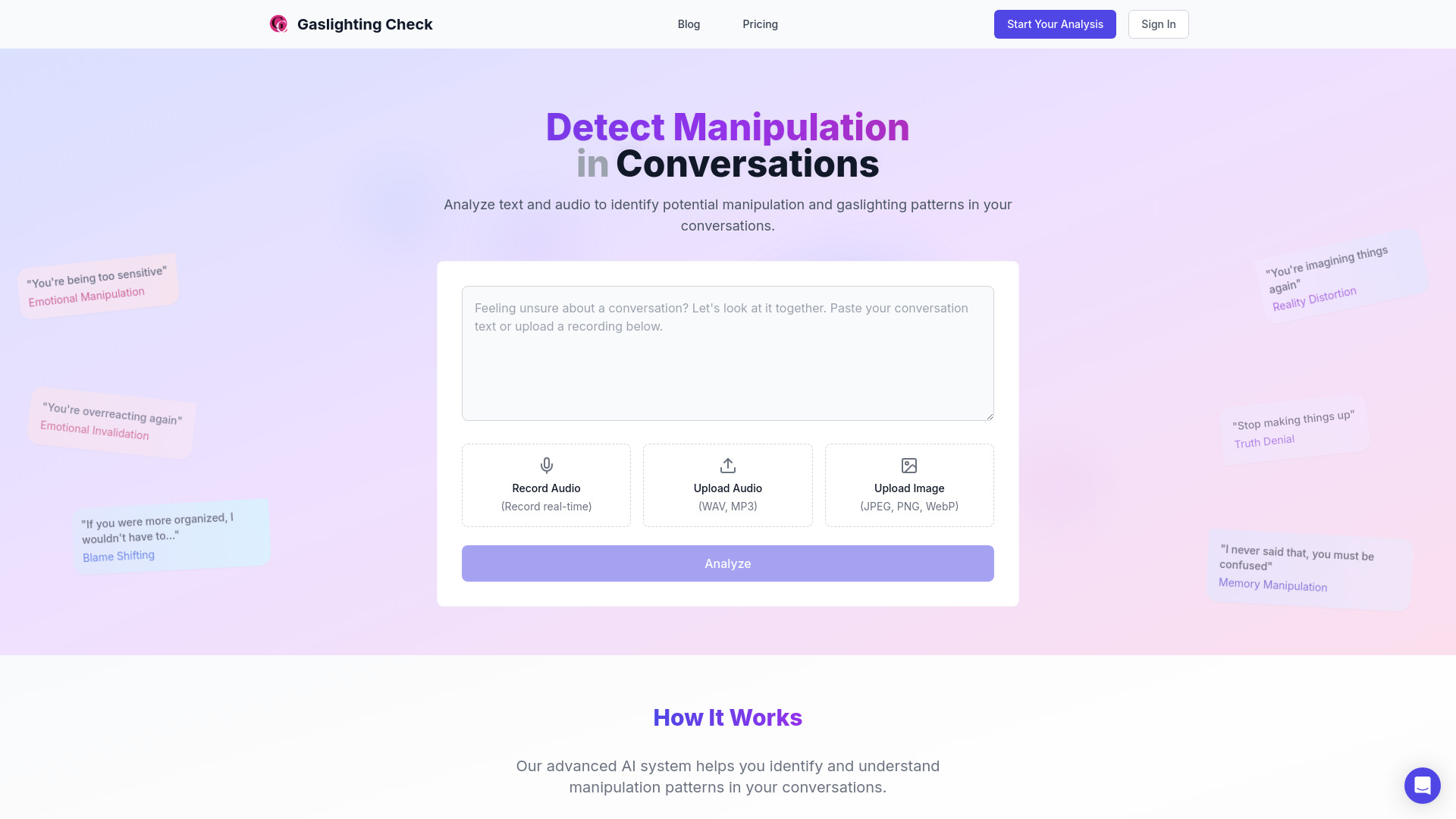
Spot emotional manipulation with Gaslighting Check. Analyze text and audio with AI, get detailed reports and personalized guidance
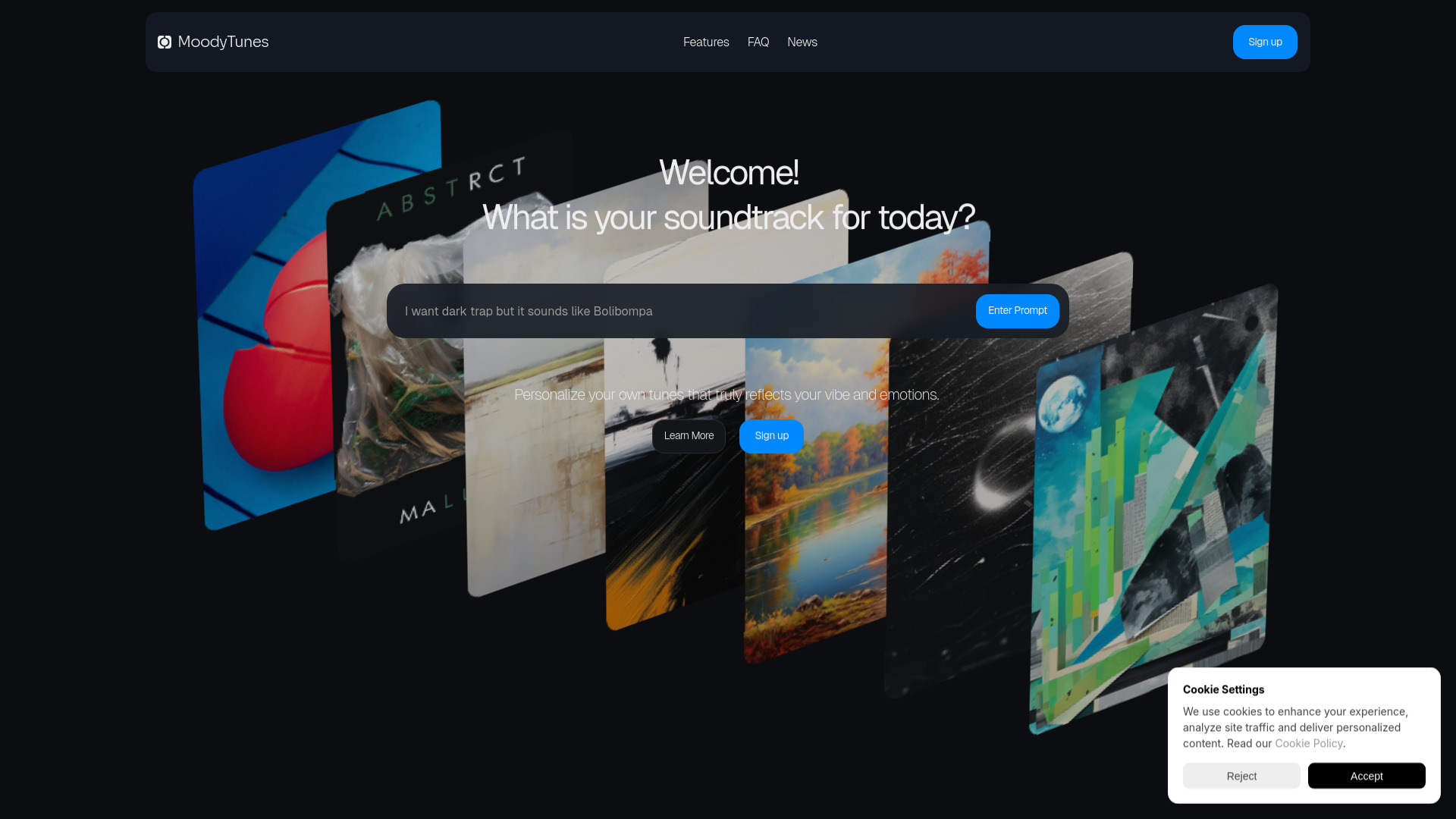
MoodyTunes uses AI to match videos with perfect mood-based music from 4,000+ pre-licensed tracks. Get instant picks and hassle-free licensing
Done-for-you AI front desk for Central Florida HVAC and plumbing shops, with 24/7 call answering, intake, booking, summaries and missed-call texts.
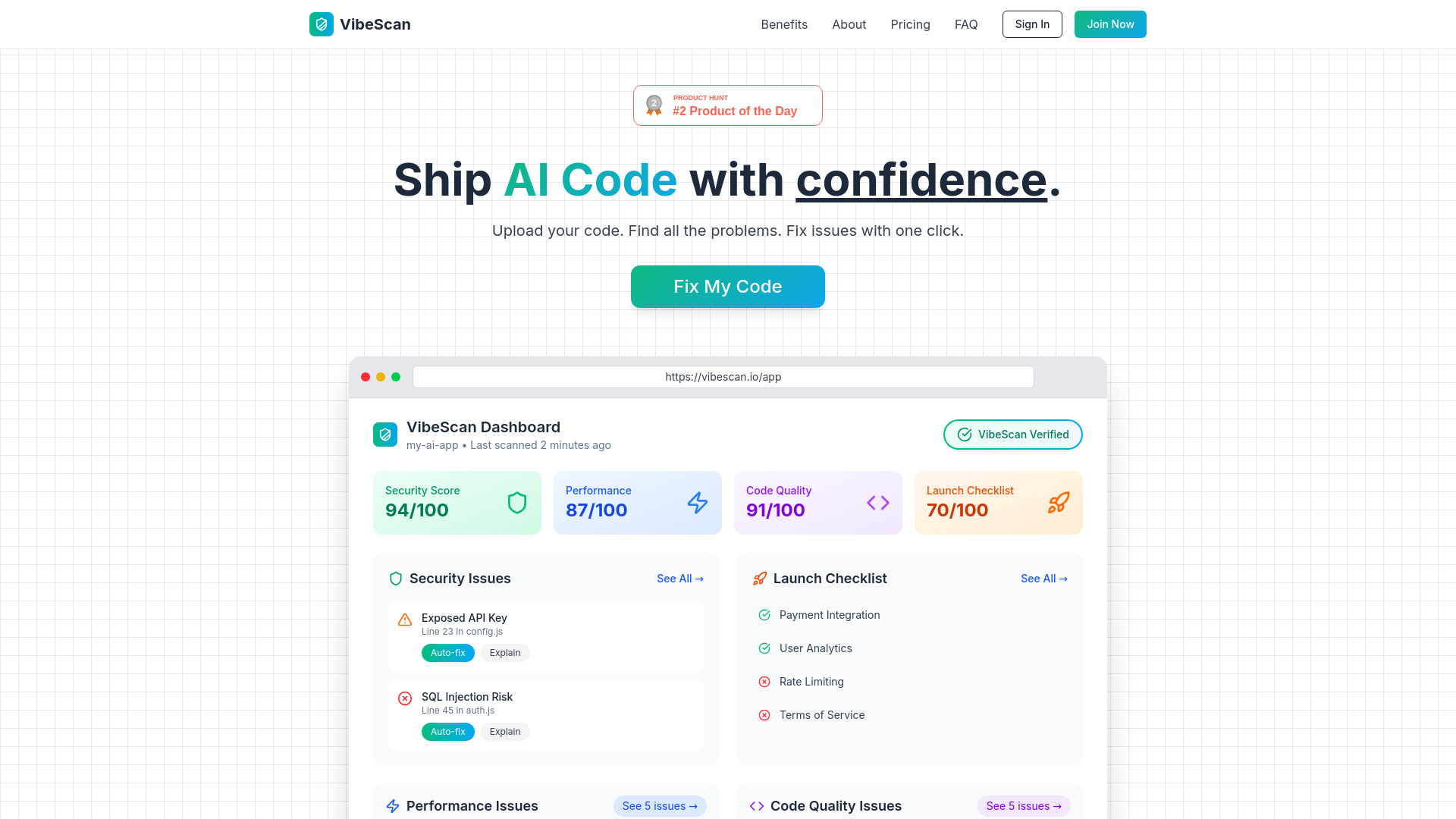
VibeScan scans AI-generated code for security, performance, and quality issues, then delivers one-click fixes for production-ready code
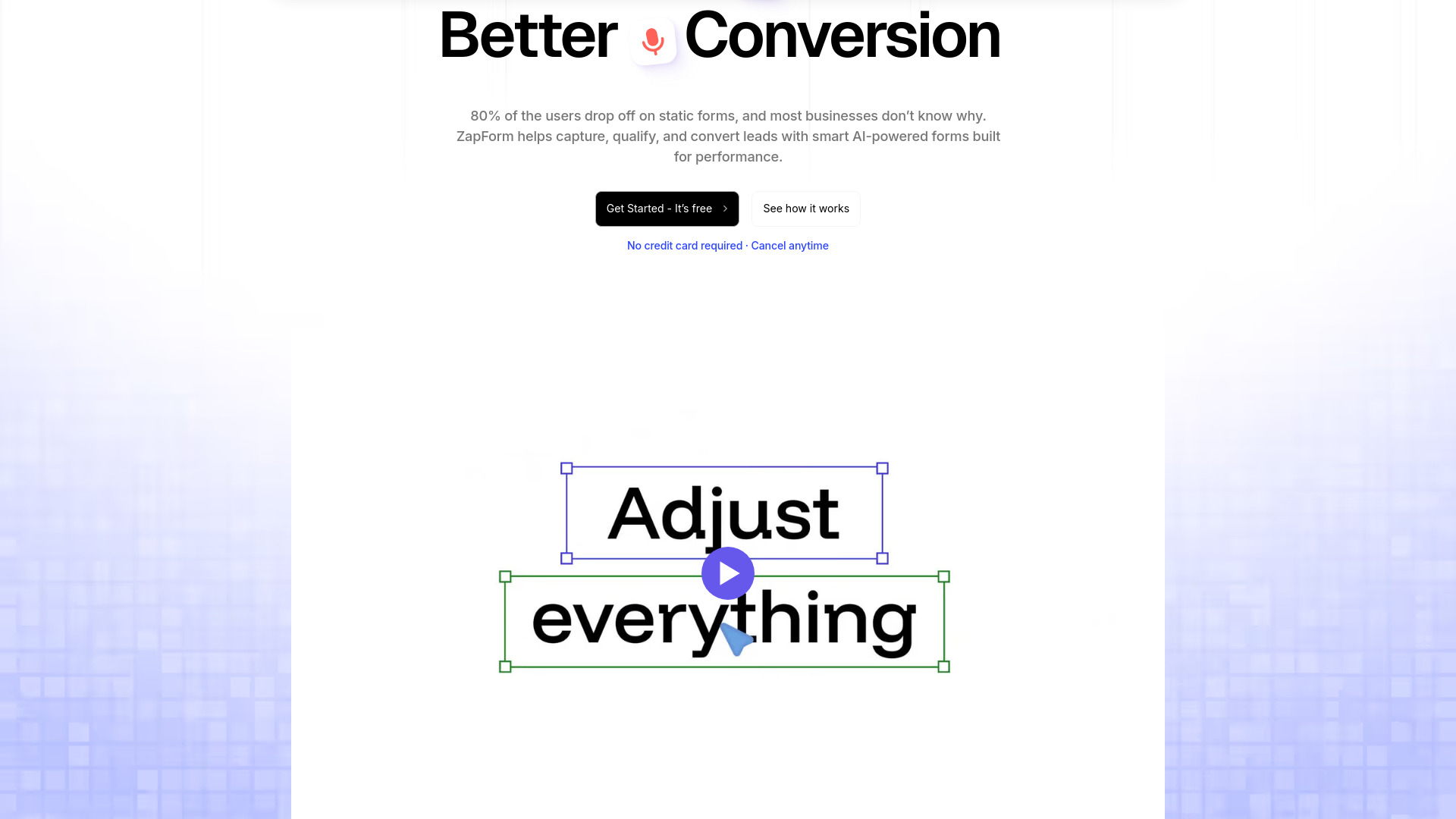
Capture, qualify, and convert leads with ZapForm’s AI-powered, no-code forms. Connect with 100+ tools and turn more clicks into customers
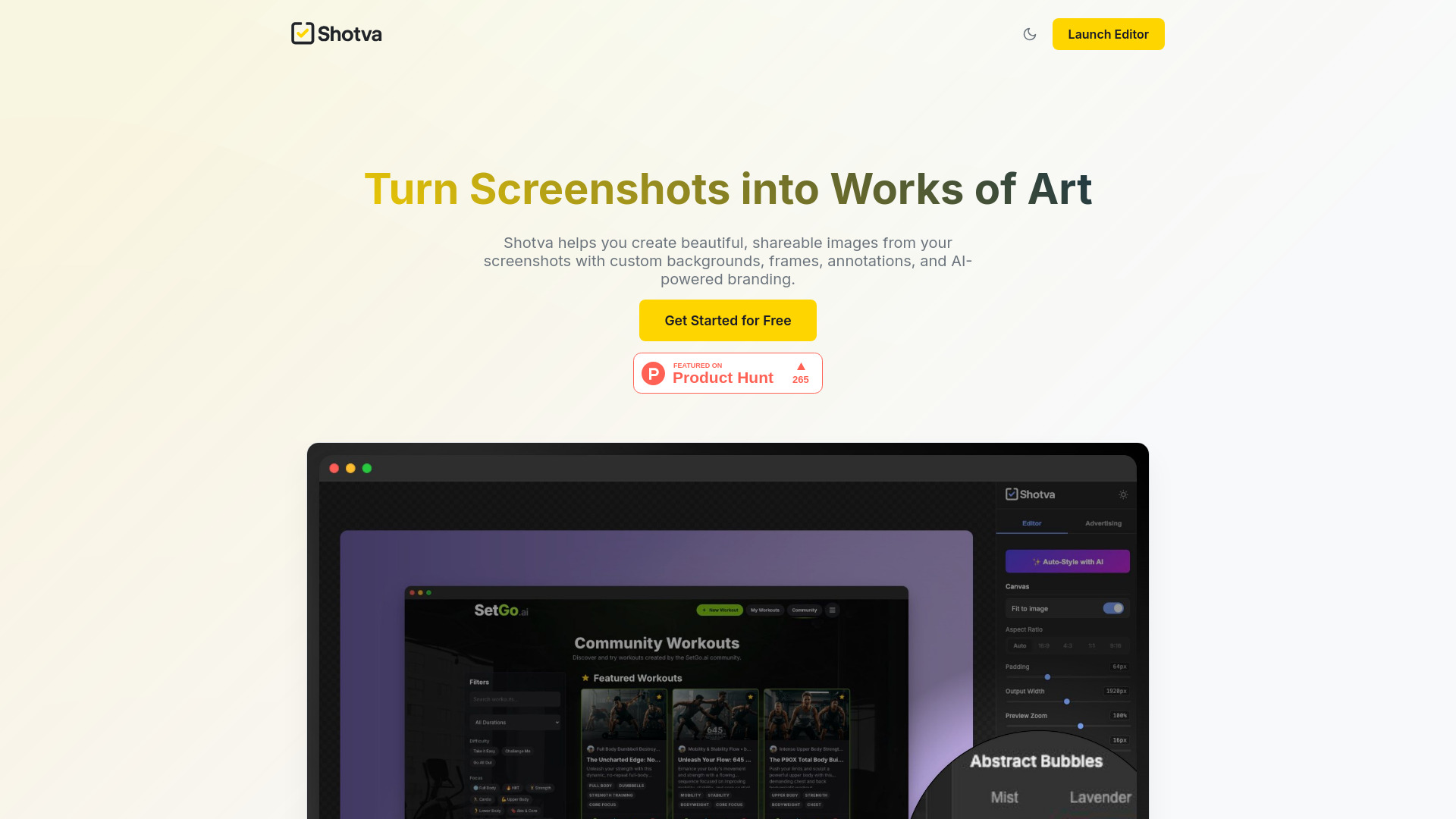
Transform screenshots into visuals with Shotva AI. Add custom backgrounds, frames, annotations, and branding instantly—for free!
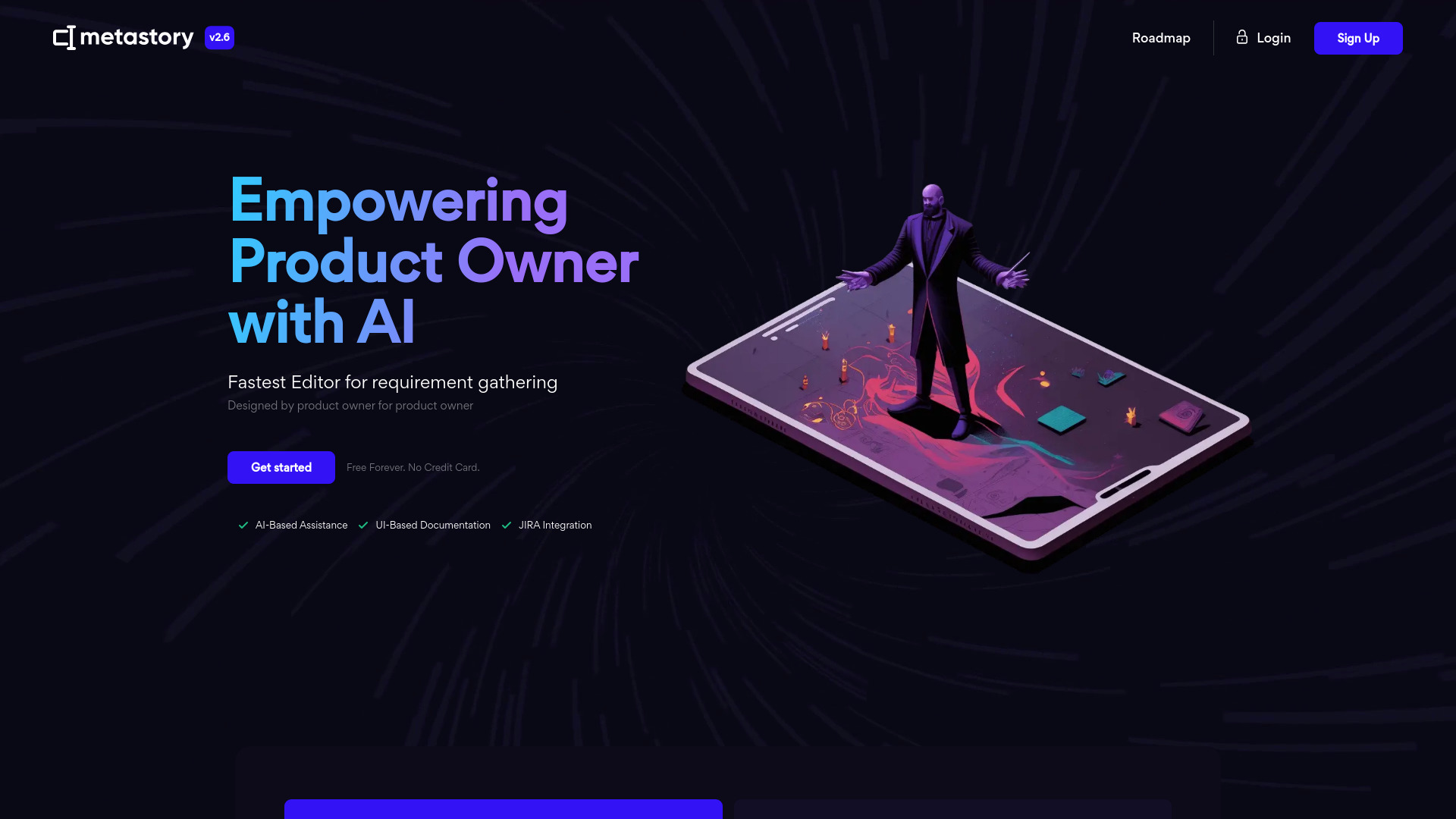
Turn ideas into production-ready PRDs, user stories, and acceptance criteria with metastory AI—integrated with Figma and Jira.
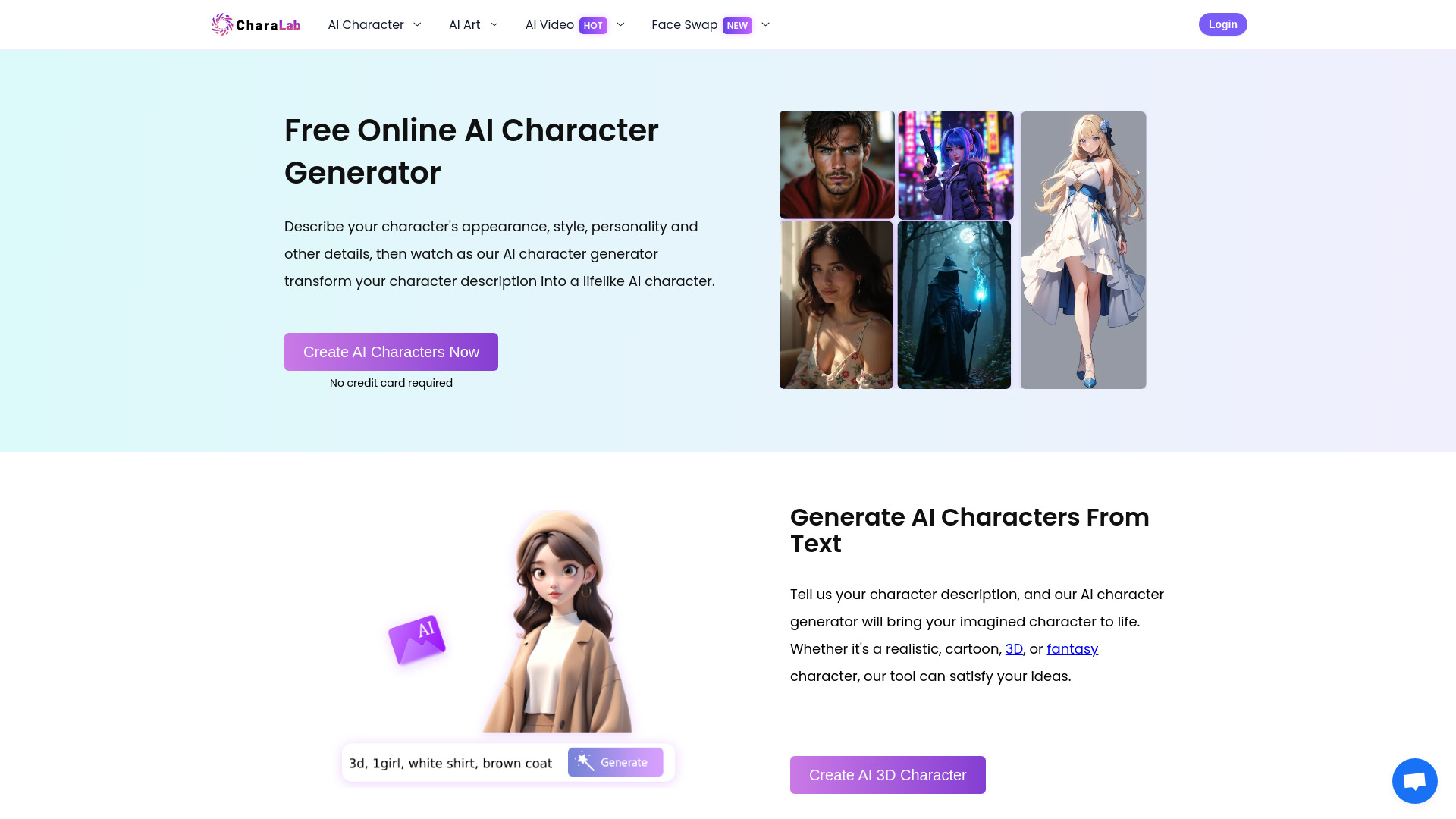
Create unique anime and 3D characters from text or photos in seconds with CharaLab AI. Make art, videos and face swaps
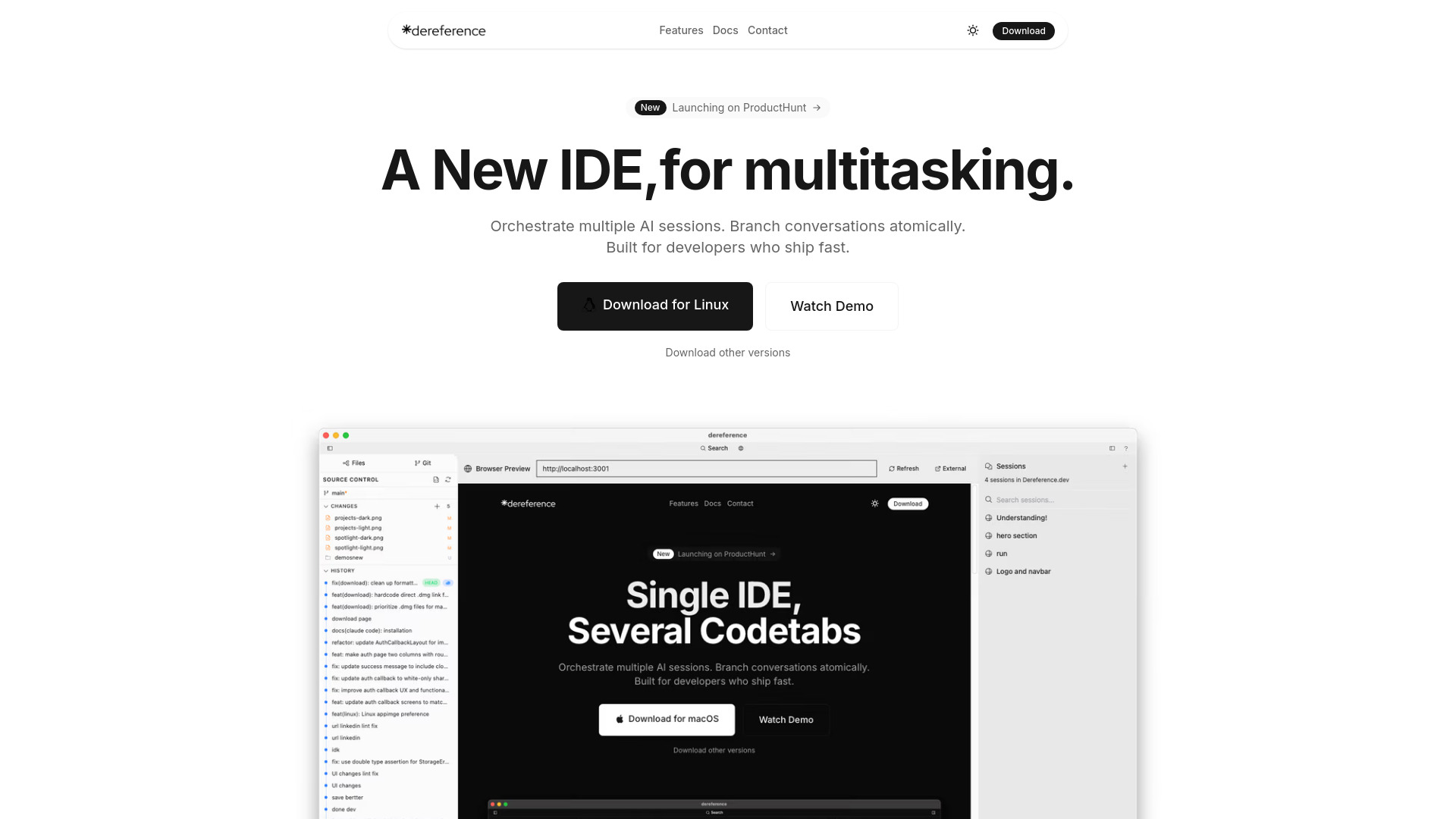
Dereference AI Codetabs: a privacy-first prompt-first IDE for Claude Code power users. Run parallel sessions, atomic branches, and multiple models.
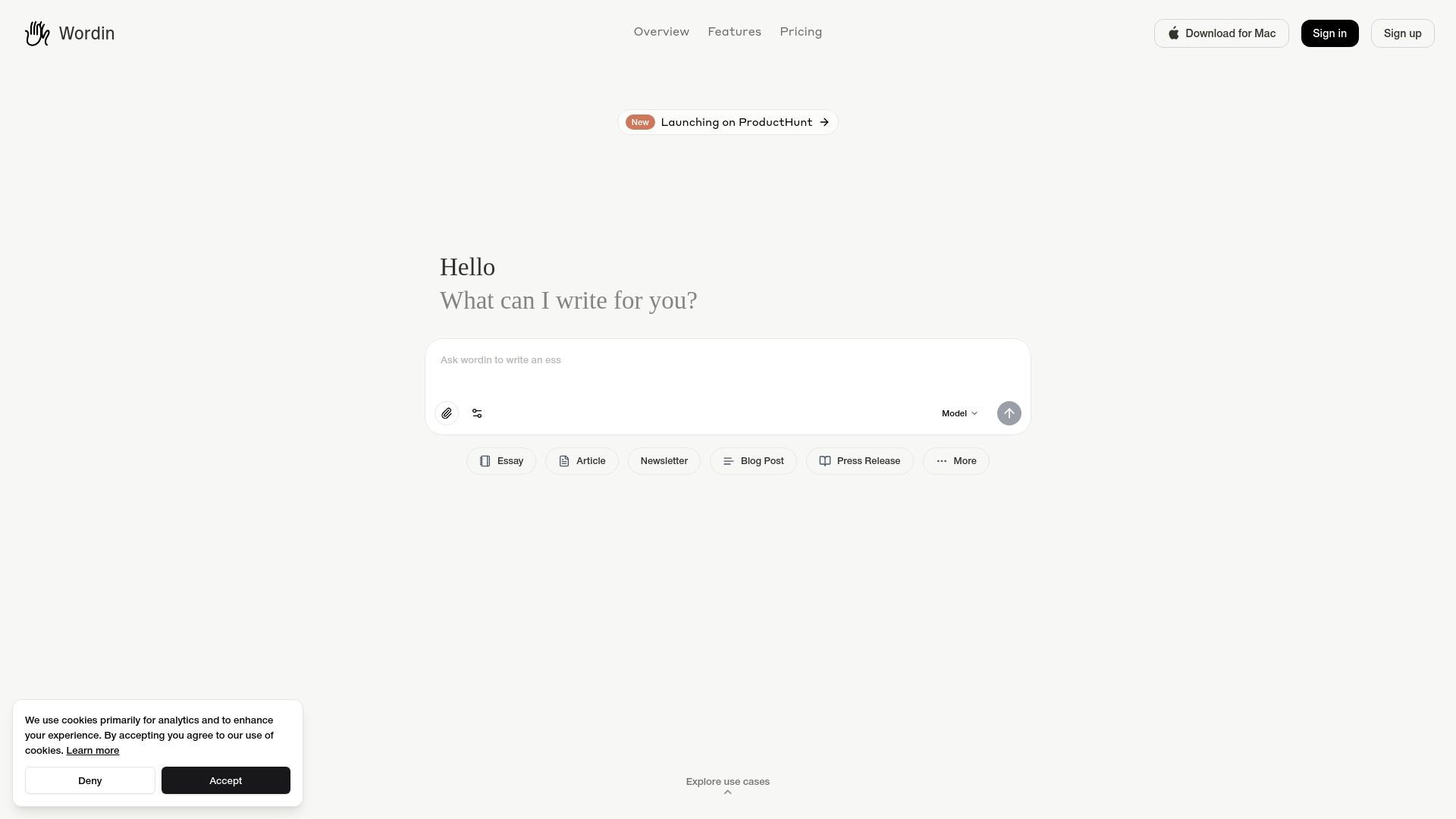
Create publication-ready books, blogs, and scripts with Wordin’s AI co-pilot, autonomous agent, and real-time editing
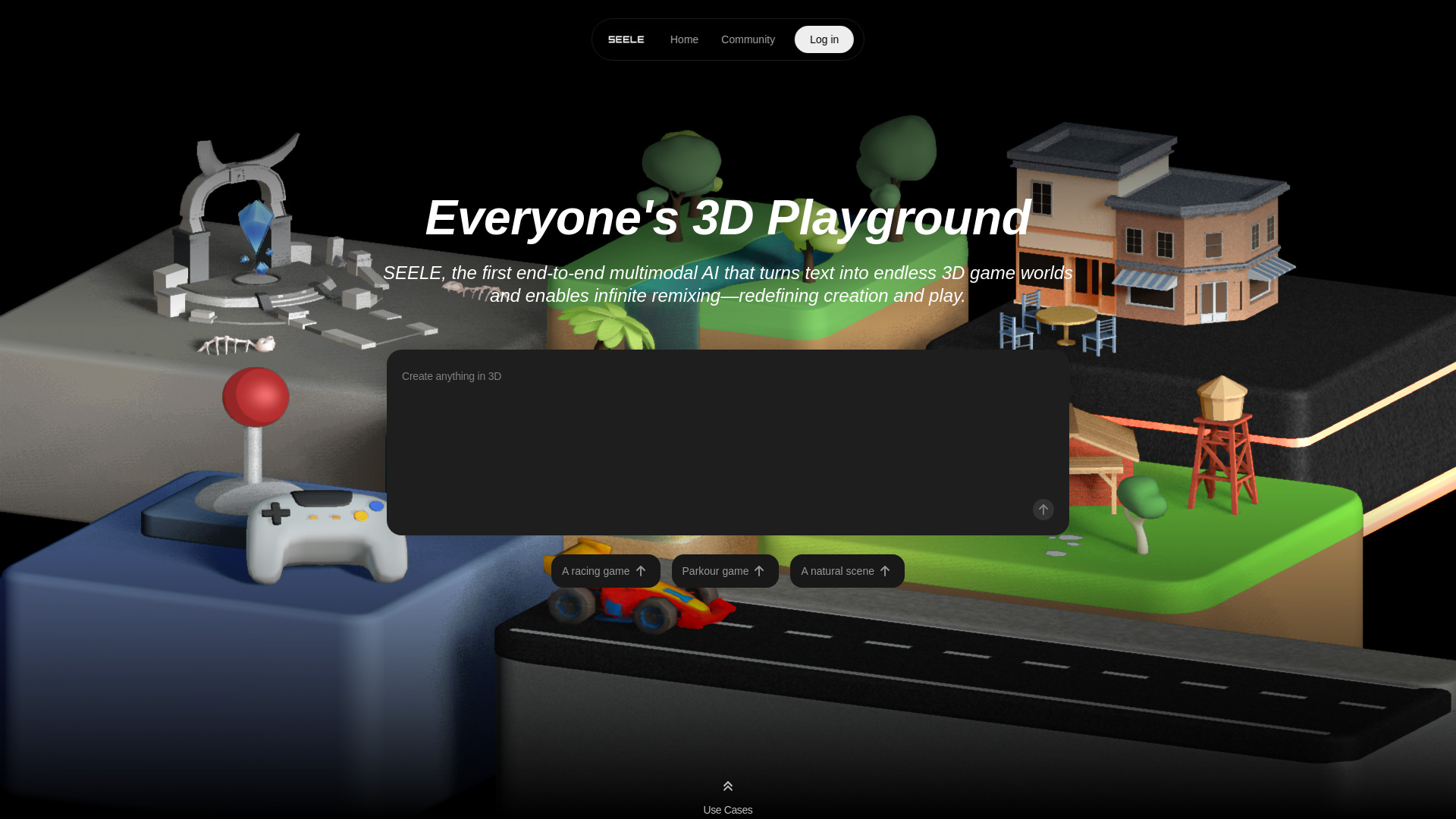
Turn text into playable 3D worlds with Seele AI. Instantly create racing games, parkour levels, and interactive environments with AI.
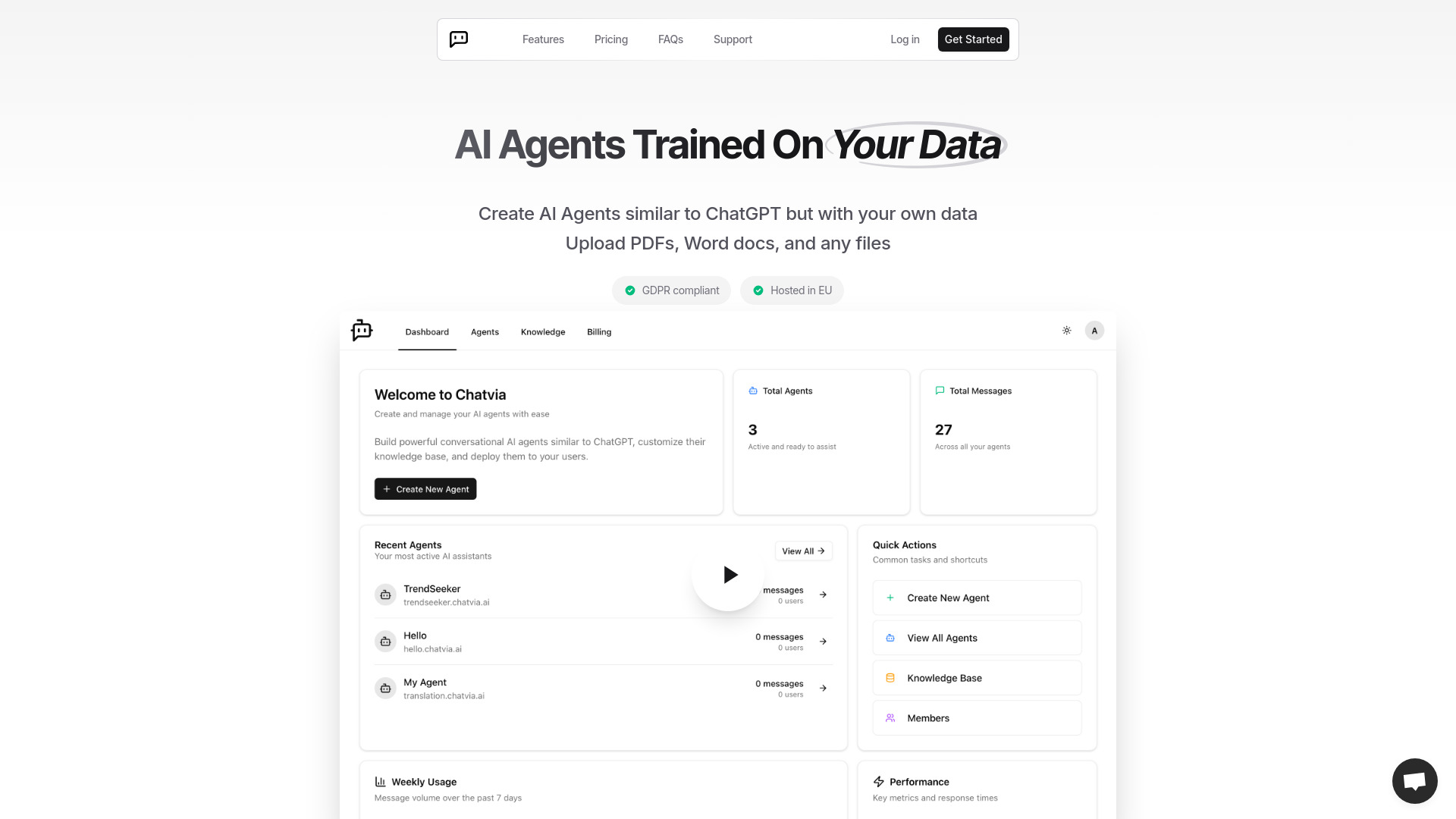
Turn PDFs, spreadsheets, and videos into custom AI agents with ChatVIA. Build intelligent chatbots with enterprise-grade security
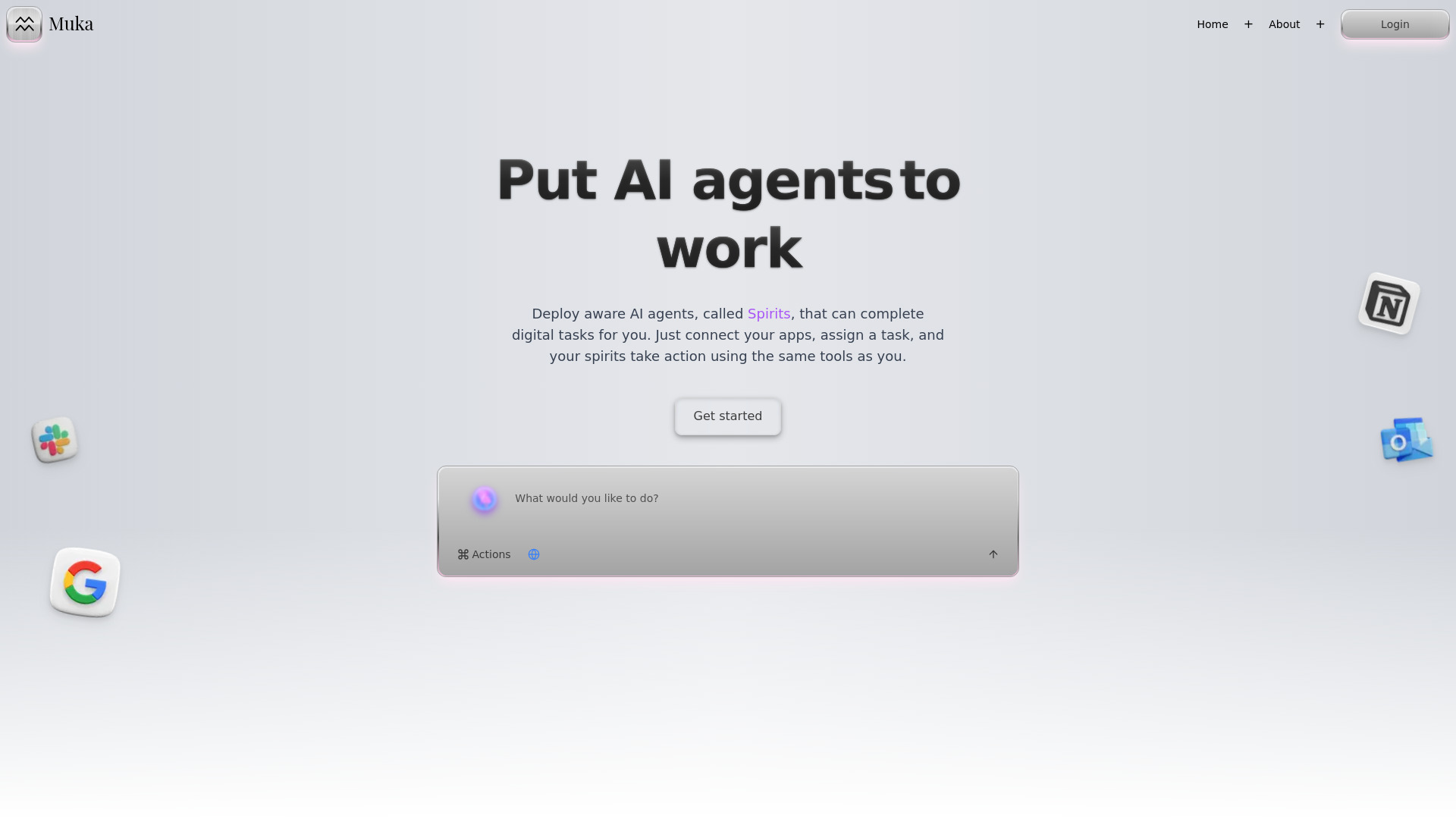
Muka connects Gmail, Notion, Slack & more with AI Spirits that automate tasks, workflows, and research hands-free
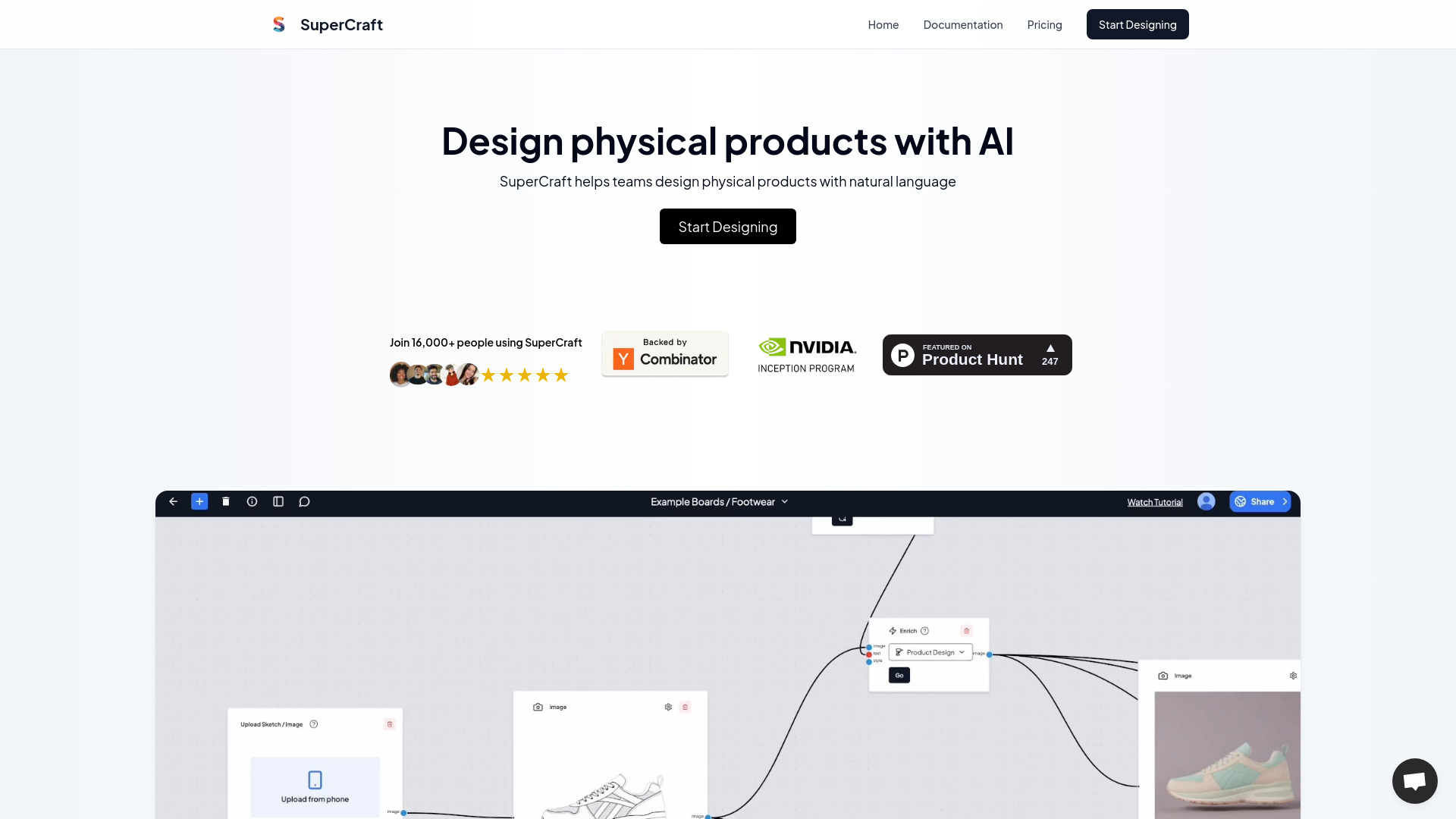
Turn text briefs into product designs, realistic renders, and 3D models in seconds with SuperCraft AI. Design physical products free.
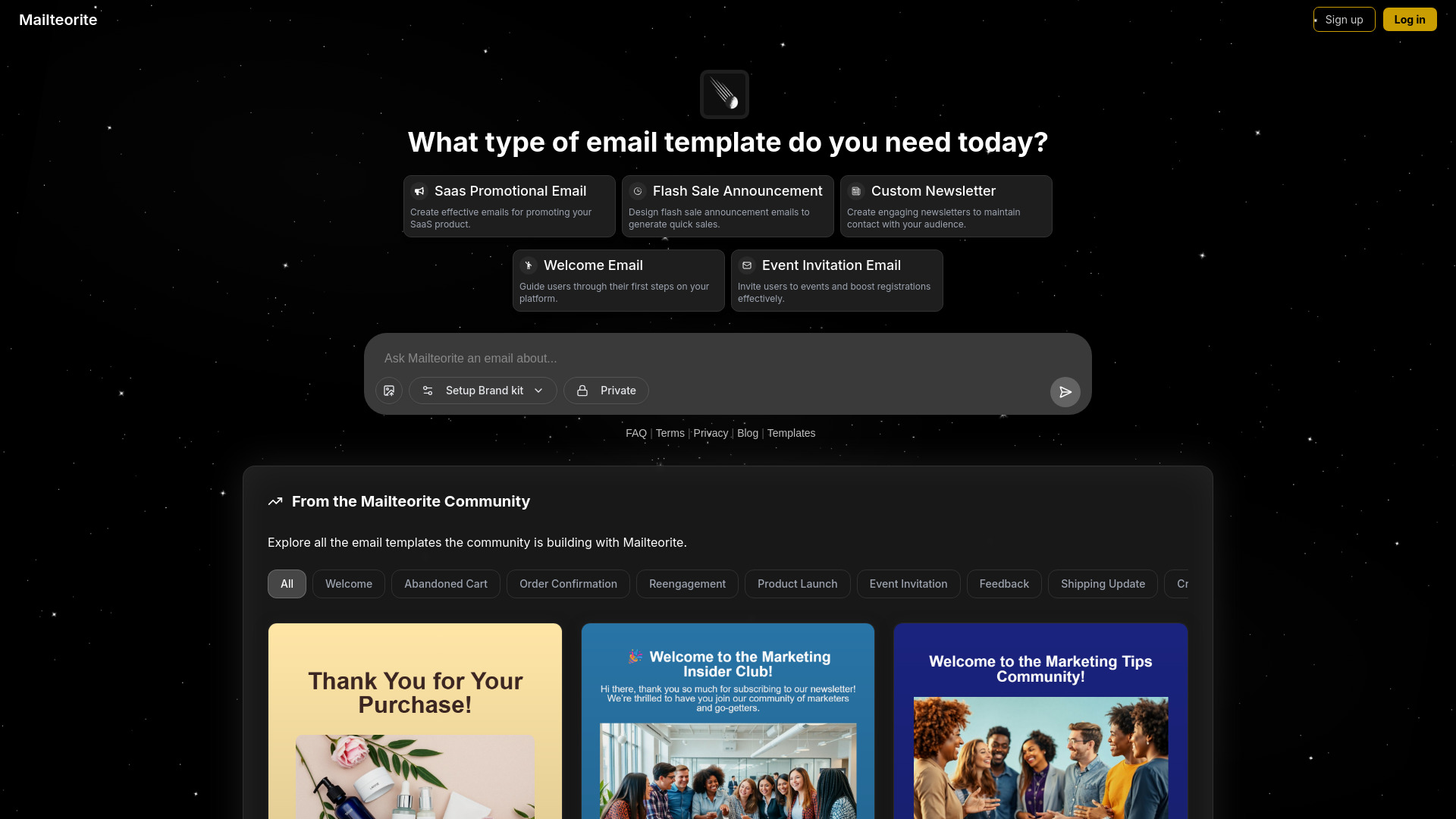
Create conversion-ready SaaS, newsletter, and welcome emails in seconds with Mailteorite AI. Use simple prompts and
FAQ
Practical answers to help you take the next step.
Search checks published tool titles and short descriptions for your query. Try a product name or a concrete task such as transcription, image editing or code review.
A product description can mention several capabilities. A video platform, for example, may also describe image generation or audio features, so it can match several queries.
Shorten the query, remove extra qualifiers or use a broader task name. Searching for “writing” may reveal a relevant tool that does not use the exact phrase in a longer query.
These tabs run keyword searches against the directory. They are shortcuts for exploration; they do not certify that every result has a particular feature or output format.
Yes. Pagination preserves the query so you can move through matching results without starting the search again.
No. Directory order is not a benchmark ranking. Open several profiles and compare the exact input, output, editing controls and commercial terms you need.
Open its profile with the Explore link. The profile provides more context and a link to the provider, where you can confirm current features and availability.
The directory does not provide a live pricing filter. Check each provider’s current pricing page and compare credits, usage caps and renewal terms before paying.
Screenshots capture a product at a particular moment. Providers can redesign their interface or change models and plans, so the live website is the reference for current access.
Write down three requirements, open profiles that explicitly address them, then test the same sample in two or three products. Eliminate tools that cannot export the result you need.