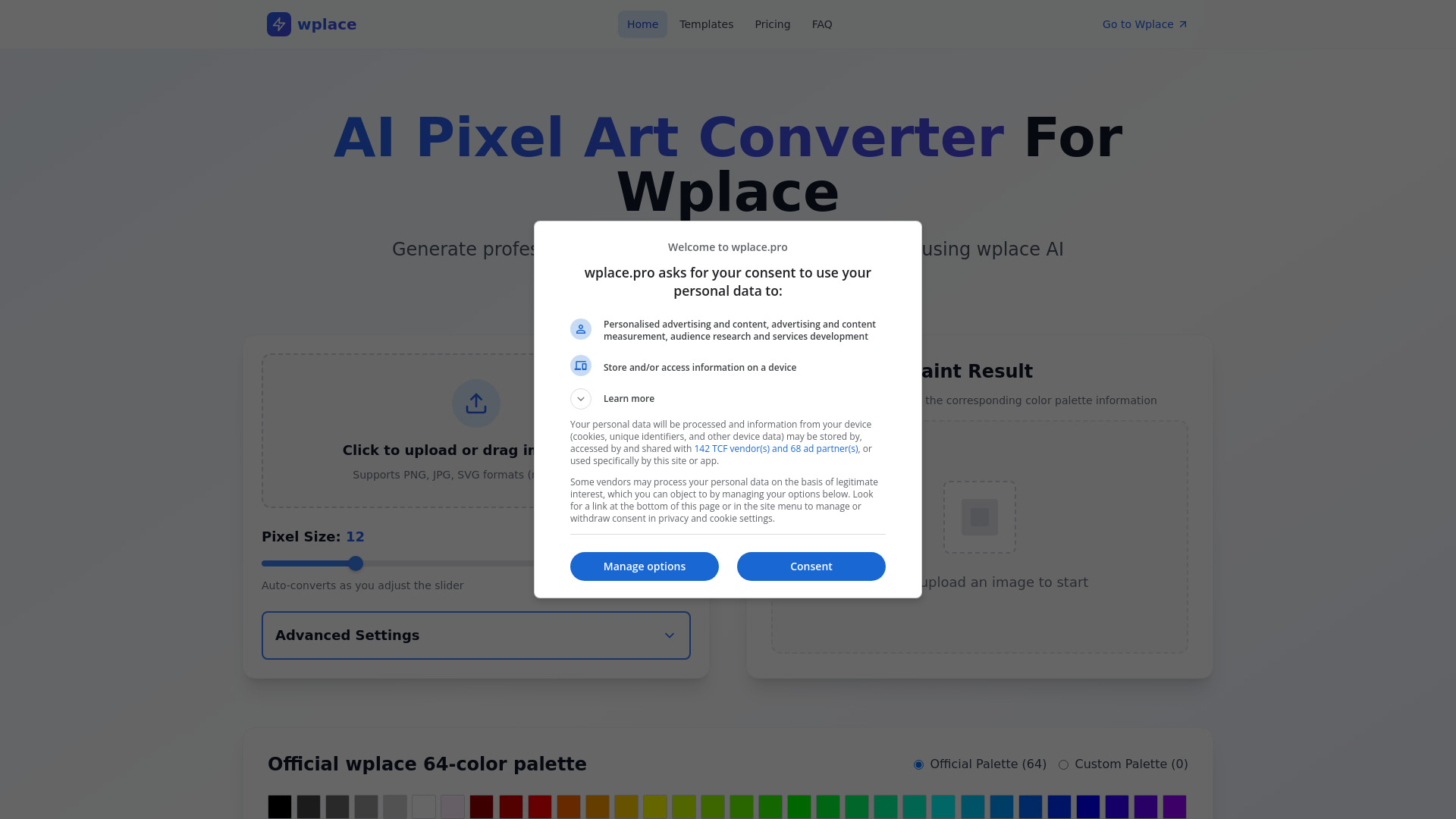
What is AI Pixel Art Converter For Wplace?
AI Pixel Art Converter For Wplace brings image-to-pixel conversion and AI-assisted text rendering into one creative workspace. Designed around a 64-color palette, it helps turn photos, illustrations, and other source images into pixel artwork with a distinctive retro appearance. Its text-in-image capabilities also help creators produce graphics with readable headlines, captions, and promotional messages. With support for English, Chinese, and mixed-language content, the platform serves digital artists, content creators, and marketing teams looking for a practical way to combine pixel visuals with clear written information.
How to Use AI Pixel Art Converter For Wplace
Begin by choosing a template suited to your project, whether you are preparing a social post, promotional graphic, or event announcement. Add your wording in the available text fields, adjust the design, and use the live preview to check the composition. The platform generates image variations and applies OCR-based checks to evaluate the rendered text. Typical processing is described as taking around 20 seconds, supporting quick revisions as you compare layouts and refine your message.
For pixel art projects, upload a source image and explore how it translates into the 64-color palette. Adjust the available color settings to suit the subject or your visual identity, then review the result for recognizable shapes and useful detail. Logo uploads and custom color options help coordinate your designs with existing brand materials. When the artwork is ready, select an export format such as PNG, JSON, CSV, JPEG, or WebP according to the requirements of your next step.
Key Features of AI Pixel Art Converter For Wplace
- 64-Color Pixel Art Conversion: Convert source images into pixel-style graphics using a focused palette of 64 colors. This approach gives artwork a cohesive retro look while helping retain the shapes and visual details that make the original subject recognizable.
- AI-Assisted Text Rendering: Create images that incorporate written messages alongside visual elements. The platform describes text accuracy above 95%, supported by multiple OCR verification stages that help identify rendering problems before you choose your final design.
- English, Chinese, and Mixed-Language Content: Build graphics for different audiences with support for multiple character sets. Combine English and Chinese wording within a project when your campaign, announcement, or educational material requires both languages.
- Customizable Design Templates: Start with layouts created for common content needs, including social media posts, online store promotions, event graphics, and brand campaigns. Templates provide a useful foundation while leaving room to adapt the wording and appearance.
- Flexible Export Choices: Save work in PNG, JSON, CSV, JPEG, or WebP. Image formats support publishing and design tasks, while structured exports can serve workflows that need artwork information in a data-oriented format.
- Brand Styling Controls: Upload a logo and configure custom colors to create a consistent appearance across related designs. These options help teams keep recurring visual elements aligned while producing content for different channels and audiences.
Why Choose AI Pixel Art Converter For Wplace?
AI Pixel Art Converter For Wplace is useful when a project calls for both a pixel aesthetic and readable text. Bringing those capabilities together can simplify the process of creating illustrated announcements, branded graphics, and promotional content. Artists can experiment with a limited color palette, while marketers can build several versions of a message within a familiar template. Fast generation also makes it easier to compare creative directions and make adjustments before selecting the strongest result.
The combination of templates, language support, and brand controls offers practical value for recurring design work. An individual creator can reuse a consistent visual style across posts, while a team can coordinate logos and colors across a larger collection of materials. OCR verification adds another review step for text-heavy graphics, where spelling and legibility matter. Because automated checks do not guarantee flawless output, reviewing the final wording and layout remains a useful part of preparing any design for publication.
Use Cases and Applications
Social media creators can use the platform to develop pixel-style posts, campaign graphics, and alternative layouts for testing different messages. Online retailers can prepare promotional images that combine product visuals with prices, offers, or short descriptions. Agencies managing several brands can adapt templates and color settings for each client's identity, helping organize repeated production tasks. Educators can create illustrated learning resources and bilingual announcements with attention to readable text. For Wplace-oriented pixel art projects, the 64-color conversion feature offers a starting point for exploring how an image works within a limited palette. Creators should check the resulting dimensions, colors, and export requirements against their intended destination before using the finished artwork.