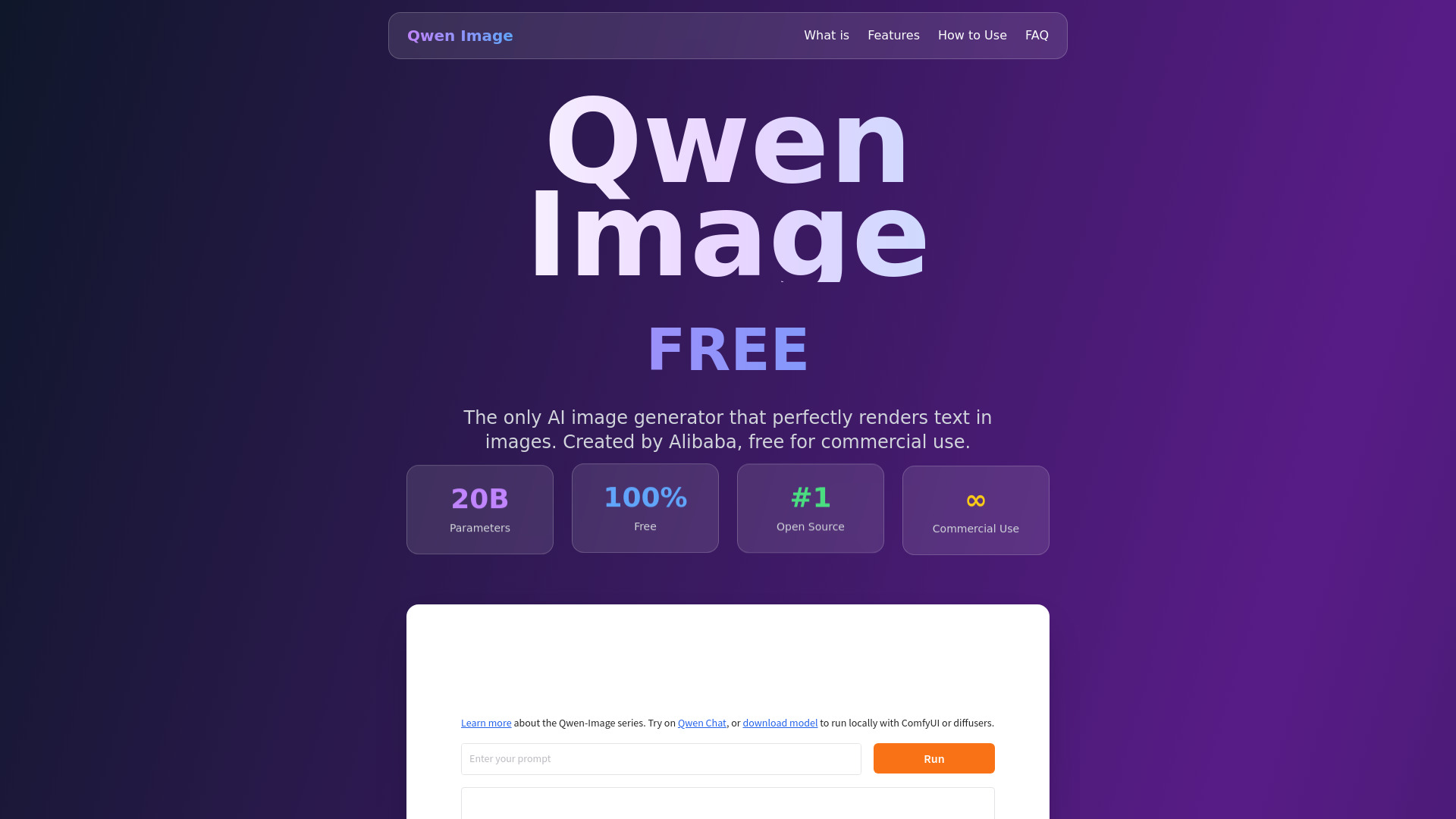
What Is Qwen Image?
Qwen Image is an AI image generation model from Alibaba’s Qwen team that helps users turn written descriptions into visual content. Its focus on text rendering makes it especially relevant for projects that combine illustrations, photography-style imagery, and readable words. From promotional graphics to educational posters, Qwen Image gives creators a way to explore designs without building every element manually. For anyone searching for a free AI image generator with multilingual capabilities, it offers an accessible starting point through supported online services and open-source deployment options.
A key attraction of Qwen Image is its ability to incorporate text into generated scenes, with particular strengths in English and Chinese. This can be useful for marketing assets where a headline, product name, or short message needs to appear within the artwork itself. Results still require review, especially for longer passages or unfamiliar scripts, but the model provides a practical foundation for text-rich visual content. Availability, pricing, and features depend on the platform or model version you choose.
How to Use Qwen Image
Begin by choosing an interface that supports Qwen Image, such as an available Qwen web experience, a hosted demonstration, or a compatible third-party service. Access requirements differ between providers, so check whether an account, usage credits, or a paid plan is needed. Once inside, describe the image you want, including the subject, visual style, layout, and intended purpose. If your design contains words, place the exact wording in quotation marks and explain where it should appear. Select the available dimensions or aspect ratio, then generate an initial version.
Review the output for spelling, composition, and brand consistency before refining your prompt. Shorter headlines, clear placement instructions, and uncluttered layouts can improve text legibility. For example, request a product poster with one prominent English headline and a smaller Chinese subtitle rather than a crowded page of copy. Developers can explore compatible inference tools, hosted APIs, or local deployment for repeatable workflows. If you need to modify an existing picture, choose a Qwen image-editing model or service that explicitly supports image inputs and instruction-based editing.
Key Features of Qwen Image
- Readable Text Within Images: Qwen Image is designed to handle text as part of a visual composition, making it useful for posters, promotional concepts, title graphics, and other text-led designs. Clear instructions can help produce sharper lettering, although spelling and typography should always be checked before publication.
- Flexible Image Sizes and Layouts: Supported implementations offer different resolutions and aspect ratios for square graphics, portrait posters, and landscape banners. Some configurations use dimensions such as 1328×1328 pixels. The available output sizes depend on the model and interface, while larger print projects may require upscaling or additional preparation.
- Editing Through Compatible Models: Qwen’s image ecosystem includes editing-focused options that can change existing visuals using natural-language instructions. Depending on the version, users may adjust selected elements, revise text, or explore alternative appearances. Confirm that your chosen tool supports editing rather than assuming every Qwen Image interface includes it.
- Commercial-Friendly Licensing: Qwen Image model releases made available under Apache 2.0 can support commercial deployment, subject to the license terms. Businesses should also check the rules of their hosting provider and review generated content for trademark, copyright, privacy, and other rights considerations.
- Open-Source Deployment Options: Access to model resources allows technically experienced users to build custom workflows and run supported versions on their own infrastructure. Self-hosting can offer more control over processing and integration, but it requires suitable hardware, setup work, and ongoing maintenance.
- Multilingual Creative Workflows: English and Chinese text rendering are important strengths, helping teams explore bilingual and localized designs. Other languages may also be possible, but quality varies with script, text length, and layout complexity. Native-language review remains essential for public-facing materials.
Together, these capabilities can reduce the effort involved in early-stage visual production. Instead of treating generated images as automatically finished assets, teams can use Qwen Image to develop concepts, compare layouts, and prepare drafts for final design review. This approach combines the speed of AI-assisted creation with the quality control required for professional communication.
Why Choose Qwen Image?
Qwen Image is worth considering when readable words are central to the design rather than an afterthought. A promotional poster, bilingual announcement, or educational illustration needs more than an attractive background: its message must also be understandable. By focusing on text-rich image generation, Qwen Image offers a useful option for creators who want to explore both visual composition and written messaging within the same workflow.
Its open-source availability is another advantage for organizations that value customization. Teams can evaluate supported models, select a hosting arrangement, and develop integrations that fit their production process. Compared with closed platforms, this can provide additional deployment flexibility, although it also introduces technical responsibilities. The best choice between Qwen Image, Midjourney, DALL-E, or other generators depends on your priorities, including artistic style, text accuracy, editing needs, operating costs, and ease of use. Testing the same brief across tools is more reliable than assuming one model wins every task.
Use Cases and Applications
Social media teams can use Qwen Image to explore campaign graphics with short headlines, event names, and promotional messages built into the artwork. E-commerce sellers may create seasonal banner concepts or product-themed visuals that combine imagery with concise selling points. For actual product listings, generated details should be checked carefully so that packaging, features, and claims remain accurate. Agencies can also use the tool during brainstorming to present several creative directions before investing in polished production.
Multilingual content is another practical application. A team preparing English and Chinese campaign materials can test localized layouts while keeping the overall visual theme consistent. Educators and content publishers may generate illustrated title cards, simple explanatory graphics, or presentation covers with embedded labels. However, dense infographics, numerical data, and lengthy instructions usually benefit from manual typesetting and fact-checking. Where compatible APIs are available, developers can automate draft generation for recurring content needs while retaining human approval for text, branding, and final delivery.