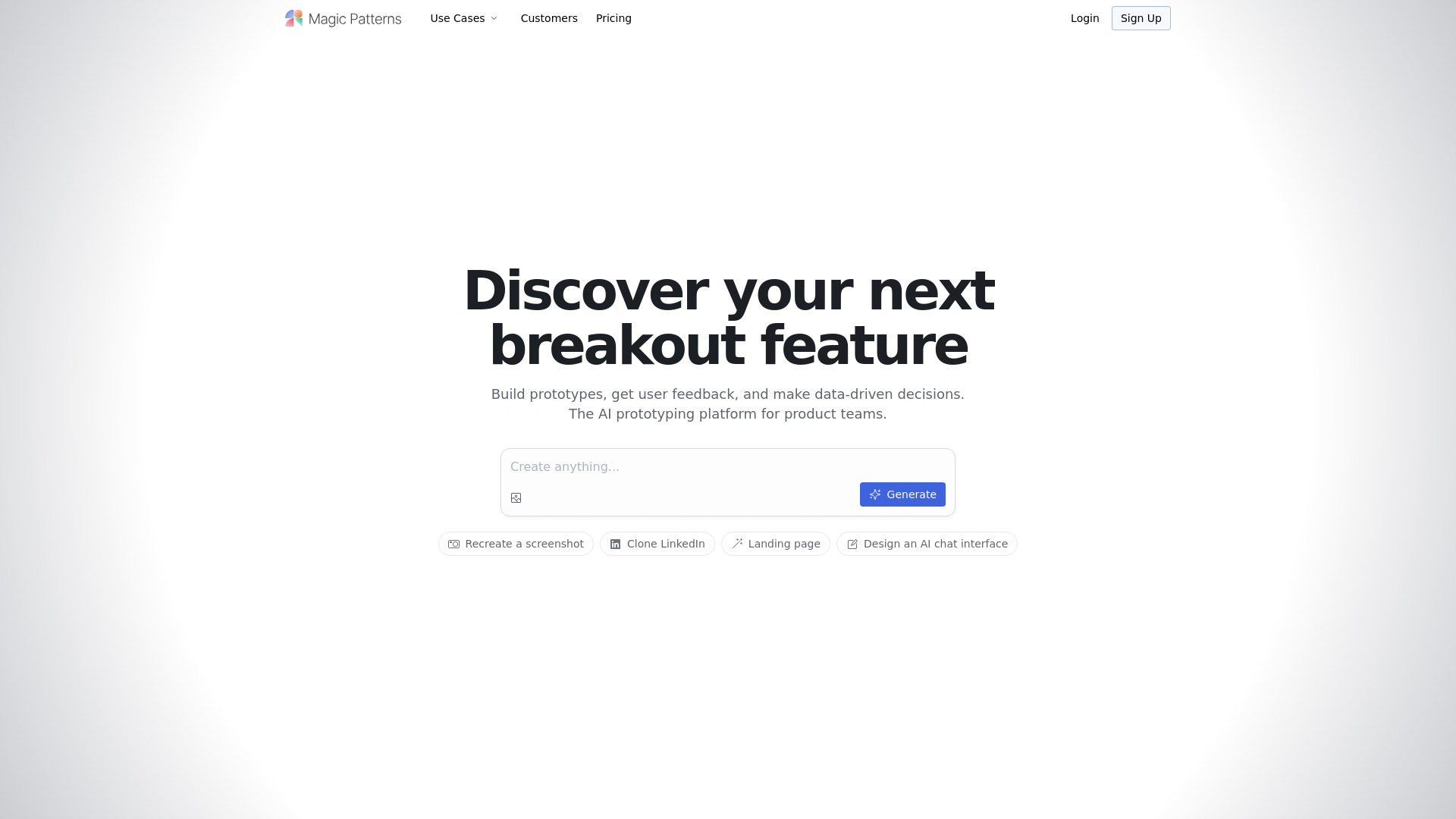
What is Magic Patterns?
Magic Patterns is an intelligent, AI-native UI generation platform engineered for the modern product lifecycle—where speed, fidelity, and cross-functional alignment are non-negotiable. At its core, it transforms ambiguous prompts, real-world screenshots, or even competitor interfaces into production-intent UIs in seconds—not hours. Unlike static design tools or code-first frameworks, Magic Patterns operates at the intersection of generative AI, visual understanding, and frontend engineering: interpreting intent, preserving design language, and outputting either ready-to-run React components or editable Figma files. Whether you're validating a new dashboard layout with stakeholders, reverse-engineering a SaaS workflow for competitive analysis, or rapidly assembling a demo for seed funding, Magic Patterns delivers high-fidelity, interactive prototypes that behave like real software—not just mockups.
How to Use Magic Patterns
Getting started takes seconds—not training. Describe what you need (“A dark-mode analytics dashboard with live charts and role-based navigation”), drop in a screenshot of an existing page, or paste a URL to clone a public interface. The AI interprets context, structure, and interaction logic, then renders a fully navigable prototype. From there, refine using the visual editor: adjust spacing, swap icons, tweak states (hover, loading, error), or bind placeholder data—all without touching code. Import your team’s Figma design system or CSS-in-JS tokens, and Magic Patterns auto-maps components, typography, and color palettes to maintain brand integrity across generations. For teams, multiplayer editing enables concurrent design sprints: designers tweak layouts while engineers inspect component props, all within a shared canvas where feedback becomes actionable change—not separate Slack threads or comment exports.
The true power emerges at handoff. With one click, export clean, TypeScript-ready React code—complete with responsive hooks, accessible markup, and modular component structure—or push directly to Figma as layered, auto-named frames with consistent naming conventions and style overrides. No manual translation. No lost fidelity. Just continuity—from idea → prototype → production.
Key Features of Magic Patterns
- Context-Aware UI Generation: Go beyond text-to-image: Magic Patterns understands interface semantics—identifying navigation patterns, form flows, data tables, and interactive elements from screenshots or descriptions, generating semantically correct, accessible, and responsive UIs.
- Smart Dual Export Engine: Generate not just *any* React code—but production-grade, maintainable components with proper hooks, prop interfaces, and Storybook-ready variants. Simultaneously, export pixel-perfect, developer-friendly Figma files with organized layers, constraints, and reusable component libraries synced to your design system.
- Design System Sync & Adaptation: Upload your Figma library or define tokens via JSON/YAML. Magic Patterns learns your spacing scale, type hierarchy, icon set, and component anatomy—then applies those rules consistently across every AI-generated screen, enabling scalable, on-brand experimentation.
- Collaborative Prototyping Workspace: Real-time co-editing with presence indicators, inline comments, version snapshots, and granular permissions. Product managers annotate user flows, designers iterate on micro-interactions, and engineers validate component APIs—all in one persistent environment.
- Secure, Scalable Infrastructure: SOC 2-compliant architecture with private model inference, isolated project environments, audit logs, and SSO support. All generations occur within your tenant boundary—no data leaves your workspace, ensuring compliance for regulated industries and enterprise deployments.
Why Choose Magic Patterns?
Magic Patterns redefines what’s possible in early-stage product development—not by replacing designers or developers, but by amplifying their impact. It dissolves the friction between “what if?” and “let’s ship it.” While traditional tools force trade-offs—beauty over functionality, speed over consistency, design over code—Magic Patterns delivers all three, simultaneously. Its ability to reconstruct complex, dynamic interfaces (like multi-step onboarding flows or real-time collaboration dashboards) from a single image demonstrates a level of visual reasoning unmatched by generic AI image generators. And because exports are engineered for real-world use—not just aesthetics—the gap between prototype and production shrinks dramatically.
This isn’t just about faster outputs—it’s about deeper insights. Teams use Magic Patterns to run rapid A/B interface experiments, gather usability feedback on working prototypes (not static wireframes), and align engineering estimates earlier in the cycle. From indie makers shipping MVPs in days to Fortune 500 teams standardizing UI innovation across dozens of products, Magic Patterns serves as both a creative accelerator and a strategic enabler—turning interface exploration into measurable business outcomes.
Use Cases and Applications
Forward-thinking teams deploy Magic Patterns across the full product spectrum: UX researchers generate realistic interface variations to test cognitive load with users; growth teams build landing page variants for multivariate testing before committing engineering bandwidth; engineering leads recreate third-party integrations (e.g., Stripe Checkout, Notion embeds) to de-risk implementation timelines. Startups craft investor-ready demos with interactive navigation and mock API responses—no backend required. Design systems teams use Magic Patterns to stress-test component scalability by generating 20+ permutations of a data table across contexts. Agencies accelerate client discovery workshops by turning whiteboard sketches into clickable prototypes in real time. And internal platforms teams leverage it to prototype admin interfaces, permission models, and reporting views—ensuring engineering effort maps precisely to validated user needs.