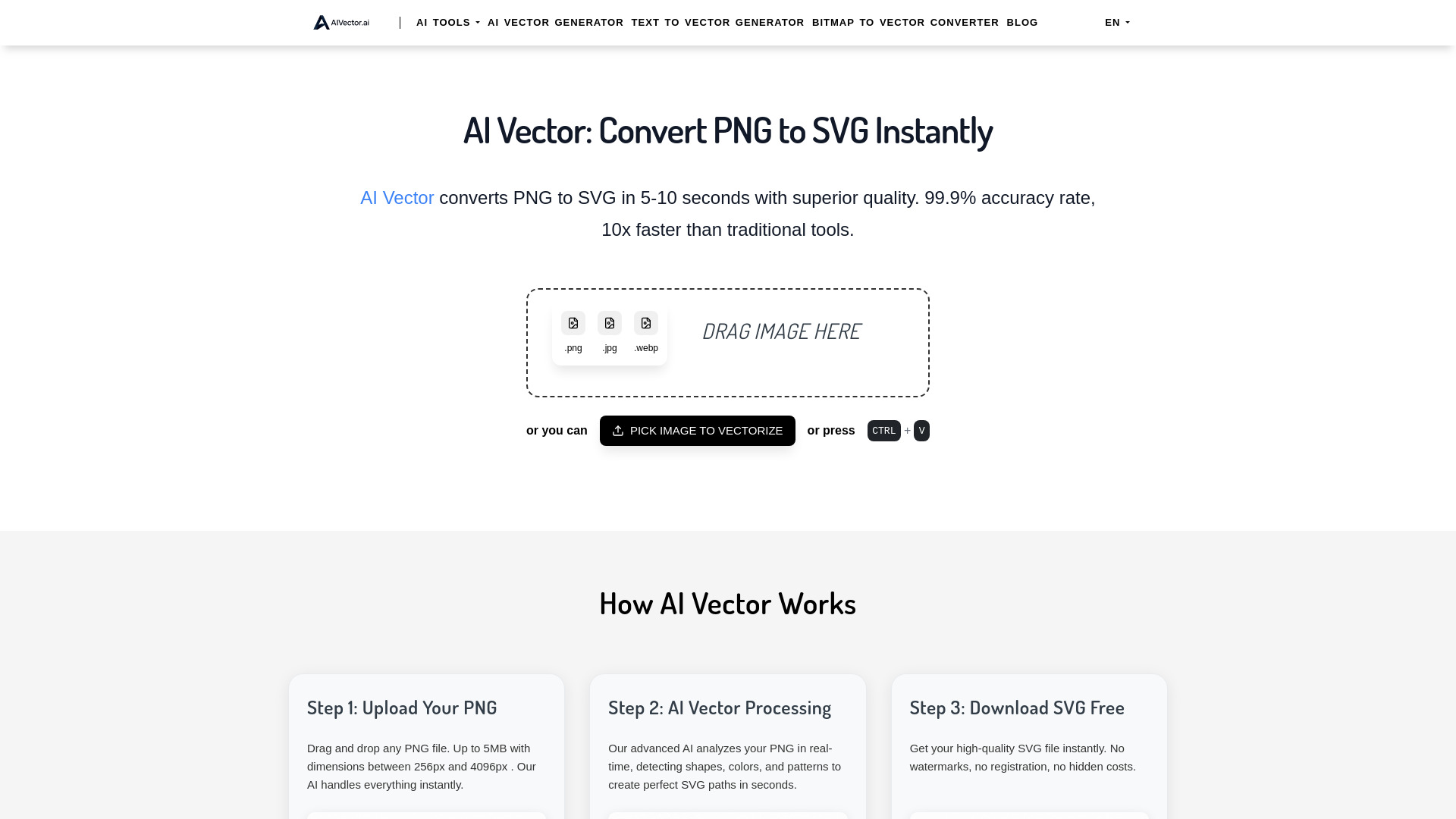
What is AIVector?
AIVector is a free online AI PNG to SVG converter designed to turn raster images into scalable vector artwork quickly and conveniently. Instead of relying on manual tracing, the tool uses intelligent image analysis to identify shapes, edges, colors, and visual details within a PNG file before rebuilding them as SVG paths. The result is a resolution-independent graphic that can be enlarged or reduced without becoming blurry. Available through aitop-tools.com, AIVector makes professional-quality vector conversion accessible to designers, marketers, entrepreneurs, and anyone who needs a clean SVG without purchasing specialized software.
How to Use AIVector
Converting a PNG with AIVector requires only a few simple steps. Open the browser-based tool, then drag and drop your image into the upload area or select it from your device. PNG files up to 5MB and with dimensions between 256px and 4096px can be processed. After the upload is complete, AIVector examines the image and automatically generates corresponding vector paths. In many cases, the conversion is finished in under 10 seconds. When the result is ready, download the SVG file directly—there is no watermark, account creation, or payment required.
For the best outcome, use PNG images with clearly defined outlines, recognizable shapes, and good contrast. AIVector is especially useful for logos, icons, illustrations, stickers, badges, and other artwork that needs to remain sharp at different sizes. The automated workflow reduces the time normally spent tracing artwork by hand, while the online format allows you to work from almost any modern desktop or mobile browser without installing additional software.
Key Features of AIVector
- AI-Assisted Image Tracing: AIVector evaluates the visual structure of a PNG and translates important details into editable SVG paths, helping create a more natural vector result than basic bitmap tracing.
- Quick Online Conversion: Most supported images can be processed within seconds, making it practical for rapid design tasks, content production, and last-minute file preparation.
- Free and Watermark-Free Downloads: You can convert PNG images without paying a fee or accepting a distracting watermark on the finished SVG file.
- No Account Required: The streamlined interface lets you begin immediately, with no registration process or software installation standing between you and your converted artwork.
- Scalable SVG Results: SVG graphics can be resized for websites, presentations, apparel, packaging, signage, and print materials while retaining sharp edges and clean lines.
- Privacy-Conscious Workflow: AIVector is built for convenient, private conversion, helping users process design assets without unnecessary sharing or public exposure.
These features make AIVector a practical option for anyone who needs a fast way to transform raster artwork into a flexible vector format. It combines an approachable interface with AI-based processing, giving beginners an easy starting point while helping experienced creatives reduce repetitive production work.
Why Choose AIVector?
AIVector offers a convenient alternative to complicated desktop applications and costly subscription services. Traditional vectorization often involves manually drawing around every object, adjusting anchor points, and refining curves one section at a time. AIVector automates much of this initial work, allowing users to obtain an SVG version of their image in a fraction of the usual time. Its browser-based design is useful for freelancers, small businesses, students, and professional teams that need reliable conversion without adding another application to their workflow.
Another advantage is the straightforward user experience. There are no confusing settings to learn before starting, and the service is available whenever you have a compatible browser and an internet connection. Whether you are preparing a logo for a large sign, adapting artwork for a cutting machine, or creating a crisp website graphic, AIVector provides a simple way to produce a scalable file. The absence of watermarks and registration requirements also makes it suitable for quick personal and professional projects.
Use Cases and Applications
AIVector can support a wide range of creative and business activities. Brand designers can convert existing PNG logos into SVG files for use across stationery, websites, product labels, and high-resolution advertising. Because SVG artwork scales smoothly, the same converted file can often be adapted for a small social media avatar or a large-format display without recreating the design from scratch. Entrepreneurs can also use the tool to prepare simple brand marks, badges, and promotional graphics for different platforms.
Illustrators and content creators may use AIVector to make artwork easier to resize, edit, and reuse. Marketing teams can prepare graphics for brochures, posters, email campaigns, presentation decks, and online advertisements. SVG files are also valuable for responsive web design because they can remain sharp on screens with different resolutions. In addition, crafters and makers may convert suitable PNG designs for workflows involving cutting machines, vinyl projects, decals, or other production tools that accept vector formats.
For agencies and freelancers, a free online converter can be especially helpful when handling multiple small client requests. Instead of opening a full design suite for every basic conversion, users can upload a supported image, let the AI process it, and download the result in a short time. This can simplify asset preparation and leave more time for higher-value creative decisions.