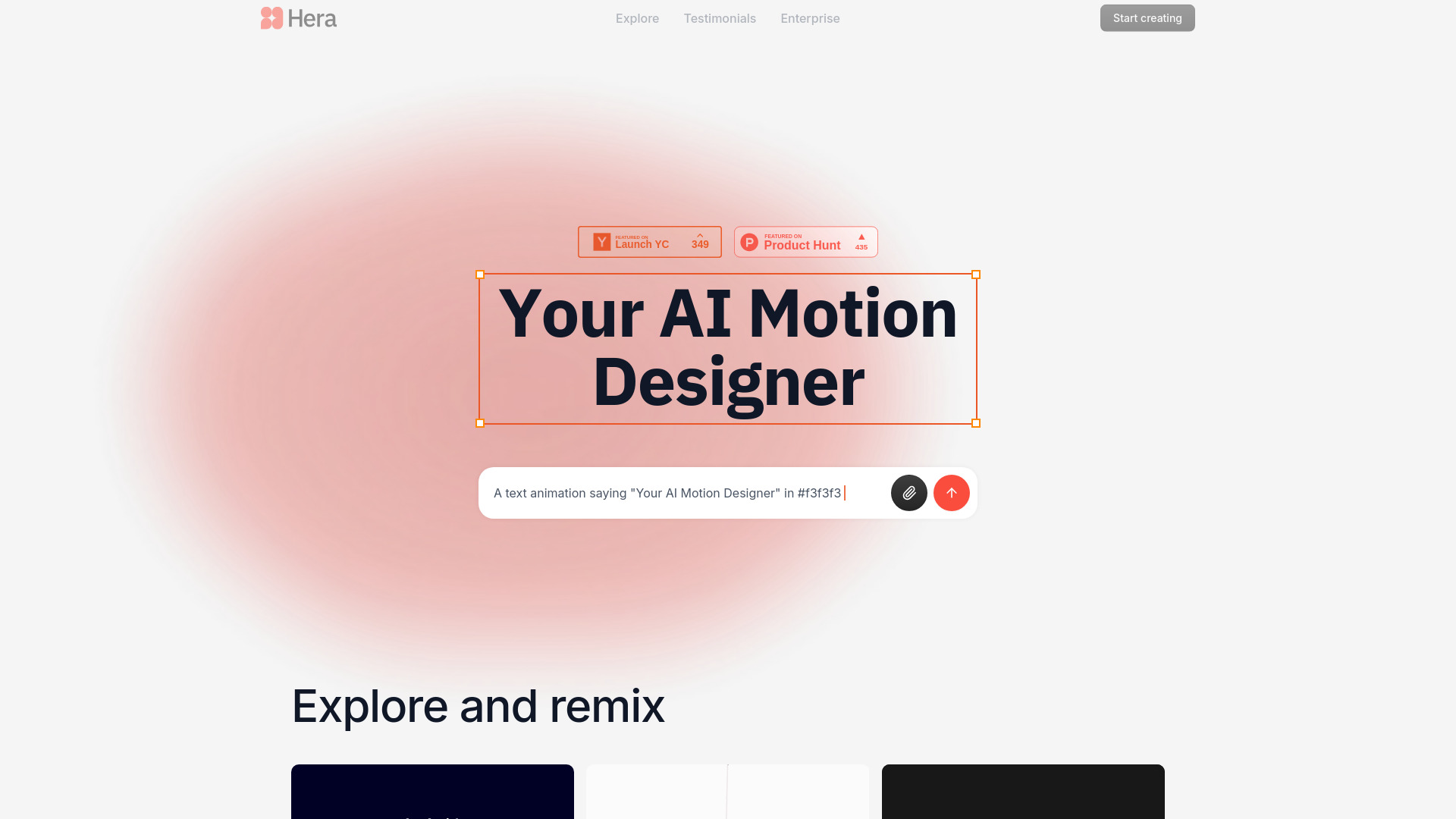
Hera AI Motion Designer: Create 4K AI Animations Instantly
What Is Hera AI Motion Designer?
Hera is an AI-powered motion design platform built to help creators and video teams produce polished animations in a fraction of the usual time. By turning written instructions into dynamic motion graphics, Hera removes much of the repetitive work involved in traditional animation production. Users can describe a visual concept, select a preferred style, and generate a professional animated result within moments.
Designed for both independent creators and large media organizations, Hera combines intelligent automation with production-ready output. The platform helps teams develop animated videos, visual explanations, branded graphics, and data-driven content without requiring every project to begin from a blank canvas. As one of the AI animation solutions featured on aitop-tools.com, Hera is designed for organizations that need speed, consistency, and 4K-quality results.
How Hera Creates AI Animations
Hera uses a straightforward text-to-animation process. Start by entering a prompt that explains the subject, movement, visual tone, or intended audience for your project. The AI interprets the direction and builds an animated composition based on the requested concept. You can then adjust the result with additional instructions, making it possible to refine timing, layout, colors, transitions, and other creative details through natural language.
Creators can begin with more than 100 professionally designed templates or develop a custom animation from the ground up. Templates cover common motion design needs such as charts, maps, title sequences, explanatory visuals, and promotional graphics. This approach gives beginners an accessible starting point while allowing experienced designers to shape the final animation around a specific campaign or production brief.
Organizations with more advanced requirements can connect Hera to existing production systems through API access. Brand kits, custom templates, and organization-specific guidelines can be incorporated into the workflow so that generated content follows established visual standards. This allows teams to produce more assets without sacrificing creative direction or brand recognition.
Core Features of Hera AI Motion Designer
- Instant Text-to-Animation Creation: Convert creative prompts into animated videos and motion graphics with an AI system designed to interpret visual instructions and deliver polished results quickly.
- Professional 4K Output: Export animations in high-resolution 4K quality for presentations, broadcast projects, websites, social campaigns, and other digital media applications.
- Brand-Aware AI Generation: Provide brand guidelines, colors, visual references, and other design rules so generated animations remain aligned with your organization’s identity.
- Large Template Library: Choose from more than 100 editable templates for data visualization, maps, charts, creative graphics, marketing content, and other common motion design projects.
- Natural Language Revisions: Improve a generated animation by describing the changes you want, such as a different transition, color palette, pacing, composition, or visual emphasis.
- API and Workflow Integration: Connect Hera with internal tools and automated production pipelines to support high-volume animation generation and repeatable content operations.
- Team Administration: Manage user permissions, monitor project activity, review audit records, and support collaborative production across departments and locations.
- Enterprise Security and Support: Access advanced security features, dedicated technical assistance, custom integration guidance, and engineering support for larger deployments.
These capabilities help reduce the time spent on repetitive animation tasks while giving creative teams more room to focus on storytelling, campaign development, and visual strategy. The result is a faster production cycle with consistent quality across multiple projects.
Why Use Hera for Motion Design?
Hera is built for teams that need to respond quickly without lowering their creative standards. Traditional motion design can require extensive planning, manual keyframing, repeated revisions, and coordination between several specialists. Hera automates much of this process, allowing users to move from an idea to a usable animation more efficiently.
The platform also supports consistency at scale. When brand rules are applied to AI-generated content, teams can create a wider range of animated assets while keeping typography, colors, layouts, and overall visual treatment aligned. This is particularly useful for organizations managing multiple campaigns, markets, clients, or communication channels at the same time.
Hera offers plans suited to individual creators as well as enterprise video departments. With unlimited export options on applicable plans, integration support, and a 30-day money-back guarantee for enterprise customers, teams can assess how the AI motion designer fits into their production process before making a long-term commitment.
Hera AI Motion Designer Use Cases
Marketing departments can use Hera to create animated campaign assets, product explainers, social media videos, and branded announcements without waiting for every project to pass through a lengthy production queue. The platform helps teams respond to trends and content opportunities while maintaining a unified visual identity across each channel.
Media and publishing companies can transform statistics, research findings, charts, and location-based information into engaging visual stories. Hera can help turn complex information into motion graphics that are easier for audiences to understand and more suitable for video-first platforms.
Enterprise organizations can add Hera to automated communication workflows for training content, customer updates, internal announcements, and personalized video production. With API connectivity and reusable brand settings, teams can generate a larger volume of content without increasing their creative staff for every new request.
Individual designers, agencies, and freelance creators can also use Hera to explore concepts, build presentation visuals, create client-ready drafts, and deliver finished animations in 4K resolution. The combination of prompt-based creation and editable templates makes it possible to move quickly while retaining control over the creative outcome.