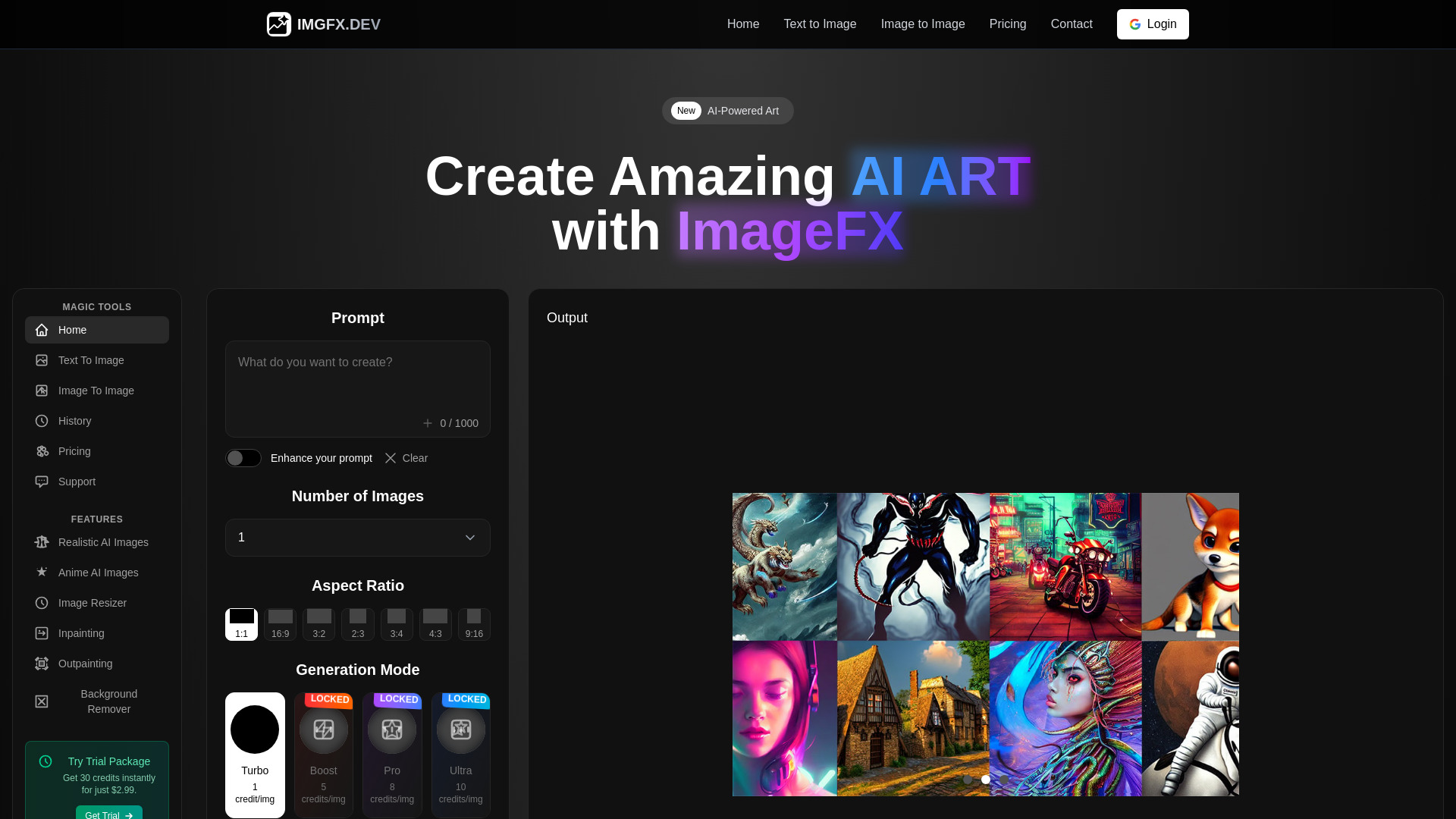
What is ImageFx?
ImageFx is an AI image generator that helps users turn written ideas into original visuals, from realistic photographic scenes to imaginative digital art. By describing a subject, setting, mood, and visual style, creators can explore image concepts without starting with a blank canvas. Its appeal lies in making visual experimentation accessible to people with different levels of design experience. Whether you want a cinematic landscape, a colorful illustration, or a polished product concept, ImageFx offers a starting point for translating your imagination into images. For users seeking a free AI image generator, it provides an opportunity to explore text-to-image creation, subject to current availability and usage limits.
How to Use ImageFx
Begin by opening ImageFx and completing any sign-in steps required to access the generator. Enter a prompt that clearly describes the image you want to create. Include useful details such as the main subject, surroundings, lighting, perspective, and preferred aesthetic. For example, “a quiet mountain cabin beside a lake at sunrise, soft mist, realistic photography” gives the AI more direction than a short phrase like “mountain cabin.” Generate your image, examine the result, and revise the description to improve details that do not match your expectations. Once you have a suitable result, use the available download options to save it.
For more effective experimentation, change one part of your prompt at a time. Try a different camera angle, replace the background, or adjust the lighting while keeping the main subject consistent. Where the interface provides suggested prompt variations or additional controls, use them to explore alternative looks. Features such as model selection, resolution settings, image editing, and multiple-image generation should be checked directly in the version you are using, since availability may vary.
Key Features of ImageFx
- Text-to-Image Creation: Describe a scene in everyday language and use AI to generate a visual interpretation. Prompts can combine subjects, environments, textures, lighting conditions, and artistic directions to support a wide variety of creative projects.
- Photographic and Artistic Styles: Explore realistic imagery alongside illustrations, painterly compositions, and imaginative digital artwork. Specifying a visual approach in your prompt helps guide the overall appearance and makes it easier to compare different creative directions.
- Prompt-Based Customization: Shape your results through descriptive choices about framing, atmosphere, color, and detail. Refining the wording gives you a practical way to influence the image, although precise placement and consistency may require several attempts.
- Creative Variation and Exploration: Generate fresh interpretations of an idea to discover unexpected compositions or visual treatments. Comparing results can help you select a stronger direction for a campaign concept, illustration, presentation, or personal art project.
- Accessible Creative Workflow: Start developing visual ideas without needing advanced illustration skills or a complete photography setup. A straightforward process of describing, generating, and reviewing allows beginners and experienced creators to experiment with new concepts.
- Free Image Generation Access: Explore AI-generated photos and digital art through the free access currently offered by the service. Review any account requirements, regional restrictions, generation limits, and available output settings before planning a larger workflow.
Why Choose ImageFx?
ImageFx can be useful when you need to move from an abstract idea to something you can see and evaluate. Instead of spending hours preparing an initial visual concept, you can describe a direction and use the generated result to decide what works. This process supports experimentation with lighting, subject matter, and artistic mood. It also gives people who are more comfortable with words than drawing a practical way to communicate their ideas visually. The ability to explore both photo-style imagery and digital art makes the tool relevant to a broad range of creative interests.
Another advantage is the flexibility of working through prompts. A single concept can be explored as a realistic scene, an editorial illustration, or a stylized piece of artwork simply by changing the description. Results still need careful review, particularly for fine details, readable text, and accurate representations. Used thoughtfully, ImageFx can support early creative development and help users discover visual directions worth refining further.
Use Cases and Applications
Artists and illustrators can use ImageFx to explore composition, atmosphere, and subject combinations before developing finished work. A fantasy environment, character setting, or abstract color study can become a reference for further experimentation. Marketing teams can use generated concepts to discuss potential campaign themes, while social media creators can explore visuals that complement a particular topic or tone. For presentations and articles, AI-generated imagery may help communicate ideas that are difficult to illustrate with existing photographs, provided each image is reviewed for suitability and accuracy.
Product teams and independent businesses can also experiment with conceptual scenes, packaging directions, and mood boards. For e-commerce planning, generated lifestyle concepts can help explore a desired look, though they should be checked carefully before representing an actual product. Educators, writers, and hobbyists may use ImageFx for storytelling illustrations, imaginative settings, and personal creative projects. Across these applications, its value comes from making visual exploration easier while leaving final selection and judgment with the user.