Text&ampWriting

Seedream 3

Seedream 3: Turn text into 2K AI art instantly! Powered by a 12B-param model—50 free images daily. Create pro-grade visuals, free. Try now!

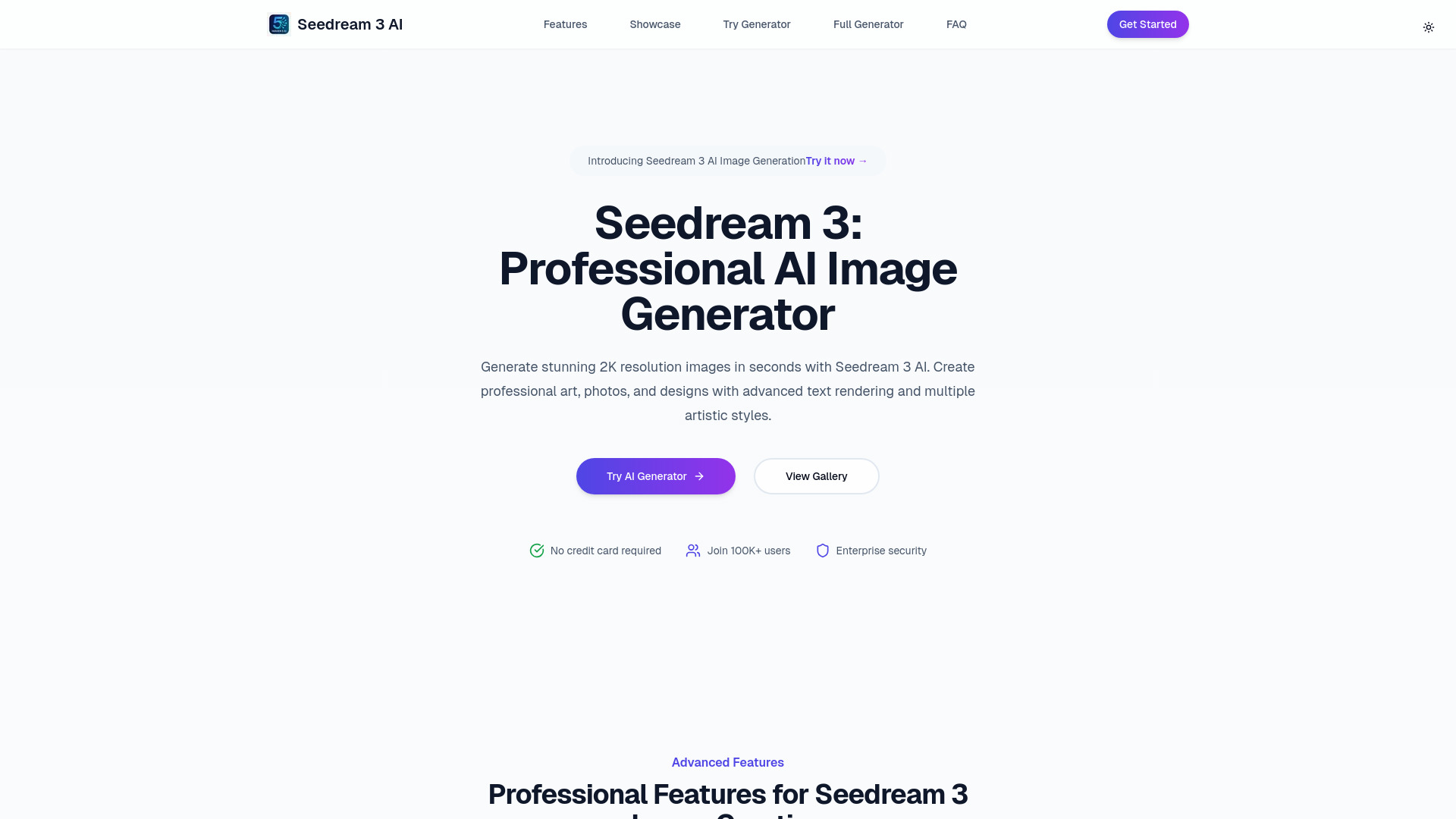
Seedream 3 website preview

What is Seedream 3?

Seedream 3 is a next-generation AI art engine designed for creators who demand both power and simplicity. At its core lies a state-of-the-art 12-billion-parameter multimodal model—fine-tuned specifically for visual fidelity, semantic precision, and stylistic coherence. With Seedream 3, users convert plain-language prompts into rich, detailed 2K-resolution (2048×1024) images in under three seconds: photorealistic scenes, expressive anime frames, delicate watercolor illustrations, immersive cyberpunk vistas, ethereal fantasy landscapes, or clean minimalist compositions—all generated with studio-level consistency. Hosted exclusively on aitop-tools.com, it requires no installation, no GPU setup, and zero prior AI experience—just imagination and a few descriptive words.

How to Use Seedream 3

Getting started with Seedream 3 takes less than 10 seconds. Type your idea into the “Positive Prompt” box—think of it as briefing an expert designer: mention subject, lighting, composition, artistic medium, and even emotional tone (e.g., *“a serene mountain lake at dawn, soft mist, oil painting style, warm golden light, tranquil mood”*). Click “Generate Images”, and within moments, four unique, high-fidelity 2K outputs appear in the preview grid. No sliders, no confusing parameters—just intelligent defaults optimized by the 12B model for maximum relevance and aesthetic harmony.

To elevate your results, explore prompt engineering techniques: layer modifiers like *“cinematic lighting”*, *“ultra-detailed texture”*, or *“vintage film grain”*; specify typography needs directly (*“bold sans-serif logo centered at top, crisp white text on navy background”*); or blend styles (*“cyberpunk architecture meets ukiyo-e woodblock texture”*). Seedream 3’s advanced language–vision alignment ensures even nuanced instructions translate faithfully—especially when rendering legible, well-integrated text, a persistent weak spot in most generative tools.

Key Features of Seedream 3

  • Blazing-Fast 2K Output: Generate four distinct 2048-pixel-wide images in ~2.8 seconds—outpacing industry benchmarks by up to 4×. Ideal for rapid iteration, A/B testing concepts, or building mood boards in real time.
  • 12-Billion-Parameter Vision-Language Model: Trained on diverse, high-curated datasets spanning art history, design principles, and global visual culture, this proprietary architecture interprets abstract, metaphorical, and multilingual prompts with remarkable contextual awareness.
  • Six Precision-Tuned Art Modes: Switch effortlessly between photorealism, anime, watercolor, cyberpunk, fantasy, and minimalist—each mode calibrated for genre-specific textures, color palettes, and compositional logic—not just superficial filters.
  • Production-Ready Text Integration: Generate images with sharp, correctly kerned, stylistically matched text—even curved, perspective-aligned, or multi-line layouts—enabling immediate use in ads, presentations, social creatives, and branding assets.
  • 50 Free Daily Images (150 Credits): Enjoy full access to all features—including 2K resolution and all six styles—with no paywall, watermark, or usage cap. That’s 1,500+ premium visuals per month, completely free—no credit card required.

These capabilities converge to eliminate bottlenecks: designers skip stock licensing and manual retouching; marketers accelerate campaign ideation; educators produce custom learning visuals on demand; and indie developers prototype UI assets and game environments without outsourcing.

Why Choose Seedream 3?

In a crowded AI art landscape, Seedream 3 distinguishes itself not just by scale—but by intentionality. Its 12B model isn’t merely large; it’s architected for *creative reliability*: fewer hallucinations, stronger prompt adherence, and richer cross-style generalization. Professionals choose it because it consistently delivers usable outputs on the first try—reducing average image refinement cycles from 7–10 attempts to just 1–2. And unlike many platforms that throttle free users with low-res watermarks or limited styles, Seedream 3 grants equal access: same model, same resolution, same speed—every day, for everyone.

Whether you're visualizing a new product for Kickstarter, crafting cover art for an indie novel, designing Shopify banners, or prototyping architectural concepts, Seedream 3 integrates frictionlessly—via browser, API, or future plugin ecosystem—without demanding technical fluency or enterprise budgets. It’s AI art built *for* makers, not just ML enthusiasts.

Use Cases and Applications

Product designers use Seedream 3 to visualize 50+ packaging variants overnight—testing color schemes, materials, and shelf appeal before physical prototyping. Educators generate custom infographics, historical reenactments, and science diagrams tailored to grade-level comprehension. Game studios create concept art for characters, environments, and UI elements across multiple art directions in parallel. E-commerce brands refresh seasonal catalogs with AI-generated lifestyle shots—matching real product photos in lighting and tone. Even academic researchers leverage its transparent architecture and reproducible outputs for studies in human-AI collaboration, bias detection in generative systems, and cross-cultural visual semantics.

Product source: Seedream 3 official website. Check the provider for current plans, limits and availability.

FAQ

Seedream 3 questions and answers

Product context and practical checks for evaluating Seedream 3.

What is Seedream 3 used for?

Seedream 3: Turn text into 2K AI art instantly! Powered by a 12B-param model—50 free images daily. Create pro-grade visuals, free. Try now!

How do I get started with Seedream 3?

Getting started with Seedream 3 takes less than 10 seconds. Type your idea into the “Positive Prompt” box—think of it as briefing an expert designer: mention subject, lighting, composition, artistic medium, and even emotional tone (e.g., *“a serene mountain lake at dawn, soft mist, oil painting style, warm golden light, tranquil mood”*). Click “Generate Images”, and within moments, four unique, high-fidelity 2K outputs appear in the preview grid. No sliders, no confusing parameters—just intelligent defaults optimized by the 12B model for maximum relevance and aesthetic harmony.To elevate your results, explore prompt engineering techniques: layer modifiers like *“cinematic lighting”*, *“ultra-detailed texture”*, or *“vintage film grain”*; specify typography needs directly (*“bold sans-serif logo centered at top, crisp white text on navy background”*); or blend styles (*“cyberpunk architecture meets ukiyo-e woodblock texture”*). Seedream 3’s advanced language–vision alignment ensures even nuanced instructions translate faithfully—especially when rendering legible, well-integrated text, a persistent weak spot in most generative tools.

Which capabilities are described for Seedream 3?

Blazing-Fast 2K Output: Generate four distinct 2048-pixel-wide images in ~2.8 seconds—outpacing industry benchmarks by up to 4×. Ideal for rapid iteration, A/B testing concepts, or building mood boards in real time. 12-Billion-Parameter Vision-Language Model: Trained on diverse, high-curated datasets spanning art history, design principles, and global visual culture, this proprietary architecture interprets abstract, metaphorical, and multilingual prompts with remarkable contextual awareness. Six Precision-Tuned Art Modes: Switch effortlessly between photorealism, anime, watercolor, cyberpunk, fantasy, and minimalist—each mode calibrated for genre-specific textures, color palettes, and compositional logic—not just superficial filters. Production-Ready Text Integration: Generate images with sharp, correctly kerned, stylistically matched text—even curved, perspective-aligned, or multi-line layouts—enabling immediate use in ads, presentations, social creatives, and branding assets. 50 Free Daily Images (150 Credits): Enjoy full access to all features—including 2K resolution and all six styles—with no paywall, watermark, or usage cap. That’s 1,500+ premium visuals per month, completely free—no credit card required. These capabilities converge to eliminate bottlenecks: designers skip stock licensing and manual retouching; marketers accelerate campaign ideation; educators produce custom learning visuals on demand; and indie developers prototype UI assets and game environments without outsourcing.

What projects can I evaluate Seedream 3 for?

Product designers use Seedream 3 to visualize 50+ packaging variants overnight—testing color schemes, materials, and shelf appeal before physical prototyping. Educators generate custom infographics, historical reenactments, and science diagrams tailored to grade-level comprehension. Game studios create concept art for characters, environments, and UI elements across multiple art directions in parallel. E-commerce brands refresh seasonal catalogs with AI-generated lifestyle shots—matching real product photos in lighting and tone. Even academic researchers leverage its transparent architecture and reproducible outputs for studies in human-AI collaboration, bias detection in generative systems, and cross-cultural visual semantics.

How does Seedream 3 handle blazing-fast 2k output?

Blazing-Fast 2K Output: Generate four distinct 2048-pixel-wide images in ~2.8 seconds—outpacing industry benchmarks by up to 4×. Ideal for rapid iteration, A/B testing concepts, or building mood boards in real time.

How does Seedream 3 handle 12-billion-parameter vision-language model?

12-Billion-Parameter Vision-Language Model: Trained on diverse, high-curated datasets spanning art history, design principles, and global visual culture, this proprietary architecture interprets abstract, metaphorical, and multilingual prompts with remarkable contextual awareness.

What should I compare before choosing a Seedream 3 plan?

Check Seedream 3’s current pricing page for included usage, renewal terms and any credit charges. Compare the cost of a usable result, including retries, rather than assuming that account registration includes free usage.

What inputs should I prepare for a Seedream 3 trial?

Look for text prompts, image references, masks or sketches as appropriate. Compare composition control, supported upload types and the ability to revise a selected area.

How can I check the quality of a Seedream 3 result?

Inspect text, hands, edges, reflections and repeated objects at full size. Check that important product or brand details survive editing.

Where is the official Seedream 3 website?

The website linked from this profile is https://seedream3.ai. Use the provider’s own documentation, account area and support channels to confirm current product details.

Visit Seedream 3