
Miniflow.ai: 200+ AI tools for text, image, video & audio. Build powerful workflows with drag-and-drop automation
A little discovery. A big difference.
Explore AI tools for writing, images, video, coding and everyday work. Read what each tool does, then visit the provider to try it.
Curated for curious minds. Built for your everyday.
The directory
Miniflow.ai: 200+ AI tools for text, image, video & audio. Build powerful workflows with drag-and-drop automation
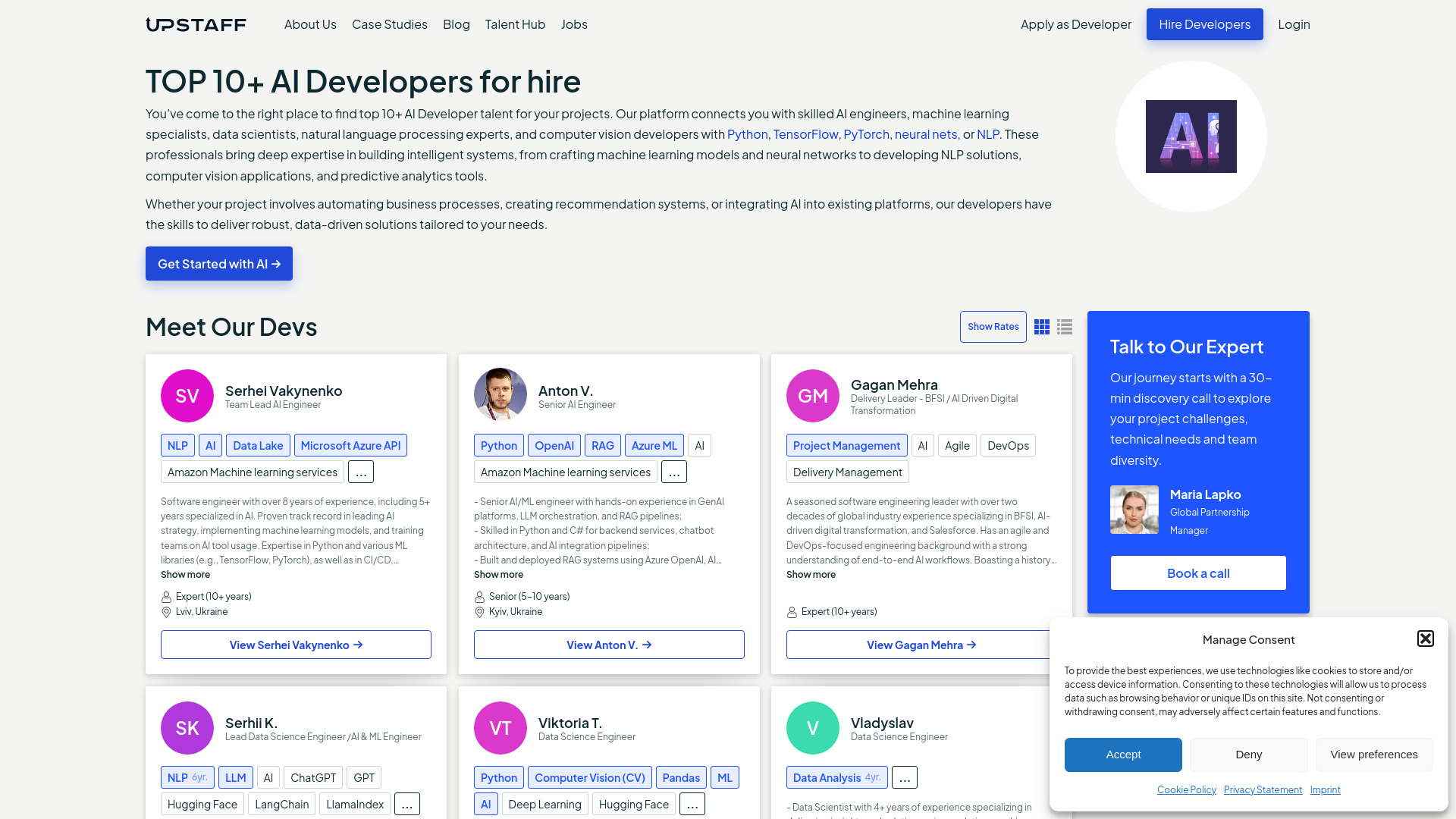
Hire vetted AI developers, ML specialists, and NLP experts with Upstaff.com. Match with skilled talent in just 1–3 days. Start hiring today!

Create AI images from text in seconds with Image FX, Google AI’s free image generator for high-quality art, visuals, and designs. Try it now!
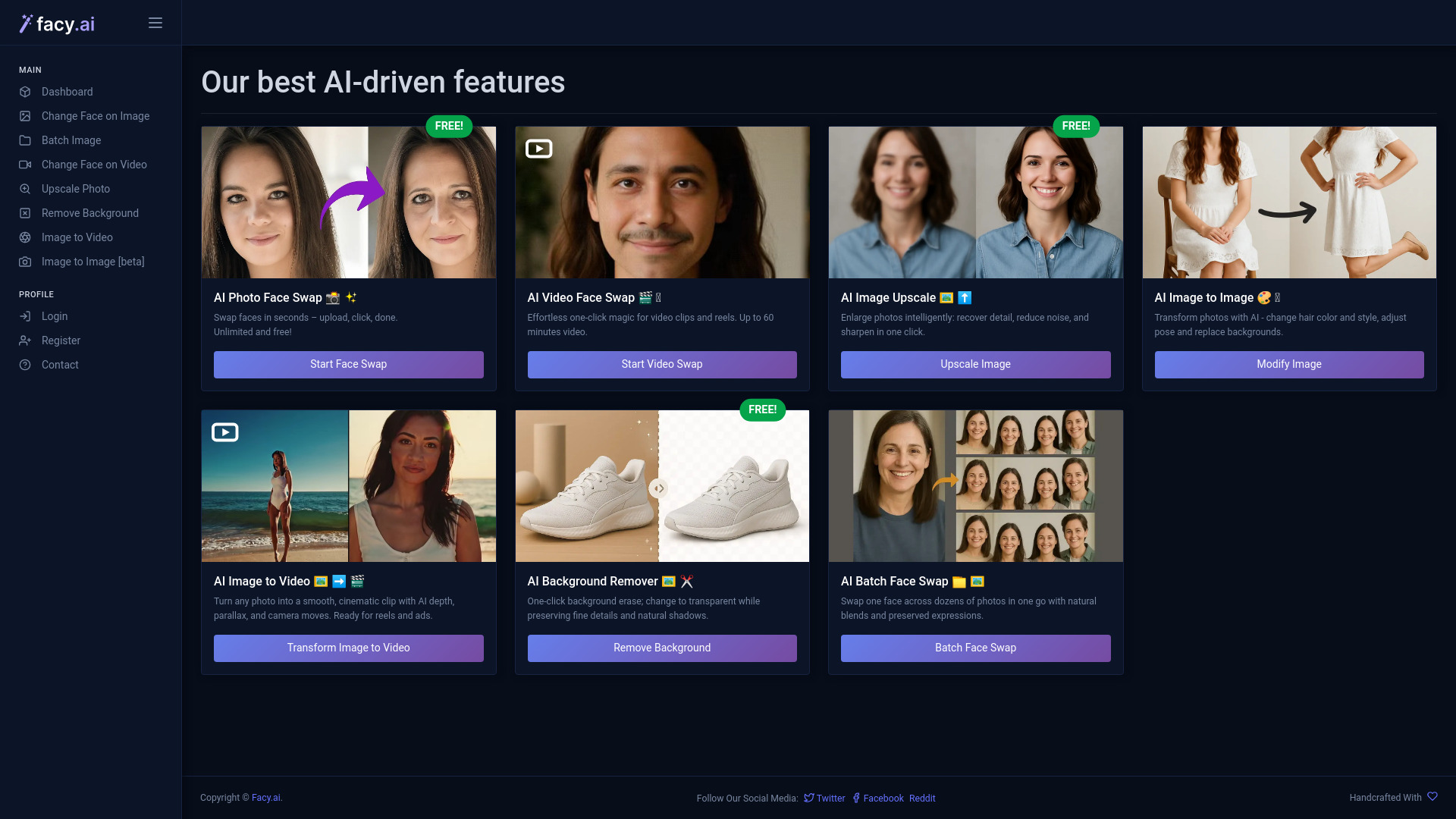
Swap faces in photos and videos, upscale images, remove backgrounds, and turn images into video with FACY AI. Try pro AI tools free today!
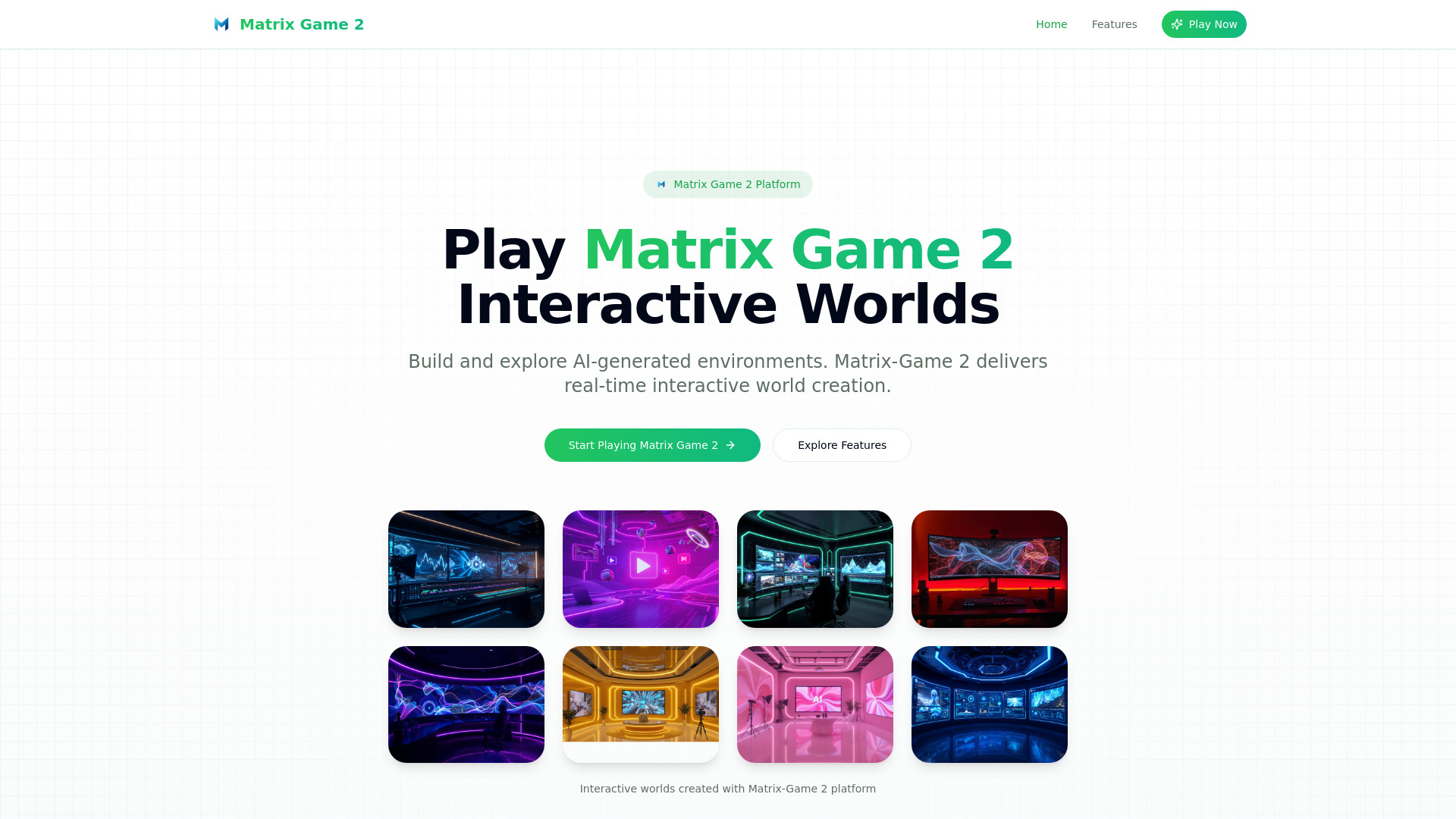
Create interactive AI worlds and pro videos from text with dynamic audio—instantly. Matrix Game 2 is free, with no login required!
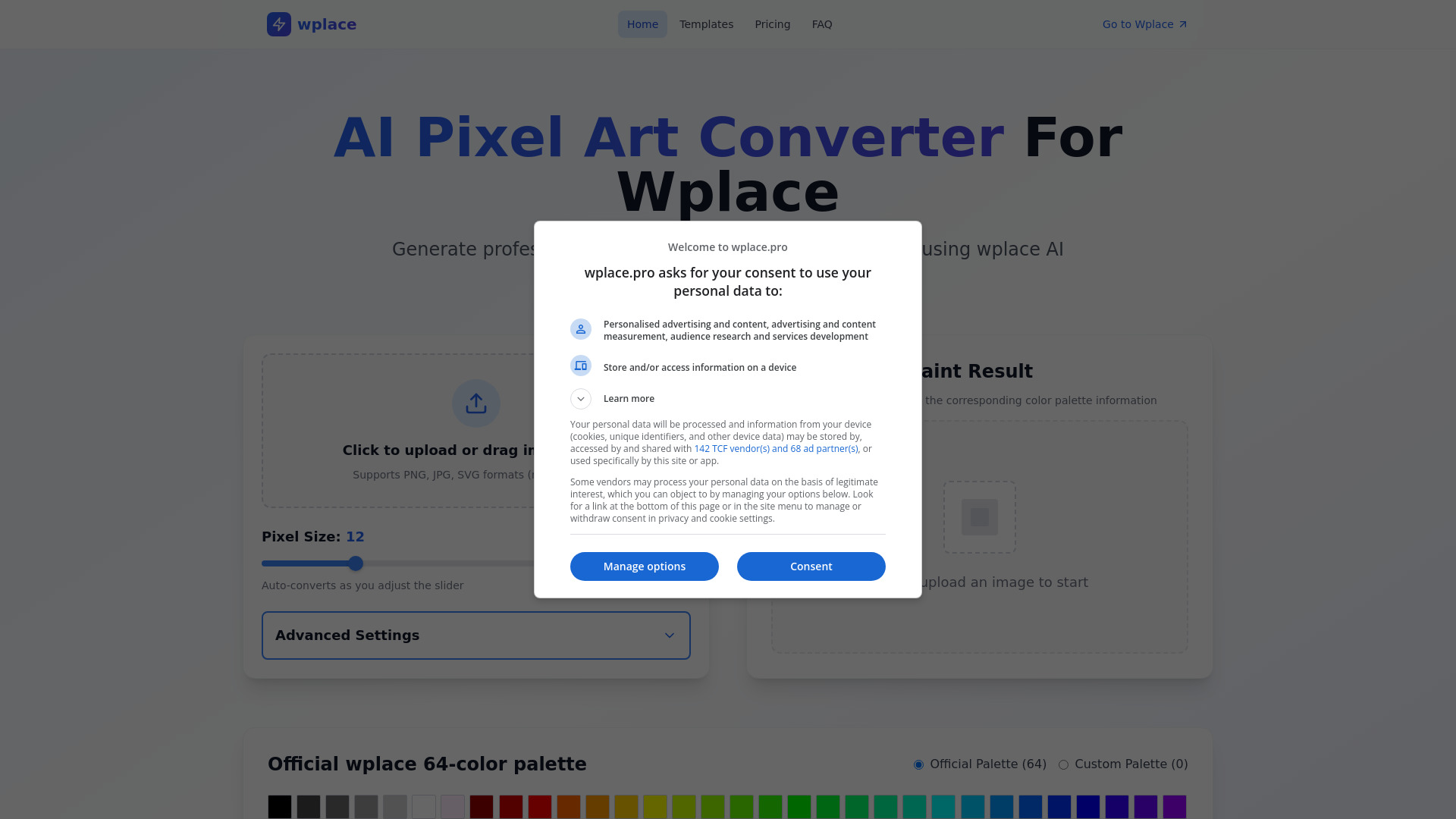
Transform images into Wplace pixel art with a 64-color palette. Generate text in images with 95%+ accuracy. Try this pro AI tool free today!
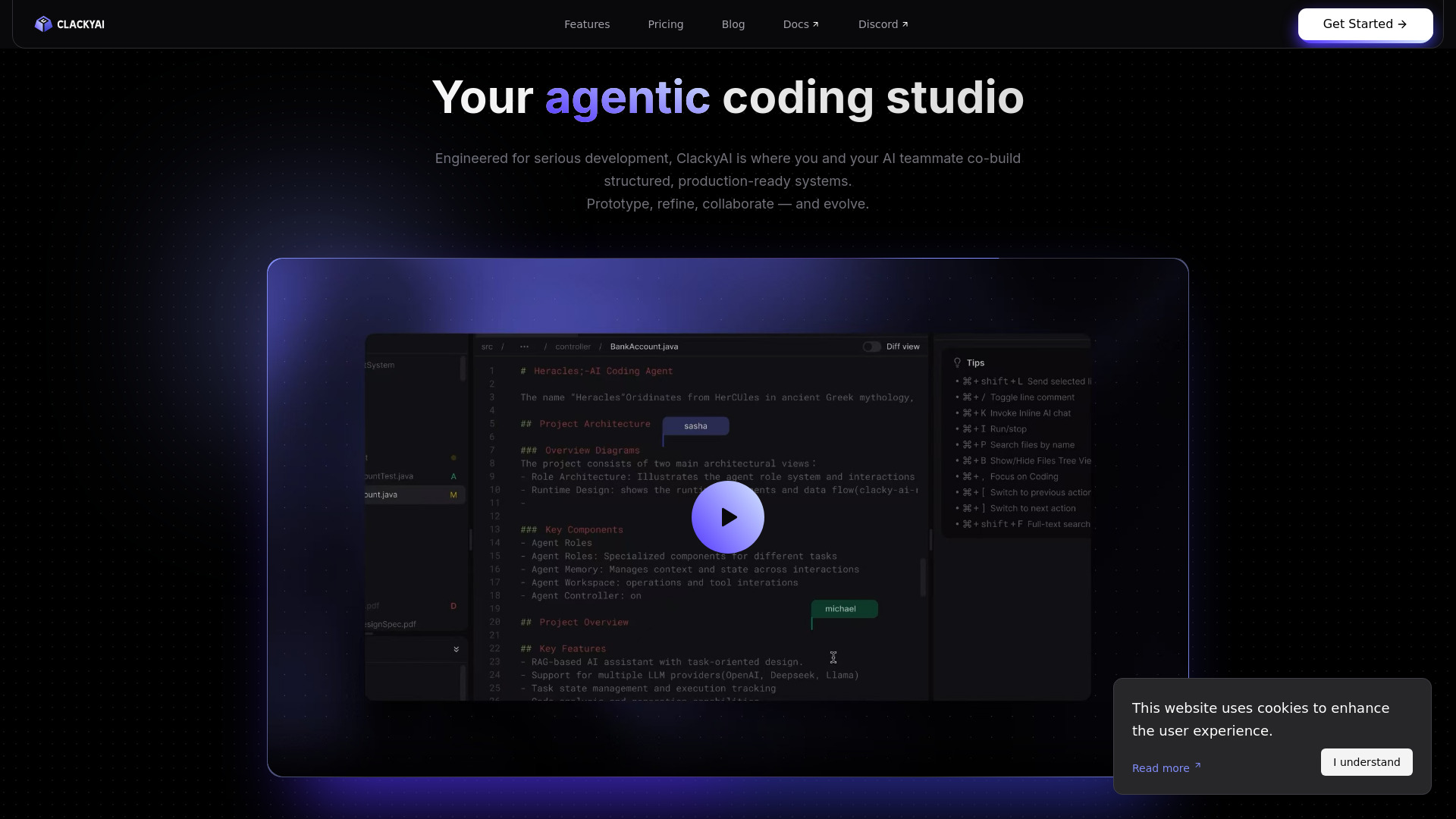
Build full-stack systems from prompts with Clacky, the AI-powered cloud development environment featuring parallel agents

GStory AI: Free AI video & photo editor to remove watermarks, translate videos, enhance images, and auto-generate subtitles. Start today!
FAQ
Practical answers to help you take the next step.
AIGO.tools lists AI applications for writing, image creation, video, audio, coding, research and business work. Each profile connects a product description with its official website.
Choose one small task, such as rewriting a paragraph or editing an image. Search for that task, read a few profiles and try the same example in each shortlisted product.
Browse AI toolsNo. AIGO.tools is a discovery directory. Generation, accounts, subscriptions and support are handled by the individual product providers on their own websites.
Categories group products around a shared task. Search matches words in tool names and short descriptions, which is useful when you know a product name or a specific capability.
Yes. The public directory, product profiles and journal can be read without an AIGO.tools account. A listed provider may require its own account to use its product.
No. Browsing AIGO.tools is separate from using a listed product. Providers may offer free access, trials, subscriptions or prepaid credits; check the provider before starting.
Give both products the same task and compare output quality, editing effort, export options and total cost. A polished demonstration alone does not show how well a tool fits your work.
A featured position is placement in the directory, not a performance score. Read the product details and evaluate the task you need rather than choosing by position alone.
Read the provider’s data retention, training-use and deletion policies. Use a non-confidential sample first, and confirm you have permission to upload the material.
The submission page explains the available listing plans and collects the product name, official URL and contact email. Listing purchases are separate from subscriptions to any listed tool.
View submission plans