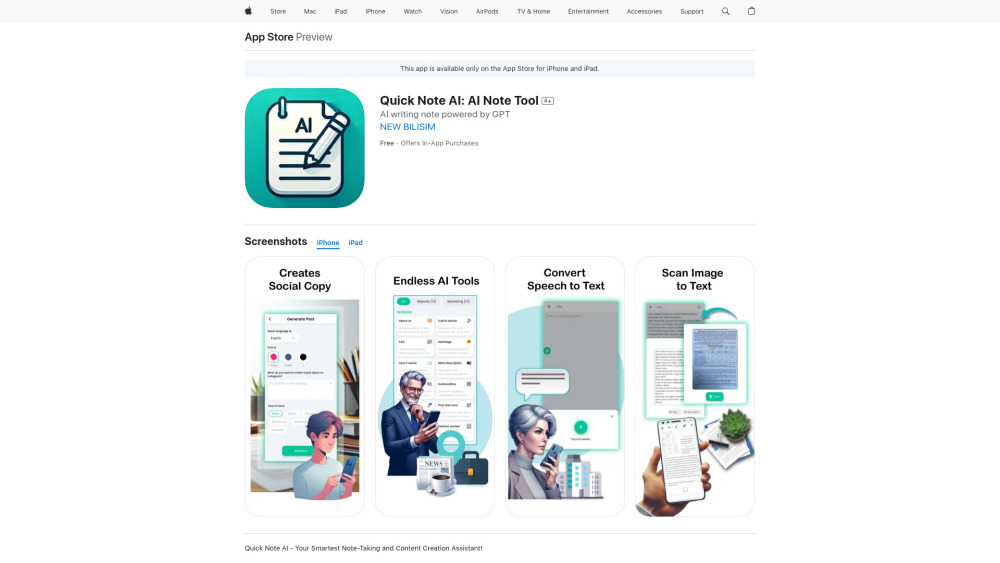
Quick Note AI: Organize ideas & create content faster with AI. Smart, intuitive, and efficient – transform your notes into action. Try it today!
Explore a specific workflow
Explore text extraction tools through the product profiles below. Writing and content tools help draft, revise or condense text. Drafting new material, checking language and summarizing a source require different review steps.
Compare support for source documents, style instructions, outlines and length limits. Check whether citations link to real material rather than merely looking like references.
Verify names, dates, quotations and factual claims against the original sources. Edit tone, remove repetition and make sure the text answers the intended reader’s question.
Quick Note AI: Organize ideas & create content faster with AI. Smart, intuitive, and efficient – transform your notes into action. Try it today!

AI Describe Picture: Effortlessly generate image descriptions & extract text. Discover use cases, pricing, reviews, core features, and top alternatives—all in one place.

Copy Image Text - Chrome Extension: Effortlessly extract text from web images with ease. Effortless Text Extraction. Get it now!

OCR Text Extractor - Chrome Extension: Effortlessly copy text from any media with our tool. Say goodbye to manual typing!

Image to Text Converter - Chrome Extension: Instantly convert image text into editable text with ease. Boost productivity and save time with one click!

Sloth Search - Chrome Extension: Instantly answer queries using GPT from any webpage content. Boost productivity with AI-powered insights while you browse!

Webpage Text Translator Chrome Extension: Easily extract and translate text from any webpage instantly. Boost productivity with multilingual support.

Quick Image to Text OCR Chrome Extension: Easily convert images to editable text in seconds. Boost productivity with one-click OCR. Fast, accurate, and efficient!
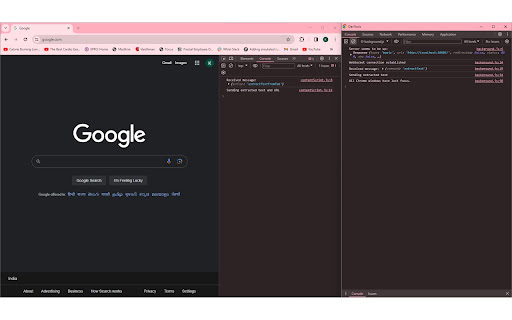
Boost your productivity with Highlight AI Extension for Chrome. Effortlessly extract text faster and more efficiently for workflows.
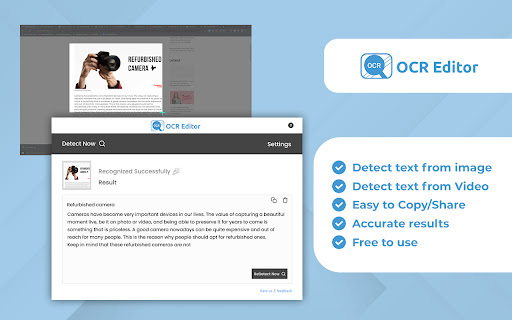
OCR Text Extractor Chrome Extension: Quickly convert images to text with just a click. Boost productivity and streamline workflows effortlessly!

Chrome GPT Extension: Easily convert images to text with just a click. Boost productivity with fast, accurate text extraction from any image!

OCR Convert - Chrome Extension: Instantly convert images to editable text with advanced OCR technology. Boost productivity with fast, accurate results!
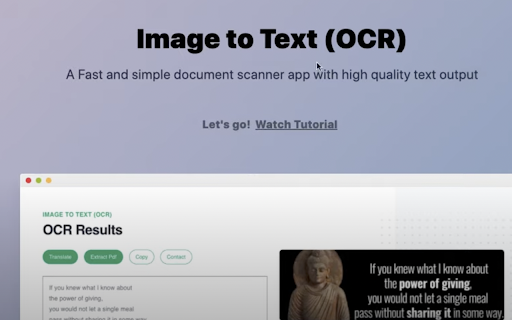
Image to Text (OCR) - Chrome Extension: Effortlessly extract text from images and PDFs for quick editing, copying, and sharing with just one click!

Secoda Chrome Extension: Streamline teamwork with powerful metadata management, boosting collaboration, organization, and data clarity across your team.

Summarie: AI platform that delivers concise summaries and extracts key information from any text, helping you save time and boost productivity effortlessly.

OCR - Image Reader: Quickly extract and copy text from images with this efficient Chrome extension. Boost productivity with text recognition.
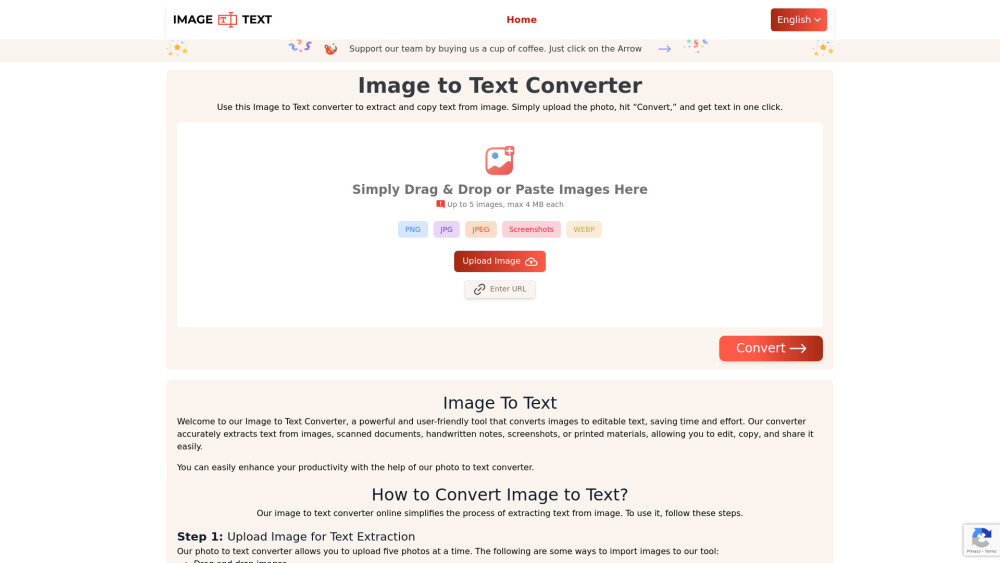
Image to Text Converter: Extract text from images with precision. Achieve accurate text extraction effortlessly. Perfect for professionals and everyday use.

Charm Shot AI: Transform boring screenshots into charming shots with engaging backgrounds. Perfect for social media to boost your engagement instantly!

Snippai: AI-Powered Snipping Tool with Intelligent Feature Recognition. Identify formulas, text, tables, and images for an enhanced snipping experience!

Levity is a no-code AI workflow automation platform that allows users to train their own AI models on documents, images, or text data to automate daily repetitive tasks and enhance team productivity without any coding required.

Capture documents instantly with Swish Scan, the web-based PDF scanner and OCR tool featuring multi-language support for text extraction.

AiTransform: Enhance your skills with our offline AI toolset. Enjoy advanced neural networks and machine learning, all while protecting your privacy.
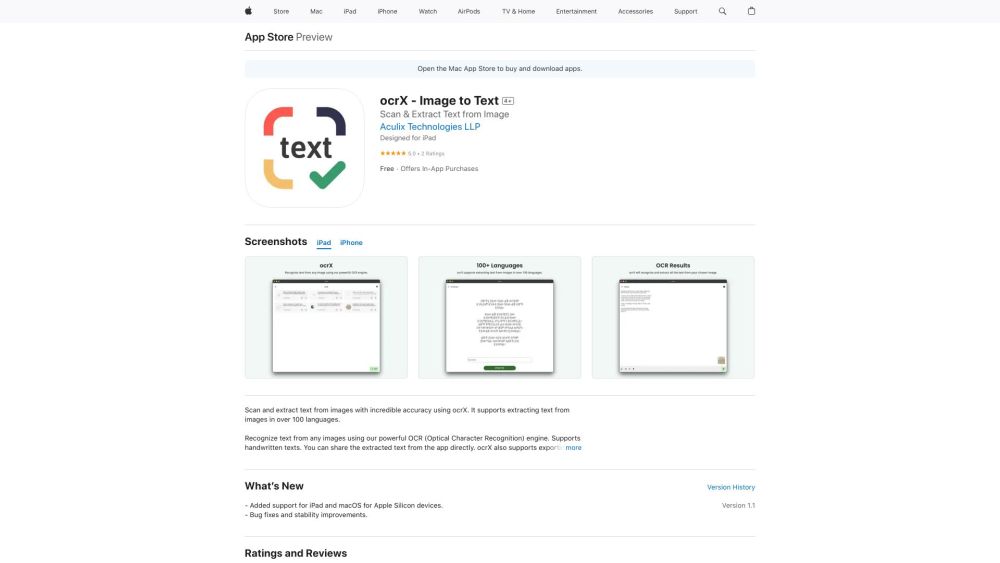
ocrX - Image to Text: Effortlessly scan and extract text from images on your iPhone, iPad, and Mac. Fast, accurate, and reliable text recognition.

DocHub: Simplify your workflow with easy document management, text extraction, QR code scanning, and PDF creation—all in one user-friendly app.
Unlock unlimited OCR with OLOCR: effortlessly extract text from images and PDFs online. Upload now for seamless, instant text recognition!
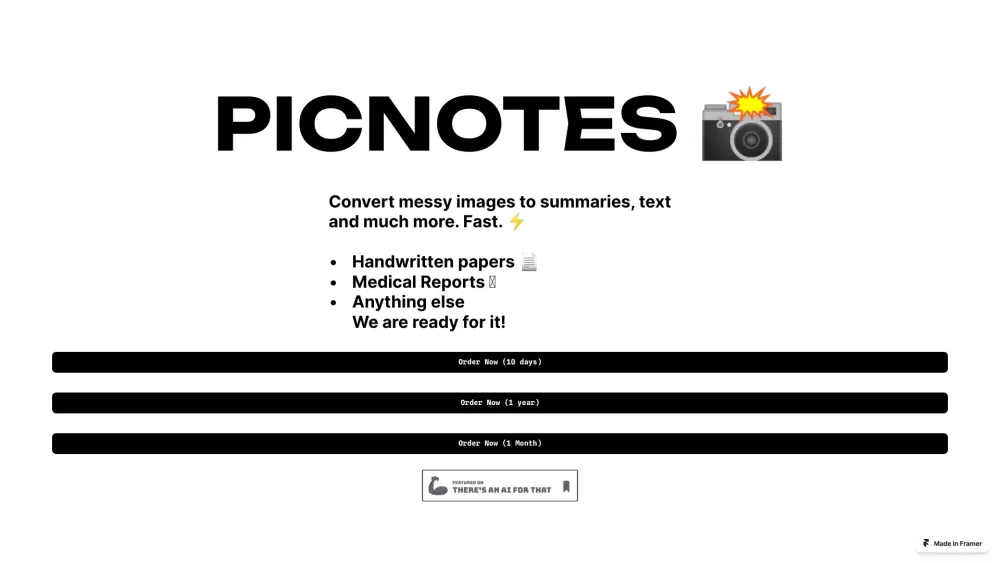
PicNotes: convert messy images into clear text, concise summaries, and more. Transform your visual data with ease and precision.
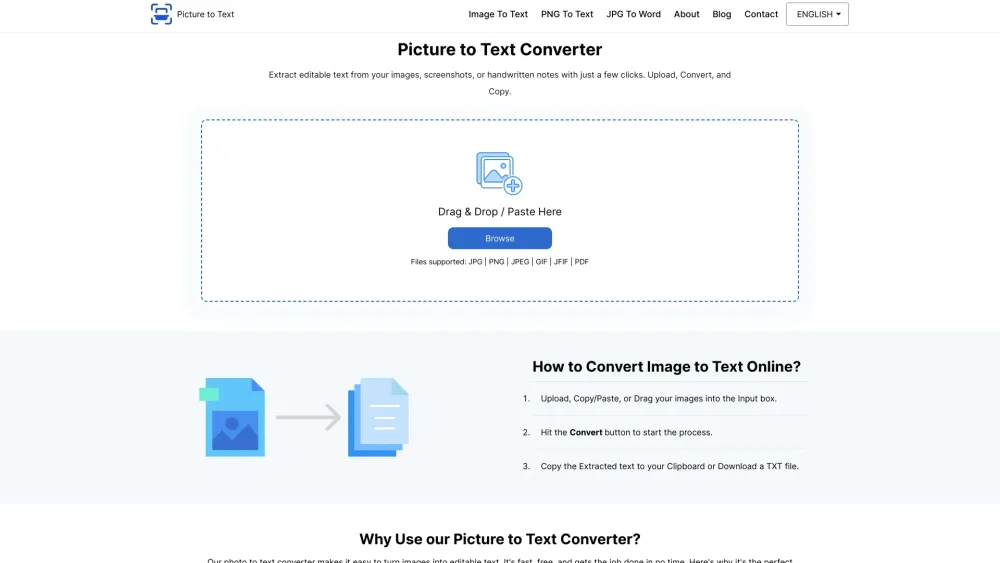
Effortlessly convert and extract text from multiple images with Picture to Text Converter. Enjoy free, bulk OCR for editable text extraction online!
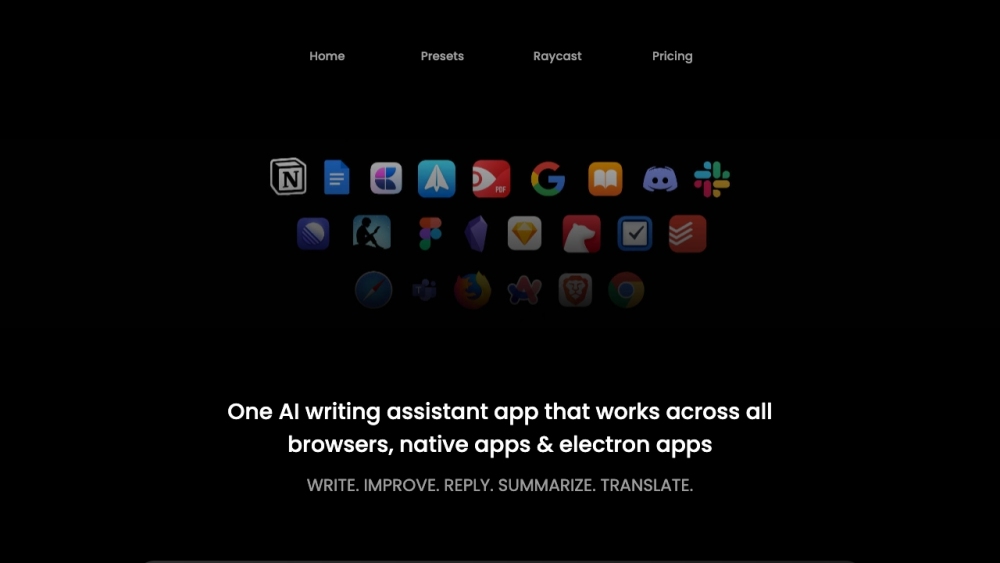
Writers Brew: AI Writing Aid for macOS enhances your writing across all apps and browsers, boosting speed, perfecting grammar, summarizing, and translating effortlessly.
FAQ
Practical answers to help you take the next step.
Writing and content tools help draft, revise or condense text. Drafting new material, checking language and summarizing a source require different review steps.
Compare support for source documents, style instructions, outlines and length limits. Check whether citations link to real material rather than merely looking like references.
Verify names, dates, quotations and factual claims against the original sources. Edit tone, remove repetition and make sure the text answers the intended reader’s question.
Use a real brief and a short source document. Compare factual accuracy, structure and editing time rather than accepting the longest or most confident draft.
Quick Note AI: Organize ideas & create content faster with AI. Smart, intuitive, and efficient – transform your notes into action. Try it today!
Read about Quick Note AIAI Describe Picture: Effortlessly generate image descriptions & extract text. Discover use cases, pricing, reviews, core features, and top alternatives—all in one place.
Read about AI Describe PictureCopy Image Text - Chrome Extension: Effortlessly extract text from web images with ease. Effortless Text Extraction. Get it now!
Read about Copy Image Text - Chrome ExtensionOCR Text Extractor - Chrome Extension: Effortlessly copy text from any media with our tool. Say goodbye to manual typing!
Read about OCR Text Extractor - Chrome ExtensionImage to Text Converter - Chrome Extension: Instantly convert image text into editable text with ease. Boost productivity and save time with one click!
Read about Image to Text ConverterSloth Search - Chrome Extension: Instantly answer queries using GPT from any webpage content. Boost productivity with AI-powered insights while you browse!
Read about Sloth Search - Chrome Extension