Table of contents
Quick Note AI : Smart Notes, Fast Content, AI-Powered Organization
Quick Note AI: Organize ideas & create content faster with AI. Smart, intuitive, and efficient – transform your notes into action. Try it today!
Directory : Prompt, Transcription, Writing Assistants, Transcriber, AI Content Generator, AI Image Scanning, AI Image Recognition, Speech-to-Text, AI Speech Recognition, AI Instagram Assistant, AI Twitter Assistant, AI Facebook Assistant, AI Social Media Assistant, Recording, AI Productivity Tools, AI Notes Assistant, AI Document Extraction
Discover Quick Note AI
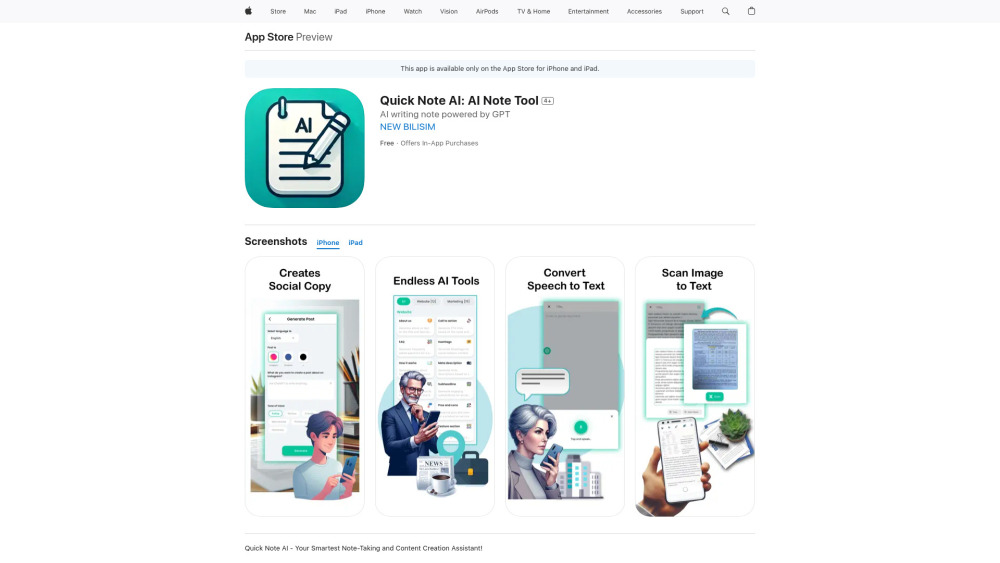
Quick Note AI is an intelligent note-taking solution that helps users capture ideas, streamline workflows, and boost productivity. Built with advanced AI capabilities, the app transforms how you create, manage, and interact with your notes. Whether you're brainstorming, studying, or managing daily tasks, Quick Note AI offers a seamless and intuitive experience for modern users.
Getting Started with Quick Note AI
Begin by downloading Quick Note AI from the App Store. After setting up your account, you can start adding notes right away. Use the app’s smart tools like voice-to-text and image-based text recognition to enhance your note-taking process and keep your information organized.
Key Features of Quick Note AI
Extract text from images instantly
Convert voice memos into written text
Generate engaging social media content
Access ready-to-use writing prompts
Search notes with precision and speed
Who Can Benefit from Quick Note AI?
Extract and edit text from screenshots or documents
Capture spontaneous thoughts using voice input
Draft and refine social media updates on the go
Frequently Asked Questions
-
Is Quick Note AI free to use?
-
Which devices are compatible with Quick Note AI?
FAQ from Quick Note AI
What is Quick Note AI?
Quick Note AI is a next-generation note-taking application enhanced with artificial intelligence. It allows users to take smart notes, organize content efficiently, and retrieve information quickly. With tools like image text extraction and voice-to-text conversion, it’s ideal for creators, students, and professionals alike.
How to use Quick Note AI?
Download the app from the App Store, sign up, and begin creating notes. Take advantage of features like voice recording and text extraction to make your note-taking faster and more effective.
Is Quick Note AI available for free?
Yes, Quick Note AI is available for free with optional premium upgrades for enhanced functionality.
What devices can I use Quick Note AI on?
Quick Note AI is compatible with iPhone and iPad devices running iOS 12.0 or newer versions.