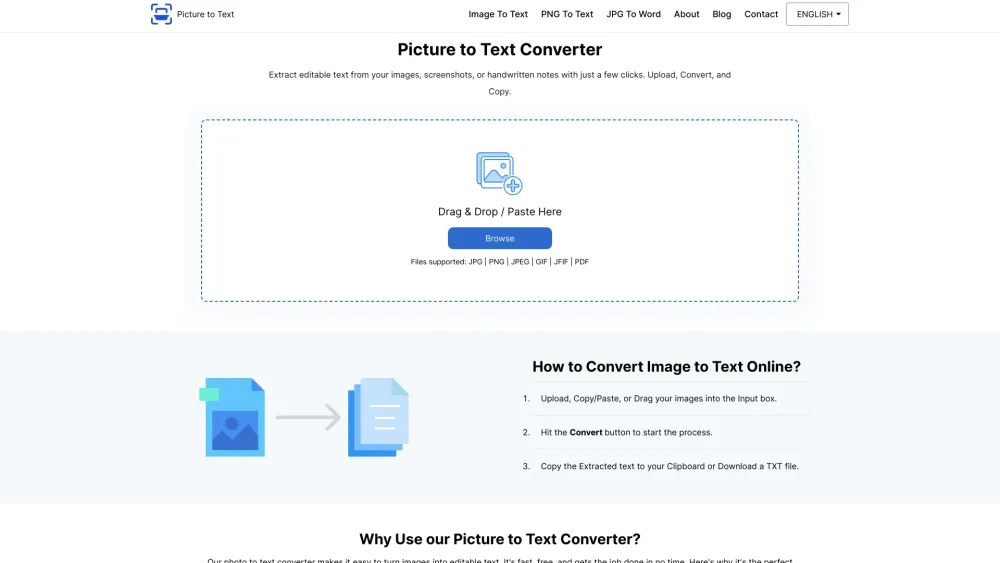
Introduction to Picture to Text Converter
Picture to Text Converter is a versatile online OCR (Optical Character Recognition) tool designed for bulk text extraction from images. This free tool allows you to convert pictures into editable text with ease.
Steps to Use Picture to Text Converter
Simply upload your images, paste them, or drag and drop into the designated input area. Click on the Convert button to initiate the process. Once the text is extracted, you can copy it to your clipboard or download it as a TXT file.
Key Features of Picture to Text Converter
User-Friendly Interface
AI-Powered Text Extraction
Supports Various Image Formats
Batch Processing Capabilities
Multilingual Support
Secure and Private
High-Speed Processing
Completely Free
Applications of Picture to Text Converter
Effortless Office Document Digitization
Convert Screenshots to Editable Text
Streamline Invoice and Receipt Processing
Translate Signboard Text Online
Enhance Legal Document Workflows
Extract Text from PDF Images
-
Contact Picture to Text Converter Support
For support and inquiries, visit the contact us page.
-
Learn More About Picture to Text Converter
For more information, please visit the about us page.
-
Follow Picture to Text Converter on Facebook
Stay updated via our Facebook page.
-
Follow Picture to Text Converter on Twitter
Follow us on Twitter.
-
Follow Picture to Text Converter on Instagram
Connect with us on Instagram.