
Record your screen effortlessly with Tape - Chrome Extension. Get instant summaries of your recordings for easy review and sharing.
Explore a specific workflow
Explore screen recording tools through the product profiles below. The collection groups applications around a shared task. Product scope can overlap, so compare the specific workflow each tool describes rather than the category name alone.
Identify the files, text or account connections your task needs. Confirm that the product accepts those inputs and offers controls for reviewing its work.
Test one representative task and inspect the result for accuracy and completeness. Record where manual corrections or extra tools are needed.
Record your screen effortlessly with Tape - Chrome Extension. Get instant summaries of your recordings for easy review and sharing.

Supercharge your productivity with Bubbles - Chrome Extension. Record your screen for free and let AI take meeting notes for you. Get it now!
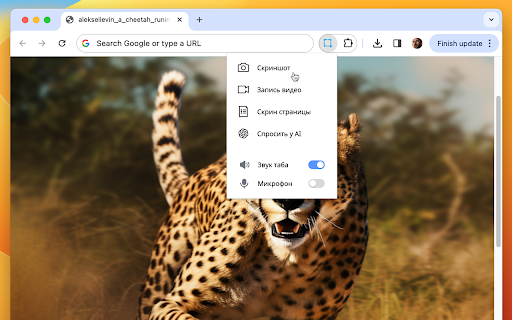
Skrinshoter Chrome Extension: Capture, record screens, and get instant AI help. Boost productivity with screenshots, screen recording, and AI assistance.

ScreenSnap - Chrome Extension: The ultimate screen recorder with a privacy focus. Capture, edit, and share screens securely, protecting your data at every step.

Gluetrail Chrome Extension: Instantly generate content from voice commands and clicks. Boost productivity and streamline your workflow with ease!

Recorditor - Chrome Extension: Capture, edit, and share screen recordings effortlessly. Revolutionize productivity with recording features.

Descript is an all-in-one video and podcast editing software that allows users to write, record, transcribe, edit, collaborate, and share their videos and podcasts. It features powerful AI technology to simplify the editing process and offers a user-friendly interface similar to working with documents and slides.
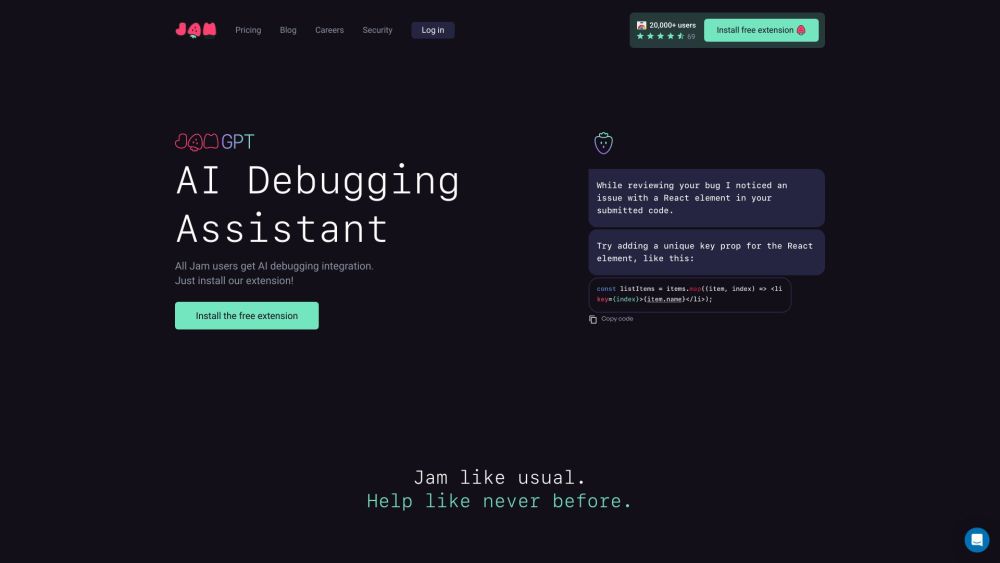
Jam is a bug reporting tool that allows users to quickly and easily report bugs in software products. By simply taking a screenshot or screen recording, users can create bug reports with all the necessary information for engineers to debug the issue.

ddle.dev: Create AI-powered interactive website walkthroughs, like a video call, but without the hassle of scheduling. Boost engagement effortlessly!

Capture and share screen recordings effortlessly with SimpleScreen—one-click recording, mic/webcam support, annotations, and video trimming for all your needs!

Sure, could you please provide the product name and the information about the product?
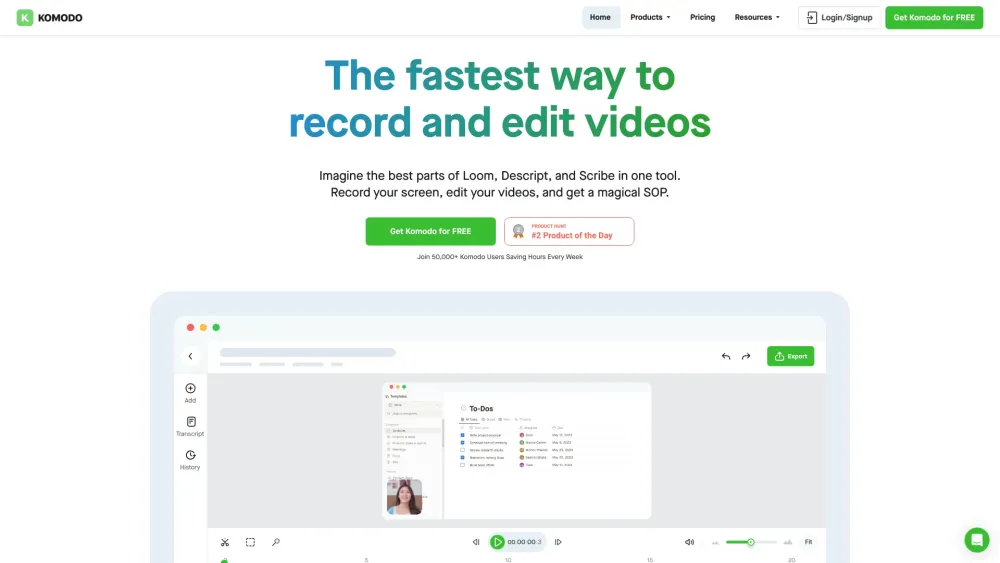
Komodo: The fastest way to record your screen and create interactive guides. Explore use cases, pricing, reviews, core features, and alternatives.

Record your screen. Capture knowledge. Your shared brain. Scale your expertise and yourself.

Capture and save past audio, screen, and mic recordings effortlessly with Backtrack, the Mac menu bar recorder. Perfect for meetings, calls, webinars, and more.

Apowersoft: Free Multimedia & Online Business Solutions. Record, enrich, convert, and deliver content across computers, web, and mobile.
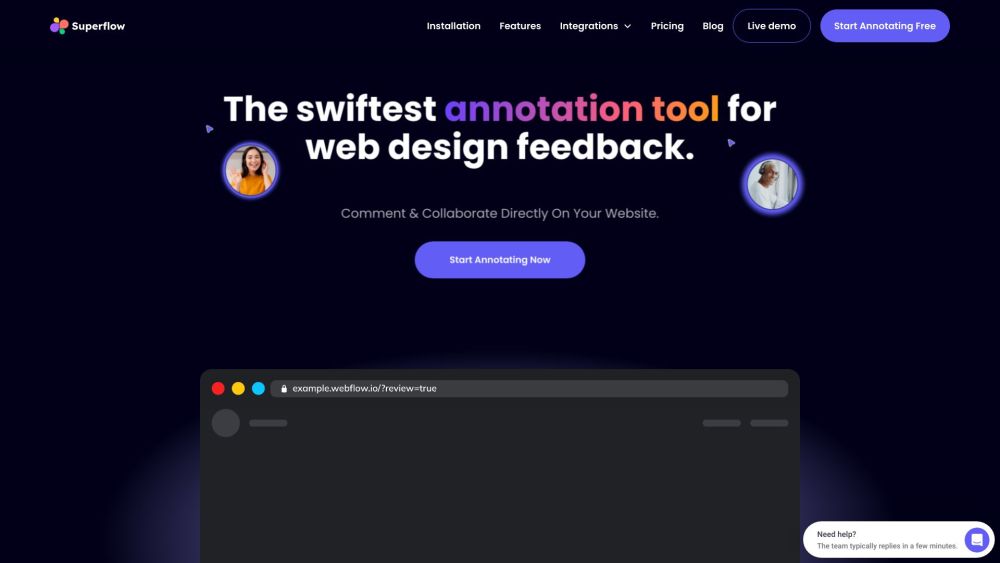
Superflow: Streamline website feedback and design reviews with annotation tools. Boost collaboration and minimize excess communication for superior designs.

Capture every detail effortlessly with FocuSee: Auto-Enhanced Screen Recording with Zoom and Tracking. Perfect videos, no manual editing needed!
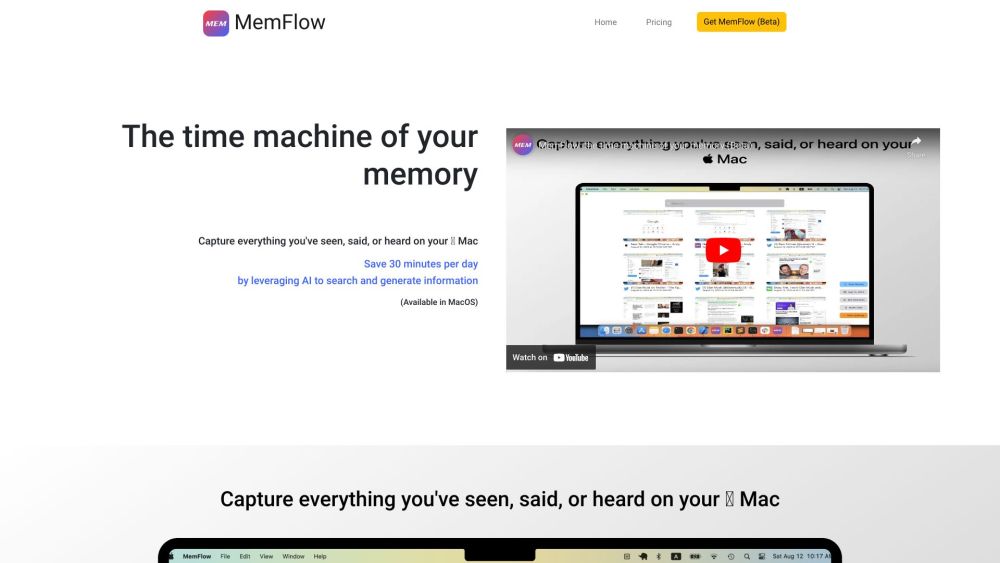
Capture and recall every moment on your Mac effortlessly. MemFlow: Automated screenshots and sound recordings, searchable by semantics. Never miss a memory!

Claap is an all-in-one video workspace that aims to streamline collaboration and knowledge sharing within teams. It offers features like screen recording, meeting recording, and video wiki, allowing users to replace traditional meetings with short videos and turn them into shareable knowledge. Claap also provides AI-powered notes to supercharge meetings and make key moments easily accessible to teammates.

Vizard.ai: AI Video Editor, Screen Recorder. Instantly create and repurpose viral social media clips with powerful, text-based editing tools.

Automatically create step-by-step tutorials by recording your screen and let the AI create guides.

Notta is a high-accuracy transcription service powered by the latest AI speech recognition engine. It offers real-time transcription and translation, as well as the ability to transcribe audio files up to 5 hours in length quickly and efficiently.
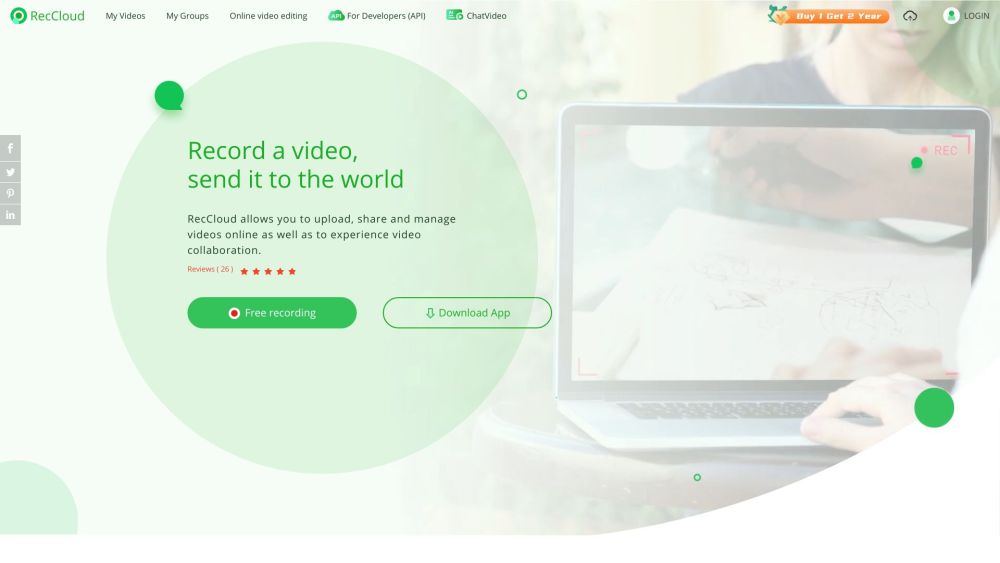
Capture, edit, and enhance videos effortlessly with RecCloud: Free online app with AI-powered Chatvideo, speech-to-text, and subtitles for creation.
FAQ
Practical answers to help you take the next step.
The collection groups applications around a shared task. Product scope can overlap, so compare the specific workflow each tool describes rather than the category name alone.
Identify the files, text or account connections your task needs. Confirm that the product accepts those inputs and offers controls for reviewing its work.
Test one representative task and inspect the result for accuracy and completeness. Record where manual corrections or extra tools are needed.
Choose one task with a clear success condition. Keep the input consistent, record the time spent reviewing and compare the complete workflow cost.
Record your screen effortlessly with Tape - Chrome Extension. Get instant summaries of your recordings for easy review and sharing.
Read about Tape - Chrome ExtensionSupercharge your productivity with Bubbles - Chrome Extension. Record your screen for free and let AI take meeting notes for you. Get it now!
Read about Bubbles - Chrome ExtensionSkrinshoter Chrome Extension: Capture, record screens, and get instant AI help. Boost productivity with screenshots, screen recording, and AI assistance.
Read about Skrinshoter - Chrome ExtensionScreenSnap - Chrome Extension: The ultimate screen recorder with a privacy focus. Capture, edit, and share screens securely, protecting your data at every step.
Read about ScreenSnapGluetrail Chrome Extension: Instantly generate content from voice commands and clicks. Boost productivity and streamline your workflow with ease!
Read about Gluetrail - Chrome ExtensionRecorditor - Chrome Extension: Capture, edit, and share screen recordings effortlessly. Revolutionize productivity with recording features.
Read about Recorditor - Chrome Extension