AI Productivity Tools

FocuSee

Capture every detail effortlessly with FocuSee: Auto-Enhanced Screen Recording with Zoom and Tracking. Perfect videos, no manual editing needed!

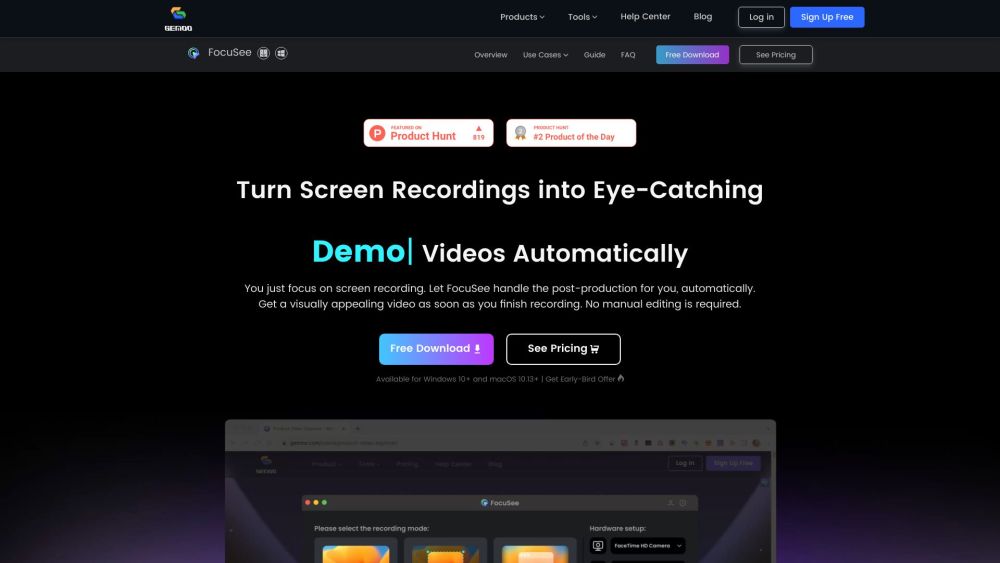
FocuSee website preview

FocuSee Website screenshot

Introducing FocuSee

FocuSee is an innovative screen recording solution that enriches your videos with automatic zoom effects, tracks cursor movements, and integrates visually appealing backgrounds, all without requiring manual post-production.

Using FocuSee

Record your screen, add a selfie video, and include a voiceover as you normally would. FocuSee automatically enhances your recordings by following cursor movements, adding dynamic zoom effects, and incorporating attractive backgrounds, resulting in a polished, professional video ready for sharing.

Key Features of FocuSee

Dynamic Zoom Effects

Cursor Tracking

Attractive Backgrounds

Effortless Enhancement

Applications of FocuSee

Educational Tutorials & Demonstrations

Marketing & Promotional Videos

Sales Pitches & Presentations

Product source: FocuSee official website. Check the provider for current plans, limits and availability.

FAQ

FocuSee questions and answers

Product context and practical checks for evaluating FocuSee.

What is FocuSee used for?

Capture every detail effortlessly with FocuSee: Auto-Enhanced Screen Recording with Zoom and Tracking. Perfect videos, no manual editing needed!

How do I get started with FocuSee?

Open the official FocuSee website and identify the workflow that matches your task. Use a short shot with one subject and one camera movement. Keep the prompt and duration constant, then compare usable seconds and the number of regenerations.

Which capabilities are described for FocuSee?

Dynamic Zoom EffectsCursor TrackingAttractive BackgroundsEffortless Enhancement

What projects can I evaluate FocuSee for?

Educational Tutorials & DemonstrationsMarketing & Promotional VideosSales Pitches & Presentations

What should I compare before choosing a FocuSee plan?

Check FocuSee’s current pricing page for included usage, renewal terms and any credit charges. Compare the cost of a usable result, including retries, rather than assuming that account registration includes free usage.

What inputs should I prepare for a FocuSee trial?

Compare text prompts, reference frames, source footage and audio support. Check duration, aspect ratio and whether the tool lets you keep a subject consistent between shots.

How can I check the quality of a FocuSee result?

Watch the entire clip for motion errors, distorted objects, changing identities, lip-sync problems and abrupt transitions. Inspect the downloaded file as well as the preview.

Which export options should I check in FocuSee?

Check export resolution, frame rate, aspect ratio, audio tracks and watermark rules. A good preview is not a substitute for an export that fits your publishing channel.

What is a practical way to test FocuSee against alternatives?

Use a short shot with one subject and one camera movement. Keep the prompt and duration constant, then compare usable seconds and the number of regenerations.

Where is the official FocuSee website?

The website linked from this profile is https://gemoo.com/focusee. Use the provider’s own documentation, account area and support channels to confirm current product details.

Visit FocuSee