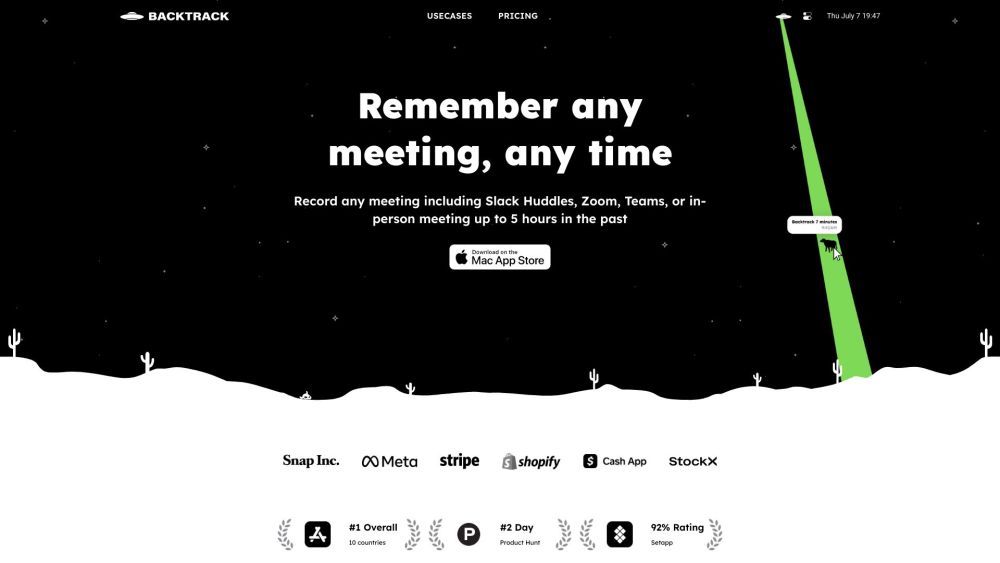
What is Backtrack?
Backtrack is an innovative Mac menu bar application designed for capturing and saving past audio, screen, and microphone recordings. Ideal for a variety of professional scenarios, Backtrack is perfect for recording meetings, client consultations, brainstorming sessions, user interviews, sales calls, webinars, conference interactions, bug reporting, and more.
How to Use Backtrack?
Getting started with Backtrack is straightforward. After installing the app on your Mac, the Backtrack icon will appear in your menu bar. By clicking and dragging this icon, you can save recordings of up to 1 hour from both in-person and Zoom calls. The app continuously remembers the last hour of audio and screen activities, allowing you to preview and select specific segments to save from Zoom sessions or face-to-face conversations. Your recordings remain private until you choose to share them via a link.
Backtrack's Core Features
Record up to 5 hours of past audio, screen, or microphone activities
Preview and select recordings before downloading
Upload recordings to the cloud for AI-powered note-taking
Generate AI-driven transcripts and summaries
Capture recordings from platforms like Zoom, Slack Huddles, in-person meetings, and more
Backtrack's Use Cases
Recording Slack Huddles
Client Consultations
Brainstorming Sessions
User Interviews
Sales Calls
Webinars
Conference Booths
Bug Reporting
Backtrack Company
Backtrack is developed by Yac Inc.
Backtrack Pricing
For pricing details, visit the Backtrack Pricing Page.
Backtrack LinkedIn
Connect with us on LinkedIn.
Backtrack Twitter
Follow us on Twitter.
Backtrack Instagram
Stay updated via our Instagram.