
Supercharge Google Meet with Firework - a Chrome Extension that accelerates summaries and streamlines video editing. Maximize productivity now!
Explore a specific workflow
Explore video recording tools through the product profiles below. These tools help create, edit or repurpose moving images. Text-to-video, image animation and video editing solve different tasks, so start with the source material you already have.
Compare text prompts, reference frames, source footage and audio support. Check duration, aspect ratio and whether the tool lets you keep a subject consistent between shots.
Watch the entire clip for motion errors, distorted objects, changing identities, lip-sync problems and abrupt transitions. Inspect the downloaded file as well as the preview.
Supercharge Google Meet with Firework - a Chrome Extension that accelerates summaries and streamlines video editing. Maximize productivity now!
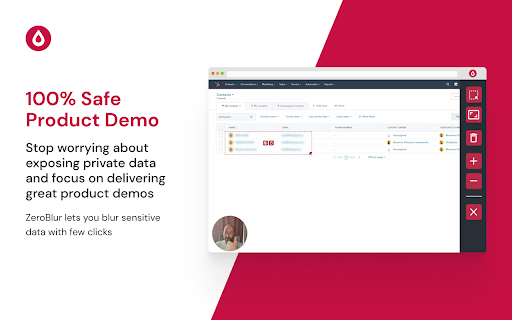
ZeroBlur Chrome Extension lets you easily blur sensitive data on webpages, ensuring privacy and security with just a click. Simple, fast, and secure!
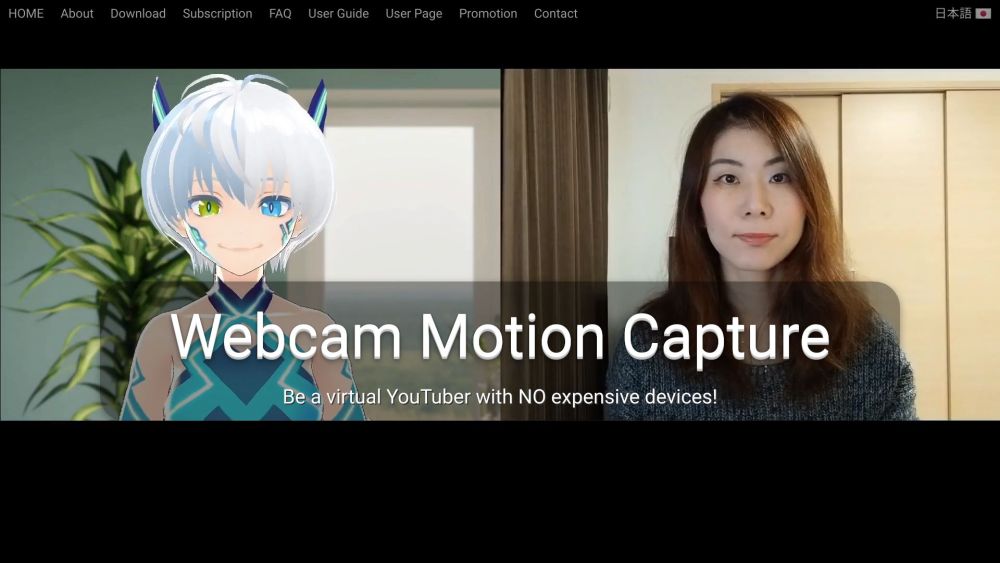
Be a virtual YouTuber with NO expensive devices!

Prompter: Effortlessly access and present content with our auto-scrolling teleprompter web app—perfect for smooth, professional presentations!

Screenle: Revolutionize hiring with AI-powered online interviews. record video, analyze responses, and make smarter decisions faster!

Master interview skills with Yanshoof! Get AI-powered feedback and tailored practice to ace your next interview. Confidence starts here.

Create avatars & Vtubers with Hyper! Perfect for live streaming, social media videos, or crafting your digital persona. Download now on iOS!

Journey is a platform that helps users engage, close, and onboard customers in one link. It enables users to create interactive presentations called Journeys that incorporate video, slides, and interactive embeds like calendars. With Journey, users can tell better stories and increase their chances of winning deals.

tl;dv is an AI-powered meeting recorder for Zoom and Google Meet. It allows you to video record, transcribe, highlight, and share your online meetings.
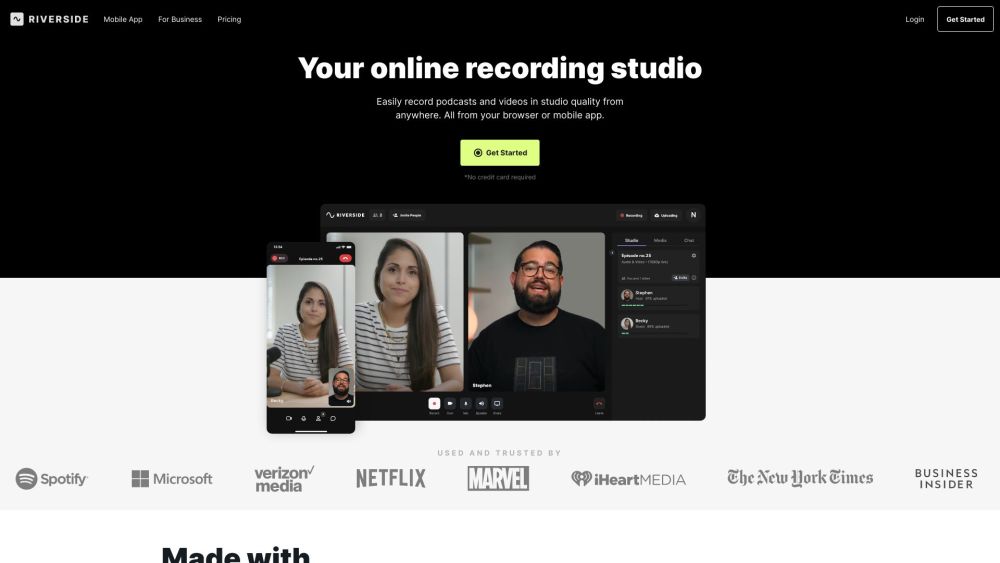
Riverside.fm is a virtual studio that enables podcasters and media companies to record high-quality podcasts and videos remotely. It offers studio-quality audio and 4k video recording capabilities, allowing users to create professional content from anywhere.

Visla: AI-powered video storytelling made easy. Effortlessly record, edit, and share high-quality videos for teams and individuals.

SpeakAide - AI Teleprompter: Enhance your public speaking with AI-driven script-writing and teleprompter features. Deliver flawless speeches and videos effortlessly.

Speakflow: The ultimate online teleprompter with script writing, team collaboration, and voice-activated scrolling. Perfect for presentations!

Weet is an AI-powered video recording and editing platform that allows users to create interactive training videos and build a knowledge video library.
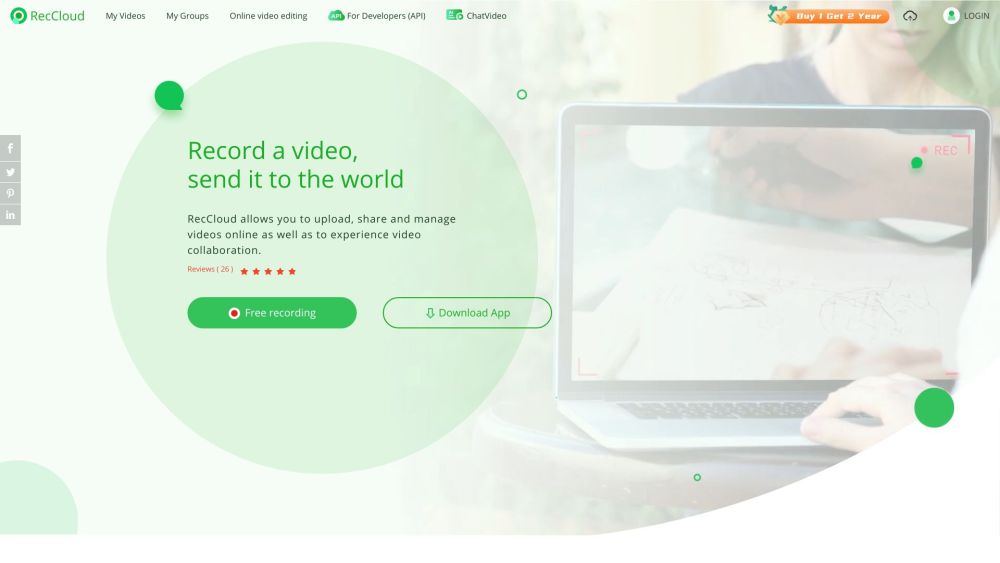
Capture, edit, and enhance videos effortlessly with RecCloud: Free online app with AI-powered Chatvideo, speech-to-text, and subtitles for creation.
FAQ
Practical answers to help you take the next step.
These tools help create, edit or repurpose moving images. Text-to-video, image animation and video editing solve different tasks, so start with the source material you already have.
Compare text prompts, reference frames, source footage and audio support. Check duration, aspect ratio and whether the tool lets you keep a subject consistent between shots.
Watch the entire clip for motion errors, distorted objects, changing identities, lip-sync problems and abrupt transitions. Inspect the downloaded file as well as the preview.
Use a short shot with one subject and one camera movement. Keep the prompt and duration constant, then compare usable seconds and the number of regenerations.
Supercharge Google Meet with Firework - a Chrome Extension that accelerates summaries and streamlines video editing. Maximize productivity now!
Read about Firework - Chrome ExtensionZeroBlur Chrome Extension lets you easily blur sensitive data on webpages, ensuring privacy and security with just a click. Simple, fast, and secure!
Read about ZeroBlur - Chrome ExtensionBe a virtual YouTuber with NO expensive devices!
Read about Webcam Motion CapturePrompter: Effortlessly access and present content with our auto-scrolling teleprompter web app—perfect for smooth, professional presentations!
Read about PrompterScreenle: Revolutionize hiring with AI-powered online interviews. record video, analyze responses, and make smarter decisions faster!
Read about ScreenleMaster interview skills with Yanshoof! Get AI-powered feedback and tailored practice to ace your next interview. Confidence starts here.
Read about Yanshoof