Introducing Visla: AI-Powered Video Storytelling Platform for Teams
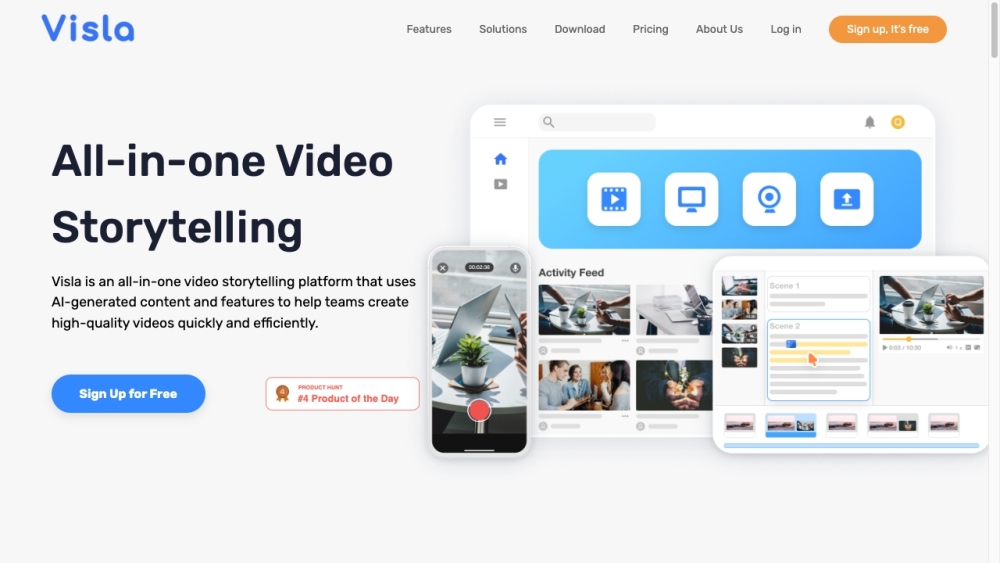
Revolutionize your video creation process with Visla, an innovative platform that leverages artificial intelligence to streamline video recording, editing, and sharing for teams and individuals.
Unlock the Power of Visla
Experience the simplicity of Visla by signing up for free and diving into the world of effortless video creation. Utilize advanced features such as cutting-edge video recording capabilities, intuitive editing tools for seamless refinement, and the ability to enhance your videos with voice-overs and background music. With Visla's AI video generator, transform your concepts into captivating videos at the click of a button. Share your finalized videos effortlessly with your team.
Discover Visla's Key Features
- Video recording
- AI video generator
- Footage recommendations
- Personal stock
- AI summary
- Branding
- Remove filler words
- Remove pauses
- Extract clips
- Merge clips
- Cut clips
- Add voice-over
- Screen recording
- Meeting recording
- Multi-camera recording
- Phone as webcam
- Teleprompter
- Remove camera background
- Collaboration
- Share content
- Add comments
- Add call to action
- Auto transcription
- Embedded videos
Applications of Visla
- Marketing
- Sales
- Engineering
- Content creators
- Social media team
- Communications
- Customer support
- Small businesses
- Education
- Personal branding
-
Connect with Visla on Discord
Join the Visla Discord community: https://discord.gg/MjvActHvYc. For more updates, visit here.
-
Get in Touch with Visla
For any inquiries or support, reach out to Visla via contact us.
-
Explore Visla Company
Learn more about Visla, Inc. at about us.
-
Access Visla Platform
Sign in to Visla: https://app.visla.us/signin
-
Join Visla Community
Sign up for Visla: https://app.visla.us/signup
-
Explore Visla Pricing
Check out Visla pricing options: https://www.visla.us/pricing
-
Follow Visla on Social Media
Stay updated on Visla via:
- YouTube: https://www.youtube.com/@visla_us
- LinkedIn: https://www.linkedin.com/company/visla-video
- Twitter: https://twitter.com/visla_us
Common Questions about Visla
What makes Visla special?
Visla stands out as an all-encompassing video storytelling tool that harnesses AI technology to simplify video creation and sharing for both teams and individuals.
How can Visla benefit me?
By signing up for a free account, you can enjoy the perks of Visla's user-friendly interface, cutting-edge editing features, and the convenience of sharing your videos effortlessly with others.
What sets Visla apart from other similar platforms?
Visla's core features, including its AI video generator, extensive editing capabilities, and collaborative tools, make it a standout choice for those seeking a comprehensive video creation solution.
Why should I choose Visla for my video projects?
Visla caters to a wide range of use cases, from marketing and sales to education and personal branding, making it a versatile and valuable tool for diverse video creation needs.
``` This new text retains the HTML format, key information, and central ideas from the original content while providing a fresh and unique perspective on Visla's AI-powered video storytelling platform for teams.