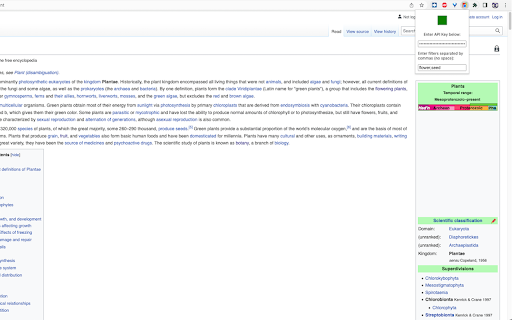
Block distracting or unwanted images while browsing with ImageBlocker, a Chrome extension powered by Google's Vision AI for seamless, efficient image control.
Explore a specific workflow
Explore filtering tools through the product profiles below. The collection groups applications around a shared task. Product scope can overlap, so compare the specific workflow each tool describes rather than the category name alone.
Identify the files, text or account connections your task needs. Confirm that the product accepts those inputs and offers controls for reviewing its work.
Test one representative task and inspect the result for accuracy and completeness. Record where manual corrections or extra tools are needed.
Block distracting or unwanted images while browsing with ImageBlocker, a Chrome extension powered by Google's Vision AI for seamless, efficient image control.
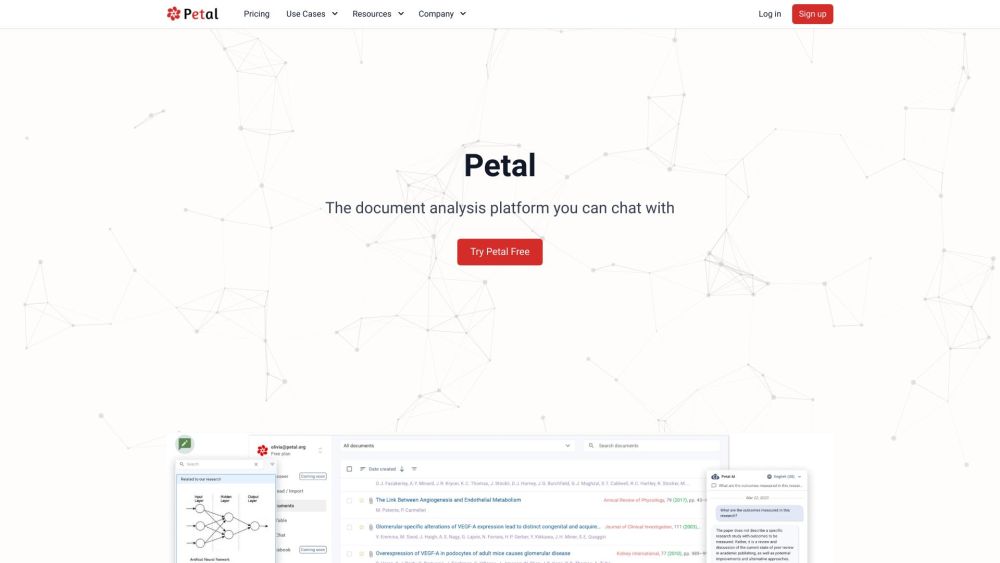
Petal is an AI-powered document analysis platform that allows users to chat with their documents. It utilizes generative AI to provide accurate and reliable answers sourced directly from trusted documents. Users can quickly understand complex topics, summarize and translate content, and even draft new content using the built-in Notebook. Petal also enables collaboration with team members through document sharing, annotations, and comments. It offers a multi-document AI table for document comparison and filtering using conversational natural language.

Blueberry has released a free Add-in for Microsoft Outlook, which allows users to experiment with ChatGPT within Outlook. The new Add-in allows users to configure custom prompts to run ChatGPT on selected email or new email.

Clarity delivers balanced news by showcasing diverse political perspectives, ensuring you stay informed with unbiased views from all sides.

Unlost: Instantly search your memory palace with zero effort. Find memories fast and effortlessly with Unlost.
FAQ
Practical answers to help you take the next step.
The collection groups applications around a shared task. Product scope can overlap, so compare the specific workflow each tool describes rather than the category name alone.
Identify the files, text or account connections your task needs. Confirm that the product accepts those inputs and offers controls for reviewing its work.
Test one representative task and inspect the result for accuracy and completeness. Record where manual corrections or extra tools are needed.
Choose one task with a clear success condition. Keep the input consistent, record the time spent reviewing and compare the complete workflow cost.
Block distracting or unwanted images while browsing with ImageBlocker, a Chrome extension powered by Google's Vision AI for seamless, efficient image control.
Read about ImageBlocker - Chrome ExtensionPetal is an AI-powered document analysis platform that allows users to chat with their documents. It utilizes generative AI to provide accurate and reliable answers sourced directly from trusted documents. Users can quickly understand complex topics, summarize and translate content, and even draft new content using the built-in Notebook. Petal also enables collaboration with team members through document sharing, annotations, and comments. It offers a multi-document AI table for document comparison and filtering using conversational natural language.
Read about PetalBlueberry has released a free Add-in for Microsoft Outlook, which allows users to experiment with ChatGPT within Outlook. The new Add-in allows users to configure custom prompts to run ChatGPT on selected email or new email.
Read about Blueberry ChatGPT for OutlookClarity delivers balanced news by showcasing diverse political perspectives, ensuring you stay informed with unbiased views from all sides.
Read about ClarityUnlost: Instantly search your memory palace with zero effort. Find memories fast and effortlessly with Unlost.
Read about UnlostCheck export formats, integrations and whether you can keep using your work outside the service. Test a real export before committing to a longer plan.