
Droplette: An AI-powered tool for effortlessly creating custom color palettes in Figma, designed to enhance your design workflow and creativity.
Explore a specific workflow
Explore figma tools through the product profiles below. The collection groups applications around a shared task. Product scope can overlap, so compare the specific workflow each tool describes rather than the category name alone.
Identify the files, text or account connections your task needs. Confirm that the product accepts those inputs and offers controls for reviewing its work.
Test one representative task and inspect the result for accuracy and completeness. Record where manual corrections or extra tools are needed.
Droplette: An AI-powered tool for effortlessly creating custom color palettes in Figma, designed to enhance your design workflow and creativity.

Could you please provide the product name and details? This will help me craft a compelling description for you.

Figflow: Instantly transform design files into detailed user stories. Simplify workflows, save time, and boost productivity with file conversion.
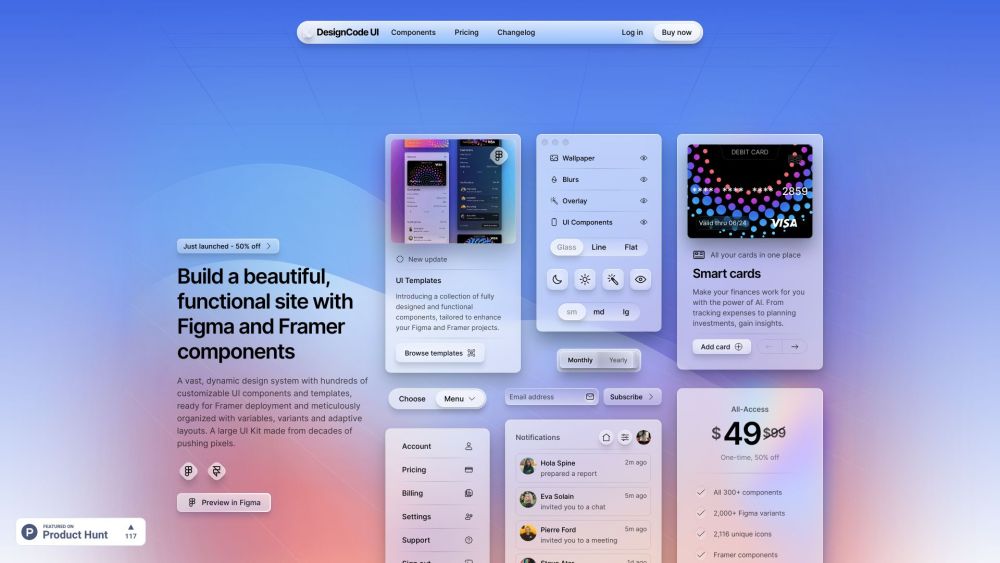
DesignCode UI: A vast, customizable design system with hundreds of dynamic UI components, adaptive layouts, and templates—ready for Framer deployment.

I can help with that! Could you please provide the details of the product named ''?
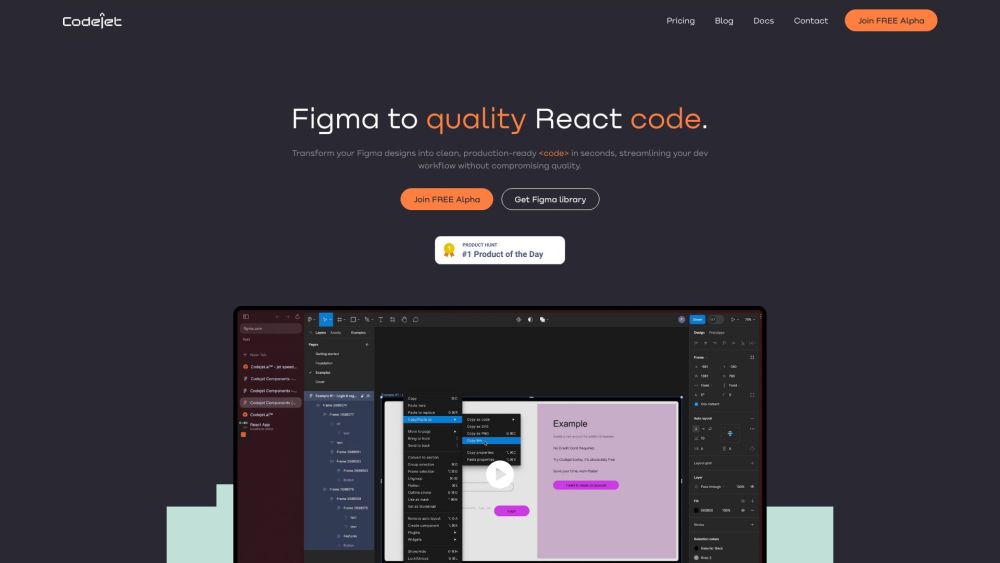
Codejet.ai is a jet speed design-to-code transformation tool that helps builders code 50% faster by converting designs to production-ready code. It simplifies the development workflow by transforming Figma designs into clean and open TypeScript or HTML code, ensuring high-quality results.
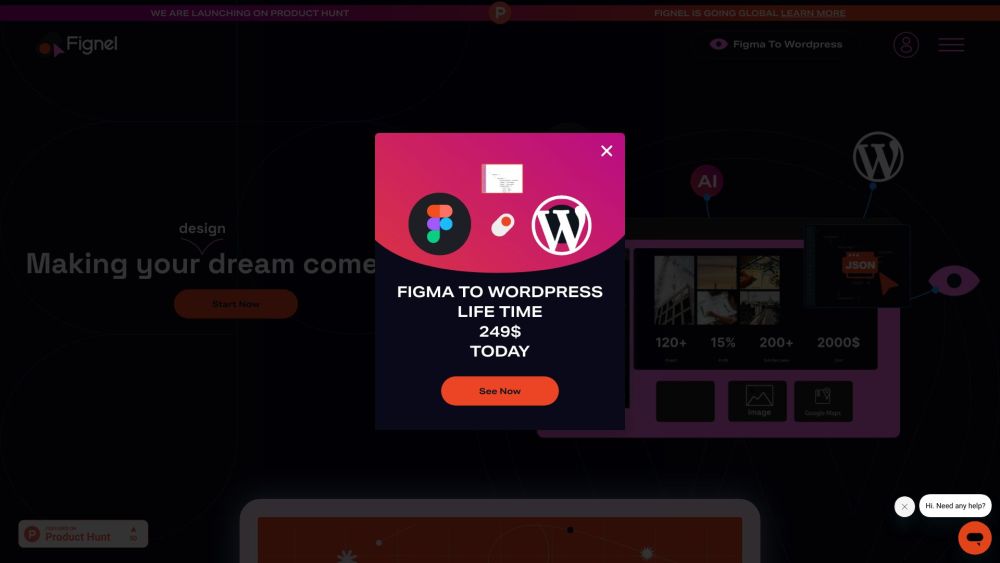
Fignel is a plugin that allows you to convert your Figma designs into WordPress Elementor pages. It streamlines the process of turning static designs into live websites, eliminating the need for coding knowledge and reducing development time.

Create apps effortlessly with UI Ants: Sleek UI Kits for Figma. Crafted with organized components for app creation!

Create app icons with Iconomy. Customize with prompts, design unique styles, and enjoy integration with our Figma plug-in.

HueHive: Effortlessly create and explore color palettes with ChatGPT's intelligent guidance. Transform your designs with vibrant, harmonious colors!
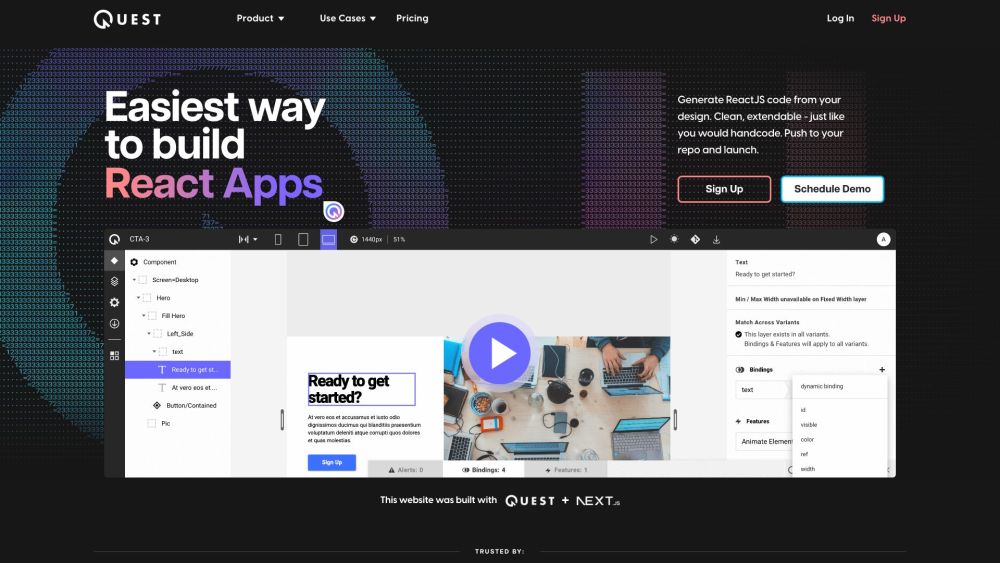
Quest is a tool that allows you to generate clean and extendable React components from your Figma design. It helps you build React apps easily and efficiently, without the need for manual coding.
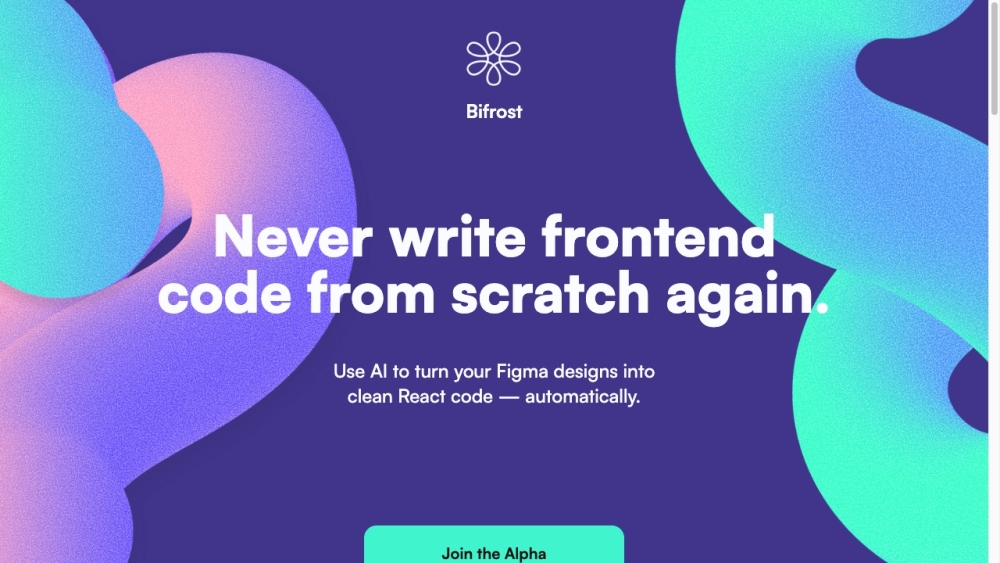
Bifrost: Transform Figma designs into clean React code effortlessly with AI. Supports Tailwind & Chakra for project integration.
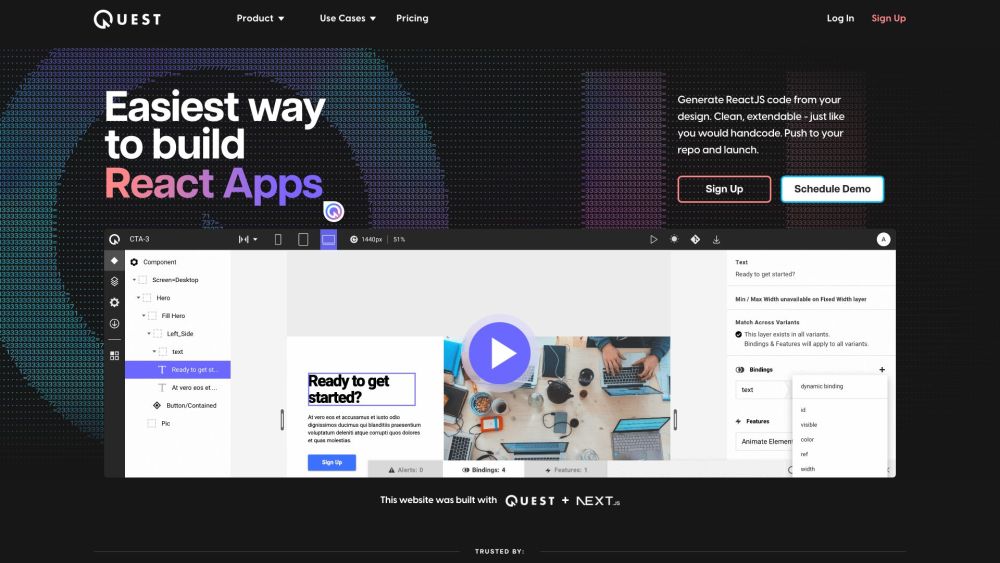
Quest is a platform that allows users to generate React components and clean code from their Figma designs. It simplifies the process of building React apps by automatically converting designs into code that is extendable and follows industry standards. With built-in support for Material-UI (MUI) and Chakra UI, Quest makes it easy to create beautiful animations and responsive, multi-screen experiences without the need to write a line of code.
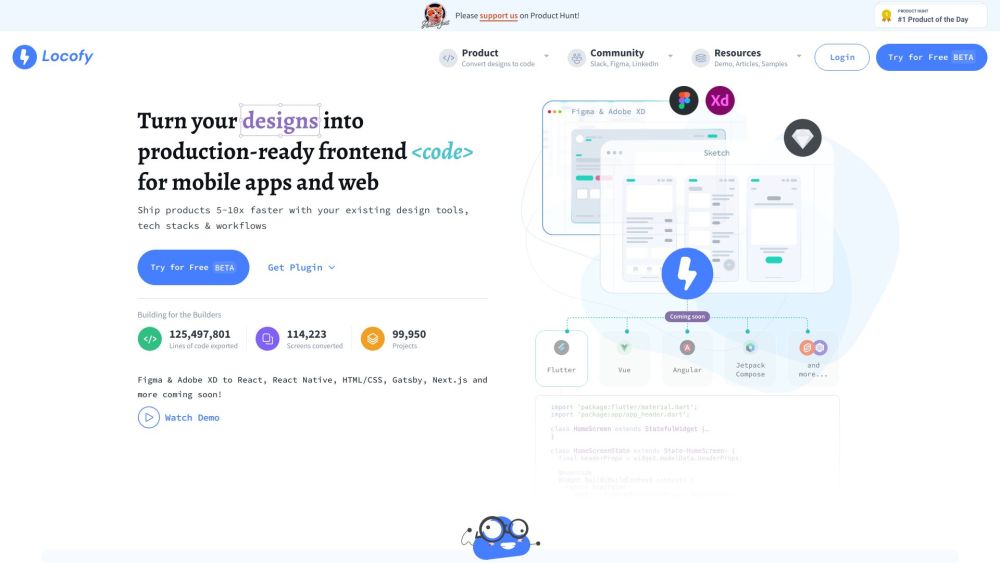
Locofy.ai: Launch 5-10x faster! Convert designs to production-ready code with our Swift Launch Platform. Transform ideas into reality effortlessly.

Color Fuse AI: Generate and visualize color palettes effortlessly with AI-powered chat. Perfect for designers and artists seeking creative inspiration.
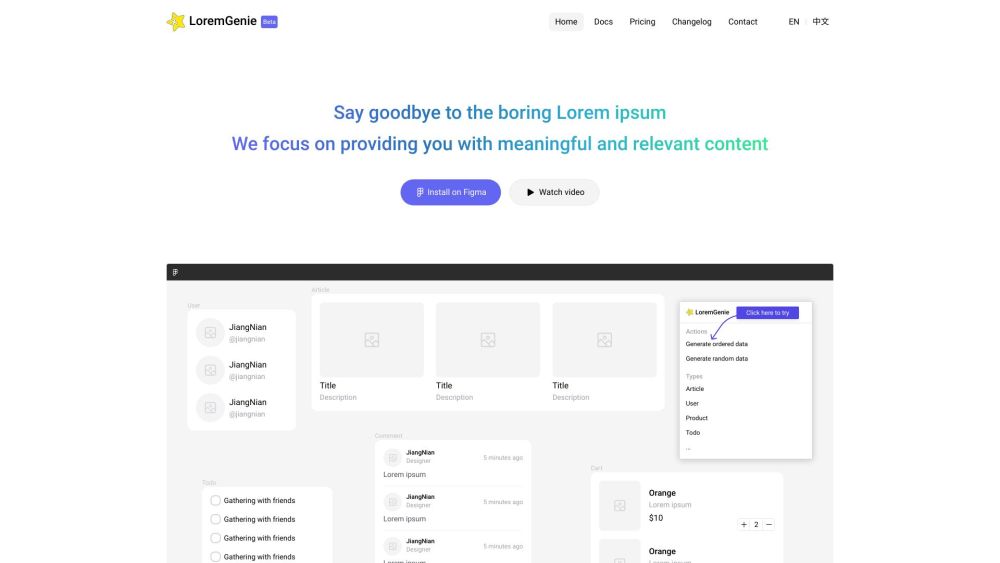
Boost your designs with LoremGenie for Figma: the ultimate plugin to populate with realistic data like profiles, listings, and reviews. Make your projects shine!
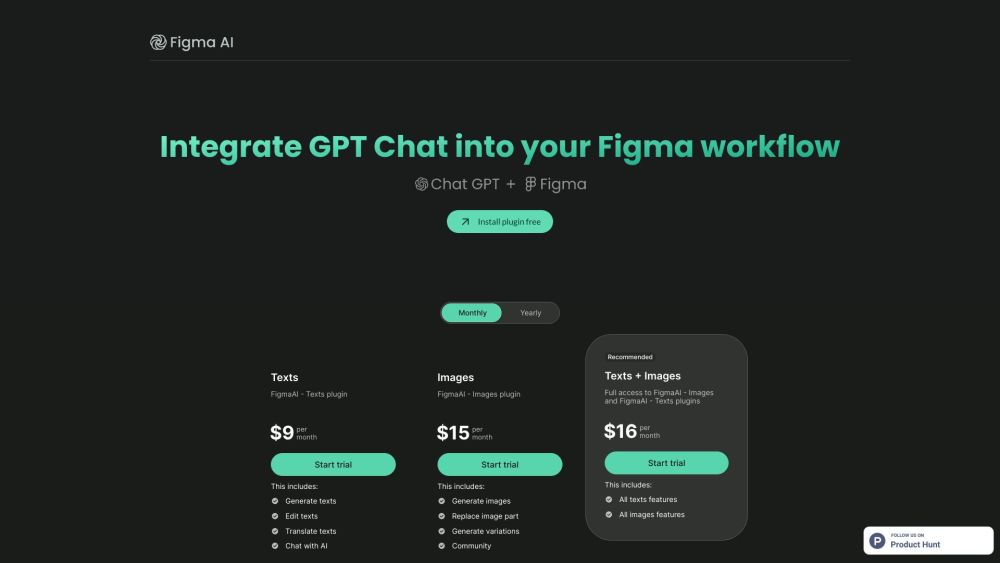
FigmaAI: Edit & Write Text, ChatGPT Plugin. Enhance Figma with multi-text editing power, all free. Essential for designers!
FAQ
Practical answers to help you take the next step.
The collection groups applications around a shared task. Product scope can overlap, so compare the specific workflow each tool describes rather than the category name alone.
Identify the files, text or account connections your task needs. Confirm that the product accepts those inputs and offers controls for reviewing its work.
Test one representative task and inspect the result for accuracy and completeness. Record where manual corrections or extra tools are needed.
Choose one task with a clear success condition. Keep the input consistent, record the time spent reviewing and compare the complete workflow cost.
Droplette: An AI-powered tool for effortlessly creating custom color palettes in Figma, designed to enhance your design workflow and creativity.
Read about DropletteCould you please provide the product name and details? This will help me craft a compelling description for you.
Read about Product NameFigflow: Instantly transform design files into detailed user stories. Simplify workflows, save time, and boost productivity with file conversion.
Read about FigflowDesignCode UI: A vast, customizable design system with hundreds of dynamic UI components, adaptive layouts, and templates—ready for Framer deployment.
Read about DesignCode UII can help with that! Could you please provide the details of the product named ''?
Read about Stylish Leather WalletCodejet.ai is a jet speed design-to-code transformation tool that helps builders code 50% faster by converting designs to production-ready code. It simplifies the development workflow by transforming Figma designs into clean and open TypeScript or HTML code, ensuring high-quality results.
Read about Codejet.ai