AI Product Description Generator

Bifrost

Bifrost: Transform Figma designs into clean React code effortlessly with AI. Supports Tailwind & Chakra for project integration.

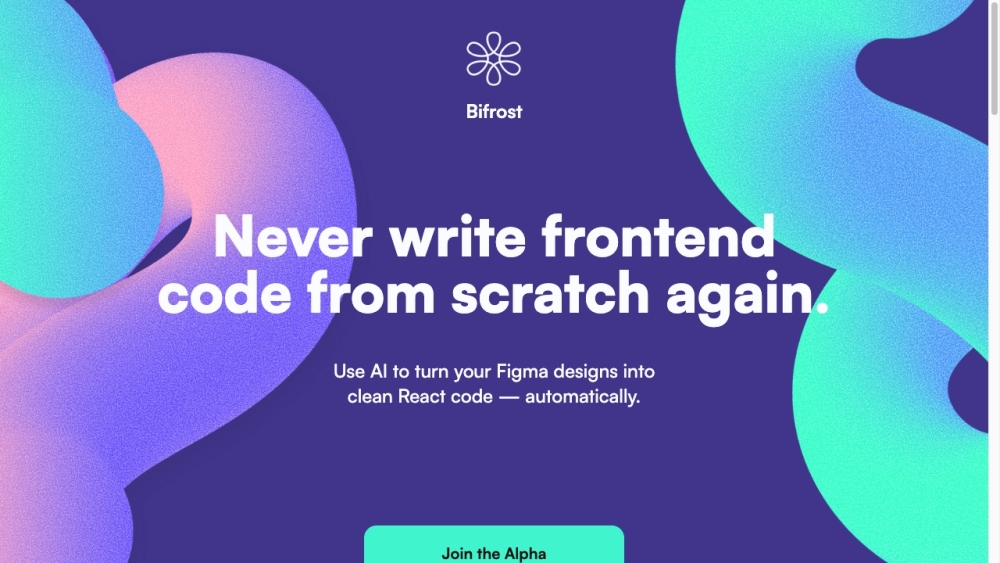
Bifrost website preview

Bifrost Website screenshot

What is Bifrost?

Bifrost is an innovative tool that leverages AI to transform Figma designs into clean, efficient React code. This process is seamless, with support for Tailwind and Chakra UI, facilitating easy integration into your projects.

How to use Bifrost?

To get started with Bifrost, log in to the platform and import your Figma designs. Bifrost will automatically analyze your designs and generate React code that integrates perfectly with your existing codebase. It allows for the creation of comprehensive component sets, conditional rendering, and the use of default props from Figma. Whether starting from any screen within a flow or making updates, Bifrost efficiently generates the necessary components and incorporates design changes seamlessly.

Bifrost's Core Features

Key features of Bifrost include: - AI-driven conversion of Figma designs to React code - Tailwind and Chakra UI support for smooth integration - Generation of complete component libraries - Type-safe components with conditional rendering - Utilization of default props from Figma - Easy iteration with design updates - One-click synchronization with Figma - Empowerment of designers to effortlessly create and update screens

Bifrost's Use Cases

Bifrost is beneficial at various development stages: - Initial Stage (0 → 1): Establish a strong foundation with type-safe, default prop-enabled component sets from Figma. - Scaling Stage (1 → 10): Efficiently scale by generating screens from any flow, leveraging existing components or creating new ones. - Iteration Stage (10 → 100): Seamlessly incorporate design updates into existing components, even after adding custom logic. Bifrost bridges the gap between designers and developers, allowing designers to make updates without cumbersome handoffs and enabling engineers to focus on building key features.

Product source: Bifrost official website. Check the provider for current plans, limits and availability.

FAQ

Bifrost questions and answers

Product context and practical checks for evaluating Bifrost.

What is Bifrost used for?

Bifrost: Transform Figma designs into clean React code effortlessly with AI. Supports Tailwind & Chakra for project integration.

How do I get started with Bifrost?

To get started with Bifrost, log in to the platform and import your Figma designs. Bifrost will automatically analyze your designs and generate React code that integrates perfectly with your existing codebase. It allows for the creation of comprehensive component sets, conditional rendering, and the use of default props from Figma. Whether starting from any screen within a flow or making updates, Bifrost efficiently generates the necessary components and incorporates design changes seamlessly.

Which capabilities are described for Bifrost?

Key features of Bifrost include: - AI-driven conversion of Figma designs to React code - Tailwind and Chakra UI support for smooth integration - Generation of complete component libraries - Type-safe components with conditional rendering - Utilization of default props from Figma - Easy iteration with design updates - One-click synchronization with Figma - Empowerment of designers to effortlessly create and update screens

What projects can I evaluate Bifrost for?

Bifrost is beneficial at various development stages: - Initial Stage (0 → 1): Establish a strong foundation with type-safe, default prop-enabled component sets from Figma. - Scaling Stage (1 → 10): Efficiently scale by generating screens from any flow, leveraging existing components or creating new ones. - Iteration Stage (10 → 100): Seamlessly incorporate design updates into existing components, even after adding custom logic. Bifrost bridges the gap between designers and developers, allowing designers to make updates without cumbersome handoffs and enabling engineers to focus on building key features. Bifrost Pricing Bifrost Pricing Link: https://www.notion.so/bifrostcode/Bifrost-Summer-Beta-587dcc7a5d6d4790ba7a4dc781b36c12

What should I compare before choosing a Bifrost plan?

Bifrost Pricing Link: https://www.notion.so/bifrostcode/Bifrost-Summer-Beta-587dcc7a5d6d4790ba7a4dc781b36c12 Confirm current prices and allowances on the provider’s website before purchasing.

What inputs should I prepare for a Bifrost trial?

Look for text prompts, image references, masks or sketches as appropriate. Compare composition control, supported upload types and the ability to revise a selected area.

How can I check the quality of a Bifrost result?

Inspect text, hands, edges, reflections and repeated objects at full size. Check that important product or brand details survive editing.

Which export options should I check in Bifrost?

Compare pixel dimensions, transparency, file formats and any enlargement options. Confirm that the downloaded result works in your design or publishing software.

What is a practical way to test Bifrost against alternatives?

Prepare a brief with a subject, composition, lighting and required output size. Test a first generation and a targeted revision to see how much control you retain.

Where is the official Bifrost website?

The website linked from this profile is https://www.bifrost.so. Use the provider’s own documentation, account area and support channels to confirm current product details.

Visit Bifrost