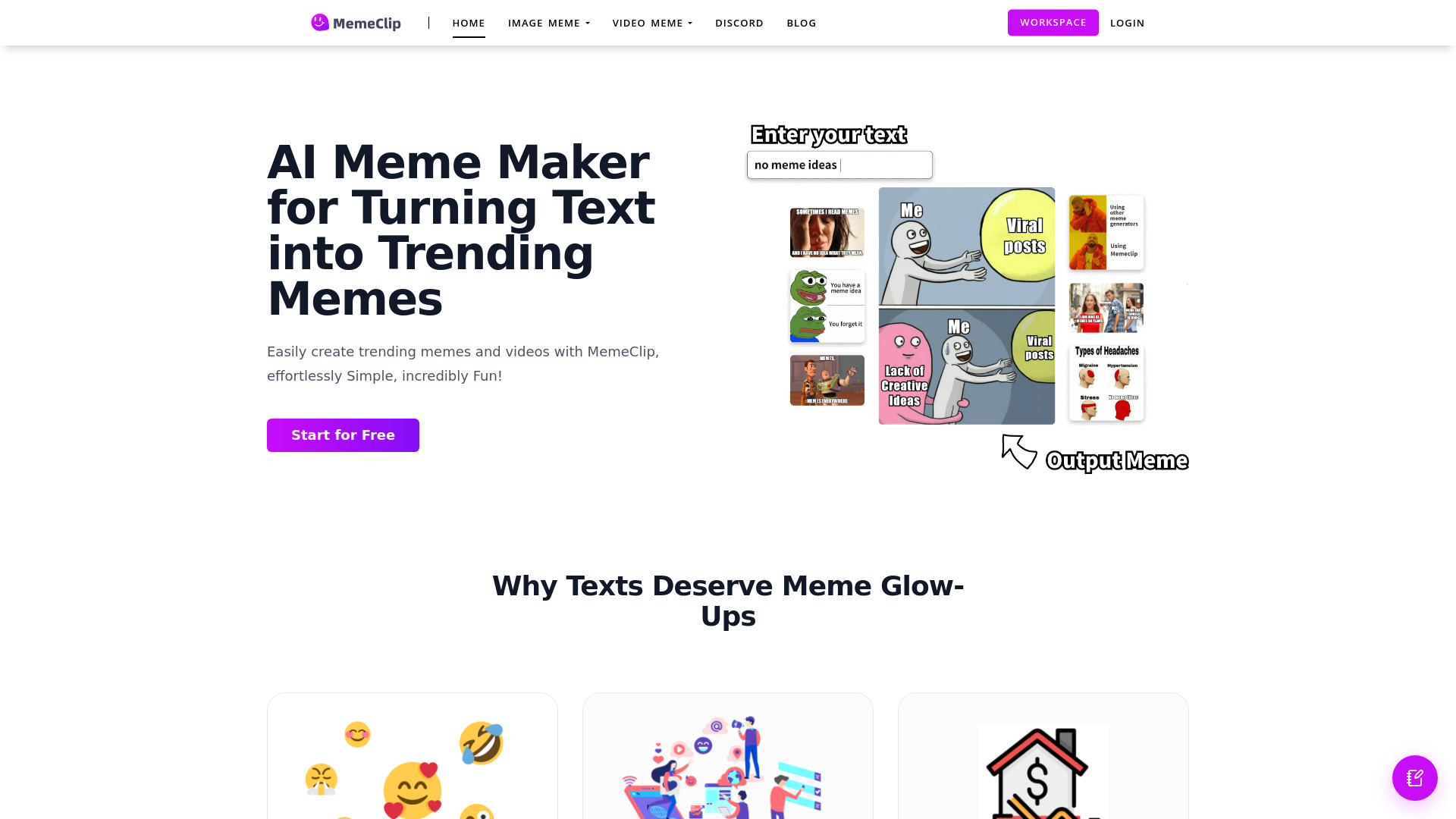
MemeClip turns text into viral memes and video clips with AI. Create image memes, speech bubbles, and custom emojis free in seconds.
AI tools by category
Explore video creation tools through the product profiles below. These tools help create, edit or repurpose moving images. Text-to-video, image animation and video editing solve different tasks, so start with the source material you already have.
Compare text prompts, reference frames, source footage and audio support. Check duration, aspect ratio and whether the tool lets you keep a subject consistent between shots.
Watch the entire clip for motion errors, distorted objects, changing identities, lip-sync problems and abrupt transitions. Inspect the downloaded file as well as the preview.
MemeClip turns text into viral memes and video clips with AI. Create image memes, speech bubbles, and custom emojis free in seconds.
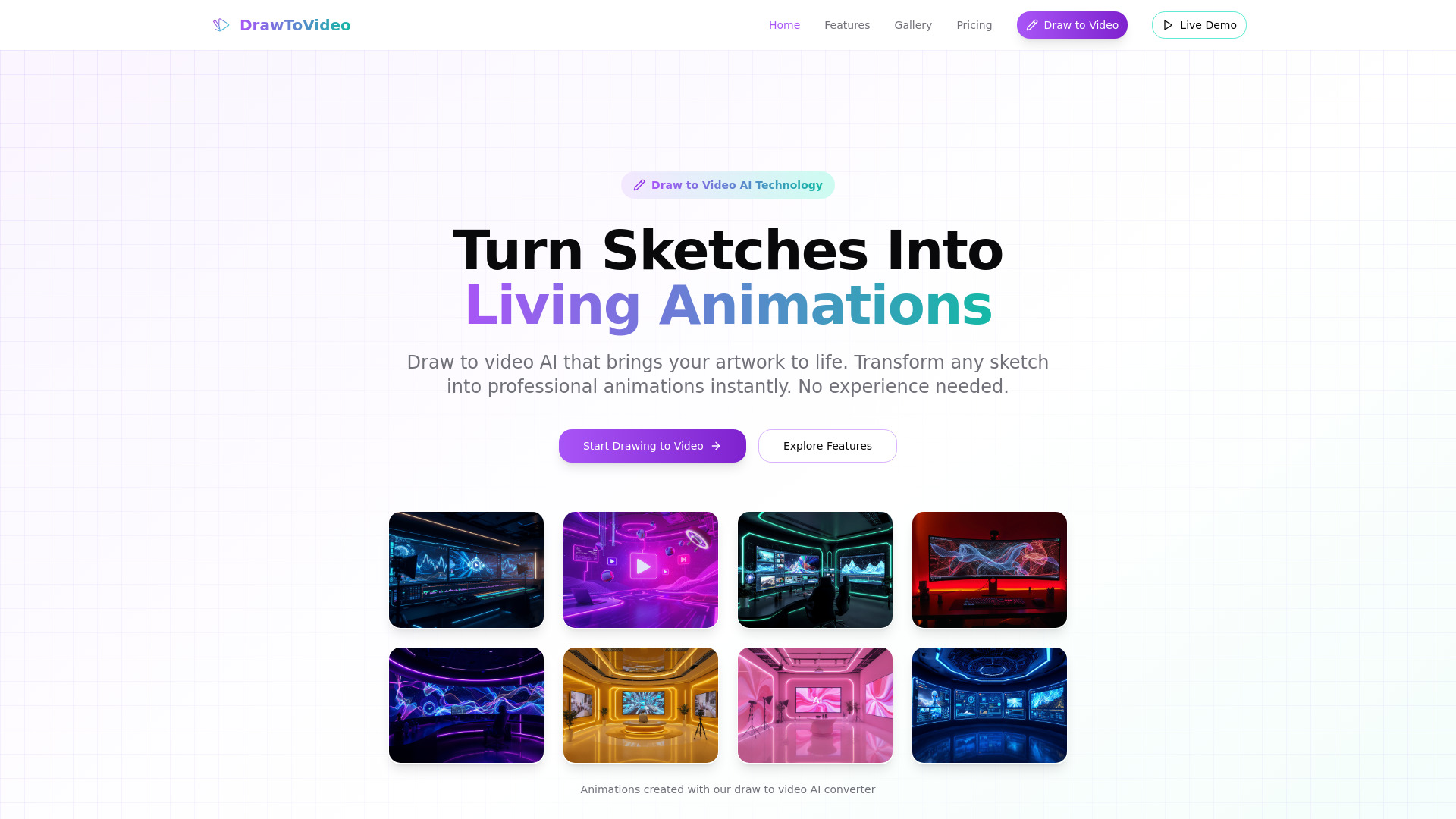
Turn sketches into animations in seconds with Draw to Video AI. Create professional videos for free—no animation experience needed.
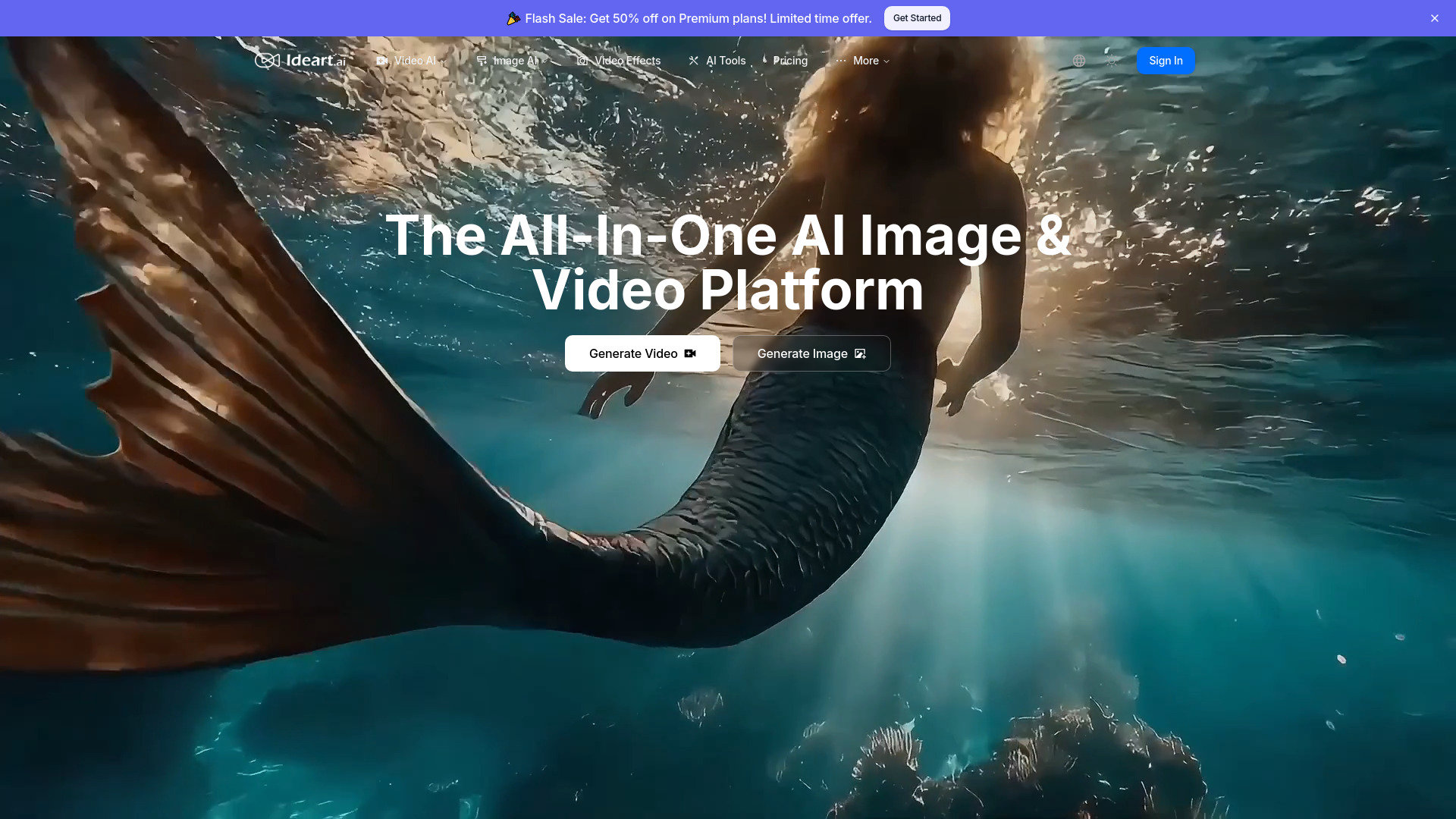
Create studio-quality videos and images with IDEART AI. Unlock AI text-to-video, image generation, and pro effects
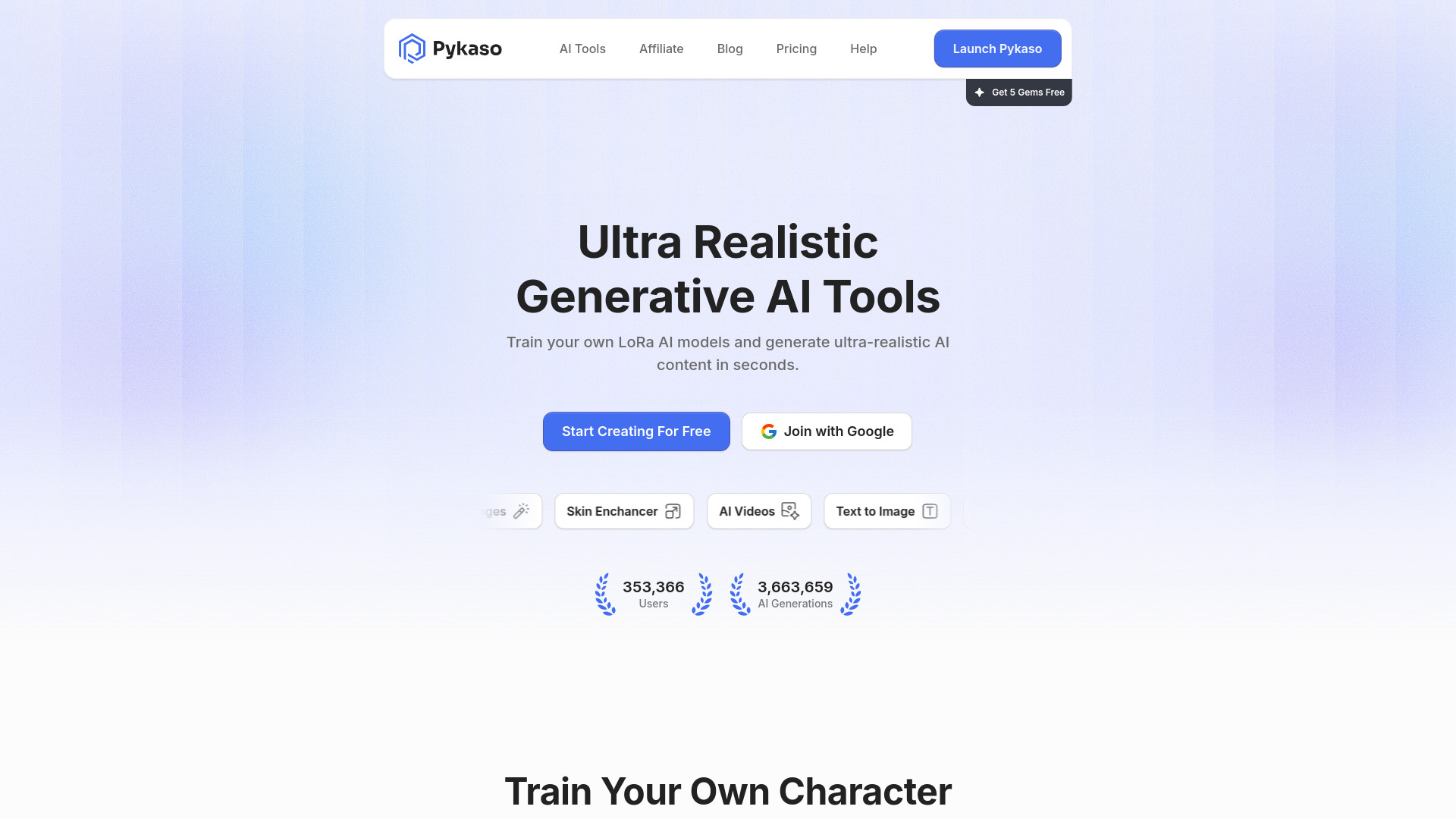
Pykaso AI: Create ultra-realistic AI characters & videos with 8 powerful tools (LoRA, face swap, video gen). Monetize content for social media & brands—fast.
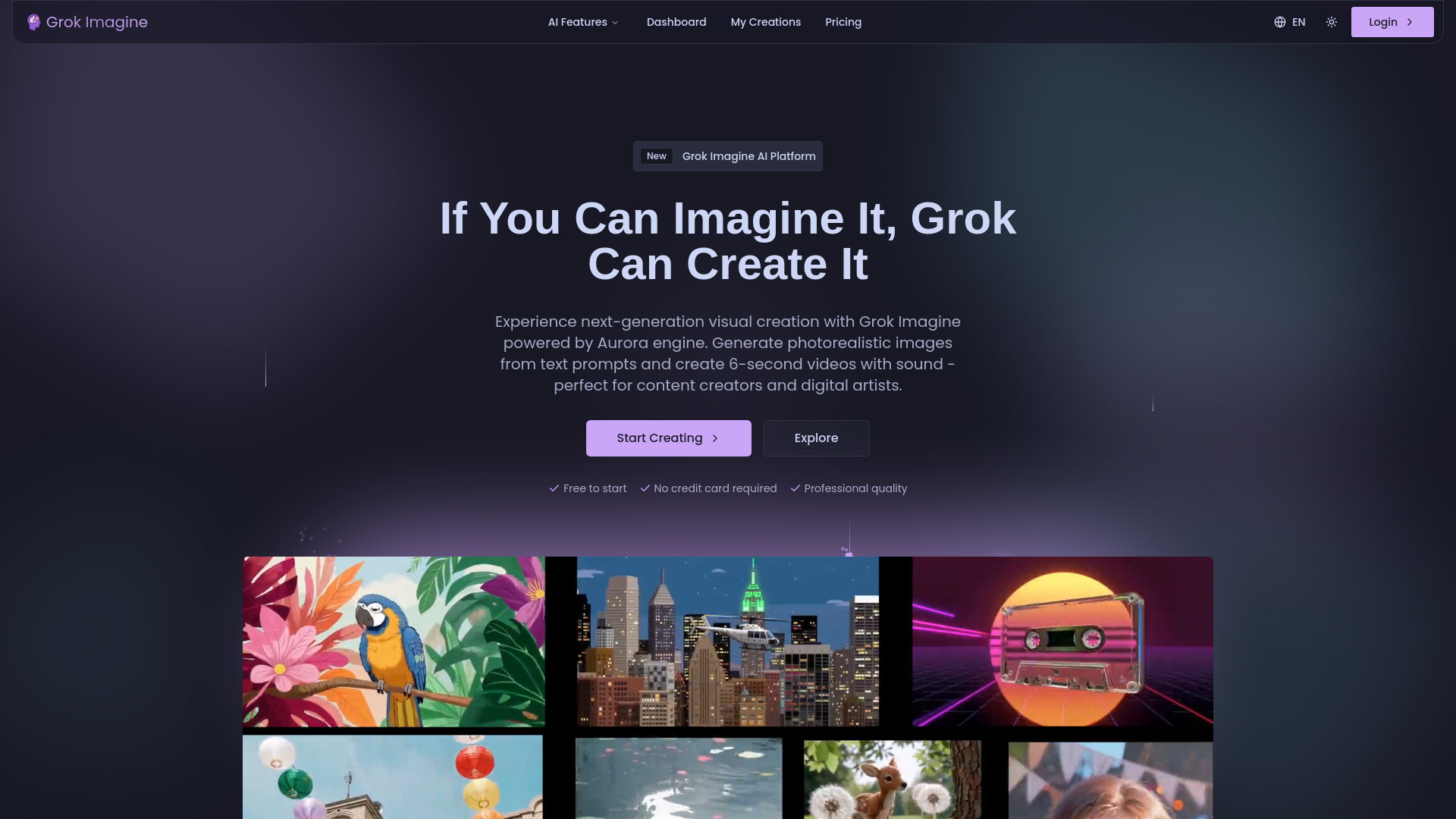
Grok Imagine: Generate photorealistic images & 6-sec videos with sound—from text. Powered by Aurora AI. Free trial!
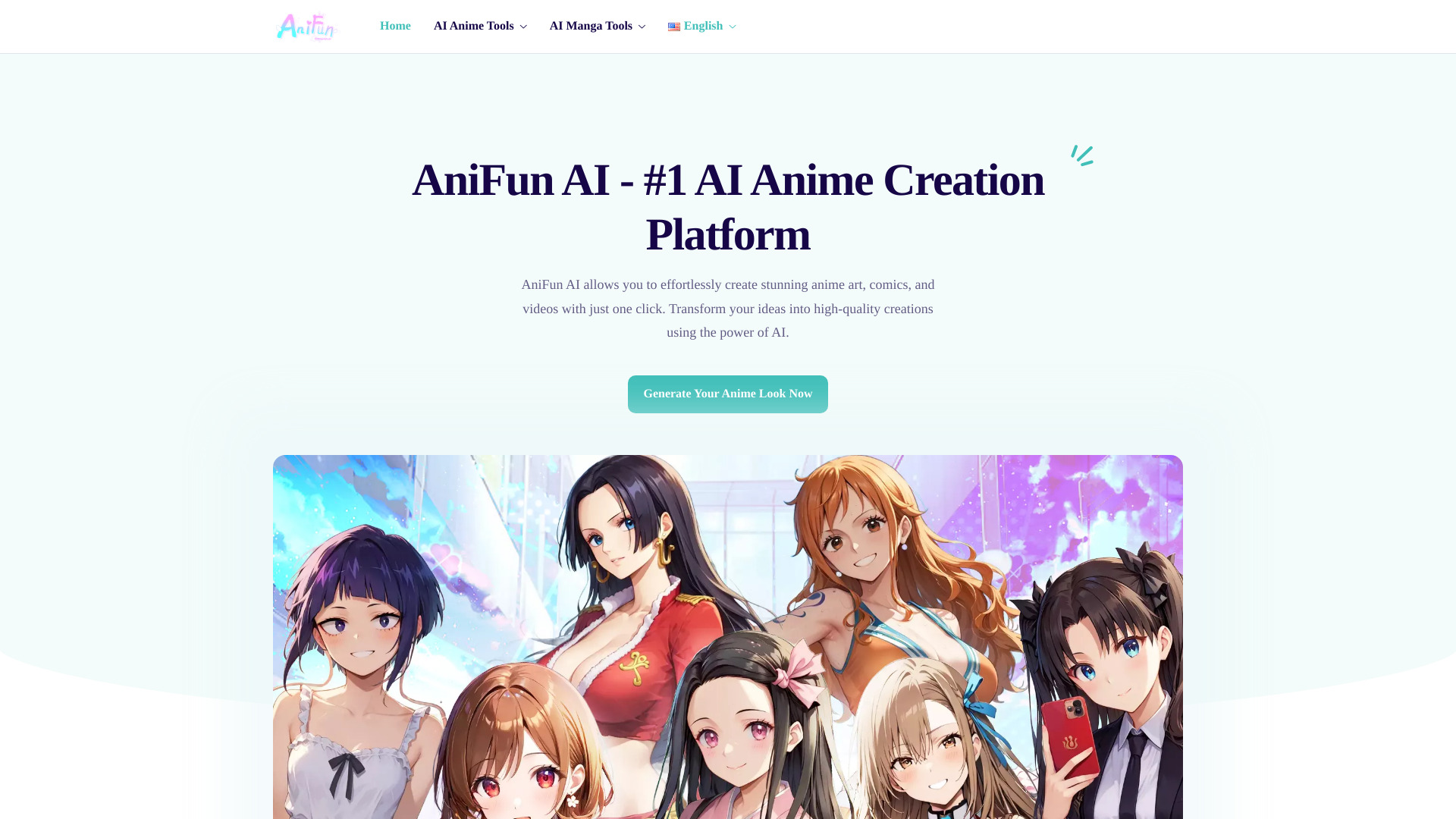
Anifun AI: Turn ideas into anime art, manga & videos—fast, professional, one-click. Try the free AI-powered generator now!
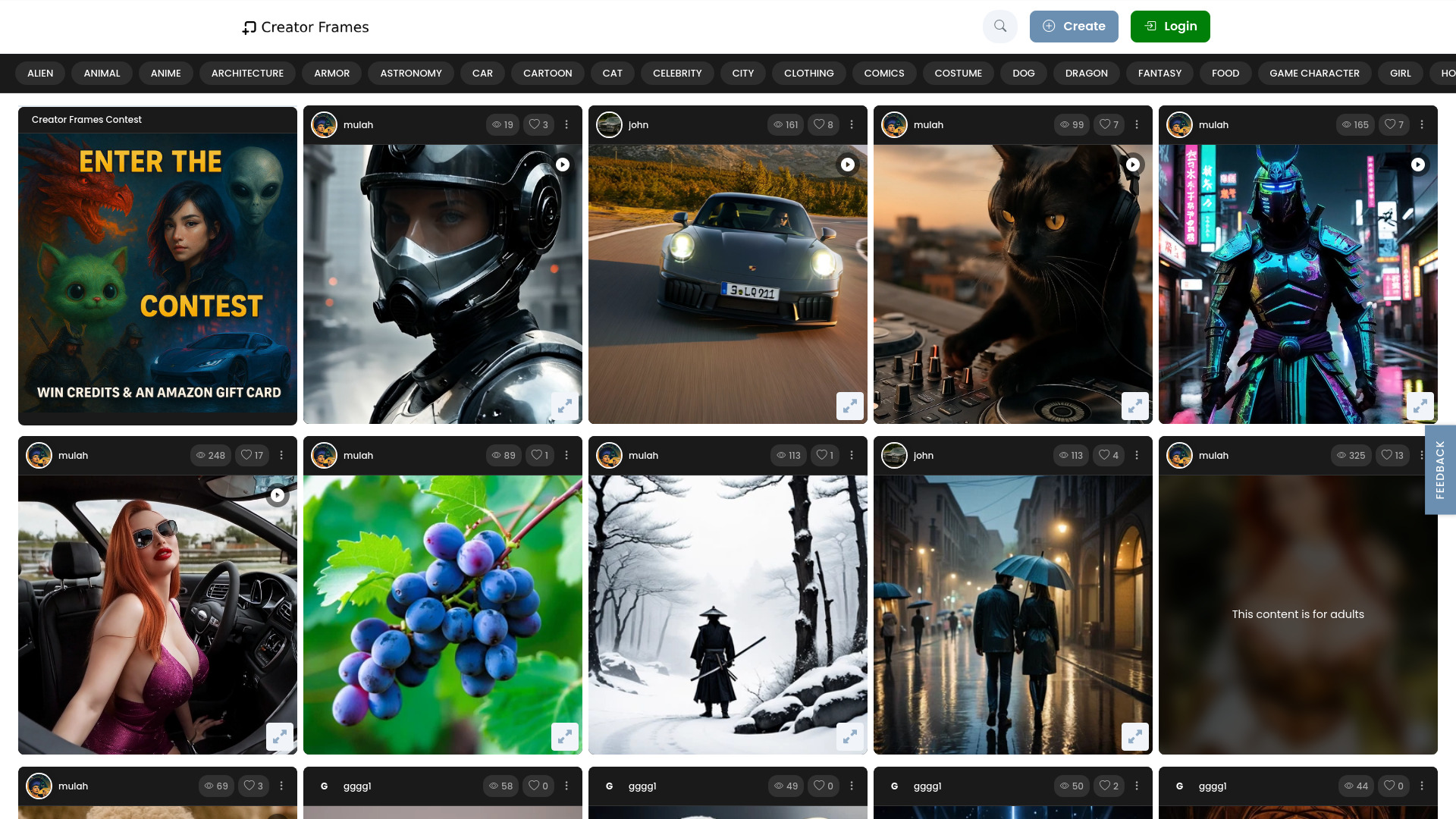
CreatorFrames.com: AI-powered video & image generator for creatives—turn text into art, fantasy scenes & cinematic visuals. Free trial!
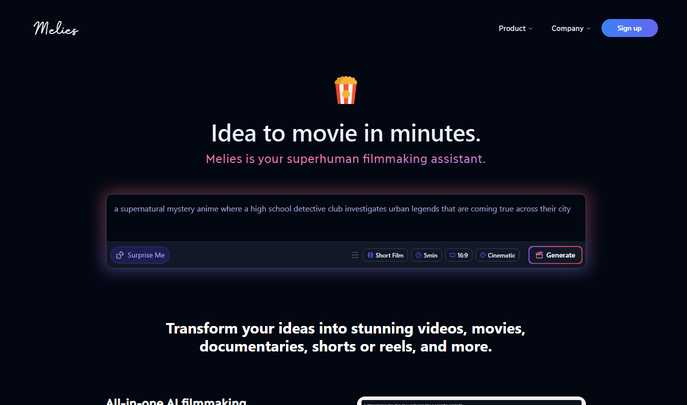
Melies: Turn ideas into movies in minutes! AI-powered storytelling, lifelike characters & cinematic magic—all in one platform. 🎬✨
FAQ
Practical answers to help you take the next step.
These tools help create, edit or repurpose moving images. Text-to-video, image animation and video editing solve different tasks, so start with the source material you already have.
Compare text prompts, reference frames, source footage and audio support. Check duration, aspect ratio and whether the tool lets you keep a subject consistent between shots.
Watch the entire clip for motion errors, distorted objects, changing identities, lip-sync problems and abrupt transitions. Inspect the downloaded file as well as the preview.
Use a short shot with one subject and one camera movement. Keep the prompt and duration constant, then compare usable seconds and the number of regenerations.
MemeClip turns text into viral memes and video clips with AI. Create image memes, speech bubbles, and custom emojis free in seconds.
Read about MemeClipTurn sketches into animations in seconds with Draw to Video AI. Create professional videos for free—no animation experience needed.
Read about Draw to VideoCreate studio-quality videos and images with IDEART AI. Unlock AI text-to-video, image generation, and pro effects
Read about IDEART AIPykaso AI: Create ultra-realistic AI characters & videos with 8 powerful tools (LoRA, face swap, video gen). Monetize content for social media & brands—fast.
Read about Pykaso AIGrok Imagine: Generate photorealistic images & 6-sec videos with sound—from text. Powered by Aurora AI. Free trial!
Read about Grok ImagineAnifun AI: Turn ideas into anime art, manga & videos—fast, professional, one-click. Try the free AI-powered generator now!
Read about Anifun AI - AI Anime Art & Manga Generator Tool