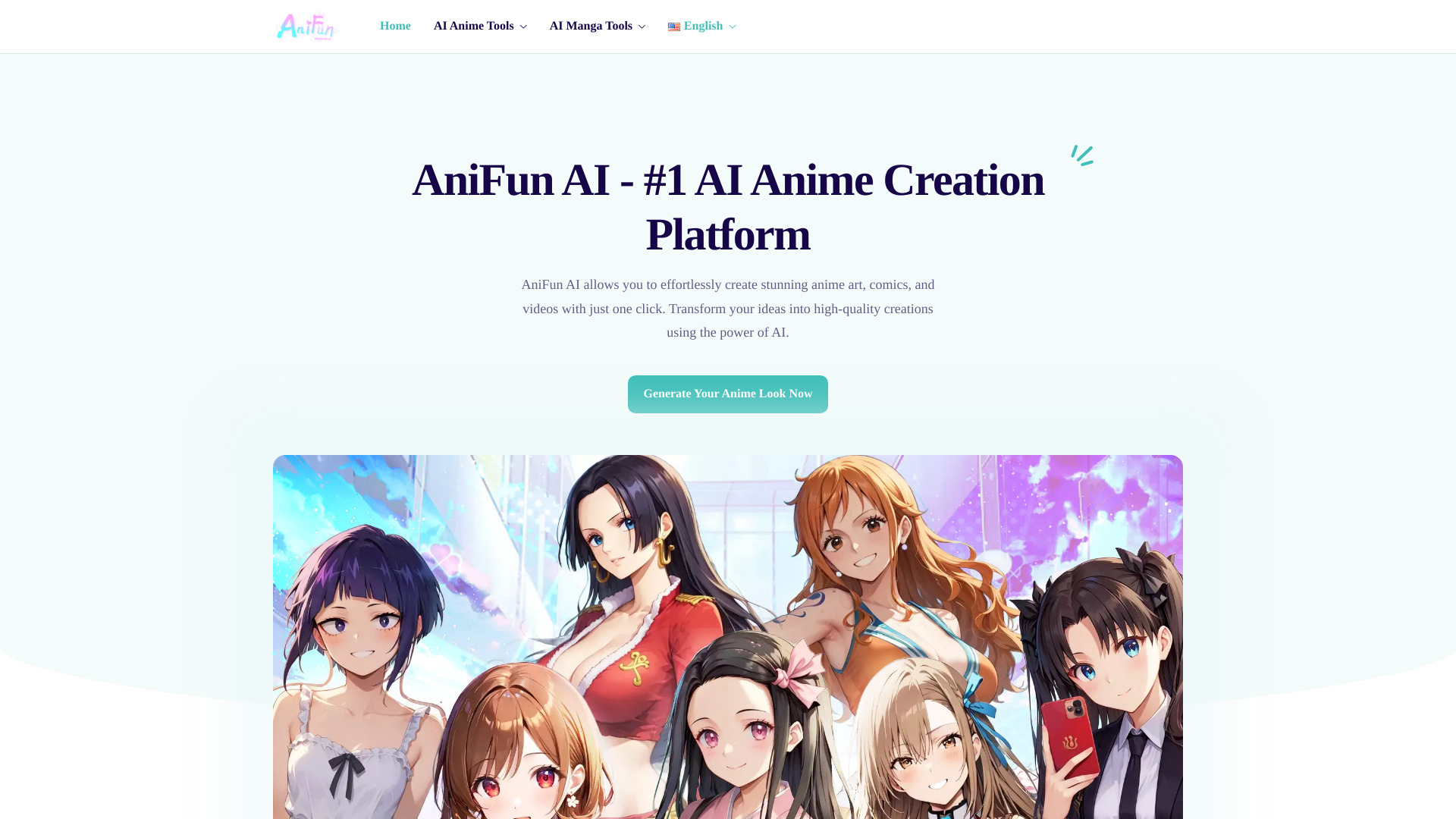
What is Anifun AI?
Anifun AI is a purpose-built, next-generation AI platform engineered exclusively for anime and manga creation—designed to turn imagination into polished, publication-ready visuals in seconds. More than just another generative tool, it’s a specialized creative engine trained on vast datasets of authentic anime aesthetics, manga line art, and cinematic Japanese animation principles. Whether you're sketching your first character concept or producing a multi-chapter webcomic, Anifun AI delivers studio-caliber output with unprecedented speed, consistency, and stylistic fidelity—no drawing tablet, animation software, or years of training required.
How to Use Anifun AI
Getting started with Anifun AI is refreshingly simple: describe your idea in plain text, upload a reference image—or even a selfie—and choose from curated anime style presets (e.g., *Ghibli-inspired softness*, *Shonen Jump dynamism*, or *Seinen realism*). Adjust fine-grained controls like pose dynamics, background complexity, or panel density, then hit “Generate.” Within moments, you’ll receive high-resolution anime art, fully laid-out manga pages, or fluid 5–10 second anime-style videos—ready for download, editing, or sharing.
Go deeper with intelligent add-ons: the AI Manga Panelizer auto-splits narratives into balanced, visually rhythmic comic frames; the Emotion-Enhanced Photo-to-Anime Converter preserves micro-expressions and personality nuances when transforming real photos; and the Storyboard-to-Video Engine animates static scenes with natural motion flow, lip-sync hints, and camera-like panning—ideal for pitch reels and animated social posts.
Key Features of Anifun AI
- Precision Anime Art Generator: Generates expressive, stylistically coherent illustrations using adaptive neural rendering—trained to distinguish subtle differences between *shoujo delicacy*, *mecha rigidity*, and *isekai world-building detail*, ensuring every piece feels authentically “anime,” not just AI-generated.
- End-to-End Manga Production Suite: From script input to final print-ready PDF, automate layout, speech bubble integration, sound effect placement, and cross-panel continuity—keeping artistic voice intact while eliminating repetitive technical labor.
- Cinematic Anime Video Synthesis: Converts stills or text prompts into short-form animated sequences with physics-aware motion, layered depth effects, and frame-smooth interpolation—delivering video quality that meets modern anime social standards (e.g., TikTok, YouTube Shorts, X threads).
- Identity-Preserving Photo Conversion: Transforms portraits and candid shots into anime avatars without losing facial uniqueness, skin tone integrity, or emotional authenticity—ideal for creators building branded personas or inclusive fan-content ecosystems.
- Smart Manga Colorization Pro: Applies color not as flat fills, but as intelligent interpretations of light sources, material textures, and mood-driven palettes—respecting original linework intent while adding professional-grade chromatic depth and shadow gradation.
Each feature operates within a unified, responsive interface—designed so that creative decisions remain front-and-center, while AI handles precision execution. The result? Faster iteration, bolder experimentation, and more time invested in storytelling—not software troubleshooting.
Why Choose Anifun AI?
In a landscape crowded with general-purpose AI art tools, Anifun AI stands apart by refusing to be generic. It doesn’t repurpose diffusion models built for photorealism—it deploys anime-native architectures, fine-tuned on decades of licensed manga scans, official keyframe art, and stylistic annotations from industry professionals. That specialization translates directly into results that “feel right”: consistent character proportions across panels, culturally resonant expressions, and compositions that follow established anime visual grammar.
Built for scalability and integration, Anifun AI exports assets in layered PNGs, vector-ready SVGs (for manga line art), MP4/WebM video, and industry-standard comic formats (CBZ, PDF). It supports batch generation, API access for studios, and customizable watermarking for client deliverables. Recognized by aitop-tools.com as a category-defining solution, Anifun AI bridges the gap between accessibility and authority—empowering hobbyists to publish confidently and professionals to ship faster, all without compromising on aesthetic rigor or cultural authenticity.
Use Cases and Applications
Indie game developers use Anifun AI to rapidly prototype anime-style UI assets, character sprites, and cutscene storyboards—cutting pre-production time by up to 70%. Webtoon creators generate full-page drafts overnight, then refine them with hand-drawn flourishes—maintaining their signature style while scaling output. Social media managers produce daily anime-style brand stories, trending meme adaptations, and interactive polls featuring custom anime mascots—driving 3x higher engagement among Gen Z and millennial audiences.
Educators design curriculum-aligned anime comics to explain complex topics—from quantum physics to historical events—making learning emotionally resonant and visually memorable. Cosplay communities generate personalized anime avatars for event promotions and fan art contests. And global licensing teams use Anifun AI to visualize localized character variants (e.g., regional outfits, language-specific signage) before committing to physical production—reducing costly misalignment in merchandising pipelines.