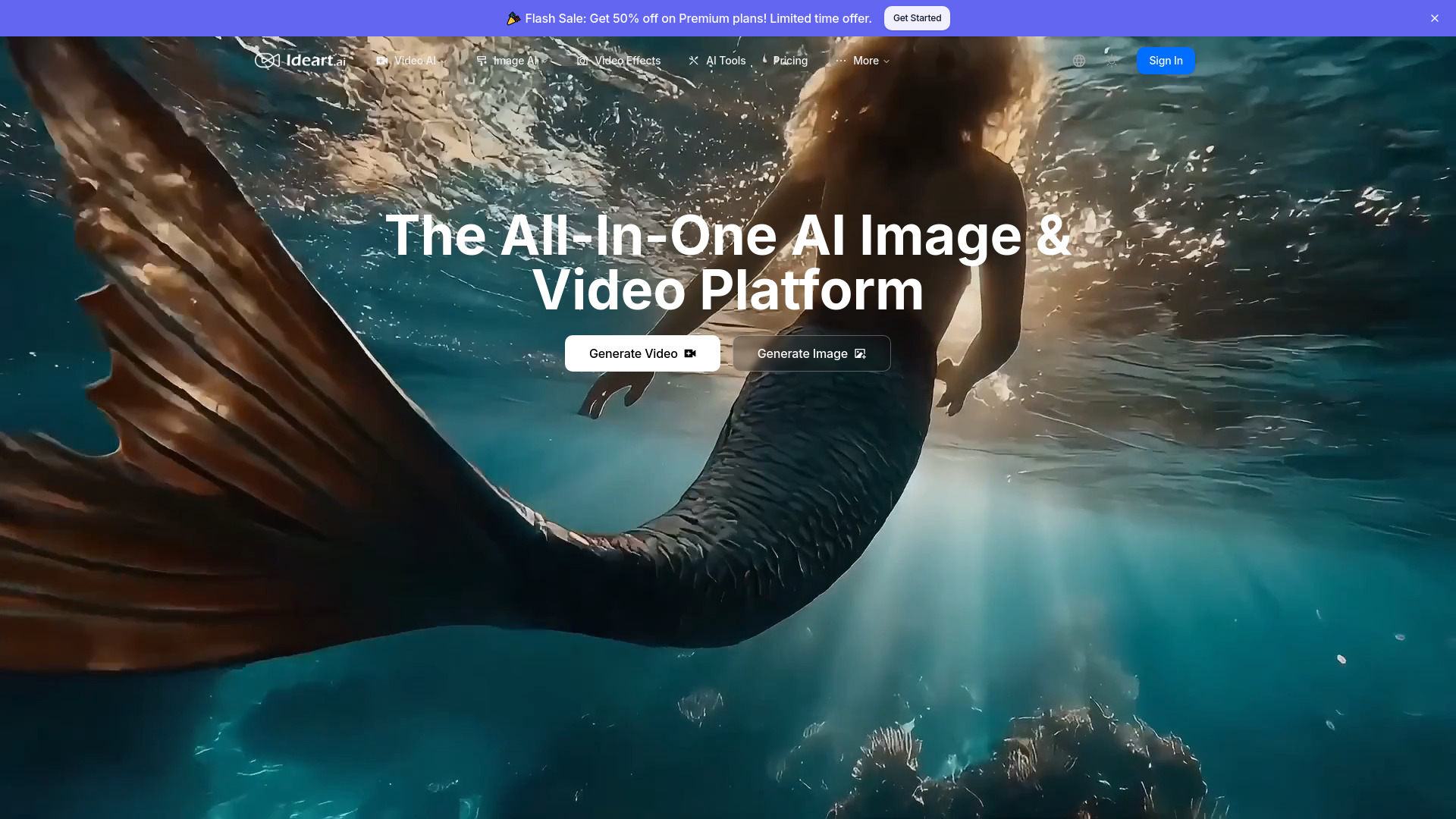
What Is IDEART AI?
IDEART AI is an AI video and image creator that helps turn written ideas, reference images, and creative concepts into visual content. Built for creators, marketers, and businesses, the platform brings video generation, image creation, and professional effects into a single workspace. Its multi-model approach includes technologies such as Kling AI, Runway, Luma AI, and Pika AI, giving users different options for exploring motion, visual styles, and storytelling.
Whether you want to animate a product photo, develop a character-driven scene, or generate artwork from a description, IDEART AI offers an accessible starting point. Users interested in free AI video and image creation should check the current availability of free credits or trial access, as generation limits, model access, and advanced effects may depend on the selected plan.
How to Use IDEART AI
Begin by choosing the type of content you want to create. For text-to-video generation, describe the subject, setting, action, and visual mood in a prompt. For image-to-video projects, upload a source image and explain how you would like the scene to move. Character reference images can also guide projects where maintaining a recognizable appearance across scenes is important.
Next, select an available AI model and adjust the settings offered for your workflow. Generate an initial result, review it, and refine your prompt or reference materials where needed. Image creation follows a similar process: enter a description to produce a new visual or upload an existing image for an image-to-image transformation.
For additional polish, explore tools such as Lip Sync AI, AI voices, avatars, music, and stock footage where available. Starting with a clear concept and testing a few variations can help you find a suitable style before committing more credits to a larger project.
Key Features of IDEART AI
- Multi-Model AI Video Generation: Explore video creation with models such as Kling AI, Runway, Luma AI, and Pika AI. Text-to-video and image-to-video workflows support projects ranging from short promotional clips to animated visual concepts.
- AI Image Creation and Transformation: Generate images from descriptive prompts or rework uploaded visuals. These tools can help with concept artwork, campaign graphics, product visualization, and early-stage design exploration.
- Professional Creative Effects: Enhance suitable projects with features such as Lip Sync AI, synthetic voices, and avatars. Music and stock footage options can provide additional material for building a more complete visual presentation.
- Character-Focused Video Workflows: Use reference images to guide character appearance when developing related scenes. This approach is useful for recurring social content, branded storytelling, and animation concepts that need visual continuity.
- Flexible Content Production: Combine different generation methods in one workspace rather than treating every task as a separate project. Create a still image, explore an animated version, and test enhancements according to your creative goals.
These capabilities can reduce the manual work involved in developing visual drafts and experimenting with ideas. Results depend on the chosen model, prompt quality, source assets, and project requirements, so reviewing and refining generated content remains an important part of the process.
Why Choose IDEART AI?
IDEART AI brings several creative workflows together, making it worth considering for users who need both AI-generated videos and images. Instead of relying on a single generation method, creators can explore different models and approaches within the same platform. This flexibility can be helpful when one project calls for an animated product shot while another needs stylized artwork or a character-led clip.
The platform also offers a practical entry point for people without extensive editing experience. Text prompts and uploaded references provide a straightforward way to begin, while effects and additional tools offer room for experimentation. Experienced creators can use the same workflows to develop concepts, test visual directions, or prepare drafts before further editing.
Before choosing a plan, compare the current credit allowances, supported models, and feature restrictions. IDEART AI uses a credit-based approach, so the cost of a project may vary with the generation settings and tools involved. Review the latest information at ideart.ai/pricing to understand available access levels and subscription terms.
Use Cases and Applications
Marketing teams can use IDEART AI to explore advertising concepts, create product-focused visuals, and develop short videos for social channels. Turning a still image into a moving scene can provide another way to present an offer or introduce a product without arranging a new shoot for every idea.
Content creators can experiment with recurring characters, animated illustrations, and different visual treatments for their posts. Designers and agencies can generate concept art, mockups, and presentation assets to communicate an idea before investing time in detailed production.
Educational teams may find AI voices, avatars, and generated visuals useful when developing lesson introductions, explainers, or training drafts. E-commerce businesses can explore product video concepts, while real estate teams can test illustrative property presentations. Across these applications, generated material should be checked for accuracy, brand consistency, and appropriate usage rights before publication.