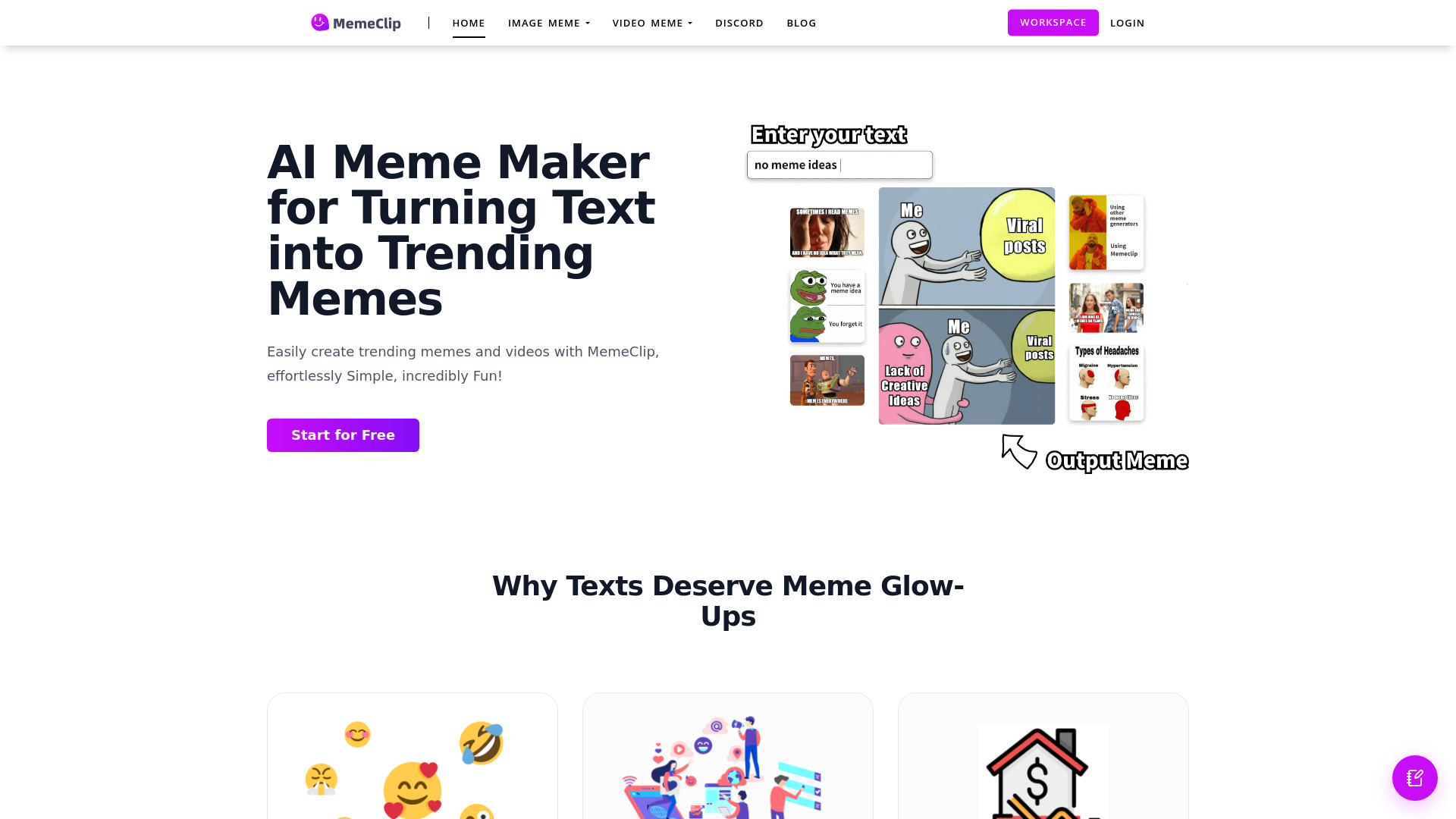
What is MemeClip?
MemeClip is an AI-powered creative platform for turning simple ideas into entertaining memes, video clips, emojis, and speech bubble images. Whether you want to react to a trending topic, share an inside joke, promote a product, or add personality to a social media post, MemeClip helps transform your message into ready-to-share visual content. The MemeClip AI tool combines text understanding with automated design features, making it easier for creators, marketers, community managers, and casual users to produce engaging content without advanced editing experience.
How to Create Content with MemeClip
Getting started with MemeClip is simple. Enter a phrase, joke, reaction, or creative prompt into the platform, then choose the type of content you want to make. The AI can generate image memes, short video clips, custom emojis, or images enhanced with speech bubbles based on your input. After reviewing the suggested results, adjust the text, layout, colors, images, and other visual details to suit your style.
Once your design is complete, export a high-quality version for use on social networks, messaging apps, websites, or marketing campaigns. The entire process can be completed in a few quick steps: describe your idea, select a format, personalize the result, and download or share it. By bringing several creative tools into one workflow, MemeClip online helps users move from a rough thought to polished content with less effort.
MemeClip Features
- AI Meme Creation: Generate image memes from written prompts, captions, or everyday observations. MemeClip can help match your message with suitable visual concepts, arrange text for readability, and create humorous compositions that are easy to customize and share.
- AI Video Clip Generator: Turn ideas into short-form video content designed for fast-moving social platforms. MemeClip can assist with visual timing, captions, transitions, and effects, helping creators produce entertaining clips for TikTok, Instagram Reels, YouTube Shorts, and similar channels.
- Speech Bubble Editor: Add dialogue, reactions, and commentary to images using adjustable speech bubbles. Change the placement, size, color, and appearance of each bubble to create conversation-style memes, reaction posts, comic scenes, or community responses.
- AI Emoji Maker: Create expressive emoji designs from text descriptions or combine familiar emoji concepts into fresh visual expressions. These custom symbols can add character to messages, posts, digital communities, and branded content.
These tools are designed to support different stages of content production. You can use the meme generator for quick reactions, the video features for short-form storytelling, speech bubbles for visual conversations, and the emoji creator for more personal digital expression. Together, they make it possible to develop varied content from a single idea while keeping the creative process flexible.
Why Use MemeClip for AI Content Creation?
MemeClip gives users a practical way to create attention-grabbing content without relying on complicated design programs. Its AI-assisted workflow helps turn a written concept into a visual draft, making it useful for people who need frequent content but have limited time or design resources. Instead of starting with a blank canvas, users can begin with a prompt and refine the generated result until it matches their intended tone.
The platform also supports several content formats in one place. A social media manager can create a static meme for a post, adapt the same concept into a short video, and produce a custom emoji for audience interaction. A brand can add speech bubbles to product images, while an individual creator can develop recurring visual styles for their online identity. Watermark-free, high-quality exports make the finished content suitable for sharing across a range of digital channels.
Who Can Benefit from MemeClip?
Content creators can use MemeClip to respond quickly to trends, publish entertaining clips, and experiment with new formats. Social media teams can produce regular posts and reactions without spending hours on manual editing. Marketing professionals can develop campaign concepts, promotional memes, and branded visual messages that encourage sharing and conversation. Businesses can also use speech bubbles and custom emojis to give announcements, customer responses, and community posts a more approachable tone.
Online groups and community moderators may find the tool useful for creating reaction images, inside jokes, and event-specific visuals that help members feel connected. Educators, streamers, and personal brands can turn explanations or common audience questions into memorable visual content. Because the process begins with text, MemeClip can support both carefully planned campaigns and spontaneous creative ideas.