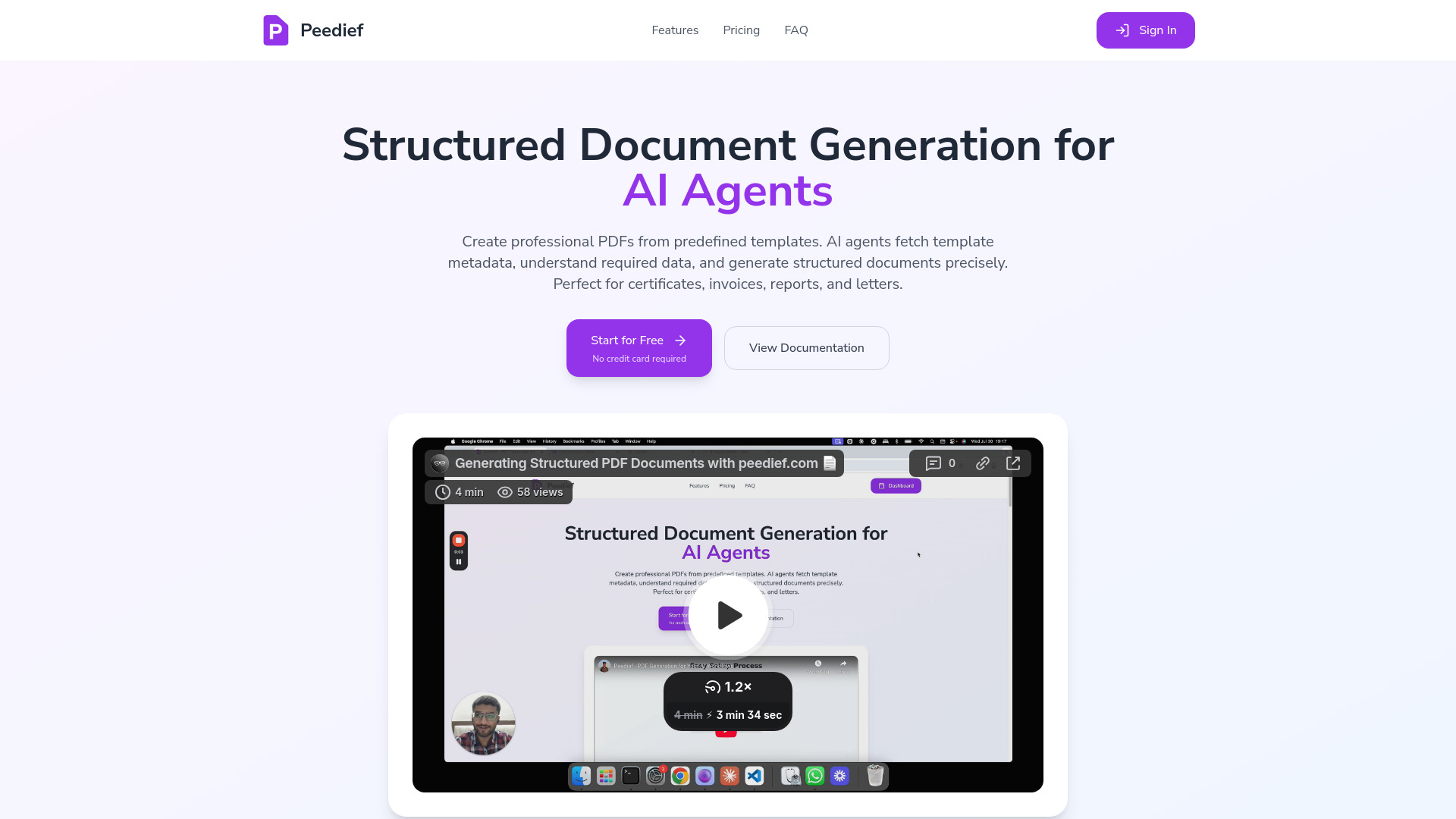
Peedief: AI-powered PDF generation MCP server. Create pro PDFs from templates—integrates with Claude, GPT-4 & automation tools
Explore a specific workflow
Explore tool through the product profiles below. The collection groups applications around a shared task. Product scope can overlap, so compare the specific workflow each tool describes rather than the category name alone.
Identify the files, text or account connections your task needs. Confirm that the product accepts those inputs and offers controls for reviewing its work.
Test one representative task and inspect the result for accuracy and completeness. Record where manual corrections or extra tools are needed.
Peedief: AI-powered PDF generation MCP server. Create pro PDFs from templates—integrates with Claude, GPT-4 & automation tools
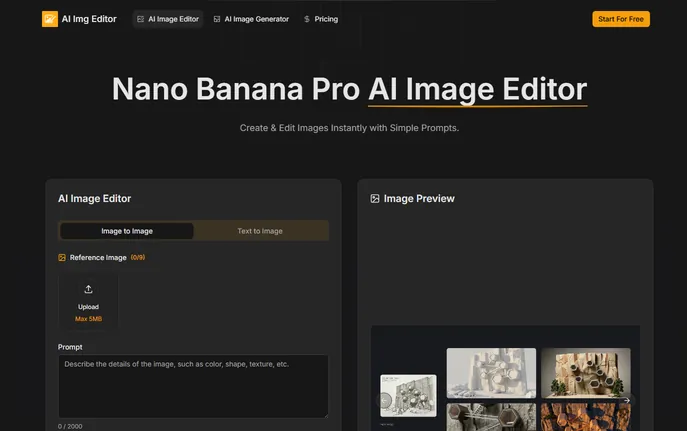
AI Image Editor: Pro AI-powered tool for visuals—94% text accuracy, multi-image blending & 4K output

Palmier: Autonomous AI coding assistant that automates code reviews, bug fixes & PRs—ship 40% faster. Free trial! 🚀

Build mobile apps instantly with Vibecode—AI-powered, prompt-driven, and fully exportable. Test live, integrate with n8n/Zapier, and ship faster!
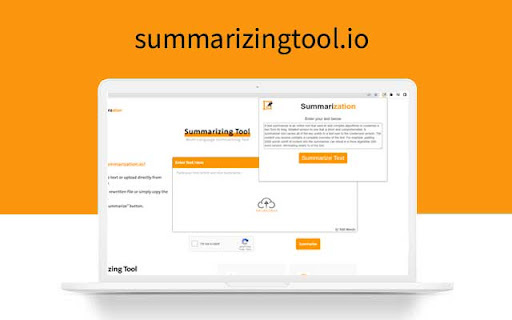
Save time reading lengthy articles with our Summarizing Tool - Chrome Extension. Utilizing AI text summarization, it provides concise summaries in seconds.
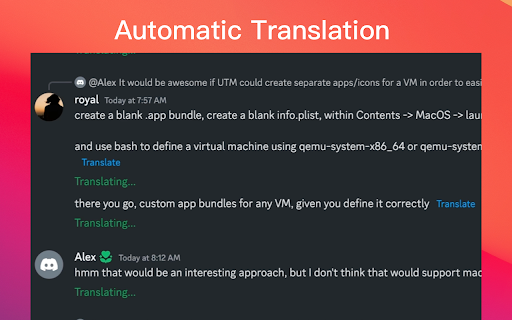
Discord Translate - Chrome Extension: Break language barriers effortlessly on Discord with real-time translations. Chat globally without limits!
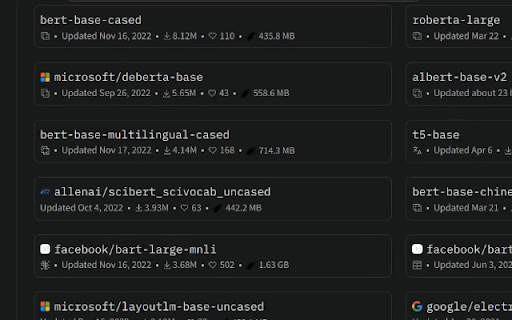
ModelSize - Chrome Extension: Instantly display and track ML model sizes with ease. Simplify monitoring for optimized performance and storage management.
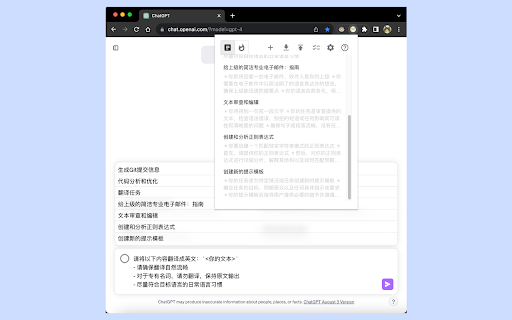
QuickChat - Chrome Extension: Instantly boost ChatGPT productivity with preset prompts for faster, smarter responses. Simplify your workflow effortlessly!

1st things 1st is a strategic prioritizer tool that helps individuals and businesses evaluate and prioritize items based on their values and goals. It offers intuitive and smart prioritization tools, customizable templates, and AI-powered autosuggestion to assist in confident decision-making and goal alignment.
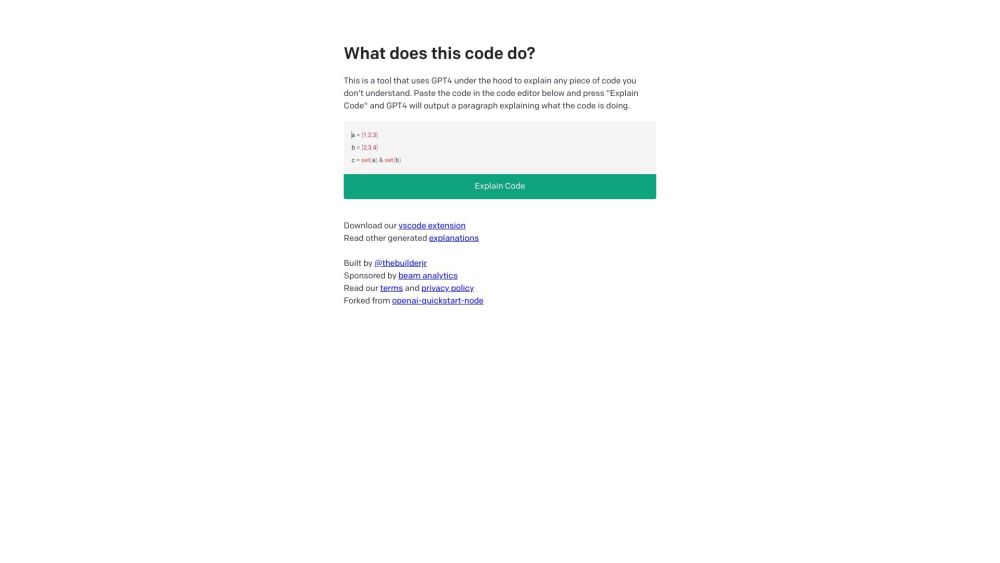
Discover Code Explain: an AI tool that clarifies code, enhancing your understanding with detailed explanations. Explore use cases, pricing, reviews, and alternatives.
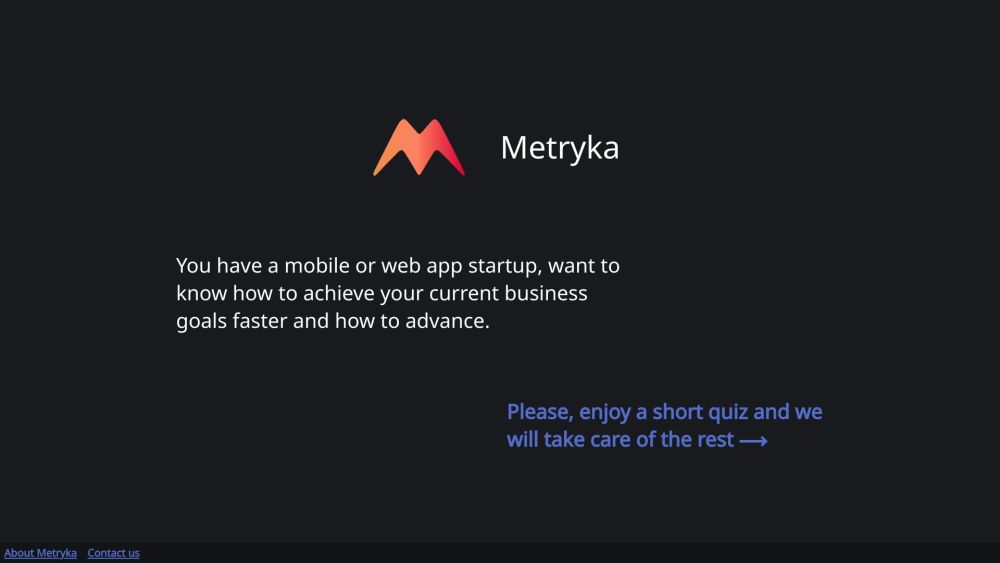
Metryka: Plug-and-play analytics for web and mobile startups. Gain valuable insights, analyze user data, and make informed decisions effortlessly.
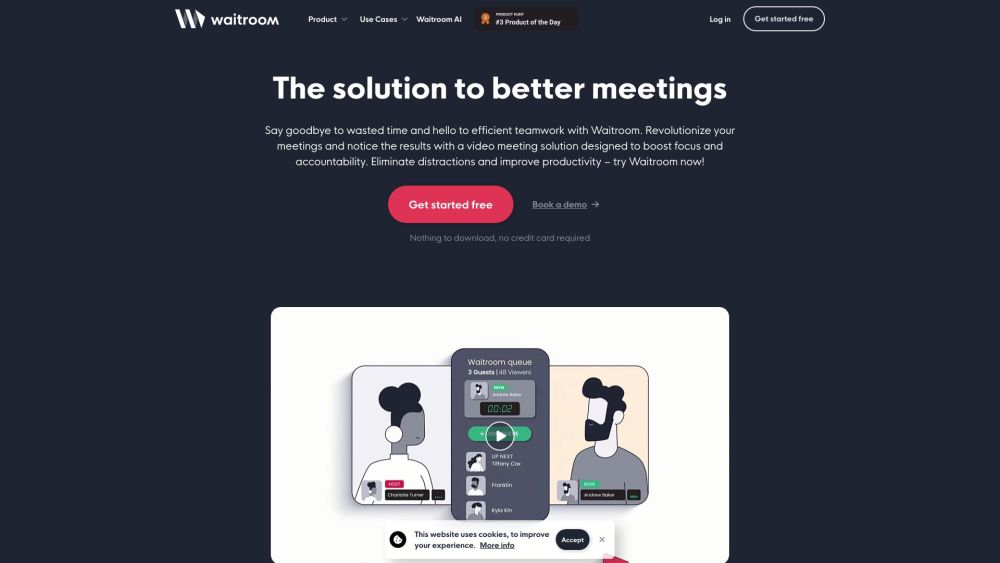
Waitroom: The AI-powered meeting assistant that boosts collaboration and productivity in real-time, making every meeting smarter and more efficient.
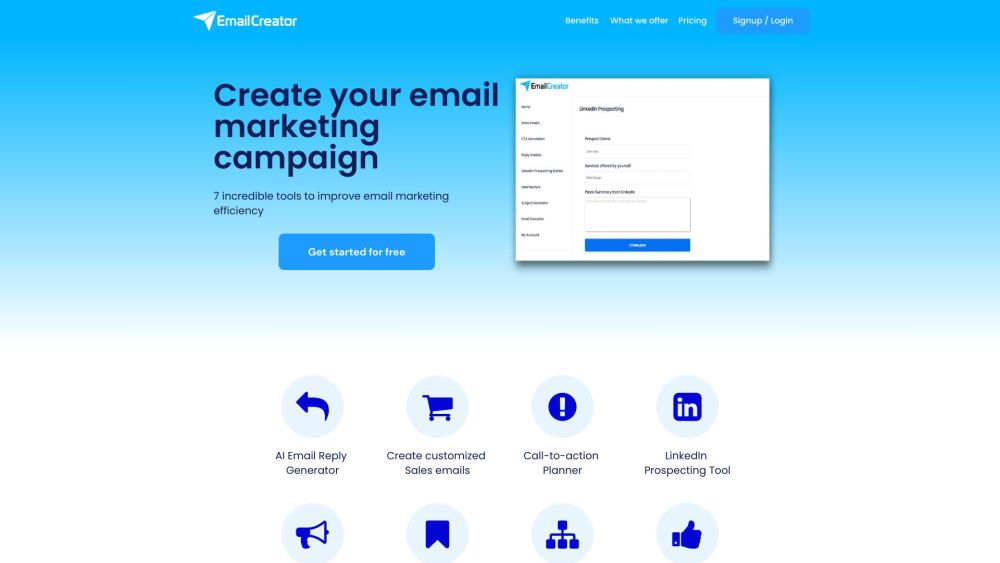
Create, curate, and discover emails effortlessly with Email Creator, the web-based platform designed for efficient and easy email creation.
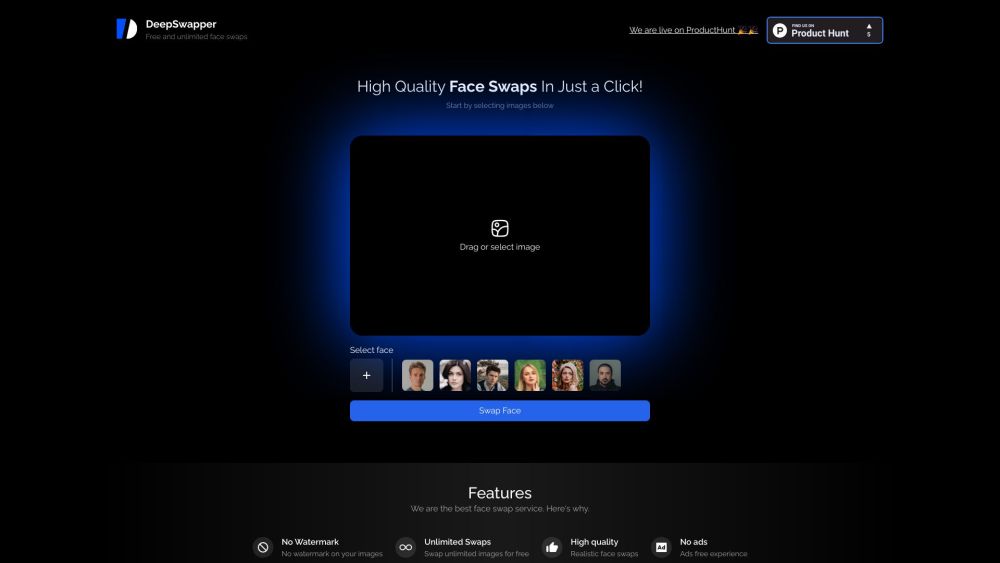
Deep Swapper: Free AI Tool for Image Face Swap. Effortlessly swap faces in photos with our advanced, user-friendly AI technology. Try it now!
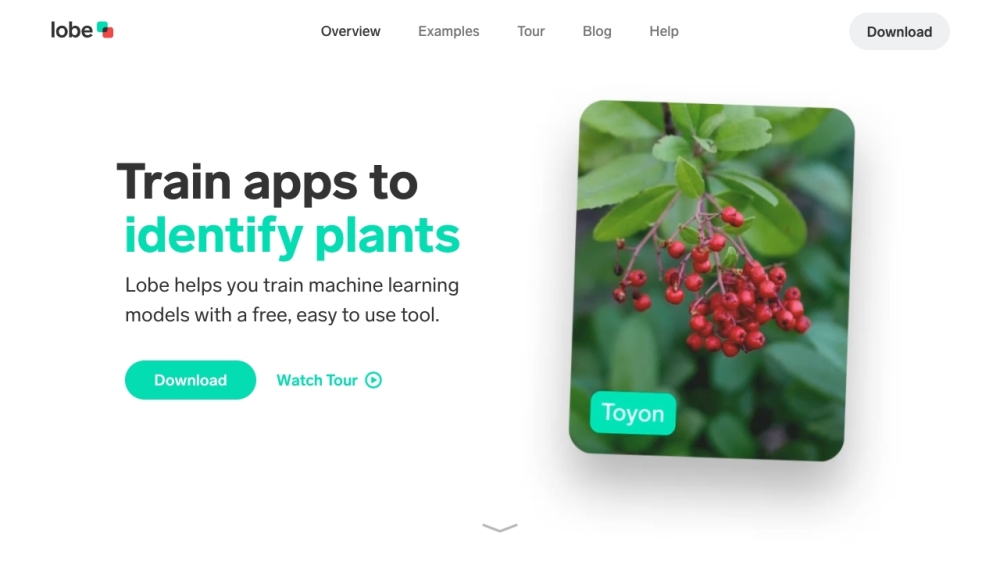
Lobe is a free and easy-to-use app that allows users to train custom machine learning models and incorporate them into their own applications. It provides a visual programming interface and supports various tasks such as image classification, object detection, and data classification.
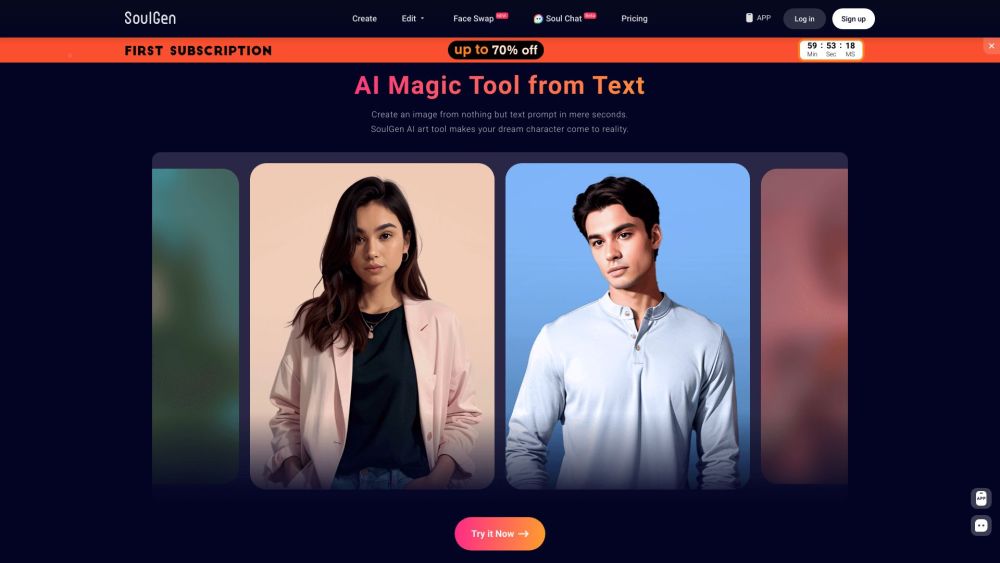
Free AI Magic Tool to Create Art from Text Online

Create images effortlessly with FreeAIKit - AI-Powered Image Generator. Transform your ideas into high-quality visuals with just a click!
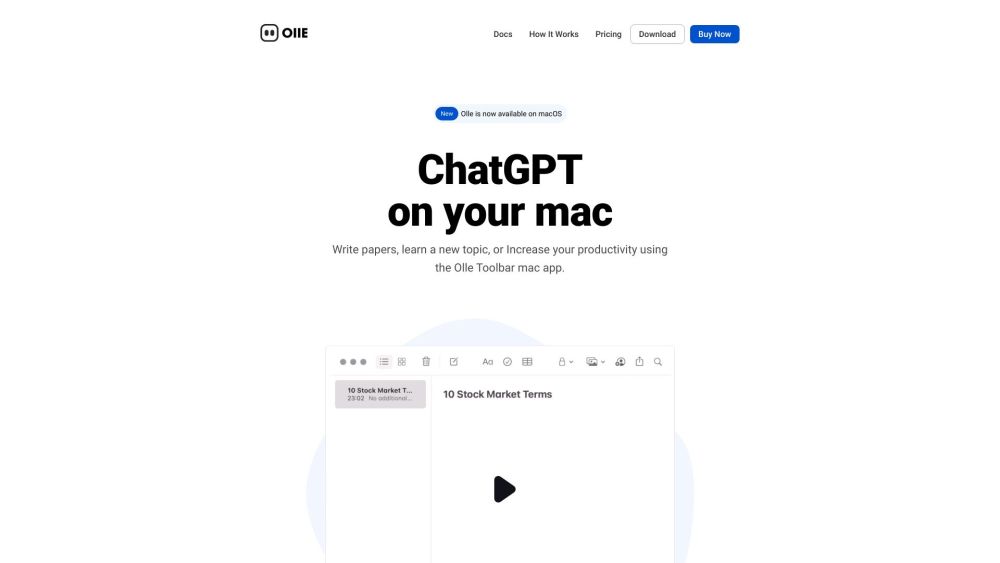
Olle: AI Toolbar Assistant. Boost productivity across all websites and apps with seamless, uninterrupted workflow.
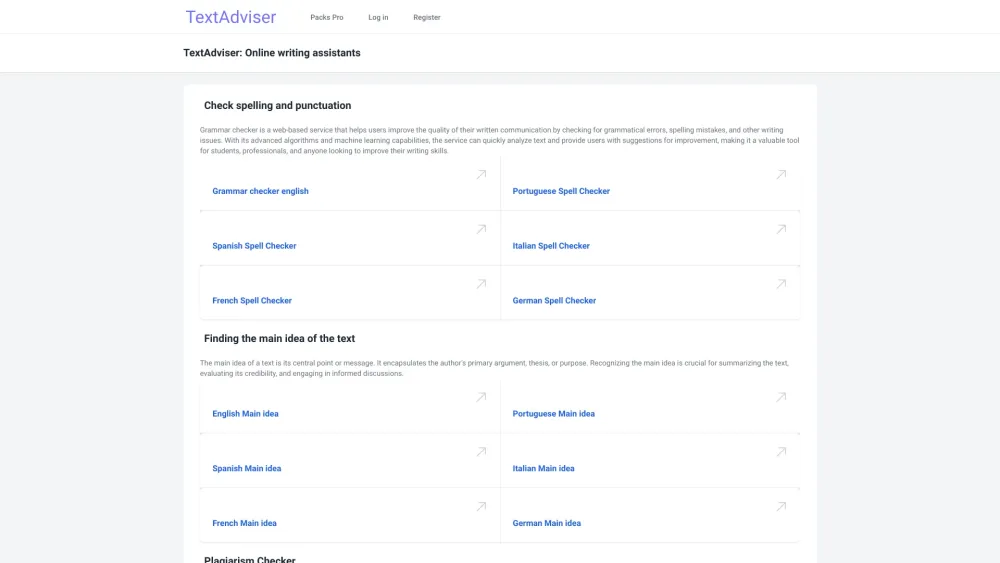
Boost your content with TextAdviser: Free online writing assistants for flawless, quality writing every time.
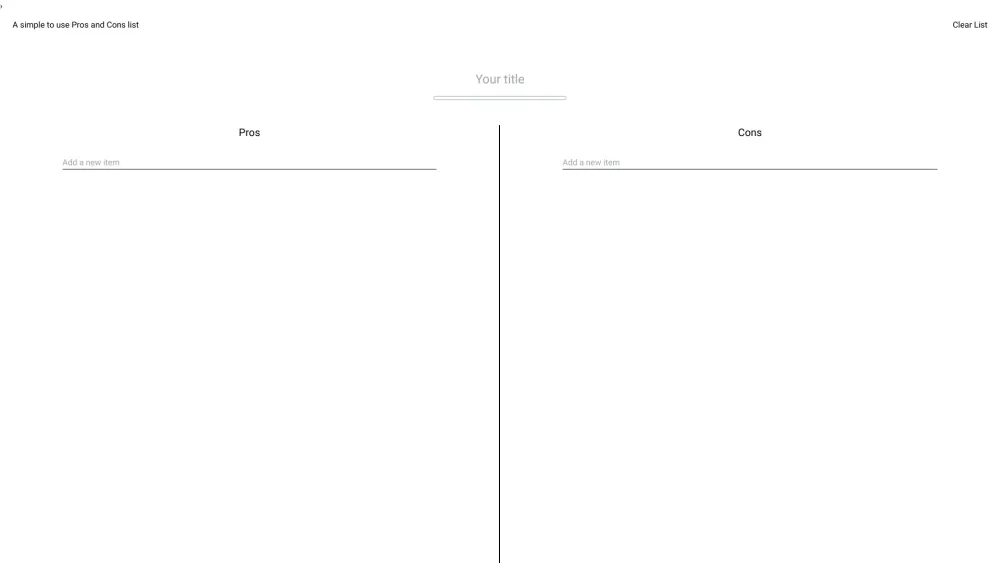
Simplify decisions with 'Pros and Cons List': a simple, efficient, browser-based tool for weighing options and making smarter choices effortlessly.
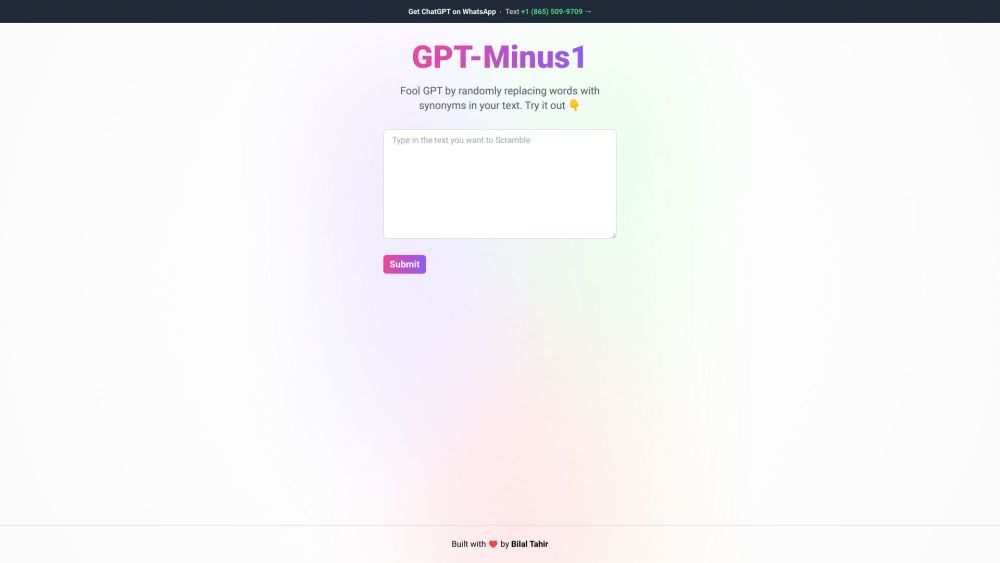
GPT-Minus1 enhances text generation models by subtly replacing words with synonyms, improving accuracy and performance. Perfect for refining your GPT outputs!
FAQ
Practical answers to help you take the next step.
The collection groups applications around a shared task. Product scope can overlap, so compare the specific workflow each tool describes rather than the category name alone.
Identify the files, text or account connections your task needs. Confirm that the product accepts those inputs and offers controls for reviewing its work.
Test one representative task and inspect the result for accuracy and completeness. Record where manual corrections or extra tools are needed.
Choose one task with a clear success condition. Keep the input consistent, record the time spent reviewing and compare the complete workflow cost.
Peedief: AI-powered PDF generation MCP server. Create pro PDFs from templates—integrates with Claude, GPT-4 & automation tools
Read about Peedief - AI-Powered PDF Generation MCP ServerAI Image Editor: Pro AI-powered tool for visuals—94% text accuracy, multi-image blending & 4K output
Read about AI Image EditorPalmier: Autonomous AI coding assistant that automates code reviews, bug fixes & PRs—ship 40% faster. Free trial! 🚀
Read about Palmier - AI Software Engineering AssistantBuild mobile apps instantly with Vibecode—AI-powered, prompt-driven, and fully exportable. Test live, integrate with n8n/Zapier, and ship faster!
Read about Vibecode - AI-Powered Mobile App Builder ToolSave time reading lengthy articles with our Summarizing Tool - Chrome Extension. Utilizing AI text summarization, it provides concise summaries in seconds.
Read about Summarizing Tool - Chrome ExtensionDiscord Translate - Chrome Extension: Break language barriers effortlessly on Discord with real-time translations. Chat globally without limits!
Read about Discord Translate Chrome Extension