
Raycast is a blazingly fast, totally extendable launcher designed to keep you focused. It allows you to control your tools with a few keystrokes, complete tasks, calculate, share common links, and much more.
Explore a specific workflow
Explore mac tools through the product profiles below. The collection groups applications around a shared task. Product scope can overlap, so compare the specific workflow each tool describes rather than the category name alone.
Identify the files, text or account connections your task needs. Confirm that the product accepts those inputs and offers controls for reviewing its work.
Test one representative task and inspect the result for accuracy and completeness. Record where manual corrections or extra tools are needed.
Raycast is a blazingly fast, totally extendable launcher designed to keep you focused. It allows you to control your tools with a few keystrokes, complete tasks, calculate, share common links, and much more.
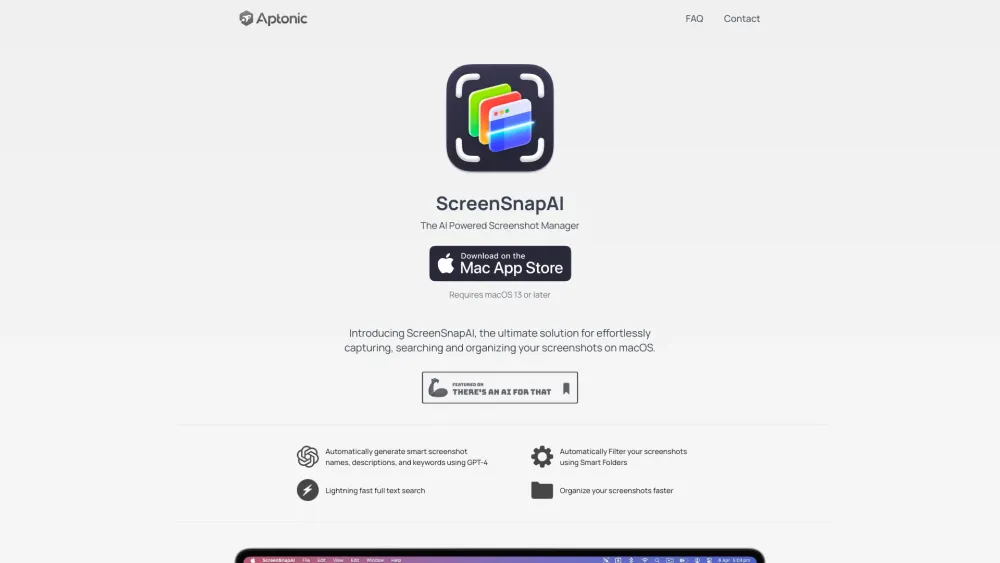
ScreenSnapAI: Effortlessly capture, search, and organize screenshots on macOS. The ultimate solution for streamlined screenshot management.

Boost efficiency with Frankenfile: AI-powered file productivity tool for and effective file management. Try Frankenfile today!

FilterPixel is the fastest AI photo culling software for Windows and Mac. It saves time by automatically culling your photos, allowing you to maintain full control over the culling process.

Boost your Apple device experience with IXEAU Apps by Martin Lexow: innovative features for macOS & iOS that elevate functionality and user satisfaction.

BrutusAI for Mac: search web and academic articles via chat. Experience smarter, faster research with BrutusAI's intuitive interface.
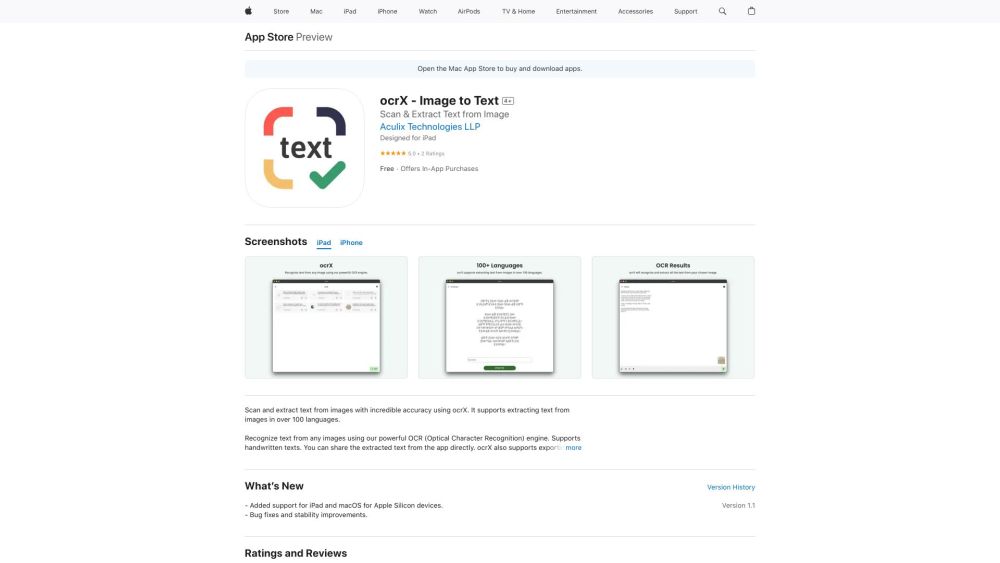
ocrX - Image to Text: Effortlessly scan and extract text from images on your iPhone, iPad, and Mac. Fast, accurate, and reliable text recognition.

Invisibility: The ultimate AI copilot for Mac, integrating Claude-3, Llama 3, and GPT-4 into one subscription. Elevate your productivity!

GitBrain: AI-Powered Git Client for Mac - Streamline your workflow with smart code insights and suggestions. Maximize productivity effortlessly!
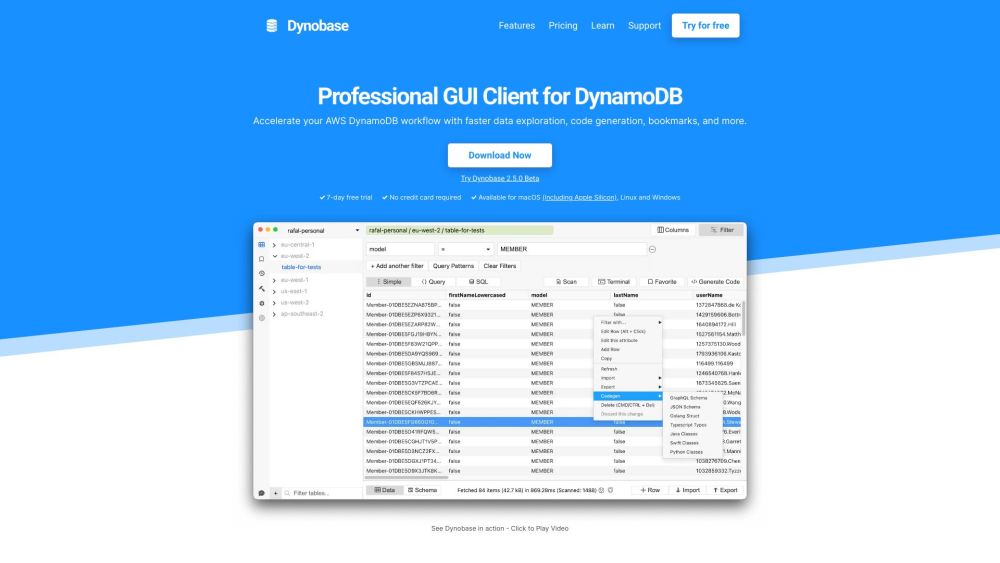
Unlock the full potential of DynamoDB with Dynobase: the advanced, professional GUI client tool for streamlined, efficient database management.

Hello Transcribe: Secure speech-to-text for iOS & Mac using OpenAI Whisper. Enjoy private, accurate transcriptions on iPhone, iPad, and Mac.

Create endless stories with 'Magic Book,' the AI-powered app with customizable illustrations. Available on iPhone, iPad, and Mac. Dive into creativity!

Finito AI: Use ChatGPT in any app for grammar fixes, writing enhancement, idea generation, translations, and quick answers. Your AI-powered assistant everywhere!

Elephas, the ultimate AI writing assistant for Mac, iPhone, and iPad, saves time and enhances writing efficiency. The world's first AI writer for Apple devices.
FAQ
Practical answers to help you take the next step.
The collection groups applications around a shared task. Product scope can overlap, so compare the specific workflow each tool describes rather than the category name alone.
Identify the files, text or account connections your task needs. Confirm that the product accepts those inputs and offers controls for reviewing its work.
Test one representative task and inspect the result for accuracy and completeness. Record where manual corrections or extra tools are needed.
Choose one task with a clear success condition. Keep the input consistent, record the time spent reviewing and compare the complete workflow cost.
Raycast is a blazingly fast, totally extendable launcher designed to keep you focused. It allows you to control your tools with a few keystrokes, complete tasks, calculate, share common links, and much more.
Read about RaycastScreenSnapAI: Effortlessly capture, search, and organize screenshots on macOS. The ultimate solution for streamlined screenshot management.
Read about ScreenSnapAIBoost efficiency with Frankenfile: AI-powered file productivity tool for and effective file management. Try Frankenfile today!
Read about FrankenfileFilterPixel is the fastest AI photo culling software for Windows and Mac. It saves time by automatically culling your photos, allowing you to maintain full control over the culling process.
Read about FilterPixelBoost your Apple device experience with IXEAU Apps by Martin Lexow: innovative features for macOS & iOS that elevate functionality and user satisfaction.
Read about IXEAU AppsBrutusAI for Mac: search web and academic articles via chat. Experience smarter, faster research with BrutusAI's intuitive interface.
Read about BrutusAI