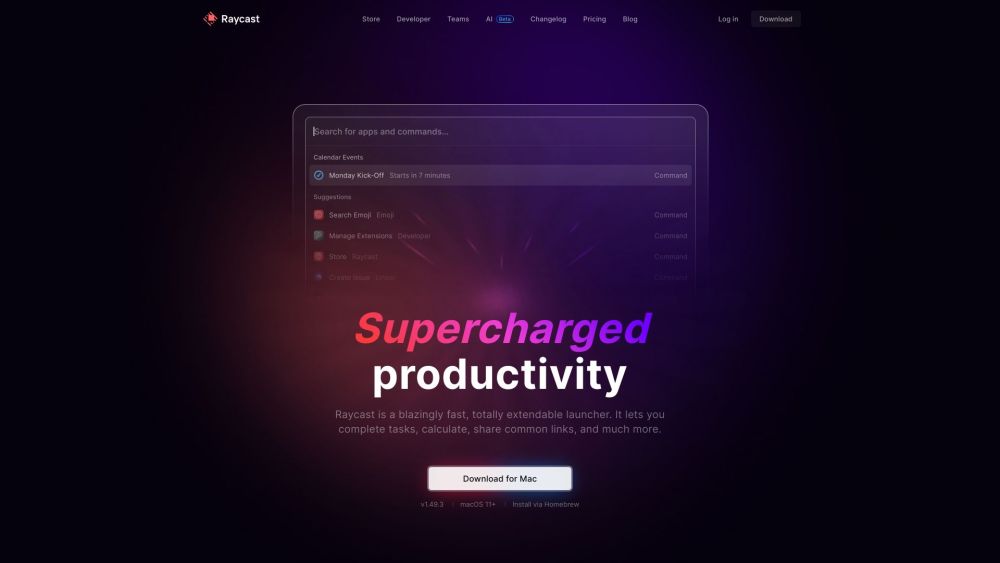
Unlock Your Productivity Potential with Raycast
Raycast is not just a launcher; it's a productivity powerhouse designed to turbocharge your workflow. Imagine having the ability to swiftly control your tools, complete tasks, perform calculations, and share links with just a few keystrokes. Raycast offers a seamless experience that keeps you focused and efficient.
Maximizing Raycast's Features
Experience a Blazingly Fast Launcher
Effortlessly Control Tools with Keystrokes
Boost Task Completion with Ease
Streamline Calculations for Efficiency
Share Common Links Instantly
Execute Script Commands with Precision
Efficiently Search for Files
Manage Windows Like a Pro
Access Clipboard History with Convenience
Utilize Snippets for Quick Tasks
Save Time with Quicklinks
Stay Organized with Floating Notes
Personalize Your Workspace with Custom Themes
Engage in AI-Powered Chat for Assistance
Seamless Cloud Sync for Accessibility
Empower Your Workflow with API for Extensions
Empowering Your Daily Routine with Raycast
Enhance Your Productivity Levels
Perform Quick Calculations Effortlessly
Efficiently Manage and Access Your Files
Take Control of App Windows and Desktop Organization
Manage Clipboard History for Seamless Workflows
Boost Efficiency with Snippets for Repetitive Tasks
Save and Share Common Links with Ease
Stay Organized with Quick Notes During Work
-
Raycast Support and Contact Information
For any support or customer service inquiries, please reach out to Raycast via email at [email protected]. Additional contact information can be found on the contact us page(mailto:[email protected]).
-
Access Your Raycast Account
To log in to your Raycast account, visit the following link: Raycast Login.
-
Explore Raycast Pricing
To learn more about Raycast's pricing options, visit: Raycast Pricing.
-
Connect with Raycast on Social Media
Stay updated with Raycast on Twitter: Raycast Twitter and explore their projects on Github: Raycast Github.