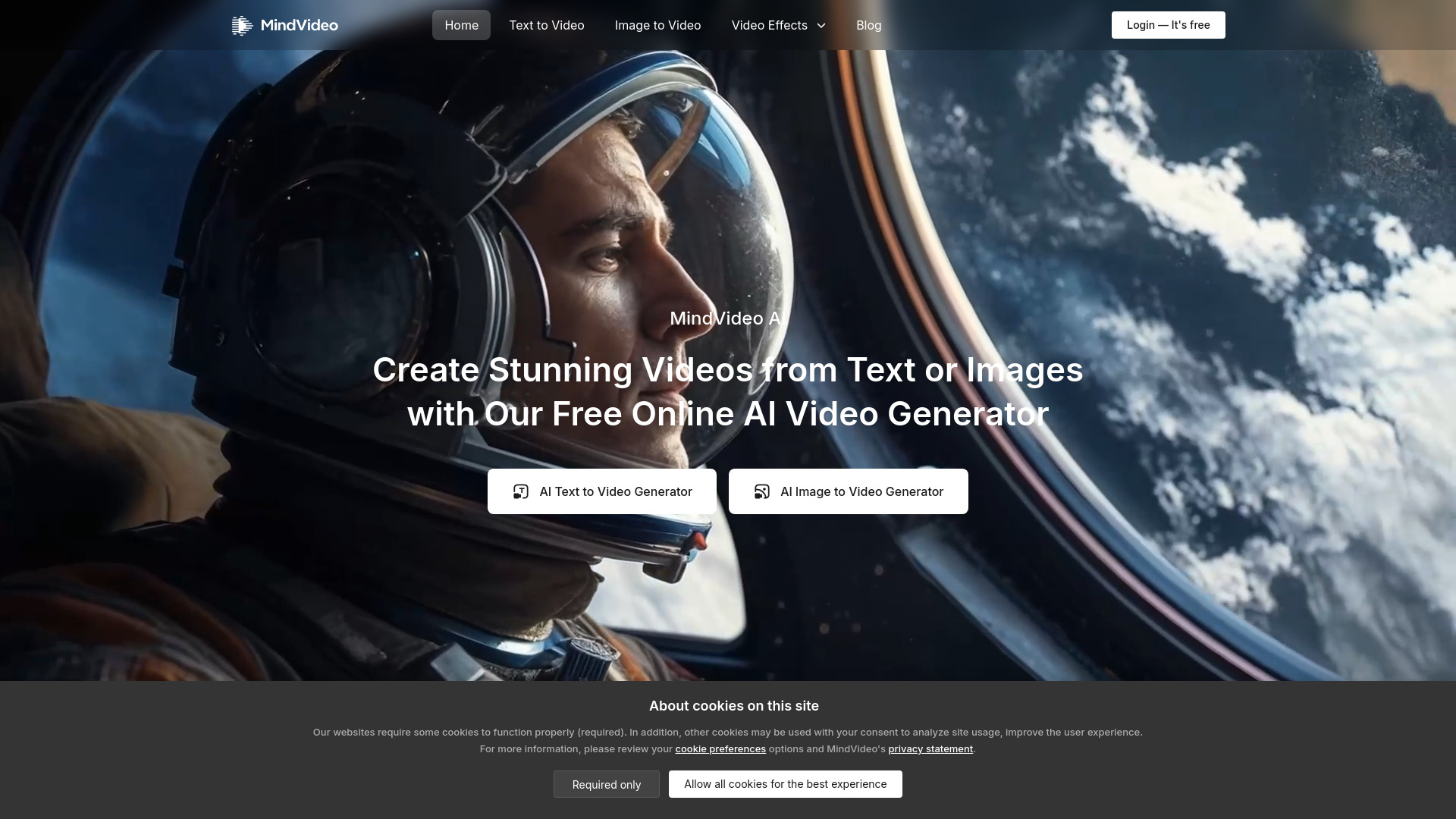
MindVideo AI: Turn text & images into 4K videos instantly—free AI-powered text-to-video & image-to-video. Try it now!
Explore a specific workflow
Explore 4k video tools through the product profiles below. These tools help create, edit or repurpose moving images. Text-to-video, image animation and video editing solve different tasks, so start with the source material you already have.
Compare text prompts, reference frames, source footage and audio support. Check duration, aspect ratio and whether the tool lets you keep a subject consistent between shots.
Watch the entire clip for motion errors, distorted objects, changing identities, lip-sync problems and abrupt transitions. Inspect the downloaded file as well as the preview.
MindVideo AI: Turn text & images into 4K videos instantly—free AI-powered text-to-video & image-to-video. Try it now!
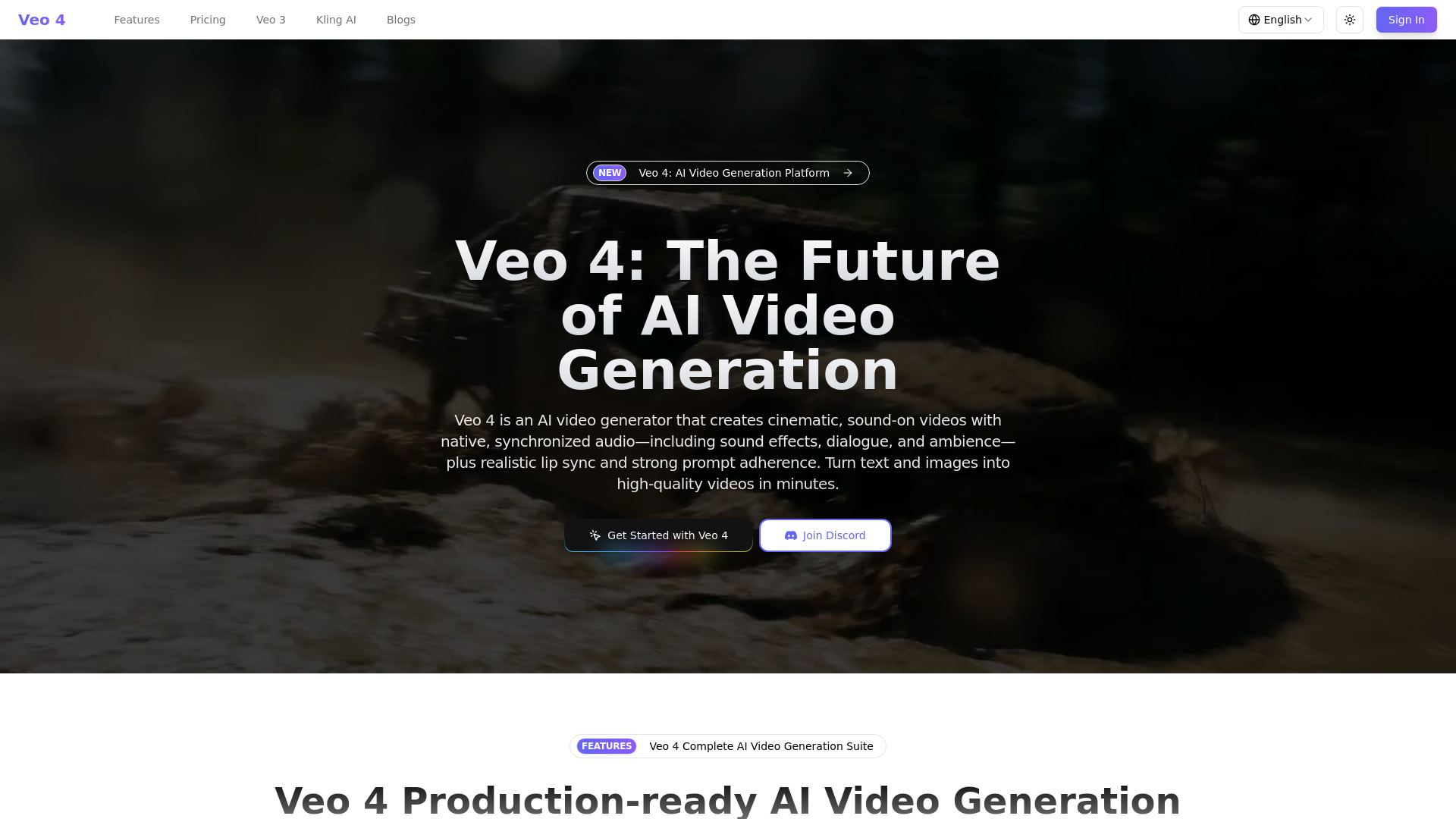
Veo 4: Turn text into cinematic 4K videos with native audio & perfect lip sync—create pro marketing, social & creative content in minutes.
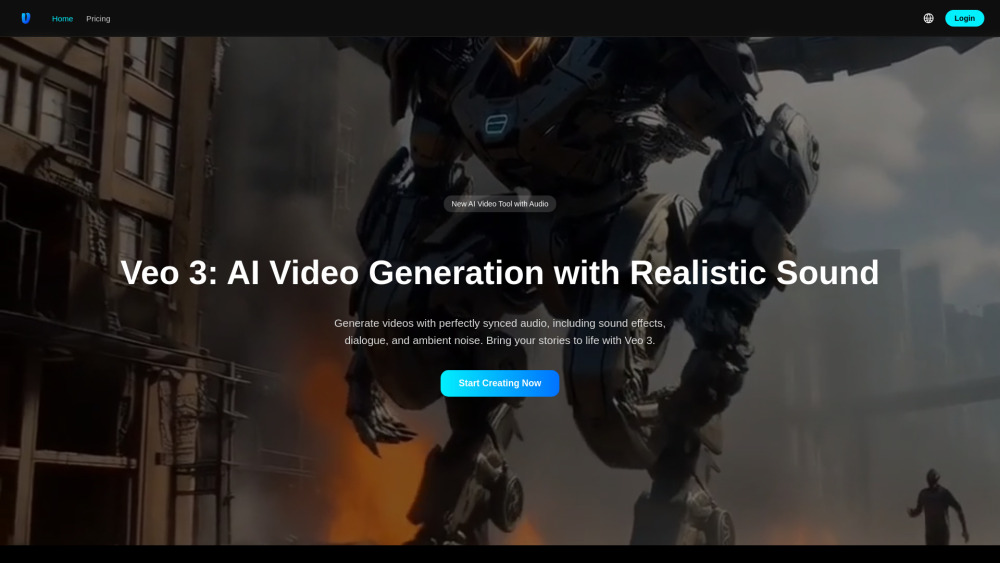
Veo 3: AI video generator that creates stunning, lifelike videos—with realistic dialogue, sound effects, and ambient noise. Elevate storytelling, effortlessly.
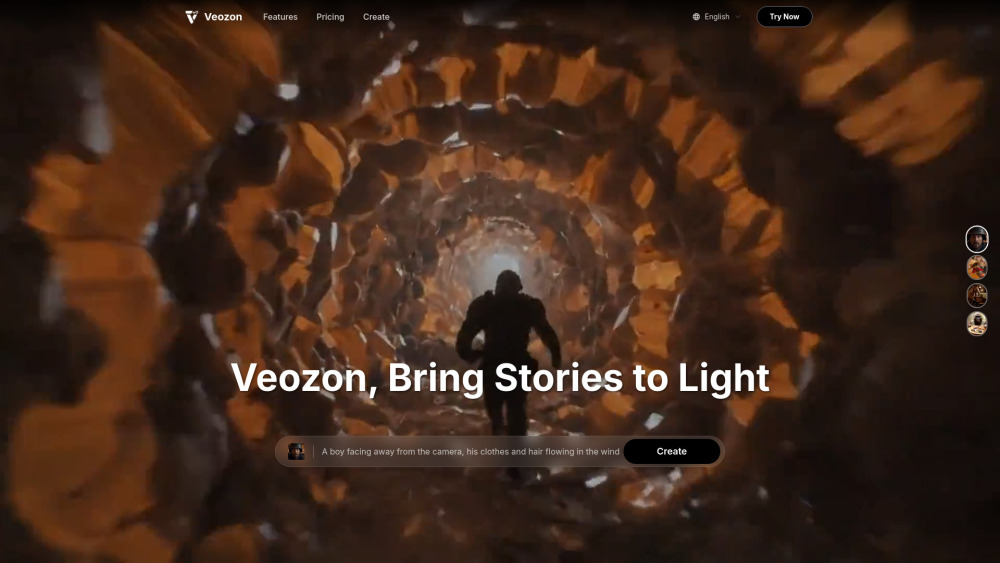
Veozon AI Video Generator: Transform text or images into cinematic videos—with AI-powered audio. Stunning, professional, in seconds.
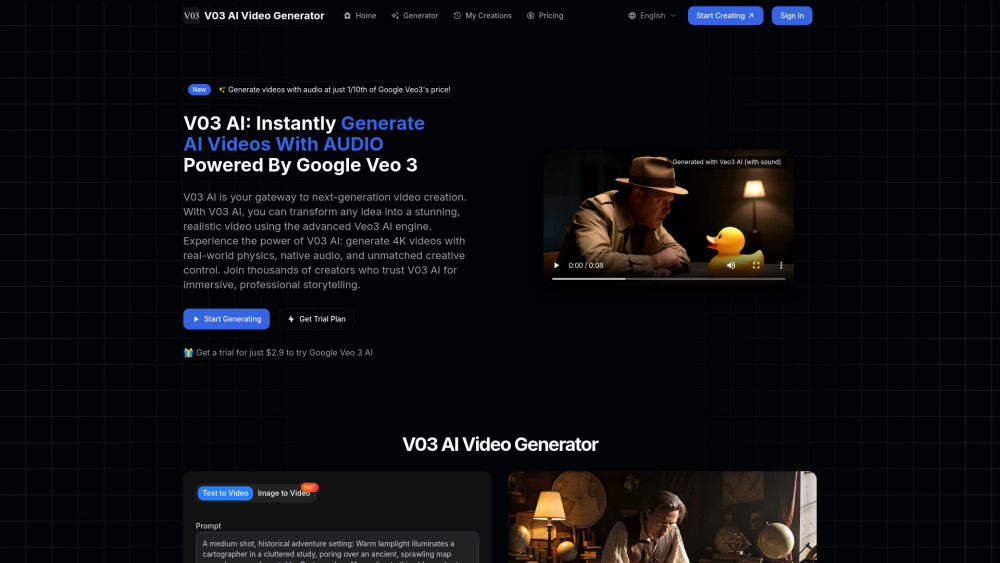
V03AI: Google Veo 3–powered AI video generator that creates stunningly realistic videos—with synced, lifelike audio—in seconds.
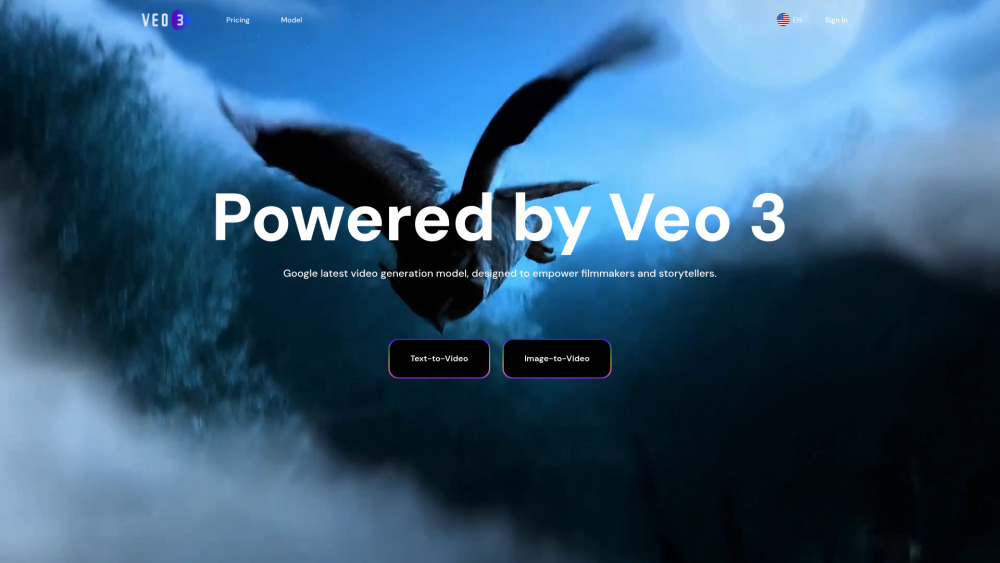
Veo 3: Turn text or images into cinematic 4K videos—with native audio—all powered by AI.
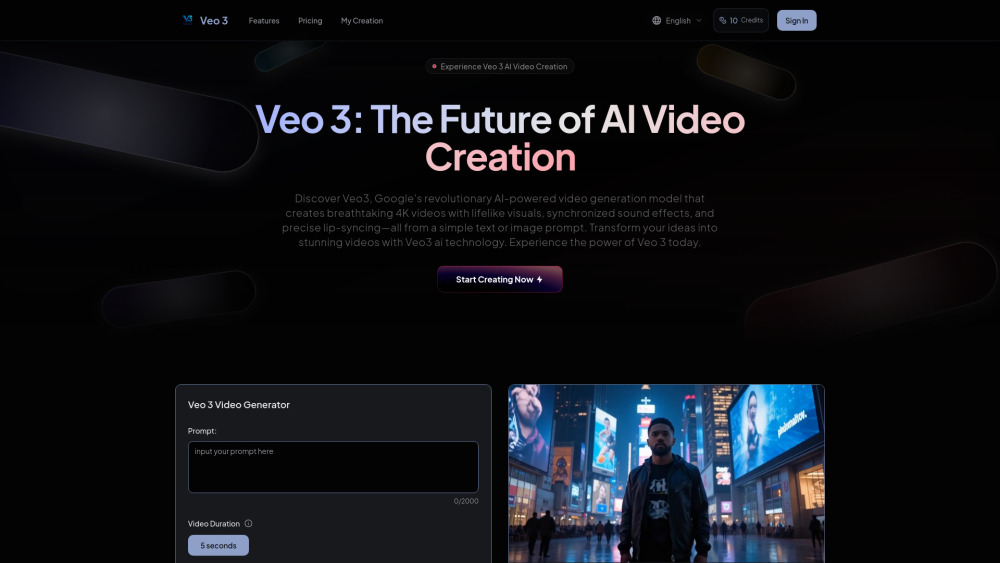
Veo 3 AI: Google’s AI video generator—creates 4K videos with realistic audio & perfect lip-sync. Transform ideas into professional content—instantly.
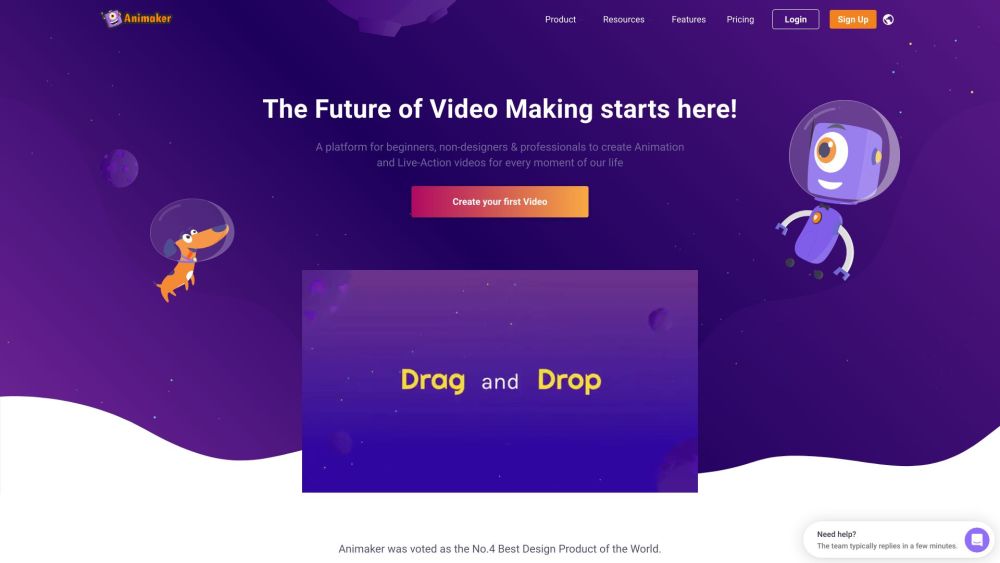
Animaker is an online do-it-yourself (#DIY) animation video maker that brings studio quality presentations within everyone's reach. It allows users to create animated videos and live-action videos in minutes. With a simple drag and drop builder, powerful character builder, and a vast library of stock videos and photos, Animaker provides a platform for beginners, non-designers, and professionals to create visually videos. It has been trusted by over 18 million people and is used by leading brands worldwide.
FAQ
Practical answers to help you take the next step.
These tools help create, edit or repurpose moving images. Text-to-video, image animation and video editing solve different tasks, so start with the source material you already have.
Compare text prompts, reference frames, source footage and audio support. Check duration, aspect ratio and whether the tool lets you keep a subject consistent between shots.
Watch the entire clip for motion errors, distorted objects, changing identities, lip-sync problems and abrupt transitions. Inspect the downloaded file as well as the preview.
Use a short shot with one subject and one camera movement. Keep the prompt and duration constant, then compare usable seconds and the number of regenerations.
MindVideo AI: Turn text & images into 4K videos instantly—free AI-powered text-to-video & image-to-video. Try it now!
Read about MindVideo AIVeo 4: Turn text into cinematic 4K videos with native audio & perfect lip sync—create pro marketing, social & creative content in minutes.
Read about Veo 4 - AI Video GeneratorVeo 3: AI video generator that creates stunning, lifelike videos—with realistic dialogue, sound effects, and ambient noise. Elevate storytelling, effortlessly.
Read about Veo 3 Video GeneratorVeozon AI Video Generator: Transform text or images into cinematic videos—with AI-powered audio. Stunning, professional, in seconds.
Read about Veozon AI Video GeneratorV03AI: Google Veo 3–powered AI video generator that creates stunningly realistic videos—with synced, lifelike audio—in seconds.
Read about V03AIVeo 3: Turn text or images into cinematic 4K videos—with native audio—all powered by AI.
Read about Veo 3