Veo 3 Video Generator: Realistic Sound, Dialogue & Ambient Noise

Veo 3: AI video generator that creates stunning, lifelike videos—with realistic dialogue, sound effects, and ambient noise. Elevate storytelling, effortlessly.

Visit Website
Veo 3 Video Generator: Realistic Sound, Dialogue & Ambient Noise
Directory : Image to Video, Text to Video, Video to Video, AI Video Generator, AI Lip Sync Generator, AI Music Generator, AI Sound Effect Generator

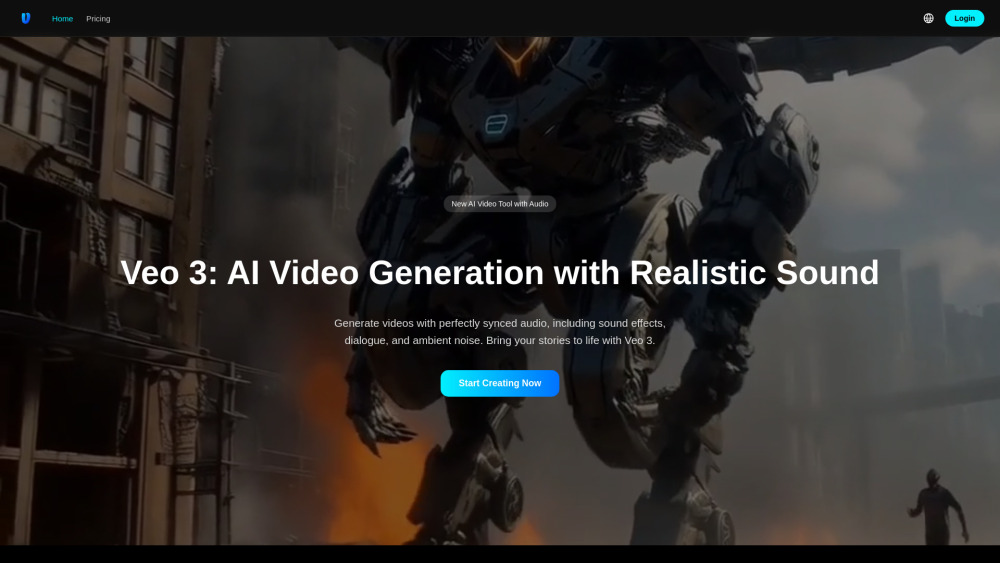
Veo 3 video generator Website screenshot

Veo 3 Video Generator: Realistic Sound, Dialogue & Ambient Noise

Veo 3 redefines AI-powered video creation by unifying cinematic visuals with rich, context-aware audio—down to the whisper of wind, the cadence of human speech, and the subtle hum of a bustling city street. As the newest iteration in Google’s Veo series, it goes beyond visual fidelity to deliver *true audiovisual synthesis*: dialogue that matches lip movements with uncanny precision, layered ambient soundscapes that ground scenes in authenticity, and dynamic sound effects that respond intelligently to on-screen action. Designed for creators who demand narrative depth—not just moving images—Veo 3 transforms prompts into immersive, multisensory experiences where sound isn’t added as an afterthought—it’s generated *in tandem* with motion, physics, and emotion.

Getting Started with Veo 3

Access Veo 3 via your Google account—no complex setup required. Begin by crafting a vivid prompt (e.g., “A lighthouse keeper speaking softly over crackling radio static as storm waves crash outside”) or uploading reference imagery. You can explicitly direct audio elements: specify dialogue lines, assign voice tones, define background layers (rain, distant traffic, forest birdsong), or even request silence where appropriate. Within minutes, Veo 3 renders a synchronized 4K video—complete with spatialized audio, accurate phoneme alignment, and natural reverb—ready for preview, fine-tuning, or export.

Key Capabilities That Set Veo 3 Apart

True Audio-Visual Synchronization

Dialogue, ambient noise, and sound effects are generated *jointly* with video—enabling precise lip-syncing, adaptive acoustics (e.g., echo in a cathedral vs. muffled tones in fog), and emotionally resonant audio layering.

Cinematic 4K Output with Physics-Based Realism

Light behaves authentically, materials reflect and absorb sound realistically, and motion adheres to physical laws—making generated scenes feel tangible, not synthetic.

Intuitive Creative Control

Adjust camera paths frame-by-frame, lock character appearance across scenes, apply filmic color grades, or insert/remove objects—all while preserving audio continuity and spatial coherence.

Multimodal Prompting Made Seamless

Combine text, still images, or even short video clips as input—Veo 3 interprets temporal and auditory cues from all sources to unify output.

Character & Style Consistency Engine

Maintain facial identity, vocal timbre, and stylistic tone across multiple generations—even when shifting lighting, perspective, or ambient conditions.

Dynamic Object Interaction & Audio Feedback

Objects don’t just appear—they interact: footsteps trigger gravel crunch, doors emit creaks and echoes, and raindrops generate distinct splashes based on surface material.

Frame-Accurate Audio Anchoring

First and last frames include intentional audio fade-ins/outs, ensuring seamless integration into longer edits or professional workflows.

Real-World Applications Powered by Audio Intelligence

A Victorian-era schoolhouse interior: children reciting poetry aloud while chalk scratches on slate—and distant church bells chime through open windows.

An animated documentary scene: a scientist narrates climate data over time-lapse footage of melting glaciers—her voice echoing slightly in the cavernous lab, underscored by low-frequency ice groans.

A sci-fi commercial: sleek drones whirring past neon-lit alleyways, their motors modulating pitch with speed, while synth bass pulses beneath rain-slicked pavement reflections.

A poetic short film: origami cranes unfolding mid-air, each fold accompanied by delicate paper rustles—and the soft, rhythmic breathing of the artisan’s hands guiding them.

Frequently Asked Questions

What makes Veo 3’s audio generation revolutionary?

How does Veo 3 handle multilingual dialogue and regional accents?

Can I edit or replace individual audio layers post-generation?

What’s the difference between Gems and Coins—and how are they allocated per audio-rich scene?

Do ambient noise and dialogue consume additional processing credits?

Is Veo 3 compliant with accessibility standards (e.g., captioning, audio description)?

  • Support & Contact Information

    For technical assistance, billing inquiries, or accessibility requests, visit our Contact Us page.

  • About Veo 3

    Veo 3 video generator Company name: Google DeepMind
    Veo 3 video generator Company address: 1600 Amphitheatre Parkway, Mountain View, CA 94043
    Learn more about our mission and technology at the About Us page.

  • Veo 3 Login

    Sign in securely with your Google account: Veo 3 Login Portal

  • Veo 3 Sign Up

    New users can begin with a free trial: Get Started with Veo 3

  • Veo 3 Pricing

    Flexible plans tailored for creators, studios, and enterprises: https://3-veo.com/en/pricing

FAQ from Veo 3 video generator

What is Veo 3 video generator?

Veo 3 is Google’s next-generation AI video model engineered to produce photorealistic, narratively coherent videos—with native, contextually intelligent audio generation at its core. It synthesizes dialogue, environmental sound, and expressive effects *in real-time alongside visuals*, enabling creators to tell richer, more immersive stories without external audio pipelines.

How to use Veo 3 video generator?

After signing in with Google, describe your vision in detail—including spoken lines, emotional tone, background ambiance, and acoustic environment (e.g., “a tense conversation in a subway tunnel with reverberant voices and passing train rumble”). Veo 3 interprets linguistic, semantic, and auditory intent simultaneously—then delivers a fully synced, downloadable 4K video asset.

What is Veo 3?

Veo 3 is the first widely accessible AI video model to integrate generative audio natively—meaning sound isn’t grafted on; it’s co-created with motion, timing, and spatial awareness. This enables authentic storytelling where every sonic detail reinforces visual credibility.

How does Veo 3 differ from its predecessor Veo 2?

Veo 2 focused primarily on visual quality and motion coherence. Veo 3 introduces end-to-end audiovisual generation—supporting multilingual speech synthesis, adaptive ambient modeling, and physics-informed acoustics—making it uniquely suited for film, education, advertising, and interactive media.

What are Gems and Coins?

Gems are subscription-based units granting access to premium features—including high-fidelity audio rendering and extended runtime. Coins are pay-as-you-go credits ideal for experimentation or burst usage. Both scale dynamically based on audio complexity: dialogue-heavy scenes or layered ambient compositions may require more units than silent visuals.

Do Gems or Coins roll over?

Gems reset monthly with your subscription. Coins remain active indefinitely—no expiration, no hidden fees.

What payment methods do you accept?

We support Visa, Mastercard, American Express, and Google Pay—ensuring secure, global transactions.

How can I get customer support?

Our dedicated support team responds within 24 hours. Reach us at [email protected] or submit a ticket via the Help Center.