Text&ampWriting

LipSync Studio

Create professional AI lip sync animations in 100+ languages with LipSync Studio. Automatically match character mouth movements to audio

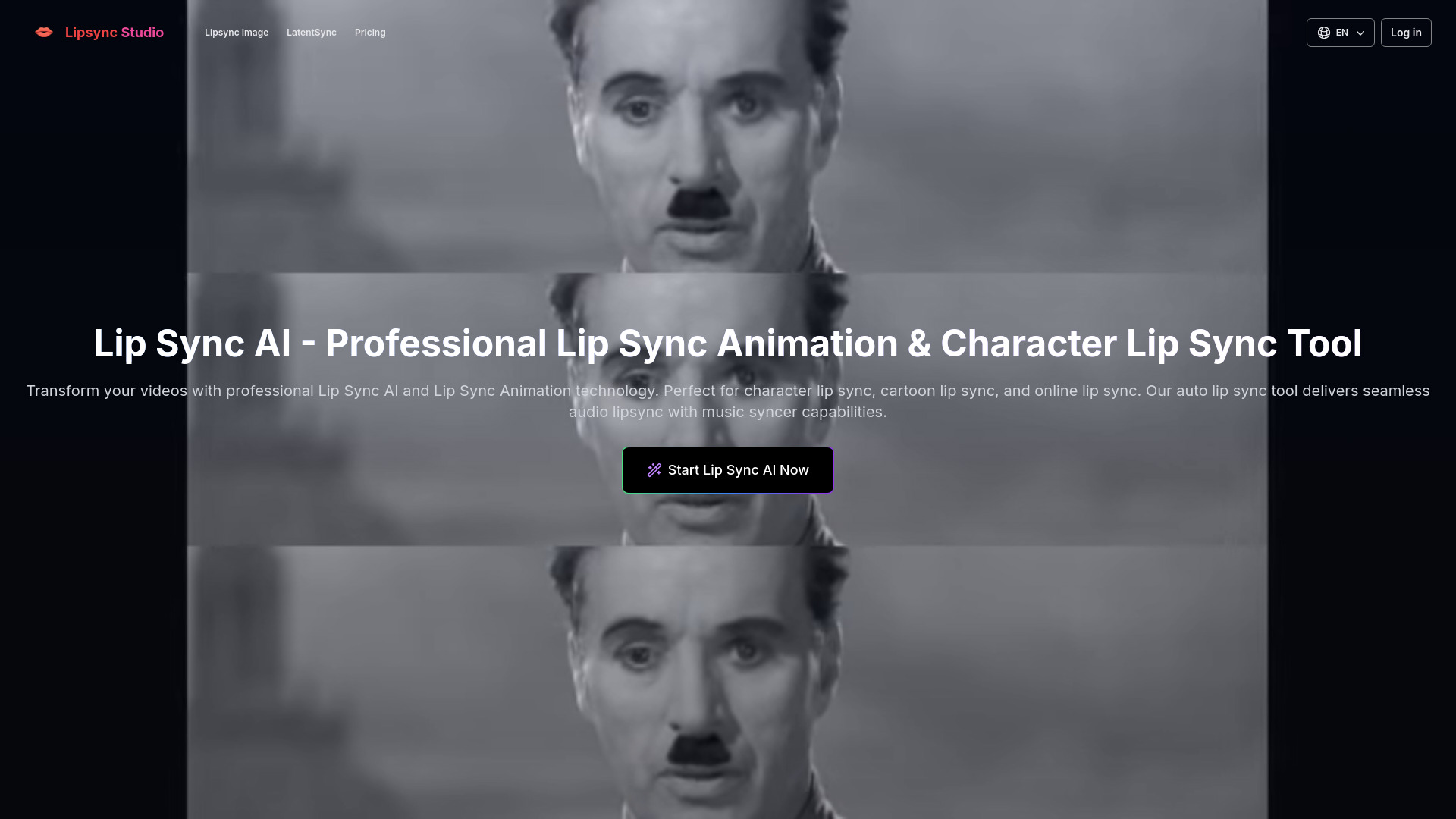
LipSync Studio website preview

What Is LipSync Studio?

LipSync Studio is an online AI lip sync animation tool that matches a person’s or character’s mouth movements to an audio track. With support for over 100 languages, it helps video teams adapt existing footage for new audiences, animate dialogue for cartoon characters, and sync a recorded performance with a music track. The platform analyzes the timing of the audio and generates mouth movements while preserving facial expressions that carry the emotion of a scene. Creators can use it for anything from a single social media clip to a series of training videos or a multilingual dubbing project.

How to Create an AI Lip Sync Video

Upload your source video in MP4, MOV, or WEBM format, then add the audio you want the face or character to follow. The platform accepts MP3, WAV, and M4A files. Choose Latentsync for realistic faces or the LipSync model for stylized animation, then adjust the speech settings to suit the performance. During processing, the AI analyzes the pacing of the recording and aligns the mouth movements with the new track.

Use the real-time preview to see how the generated animation follows the dialogue. If a line looks out of step, locate it on the timeline and use the frame-by-frame controls to refine that section. For a music video, the music syncer helps align the on-screen performance with the track. If you have several clips ready, batch processing lets you run them together. Once you finish reviewing the timing and expressions, export the video for your intended channel.

Key Features of LipSync Studio

  • Lip sync in over 100 languages. Use recorded dialogue in a supported language to adapt an existing video. The AI follows the timing and speech patterns of each recording, so the same footage can accompany multiple language tracks.
  • Models for realistic faces and animated characters. Latentsync focuses on subtle, realistic mouth shapes for human subjects. The LipSync model generates continuous, more pronounced movements suited to cartoons and other stylized characters.
  • Live previews and timing controls. Review a clip as it processes and use the timeline to find individual moments that need attention. Frame-by-frame adjustments give editors control over details such as a mouth opening just before a line begins.
  • Preservation of facial expressions. The AI updates the mouth movements while retaining facial cues from the original performance, helping smiles, reactions, and shifts in emotion carry through to the dubbed version.
  • Batch processing for multiple videos. Submit several clips together when producing a course, localizing a campaign, or dubbing a series. Teams can generate a set of videos in one batch and review each result before export.

Automatic lip sync gives editors a first pass across a clip or a batch of videos. They can then focus their time on the scenes where timing matters most, such as a close-up, a quick exchange between characters, or a line that ends on a cut.

Why Choose LipSync Studio?

LipSync Studio brings audio alignment, preview, and detailed editing into one browser-based workflow. A solo creator can generate and review a talking clip, while a localization team can use the timeline controls to polish individual scenes and batch processing to handle larger projects. Support for both human faces and animated characters makes it possible to work on live-action and cartoon content in the same tool.

Common upload formats make it easy to work with footage and dialogue from existing editing and audio production software. Flexible export options support videos destined for social media, streaming, and broadcast workflows. LipSync Studio is also featured on aitop-tools.com as an AI video tool for creators exploring options for automated lip sync and dubbing.

Where to Use AI Lip Sync Animation

Film and television teams can align dubbed dialogue with an actor’s performance when preparing regional versions of a production. Educators can reuse a presenter-led lesson with new narration for learners in different language groups. Marketing and corporate communications teams can adapt a product demo, training video, or campaign for several markets using the same source footage.

YouTube, TikTok, and Instagram creators can use AI lip sync for character sketches, parody clips, and music videos. Animation teams can start with a recorded voice performance and generate mouth movements for a character, then refine the timing where a pause, reaction, or punchline needs particular attention.

``` The supplied HTML contained no images. I kept its section structure and omitted the reported 80% time savings figure because the source did not substantiate it.

Product source: LipSync Studio official website. Check the provider for current plans, limits and availability.

FAQ

LipSync Studio questions and answers

Product context and practical checks for evaluating LipSync Studio.

What is LipSync Studio used for?

Create professional AI lip sync animations in 100+ languages with LipSync Studio. Automatically match character mouth movements to audio

How do I get started with LipSync Studio?

Upload your source video in MP4, MOV, or WEBM format, then add the audio you want the face or character to follow. The platform accepts MP3, WAV, and M4A files. Choose Latentsync for realistic faces or the LipSync model for stylized animation, then adjust the speech settings to suit the performance. During processing, the AI analyzes the pacing of the recording and aligns the mouth movements with the new track.Use the real-time preview to see how the generated animation follows the dialogue. If a line looks out of step, locate it on the timeline and use the frame-by-frame controls to refine that section. For a music video, the music syncer helps align the on-screen performance with the track. If you have several clips ready, batch processing lets you run them together. Once you finish reviewing the timing and expressions, export the video for your intended channel.

Which capabilities are described for LipSync Studio?

Lip sync in over 100 languages. Use recorded dialogue in a supported language to adapt an existing video. The AI follows the timing and speech patterns of each recording, so the same footage can accompany multiple language tracks. Models for realistic faces and animated characters. Latentsync focuses on subtle, realistic mouth shapes for human subjects. The LipSync model generates continuous, more pronounced movements suited to cartoons and other stylized characters. Live previews and timing controls. Review a clip as it processes and use the timeline to find individual moments that need attention. Frame-by-frame adjustments give editors control over details such as a mouth opening just before a line begins. Preservation of facial expressions. The AI updates the mouth movements while retaining facial cues from the original performance, helping smiles, reactions, and shifts in emotion carry through to the dubbed version. Batch processing for multiple videos. Submit several clips together when producing a course, localizing a campaign, or dubbing a series. Teams can generate a set of videos in one batch and review each result before export. Automatic lip sync gives editors a first pass across a clip or a batch of videos. They can then focus their time on the scenes where timing matters most, such as a close-up, a quick exchange between characters, or a line that ends on a cut.

How does LipSync Studio handle lip sync in over 100 languages.?

Lip sync in over 100 languages. Use recorded dialogue in a supported language to adapt an existing video. The AI follows the timing and speech patterns of each recording, so the same footage can accompany multiple language tracks.

How does LipSync Studio handle models for realistic faces and animated characters.?

Models for realistic faces and animated characters. Latentsync focuses on subtle, realistic mouth shapes for human subjects. The LipSync model generates continuous, more pronounced movements suited to cartoons and other stylized characters.

What should I compare before choosing a LipSync Studio plan?

Check LipSync Studio’s current pricing page for included usage, renewal terms and any credit charges. Compare the cost of a usable result, including retries, rather than assuming that account registration includes free usage.

What inputs should I prepare for a LipSync Studio trial?

Compare text prompts, reference frames, source footage and audio support. Check duration, aspect ratio and whether the tool lets you keep a subject consistent between shots.

How can I check the quality of a LipSync Studio result?

Watch the entire clip for motion errors, distorted objects, changing identities, lip-sync problems and abrupt transitions. Inspect the downloaded file as well as the preview.

Which export options should I check in LipSync Studio?

Check export resolution, frame rate, aspect ratio, audio tracks and watermark rules. A good preview is not a substitute for an export that fits your publishing channel.

Where is the official LipSync Studio website?

The website linked from this profile is https://lipsync.studio. Use the provider’s own documentation, account area and support channels to confirm current product details.

Visit LipSync Studio