BookScribi at a Glance
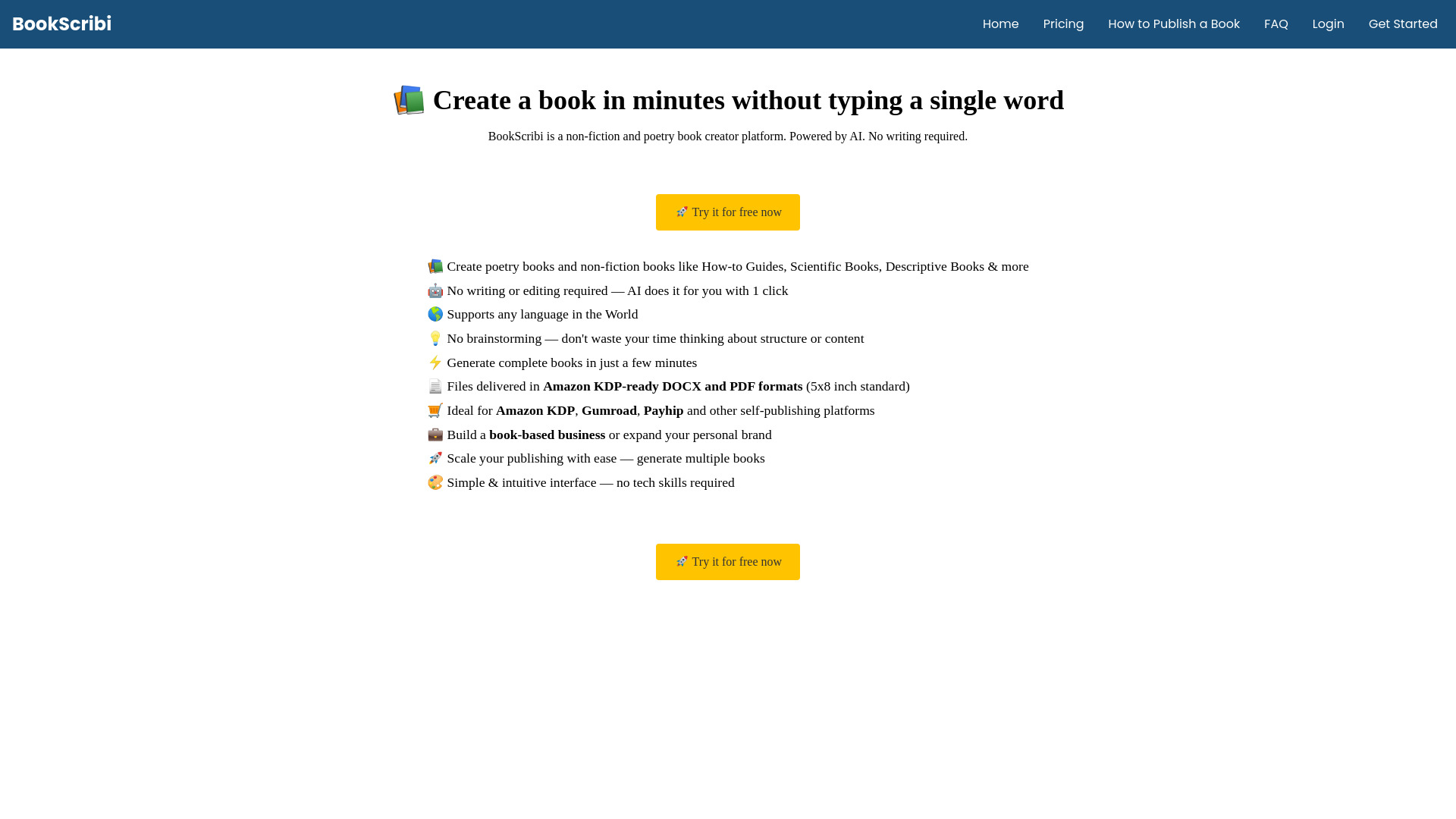
BookScribi is an AI book generator that turns a title and an outline into a nonfiction manuscript or a poetry collection. The platform says it can generate a full draft in under 60 seconds once you confirm the structure. Each project comes with a Word document for editing and a PDF for reviewing or sharing. Featured on aitop-tools.com, BookScribi is geared toward aspiring authors, content creators, and entrepreneurs who want to see how a book idea reads as a complete manuscript. You set the topic and scope before generation, then use the draft to develop the voice, examples, and details that make the book your own.
How to Create an eBook with BookScribi
Start by choosing Non-Fiction or Poetry, then enter your working title and subtitle. For a nonfiction project, set the number of chapters and subchapters. For a poetry collection, choose how many poems to include. Click Create to generate an outline and check whether the proposed sections cover the topics or themes you had in mind. Once you confirm the structure, BookScribi generates the manuscript and makes it available in both Word and PDF.
Use the outline stage to match the length and depth of the book to its audience. A beginner’s guide might follow a handful of chapters, each focused on a single task. A more detailed handbook can use subchapters to break complex topics into shorter sections. If you plan to self-publish through Amazon Kindle Direct Publishing (KDP), BookScribi also provides a step-by-step guide covering manuscript preparation, book details, and listing setup.
Key Features of the BookScribi AI Book Generator
- Full drafts in under a minute. BookScribi uses the title, subtitle, and approved structure to generate a manuscript in one pass. With all the chapters available together, you can review the order of ideas, see where sections overlap, and identify topics that need more depth.
- Word and PDF exports. The Word version lets you edit the manuscript, change headings, and add material such as examples or reference notes. The PDF gives you a fixed copy for reading and sharing, which can be helpful when you want feedback on a particular version.
- Adjustable chapter and poem counts. Set the number of chapters and subchapters to suit the subject. A short how-to eBook may need only a few main sections, while a handbook can use subchapters to organize instructions and supporting material. Poetry projects use a poem count to set the size of the collection.
- Dedicated nonfiction and poetry options. Choose nonfiction for instructional guides, educational material, and topic overviews. The poetry option builds a collection around a theme and gives you individual pieces to revise, reorder, or develop in your own style.
Because you can review the proposed structure before generating the book, you can catch gaps while the project is still easy to adjust. Once the manuscript is ready, you can move straight into editing in Word or circulate the PDF to readers for feedback.
Why Use BookScribi for an eBook Project?
Starting with an outline gives authors an early look at what the book will cover and how readers will move through it. That matters for nonfiction in particular. A practical guide needs to introduce concepts in the order readers will use them, and a clear outline makes it easier to spot when a chapter assumes knowledge that comes later. Seeing the full manuscript then gives you a chance to check whether the book delivers what its title and subtitle promise.
The same workflow can support a single project or a series of related titles. A creator might draft a short introductory eBook first, then build more focused guides around questions that readers raise. For a self-publishing project, the included KDP guide connects manuscript preparation with the work of creating a book listing.
Ways to Use BookScribi
Amazon KDP self-publishing. An independent author can start with a focused topic, such as a beginner’s guide to balcony gardening, and check whether the outline answers the questions a first-time reader is likely to ask. The Word draft leaves room to add firsthand examples and check factual details before preparing the manuscript and listing for KDP.
Themed poetry collections. Writers can use the poetry option to explore a subject across several poems, whether the project is a personal gift, a portfolio, or a short anthology. Once the verses are generated, the collection can take shape through revisions to individual lines and decisions about how the poems should flow from one to the next.
Content marketing and client resources. Businesses, consultants, and course creators can turn a recurring customer question into a short eBook for a newsletter signup, product launch, or onboarding program. An editable draft makes it easy to incorporate the team’s terminology and real examples before sharing the finished resource as a PDF.