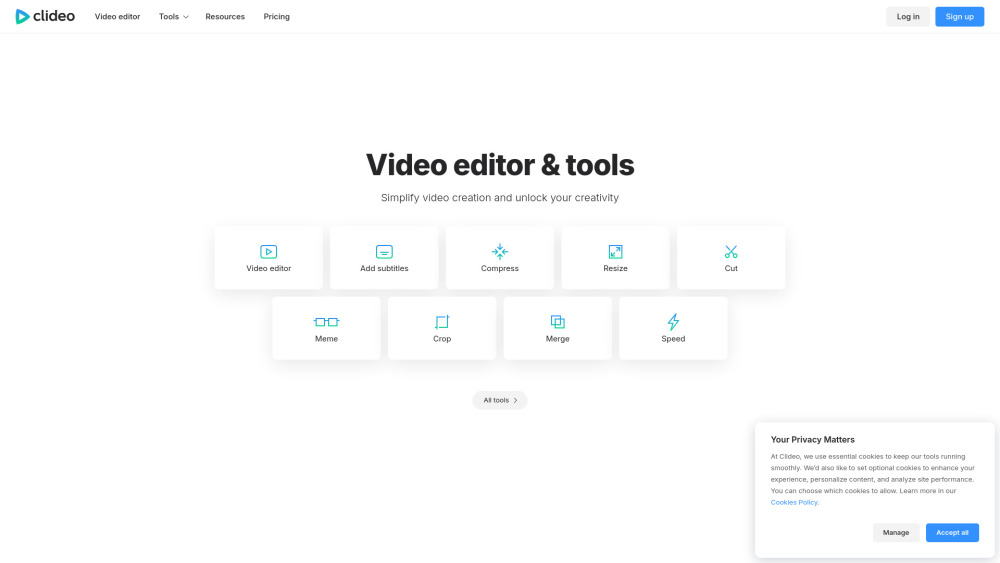
Clideo: Effortlessly edit videos, images & GIFs online—no downloads, no skills needed. Fast, free, and ready in seconds!
Explore a specific workflow
Explore video tools through the product profiles below. These tools help create, edit or repurpose moving images. Text-to-video, image animation and video editing solve different tasks, so start with the source material you already have.
Compare text prompts, reference frames, source footage and audio support. Check duration, aspect ratio and whether the tool lets you keep a subject consistent between shots.
Watch the entire clip for motion errors, distorted objects, changing identities, lip-sync problems and abrupt transitions. Inspect the downloaded file as well as the preview.
Clideo: Effortlessly edit videos, images & GIFs online—no downloads, no skills needed. Fast, free, and ready in seconds!

Makefilm: All-in-one AI video platform for effortless creation, smart editing, and instant summarization—powerful, intuitive, and built for creators.

Discover, compare, and master AI tools with Critiqs AI—your ultimate directory for expert reviews and in-depth tutorials. Unlock AI's full potential today!
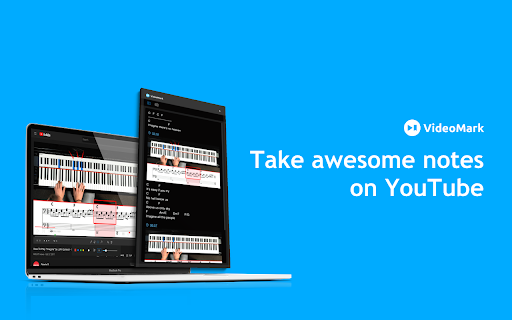
VideoMark Chrome Extension: Effortlessly annotate videos, add notes, and highlight key moments for collaboration and enhanced viewing experiences.

Virtual tennis experience

WOXO is the leading AI video generator. Effortlessly create and schedule 21 unique videos for Youtube, TikTok, or Instagram. Try the future of video creation with WOXO now!

Unlock your creativity and write 10x faster with CreativAI. Innovative AI technology to supercharge your writing process.
FAQ
Practical answers to help you take the next step.
These tools help create, edit or repurpose moving images. Text-to-video, image animation and video editing solve different tasks, so start with the source material you already have.
Compare text prompts, reference frames, source footage and audio support. Check duration, aspect ratio and whether the tool lets you keep a subject consistent between shots.
Watch the entire clip for motion errors, distorted objects, changing identities, lip-sync problems and abrupt transitions. Inspect the downloaded file as well as the preview.
Use a short shot with one subject and one camera movement. Keep the prompt and duration constant, then compare usable seconds and the number of regenerations.
Clideo: Effortlessly edit videos, images & GIFs online—no downloads, no skills needed. Fast, free, and ready in seconds!
Read about ClideoMakefilm: All-in-one AI video platform for effortless creation, smart editing, and instant summarization—powerful, intuitive, and built for creators.
Read about MakefilmDiscover, compare, and master AI tools with Critiqs AI—your ultimate directory for expert reviews and in-depth tutorials. Unlock AI's full potential today!
Read about Critiqs AIVideoMark Chrome Extension: Effortlessly annotate videos, add notes, and highlight key moments for collaboration and enhanced viewing experiences.
Read about VideoMark - Chrome ExtensionVirtual tennis experience
Read about WingfieldWOXO is the leading AI video generator. Effortlessly create and schedule 21 unique videos for Youtube, TikTok, or Instagram. Try the future of video creation with WOXO now!
Read about WOXO AI Video Generator