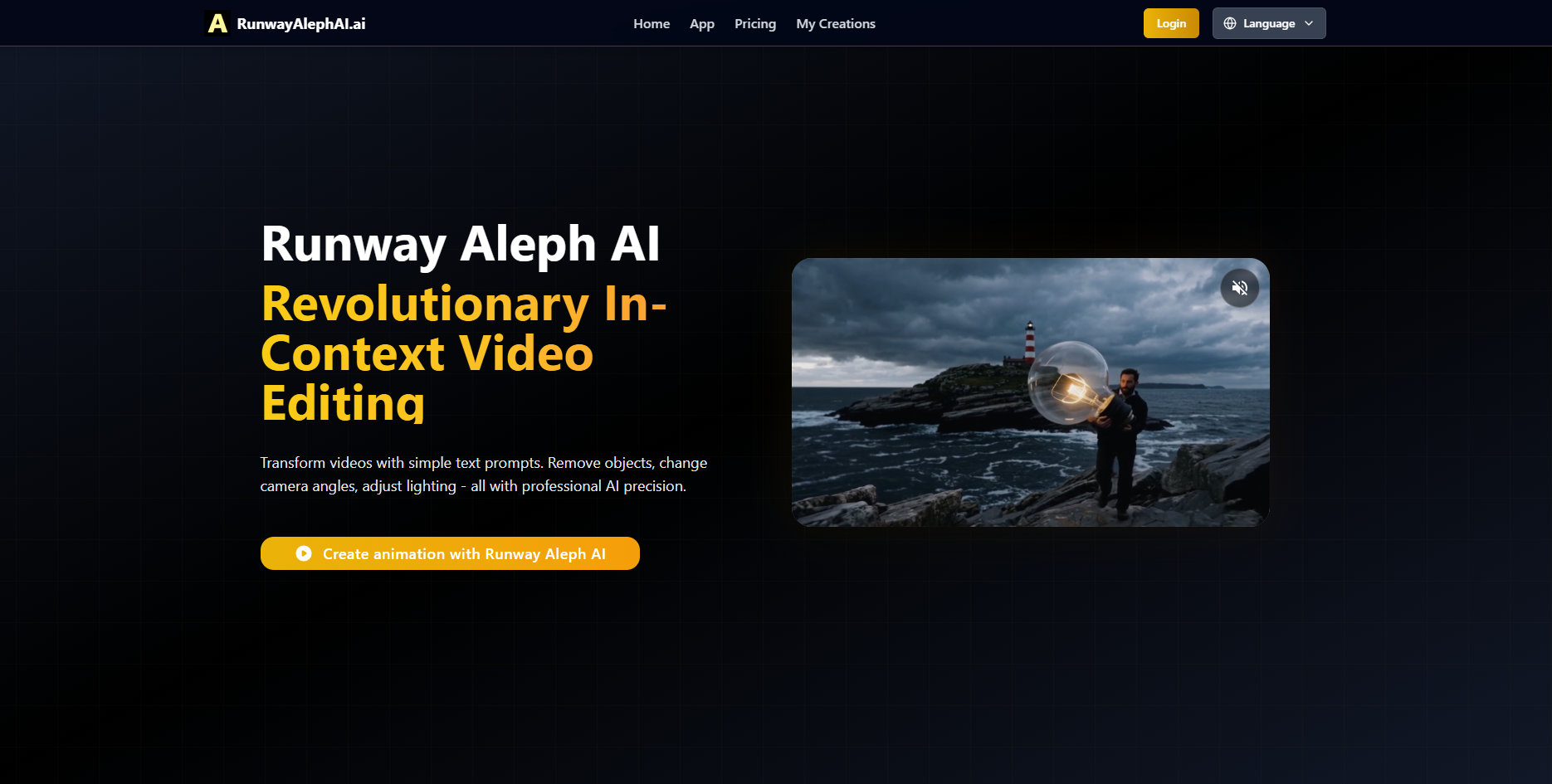
Runway Aleph AI: Edit videos with text prompts—swap angles, erase objects, tweak lighting. Pro-grade AI editing, simplified.
Explore a specific workflow
Explore video editing tool through the product profiles below. These tools help create, edit or repurpose moving images. Text-to-video, image animation and video editing solve different tasks, so start with the source material you already have.
Compare text prompts, reference frames, source footage and audio support. Check duration, aspect ratio and whether the tool lets you keep a subject consistent between shots.
Watch the entire clip for motion errors, distorted objects, changing identities, lip-sync problems and abrupt transitions. Inspect the downloaded file as well as the preview.
Runway Aleph AI: Edit videos with text prompts—swap angles, erase objects, tweak lighting. Pro-grade AI editing, simplified.
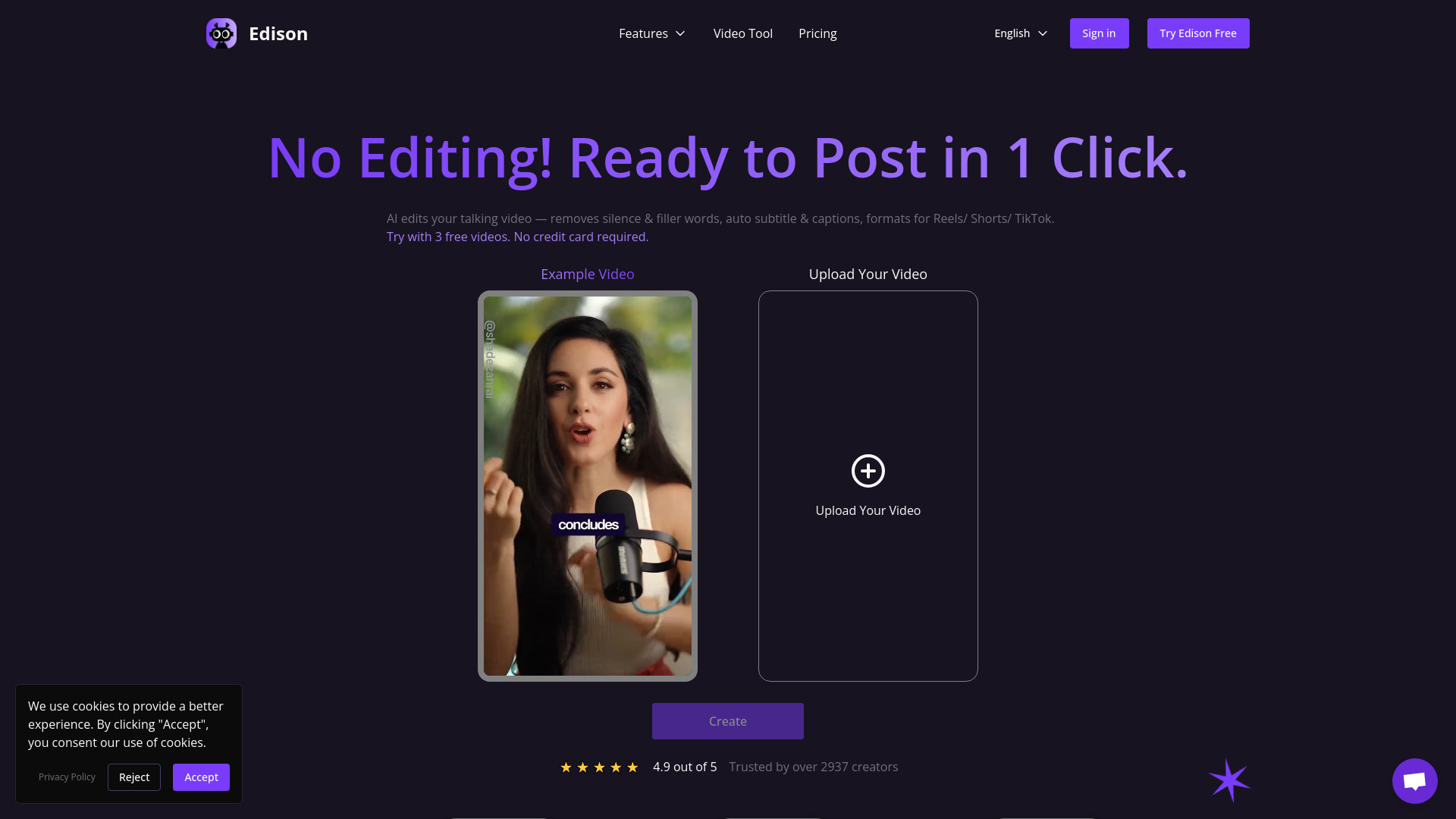
Edison AI Video Editor: Auto-captions, silence/filler removal, Reels/Shorts/TikTok formatting. Turn raw videos into polished content—in minutes. Free trial!
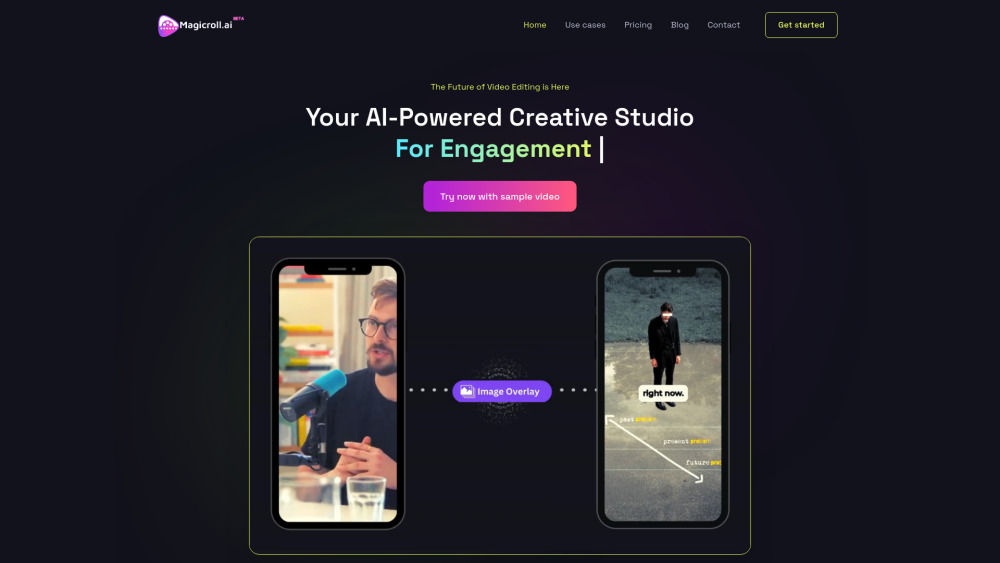
Magicroll.ai: Auto-generate viral video shorts with AI—zero editing, max engagement. Try use cases, pricing, reviews & alternatives!
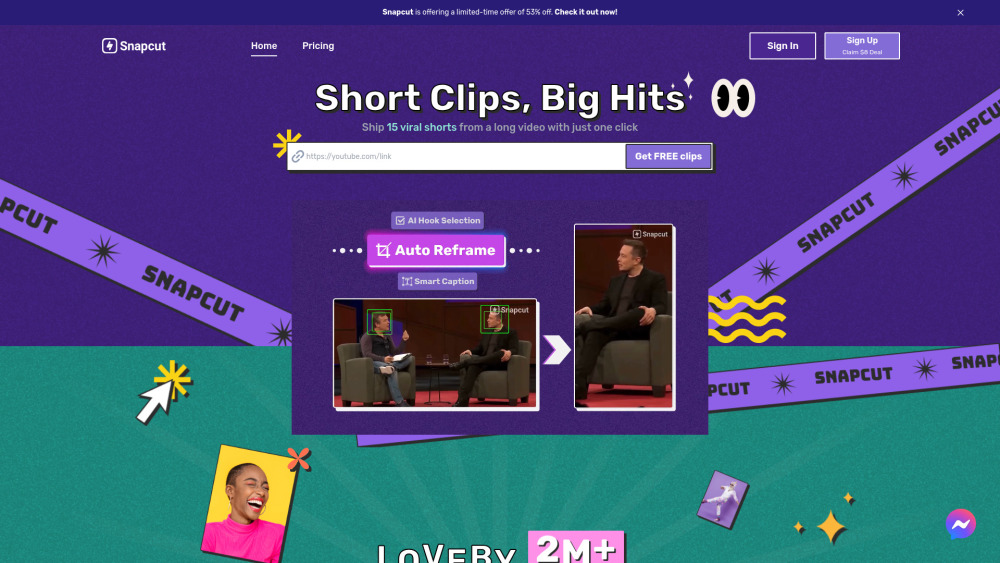
Snapcut.ai: AI-powered video editing for viral shorts—boost engagement with smart cuts, pricing plans, real-user reviews & top alternatives. Try now!
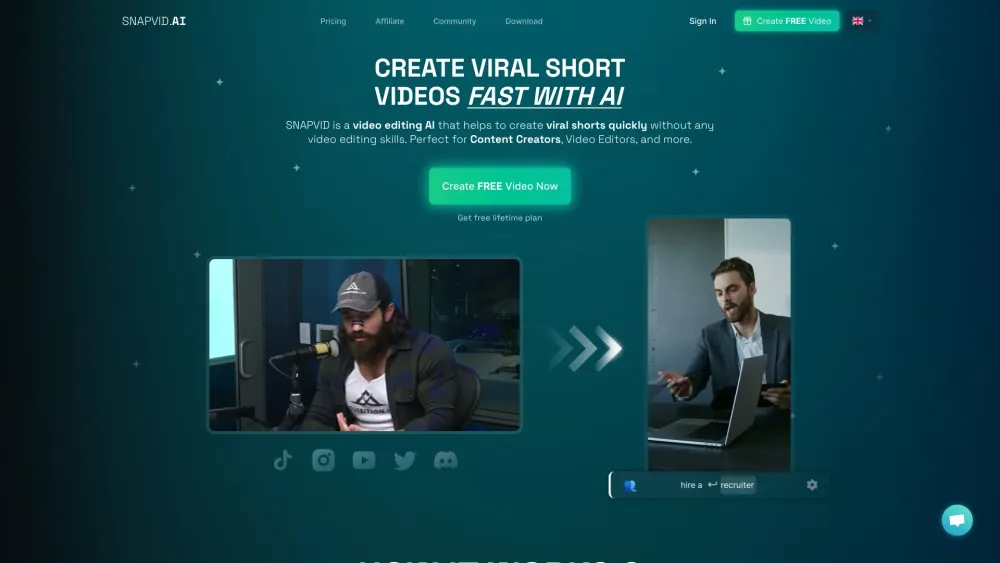
SNAPVID: Effortlessly create viral videos in seconds with AI. No skills needed, just quick and results every time.
FAQ
Practical answers to help you take the next step.
These tools help create, edit or repurpose moving images. Text-to-video, image animation and video editing solve different tasks, so start with the source material you already have.
Compare text prompts, reference frames, source footage and audio support. Check duration, aspect ratio and whether the tool lets you keep a subject consistent between shots.
Watch the entire clip for motion errors, distorted objects, changing identities, lip-sync problems and abrupt transitions. Inspect the downloaded file as well as the preview.
Use a short shot with one subject and one camera movement. Keep the prompt and duration constant, then compare usable seconds and the number of regenerations.
Runway Aleph AI: Edit videos with text prompts—swap angles, erase objects, tweak lighting. Pro-grade AI editing, simplified.
Read about Runway Aleph AIEdison AI Video Editor: Auto-captions, silence/filler removal, Reels/Shorts/TikTok formatting. Turn raw videos into polished content—in minutes. Free trial!
Read about Edison AI Video EditorMagicroll.ai: Auto-generate viral video shorts with AI—zero editing, max engagement. Try use cases, pricing, reviews & alternatives!
Read about Magicroll.aiSnapcut.ai: AI-powered video editing for viral shorts—boost engagement with smart cuts, pricing plans, real-user reviews & top alternatives. Try now!
Read about Snapcut.aiSNAPVID: Effortlessly create viral videos in seconds with AI. No skills needed, just quick and results every time.
Read about SNAPVIDCheck export resolution, frame rate, aspect ratio, audio tracks and watermark rules. A good preview is not a substitute for an export that fits your publishing channel.