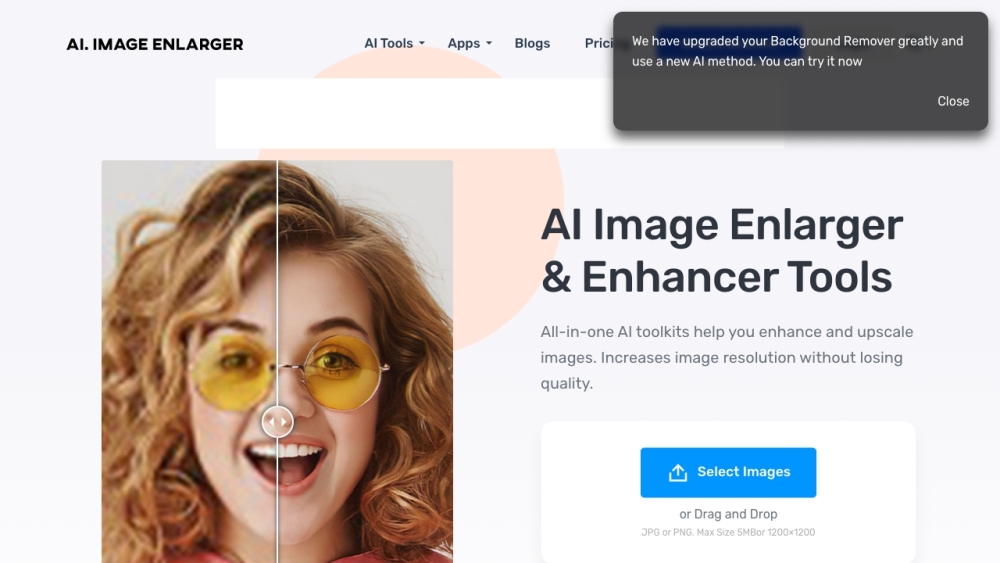
AI Image Enlarger: Upscale & enhance images online with no quality loss. Enlarge JPG/PNG for free using advanced AI for perfect resolution and clarity.
Explore a specific workflow
Explore upscale tools through the product profiles below. The collection groups applications around a shared task. Product scope can overlap, so compare the specific workflow each tool describes rather than the category name alone.
Identify the files, text or account connections your task needs. Confirm that the product accepts those inputs and offers controls for reviewing its work.
Test one representative task and inspect the result for accuracy and completeness. Record where manual corrections or extra tools are needed.
AI Image Enlarger: Upscale & enhance images online with no quality loss. Enlarge JPG/PNG for free using advanced AI for perfect resolution and clarity.

Indise: Explore dream interiors. Visualize in 90 seconds. Discover use cases, pricing, reviews, core features, and top alternatives. Transform your space today!
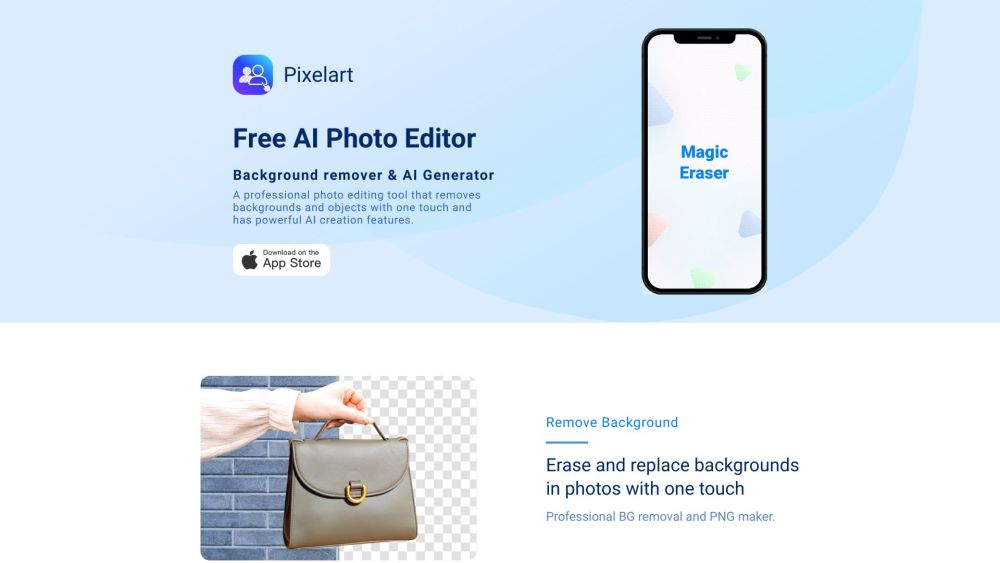
Transform photos with Pixelart: AI-powered editing, one-touch background removal, and digital art creation. Elevate your creativity effortlessly.
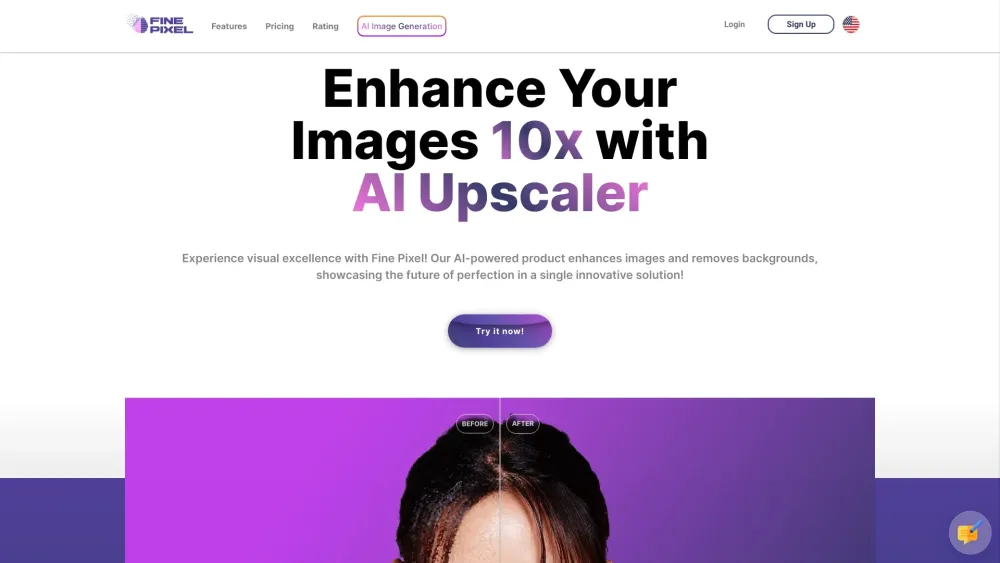
Enhance images up to 10x with Fine Pixel AI. Use the DaVinci module for high-resolution images from text input. Unleash superior image clarity today!
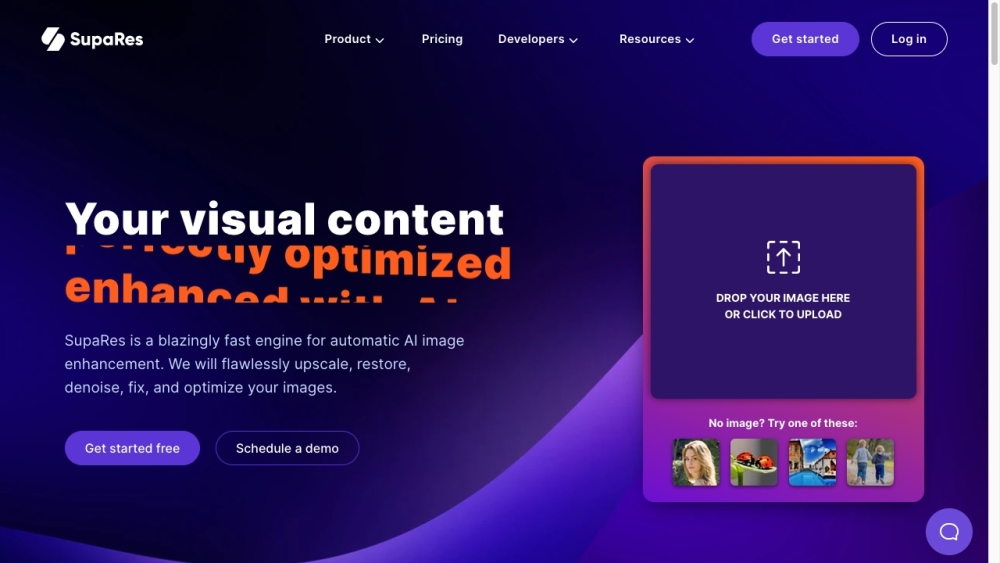
SupaRes: AI Image Enhancement. Instantly upscale, restore, and optimize your images with professional quality. Fast, flawless, and effortless results every time!
FAQ
Practical answers to help you take the next step.
The collection groups applications around a shared task. Product scope can overlap, so compare the specific workflow each tool describes rather than the category name alone.
Identify the files, text or account connections your task needs. Confirm that the product accepts those inputs and offers controls for reviewing its work.
Test one representative task and inspect the result for accuracy and completeness. Record where manual corrections or extra tools are needed.
Choose one task with a clear success condition. Keep the input consistent, record the time spent reviewing and compare the complete workflow cost.
AI Image Enlarger: Upscale & enhance images online with no quality loss. Enlarge JPG/PNG for free using advanced AI for perfect resolution and clarity.
Read about AI Image EnlargerIndise: Explore dream interiors. Visualize in 90 seconds. Discover use cases, pricing, reviews, core features, and top alternatives. Transform your space today!
Read about IndiseTransform photos with Pixelart: AI-powered editing, one-touch background removal, and digital art creation. Elevate your creativity effortlessly.
Read about PixelartEnhance images up to 10x with Fine Pixel AI. Use the DaVinci module for high-resolution images from text input. Unleash superior image clarity today!
Read about Fine PixelSupaRes: AI Image Enhancement. Instantly upscale, restore, and optimize your images with professional quality. Fast, flawless, and effortless results every time!
Read about SupaResCheck export formats, integrations and whether you can keep using your work outside the service. Test a real export before committing to a longer plan.