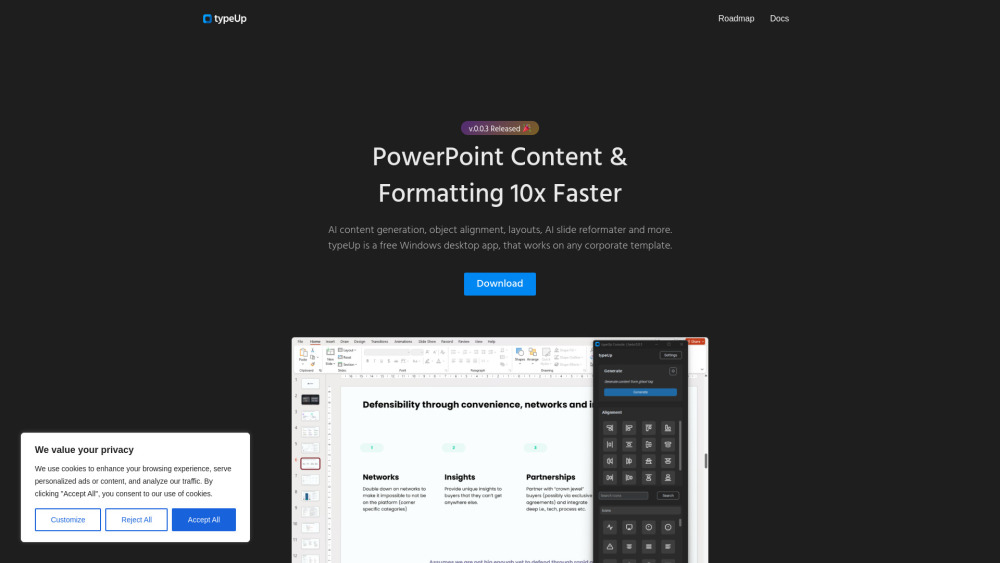
typeUp: Boost your productivity with AI-powered fast PowerPoint content creation & formatting. Save time and create slides effortlessly!
Explore a specific workflow
Explore powerpoint tools through the product profiles below. The collection groups applications around a shared task. Product scope can overlap, so compare the specific workflow each tool describes rather than the category name alone.
Identify the files, text or account connections your task needs. Confirm that the product accepts those inputs and offers controls for reviewing its work.
Test one representative task and inspect the result for accuracy and completeness. Record where manual corrections or extra tools are needed.
typeUp: Boost your productivity with AI-powered fast PowerPoint content creation & formatting. Save time and create slides effortlessly!

Revolutionize your outdoor adventures with the sleek, durable '', designed for ultimate performance and comfort. Perfect for any terrain and weather!

Shufflrr: The superior solution for streamlined presentation management. Organize, update, and share your presentations effortlessly with Shufflrr!
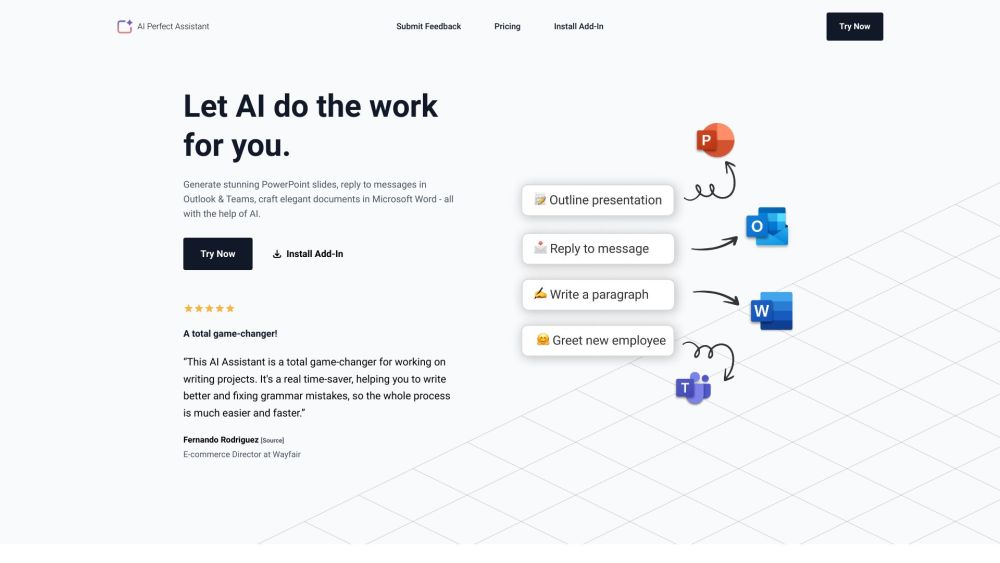
Boost productivity with AI Perfect Assistant! integrated into Microsoft Suite, it crafts documents, replies to messages, and designs PowerPoint slides effortlessly.

PowerPoint Analyzer: Harness advanced ML & computer vision to elevate your PowerPoint deck analysis. Transform insights and boost presentation impact effortlessly.

Create PowerPoint slides in seconds with PresentationGPT: the #1 AI-powered tool using GPT-4 and LISA for engaging, high-quality presentations.

Transform your ideas into dynamic presentations effortlessly with SlidesGPT - just provide a prompt and let it work its magic, ChatGPT style.

Slides Wizard: Create tailored presentations in seconds for any topic. Effortless, fast, and professional. Revolutionize your presentation game today!

Boost your business creativity with Ghostwriter Office Add-ins: AI-powered solutions for innovative, efficient workflows. Transform your office tasks today!

Piggy Magic: Effortlessly transform thoughts into dynamic digital content for blogs, social media, portfolios, resumes, and more. Your ideas, our magic!
FAQ
Practical answers to help you take the next step.
The collection groups applications around a shared task. Product scope can overlap, so compare the specific workflow each tool describes rather than the category name alone.
Identify the files, text or account connections your task needs. Confirm that the product accepts those inputs and offers controls for reviewing its work.
Test one representative task and inspect the result for accuracy and completeness. Record where manual corrections or extra tools are needed.
Choose one task with a clear success condition. Keep the input consistent, record the time spent reviewing and compare the complete workflow cost.
typeUp: Boost your productivity with AI-powered fast PowerPoint content creation & formatting. Save time and create slides effortlessly!
Read about typeUpRevolutionize your outdoor adventures with the sleek, durable '', designed for ultimate performance and comfort. Perfect for any terrain and weather!
Read about Product NameShufflrr: The superior solution for streamlined presentation management. Organize, update, and share your presentations effortlessly with Shufflrr!
Read about ShufflrrBoost productivity with AI Perfect Assistant! integrated into Microsoft Suite, it crafts documents, replies to messages, and designs PowerPoint slides effortlessly.
Read about AI Perfect AssistantPowerPoint Analyzer: Harness advanced ML & computer vision to elevate your PowerPoint deck analysis. Transform insights and boost presentation impact effortlessly.
Read about PowerPoint AnalyzerCreate PowerPoint slides in seconds with PresentationGPT: the #1 AI-powered tool using GPT-4 and LISA for engaging, high-quality presentations.
Read about PresentationGPT