
Chat with GPT-4o, Claude, Gemini, Grok & DeepSeek—all in one free AI chat platform. Plus image generation & chat history. Try it now!
Explore a specific workflow
Explore gemini tools through the product profiles below. The collection groups applications around a shared task. Product scope can overlap, so compare the specific workflow each tool describes rather than the category name alone.
Identify the files, text or account connections your task needs. Confirm that the product accepts those inputs and offers controls for reviewing its work.
Test one representative task and inspect the result for accuracy and completeness. Record where manual corrections or extra tools are needed.
Chat with GPT-4o, Claude, Gemini, Grok & DeepSeek—all in one free AI chat platform. Plus image generation & chat history. Try it now!
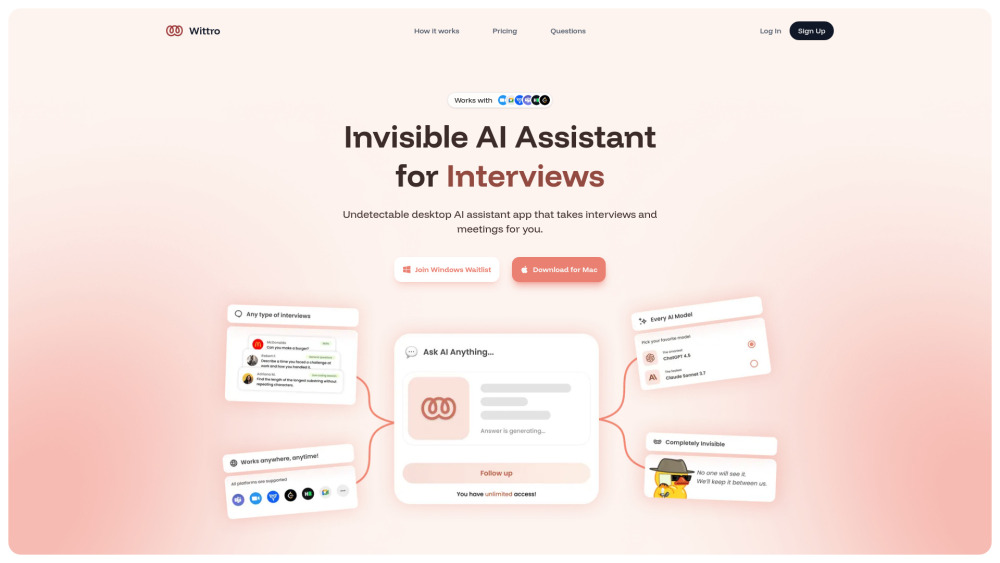
Wittro: The undetectable AI assistant that empowers you in interviews and meetings—smart, silent, and human.
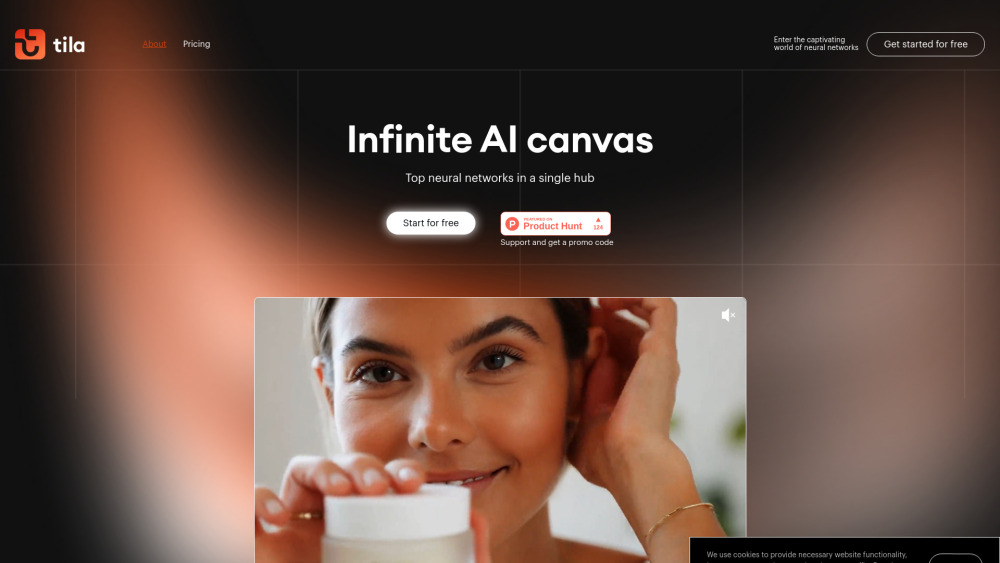
Tila Visual AI Workspace: Build multimodal AI projects & automate workflows—intuitively, visually, powerfully.
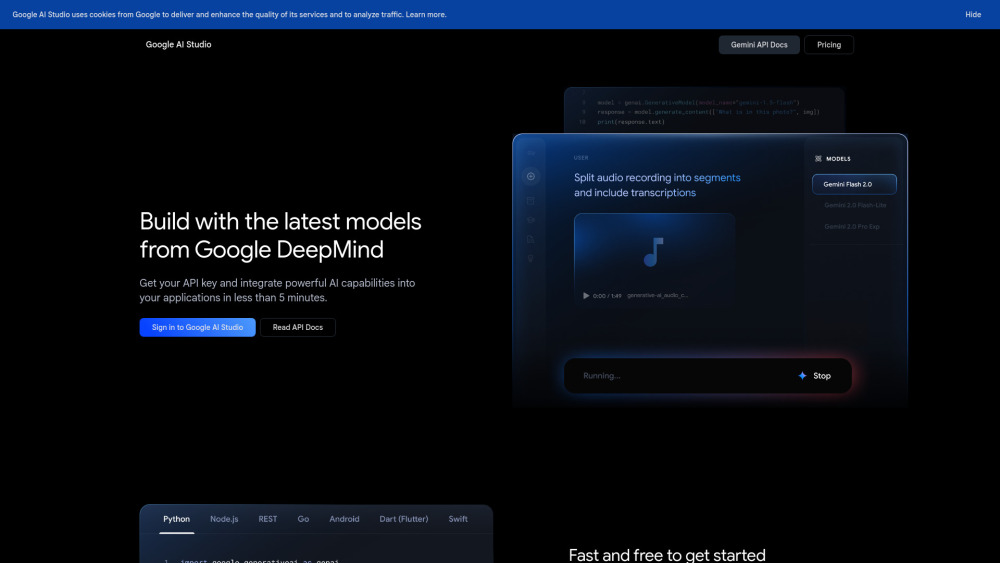
Build smarter apps faster with Google AI Studio—your no-code/low-code platform for prototyping, testing, and deploying Gemini AI models.
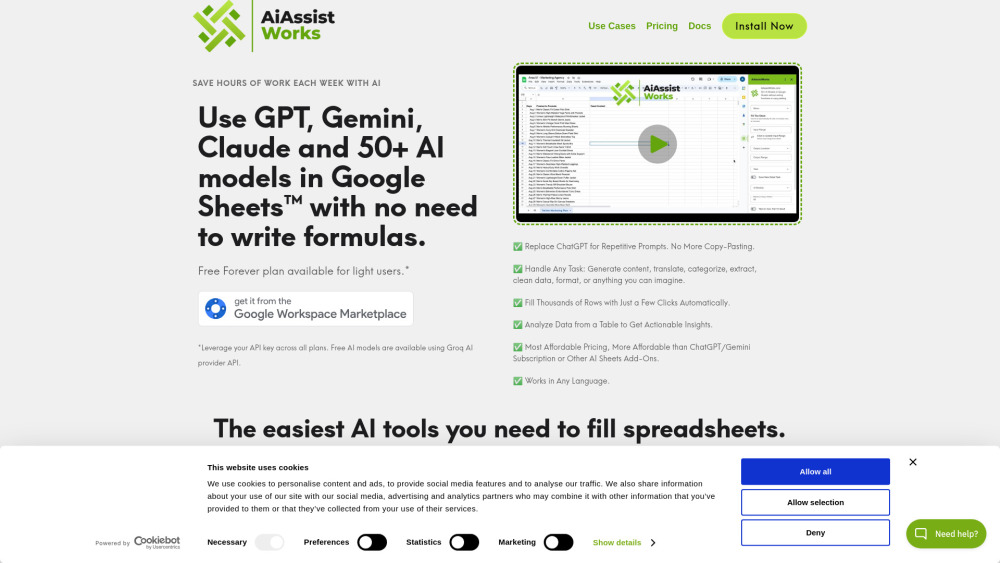
AiAssistWorks: Unlock 50+ AI models (Perplexity, Groq) in Google Sheets™—save prompts, boost productivity, and scale smarter. Try it today!

ChatGPT Sidebar with GPT-4 Vision: Your AI-powered assistant for browsing, real-time analysis, and smarter insights. Boost productivity effortlessly!

Boost productivity with BizBudd – the AI-powered Chrome Extension that offers versatile business tools to streamline tasks, optimize workflows, and save time.

OAI UI: Unlock limitless possibilities with our all-in-one AI platform, offering access to diverse, powerful AI capabilities in one place.
FAQ
Practical answers to help you take the next step.
The collection groups applications around a shared task. Product scope can overlap, so compare the specific workflow each tool describes rather than the category name alone.
Identify the files, text or account connections your task needs. Confirm that the product accepts those inputs and offers controls for reviewing its work.
Test one representative task and inspect the result for accuracy and completeness. Record where manual corrections or extra tools are needed.
Choose one task with a clear success condition. Keep the input consistent, record the time spent reviewing and compare the complete workflow cost.
Chat with GPT-4o, Claude, Gemini, Grok & DeepSeek—all in one free AI chat platform. Plus image generation & chat history. Try it now!
Read about Chatbot AI - Multi-Model AI Chat PlatformWittro: The undetectable AI assistant that empowers you in interviews and meetings—smart, silent, and human.
Read about WittroTila Visual AI Workspace: Build multimodal AI projects & automate workflows—intuitively, visually, powerfully.
Read about Tila Visual AI WorkspaceBuild smarter apps faster with Google AI Studio—your no-code/low-code platform for prototyping, testing, and deploying Gemini AI models.
Read about Google AI StudioAiAssistWorks: Unlock 50+ AI models (Perplexity, Groq) in Google Sheets™—save prompts, boost productivity, and scale smarter. Try it today!
Read about AiAssistWorksChatGPT Sidebar with GPT-4 Vision: Your AI-powered assistant for browsing, real-time analysis, and smarter insights. Boost productivity effortlessly!
Read about ChatGPT Sidebar with GPT-4 Vision