Table of contents
AiAssistWorks : 50+ AI Models, Prompt Saving, Productivity Boost
AiAssistWorks: Unlock 50+ AI models (Perplexity, Groq) in Google Sheets™—save prompts, boost productivity, and scale smarter. Try it today!
Directory : Translate, Copywriting, AI Creative Writing, AI Content Generator, AI Product Description Generator, AI Analytics Assistant, AI SEO Assistant, AI Social Media Assistant, AI Ad Generator, Digital Marketing Generator, AI Spreadsheet, Large Language Models LLMs
Introducing AiAssistWorks: Your All-in-One AI Power-Up for Google Sheets™
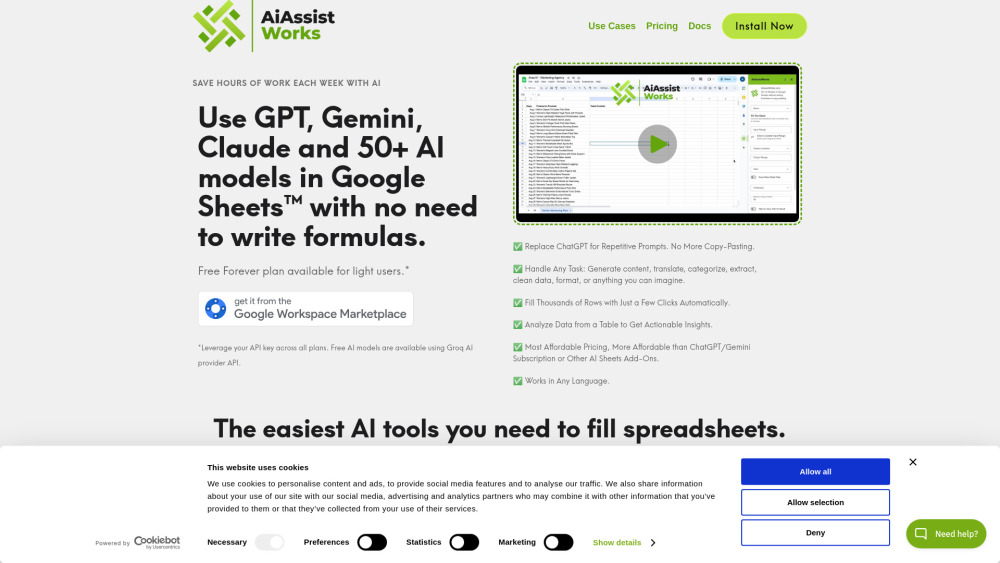
AiAssistWorks transforms Google Sheets into a unified AI workspace — no coding, no context-switching, no manual copy-paste. With seamless access to 50+ leading AI models (including GPT-4o, Gemini 2.0, Claude 3.5 Sonnet, Llama 3.1, Mixtral 8x22B, Perplexity, and more), it goes far beyond “GPT for Sheets” or “Gemini for Sheets.” It’s *every* AI — intelligently integrated, instantly actionable, right inside your spreadsheet.
Get Started in Under 30 Seconds
1. Highlight your input data (any cell range).
2. Click “Set Input Range” to lock it in.
3. Choose where results appear — same sheet, new column, or dedicated tab.
4. Pick a pre-built task (e.g., “Summarize,” “Translate,” “Classify”) or craft your own prompt.
5. Select your preferred AI model — compare outputs side-by-side if needed.
6. Fine-tune response length (tokens) or temperature for precision.
7. Hit “Run AI” — and watch thousands of rows process automatically.
Why Teams Choose AiAssistWorks
✅ 50+ Production-Ready AI Models — One Interface
✅ Save, Organize & Reuse Prompts Like Templates
✅ Zero Formulas. Zero Copy-Paste. Zero Context Switching.
✅ Scale Effortlessly: Process 10K+ rows with intelligent resume-on-limit — no timeouts, no restarts.
✅ Transparent, Predictable Pricing — No surprise overages or per-call fees.
✅ Advanced Table Analysis: Feed entire datasets to high-performing models for insights, clustering, or anomaly detection.
Real-World Use Cases — Powered by AI in Sheets
SEO Content Optimization
Digital Marketing Campaign Analysis
Bulk Data Enrichment & Cleansing
Multi-Language Translation at Scale
Performance Reporting Automation
AI-Powered Social Media Calendar Generation
Ad Copy A/B Testing & Variants
Bulk Meta Title & Description Writing
Customer Feedback Categorization
Lead Scoring & Qualification Automation
Internal Knowledge Base Summarization
-
AiAssistWorks on Reddit
Join the conversation and see real user feedback: r/GoogleSheets community (search “AiAssistWorks”).
-
About AiAssistWorks
AiAssistWorks is developed by a team of spreadsheet automation engineers and AI practitioners focused on practical, enterprise-grade tooling for knowledge workers.
Learn our story, mission, and values: About AiAssistWorks.
-
AiAssistWorks Pricing
Flexible plans for individuals, teams, and enterprises — including free tier, pay-as-you-go credits, and unlimited monthly subscriptions. View full details: AiAssistWorks Pricing Page.
-
AiAssistWorks Privacy & Security
Your data stays yours. We never train on your prompts or outputs. Full compliance with GDPR, SOC 2 principles, and Google Workspace security standards. Read our policy: AiAssistWorks Privacy Policy.
FAQ: AiAssistWorks — AI for Sheets
What exactly is AiAssistWorks?
AiAssistWorks is a secure, no-code Google Sheets Add-On that brings 50+ state-of-the-art AI models directly into your spreadsheet — enabling prompt engineering, batch processing, and intelligent analysis without leaving Sheets or writing a single formula.
How fast can I process large datasets?
With built-in queue management and automatic continuation after API rate limits, AiAssistWorks handles multi-thousand-row workflows in minutes — not hours. Ideal for SEO audits, CRM enrichment, or marketing analytics pipelines.