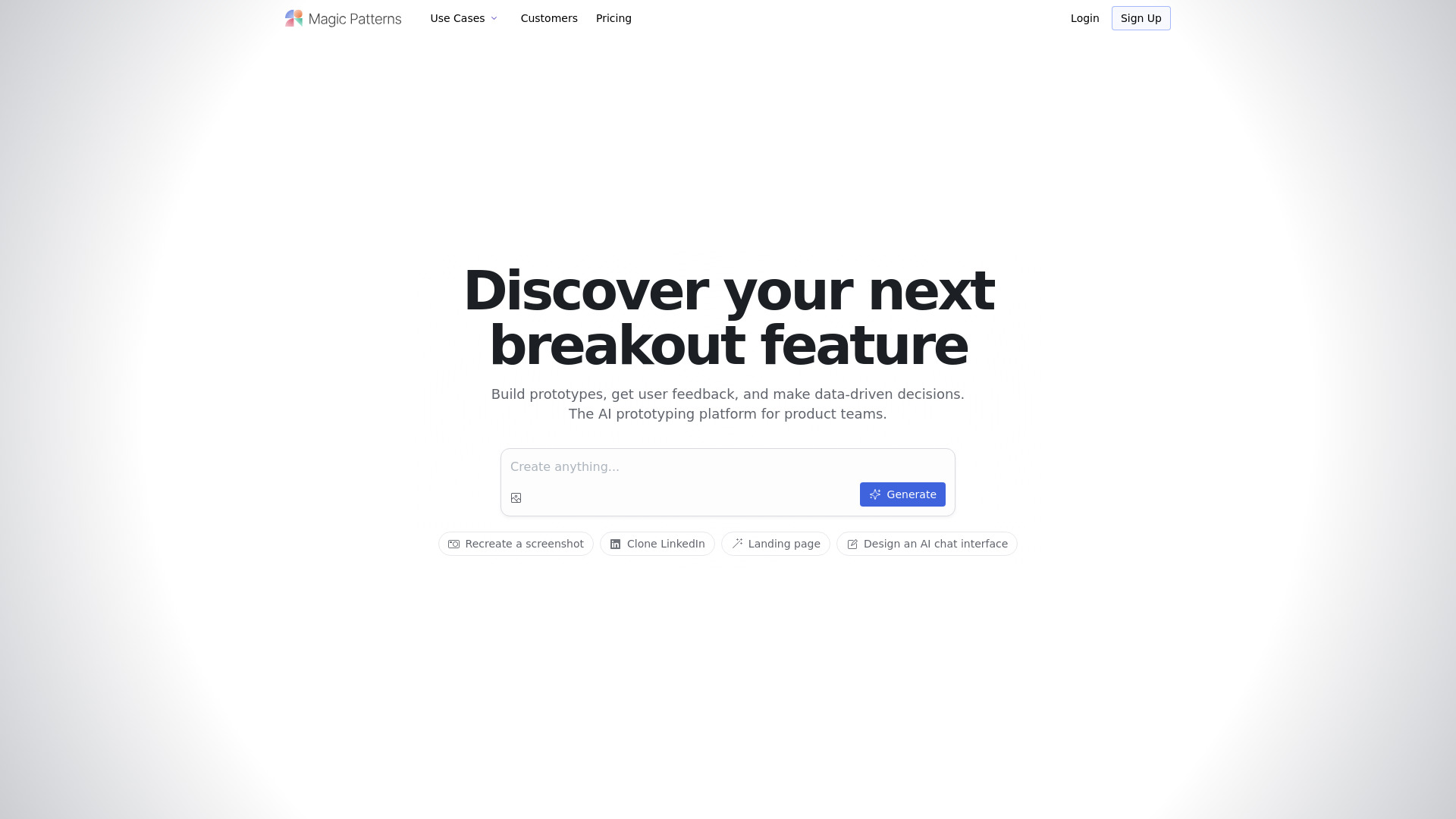
Magic Patterns: AI-powered UI generator for React & Figma—create, export, and collaborate in real time. Free trial now!
Explore a specific workflow
Explore design system tools through the product profiles below. Visual AI tools cover image generation, photo editing, enhancement and design tasks. Choose between creating a new image and modifying an existing asset before comparing products.
Look for text prompts, image references, masks or sketches as appropriate. Compare composition control, supported upload types and the ability to revise a selected area.
Inspect text, hands, edges, reflections and repeated objects at full size. Check that important product or brand details survive editing.
Magic Patterns: AI-powered UI generator for React & Figma—create, export, and collaborate in real time. Free trial now!
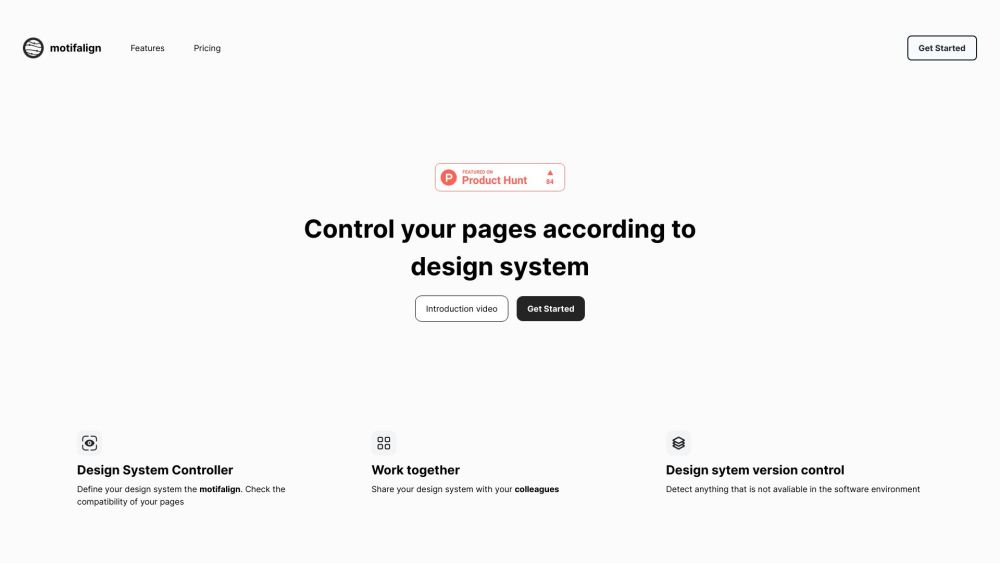
Ensure flawless page design with Motifalign—your go-to tool for compatibility checks and effortless design perfection. Simplify your workflow today!

LanguageGUI: Open-source UI Kit for LLMs—integration, full customization, and intuitive design for building powerful language model interfaces.
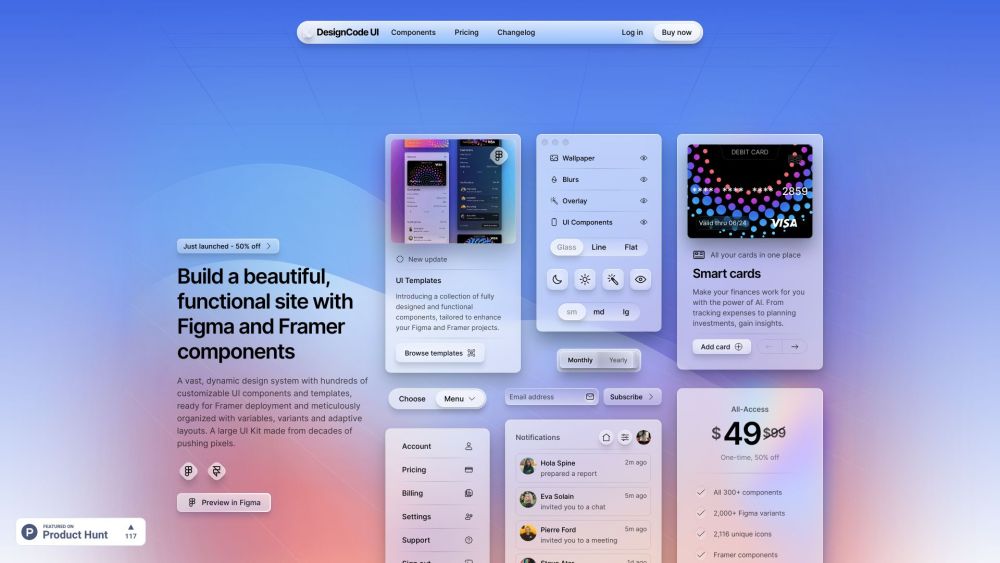
DesignCode UI: A vast, customizable design system with hundreds of dynamic UI components, adaptive layouts, and templates—ready for Framer deployment.
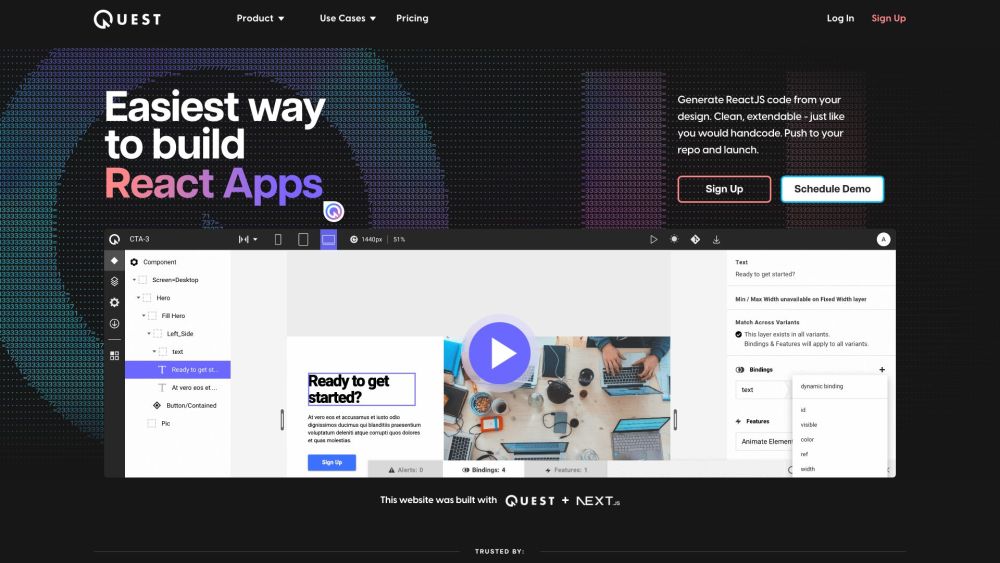
Quest is a platform that allows users to generate React components and clean code from their Figma designs. It simplifies the process of building React apps by automatically converting designs into code that is extendable and follows industry standards. With built-in support for Material-UI (MUI) and Chakra UI, Quest makes it easy to create beautiful animations and responsive, multi-screen experiences without the need to write a line of code.
FAQ
Practical answers to help you take the next step.
Visual AI tools cover image generation, photo editing, enhancement and design tasks. Choose between creating a new image and modifying an existing asset before comparing products.
Look for text prompts, image references, masks or sketches as appropriate. Compare composition control, supported upload types and the ability to revise a selected area.
Inspect text, hands, edges, reflections and repeated objects at full size. Check that important product or brand details survive editing.
Prepare a brief with a subject, composition, lighting and required output size. Test a first generation and a targeted revision to see how much control you retain.
Magic Patterns: AI-powered UI generator for React & Figma—create, export, and collaborate in real time. Free trial now!
Read about Magic Patterns - AI UI GeneratorEnsure flawless page design with Motifalign—your go-to tool for compatibility checks and effortless design perfection. Simplify your workflow today!
Read about MotifalignLanguageGUI: Open-source UI Kit for LLMs—integration, full customization, and intuitive design for building powerful language model interfaces.
Read about LanguageGUIDesignCode UI: A vast, customizable design system with hundreds of dynamic UI components, adaptive layouts, and templates—ready for Framer deployment.
Read about DesignCode UIQuest is a platform that allows users to generate React components and clean code from their Figma designs. It simplifies the process of building React apps by automatically converting designs into code that is extendable and follows industry standards. With built-in support for Material-UI (MUI) and Chakra UI, Quest makes it easy to create beautiful animations and responsive, multi-screen experiences without the need to write a line of code.
Read about QuestCompare pixel dimensions, transparency, file formats and any enlargement options. Confirm that the downloaded result works in your design or publishing software.