
GStory AI: Free AI video & photo editor to remove watermarks, translate videos, enhance images, and auto-generate subtitles. Start today!
Explore a specific workflow
Explore ai video editor tools through the product profiles below. These tools help create, edit or repurpose moving images. Text-to-video, image animation and video editing solve different tasks, so start with the source material you already have.
Compare text prompts, reference frames, source footage and audio support. Check duration, aspect ratio and whether the tool lets you keep a subject consistent between shots.
Watch the entire clip for motion errors, distorted objects, changing identities, lip-sync problems and abrupt transitions. Inspect the downloaded file as well as the preview.
GStory AI: Free AI video & photo editor to remove watermarks, translate videos, enhance images, and auto-generate subtitles. Start today!
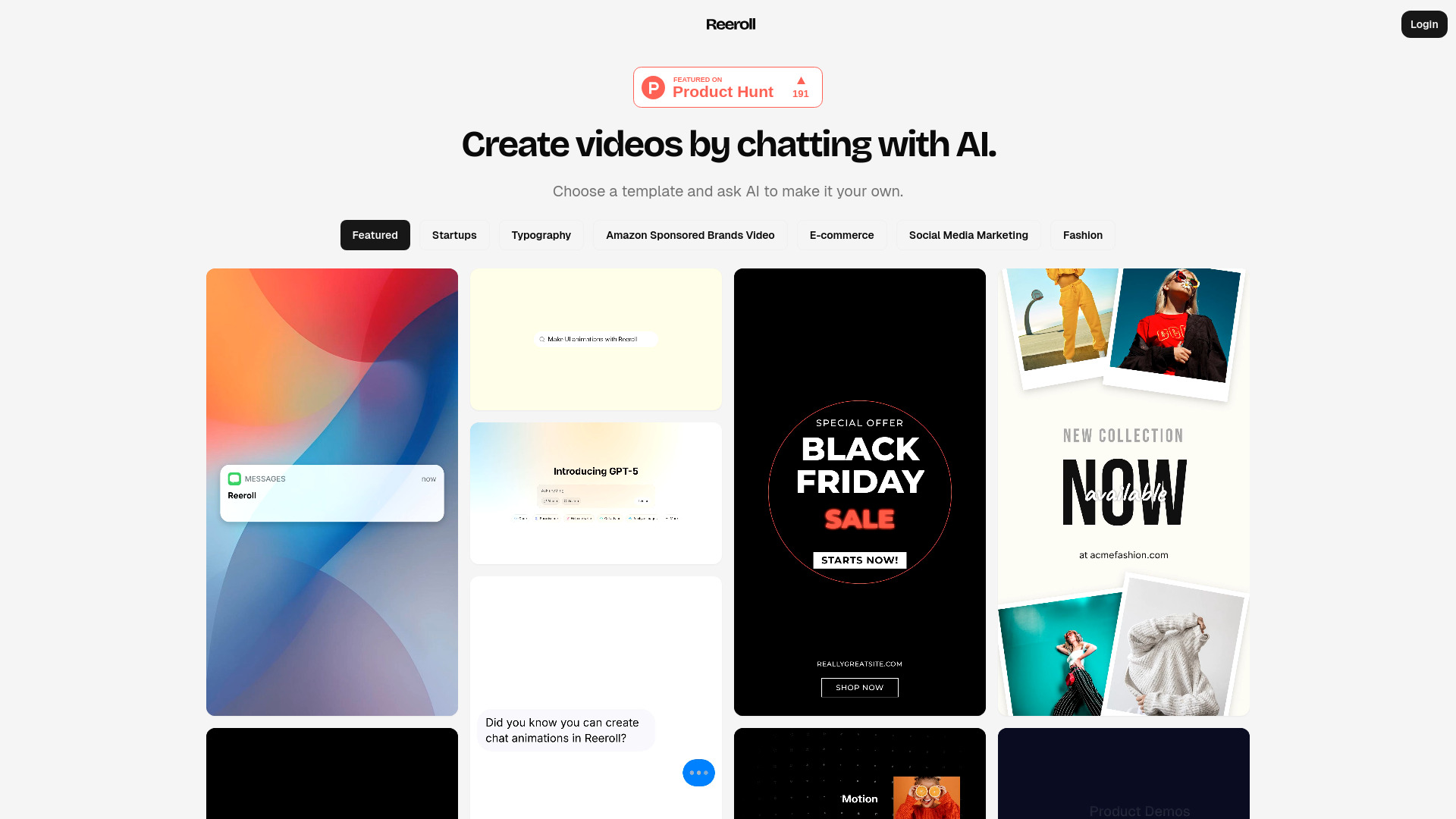
Create scroll-stopping videos fast with Reeroll AI. Pick a template, customize via chat, and publish to TikTok, Reels & Shorts

Create tutorials and demos with Camtasia’s AI screen recorder and video editor. Add auto captions, remove backgrounds, and generate AI voices
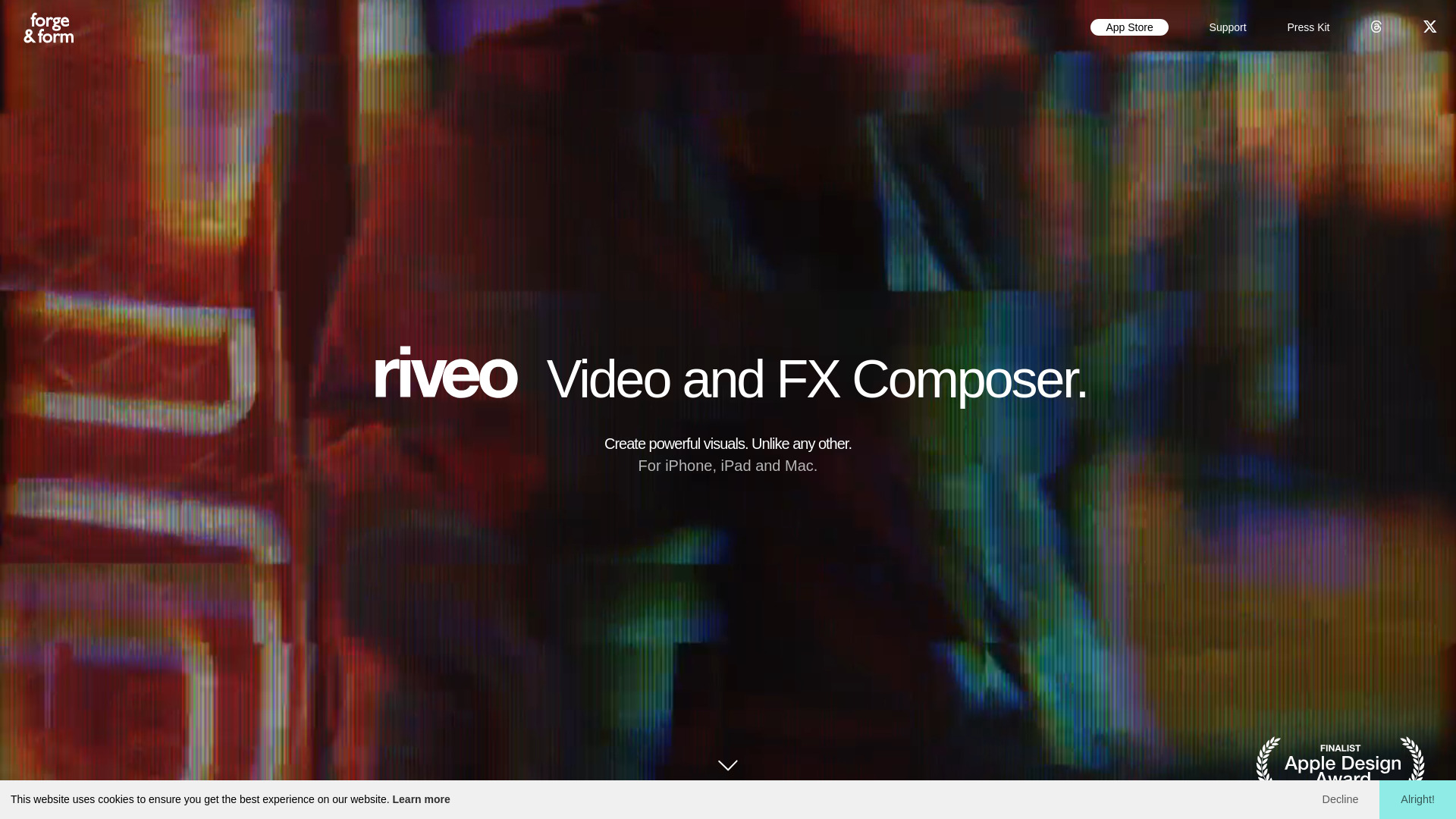
Riveo: AI-powered video effects editor for iPhone, iPad & Mac—add motion FX, fluid sims & export in 4K. Create pro videos instantly!
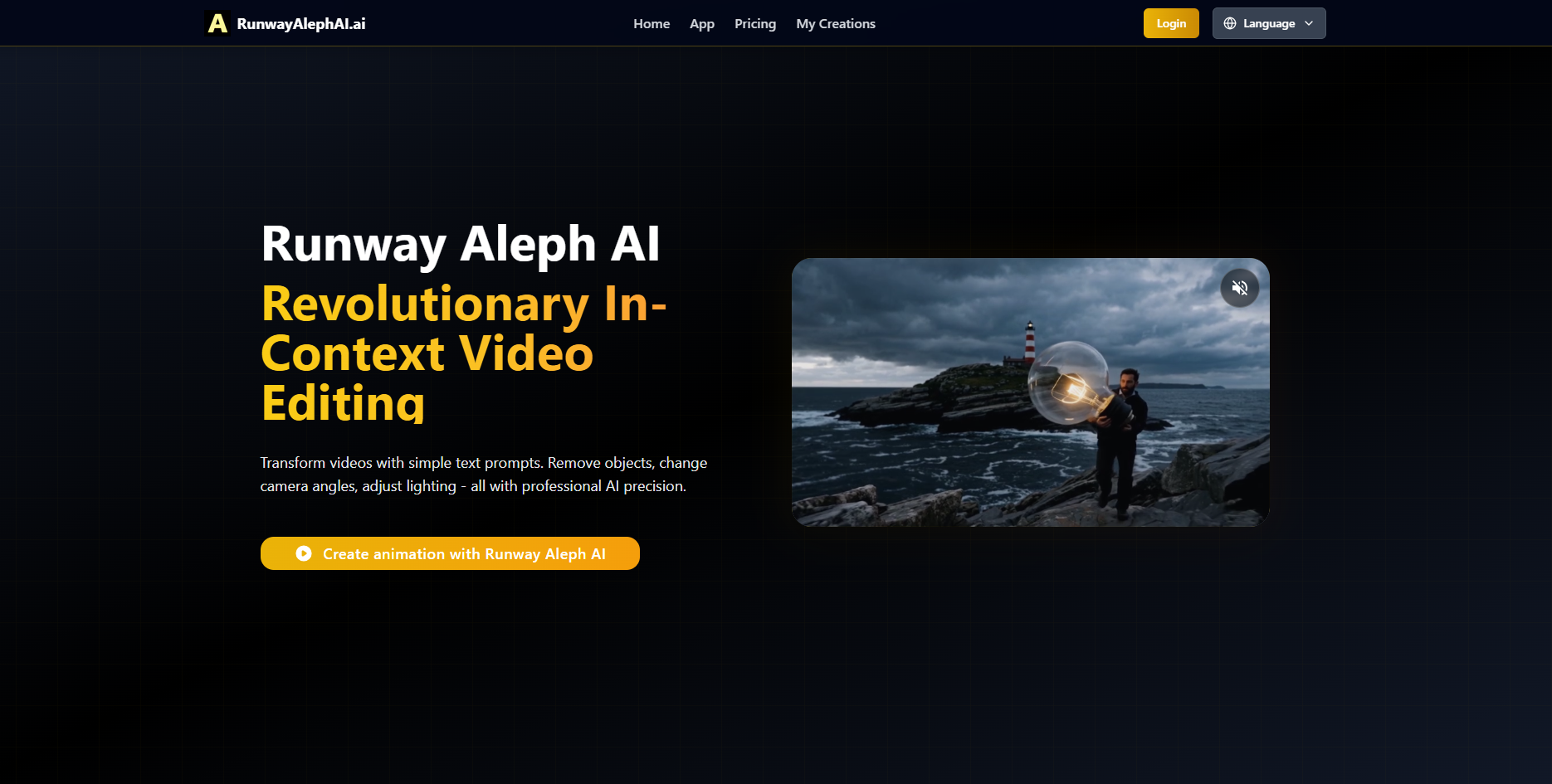
Runway Aleph AI: Edit videos with text prompts—swap angles, erase objects, tweak lighting. Pro-grade AI editing, simplified.
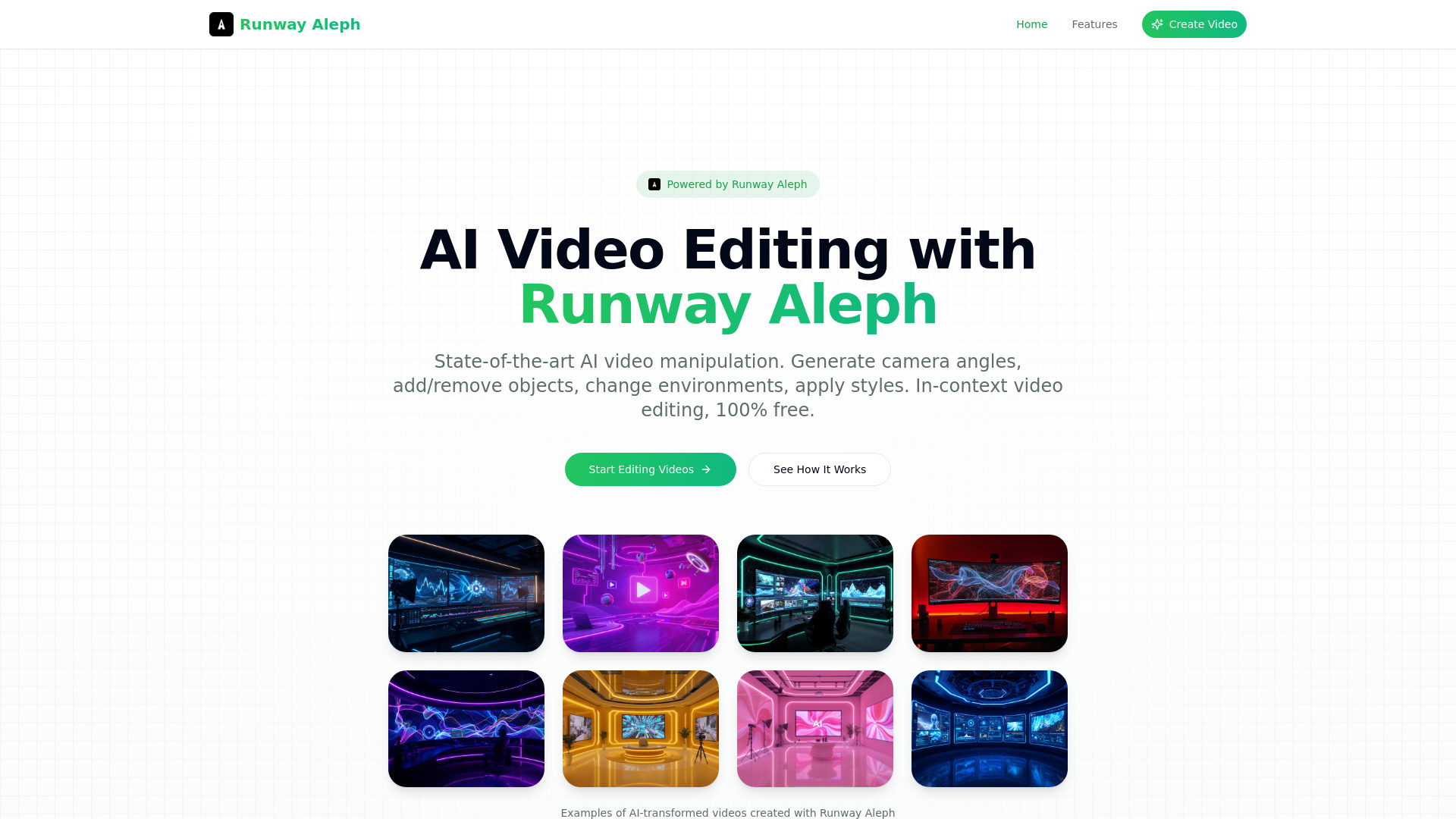
Runway Aleph: AI-powered video editing via simple text prompts—edit, add/remove objects, change scenes instantly. Free & no login needed!
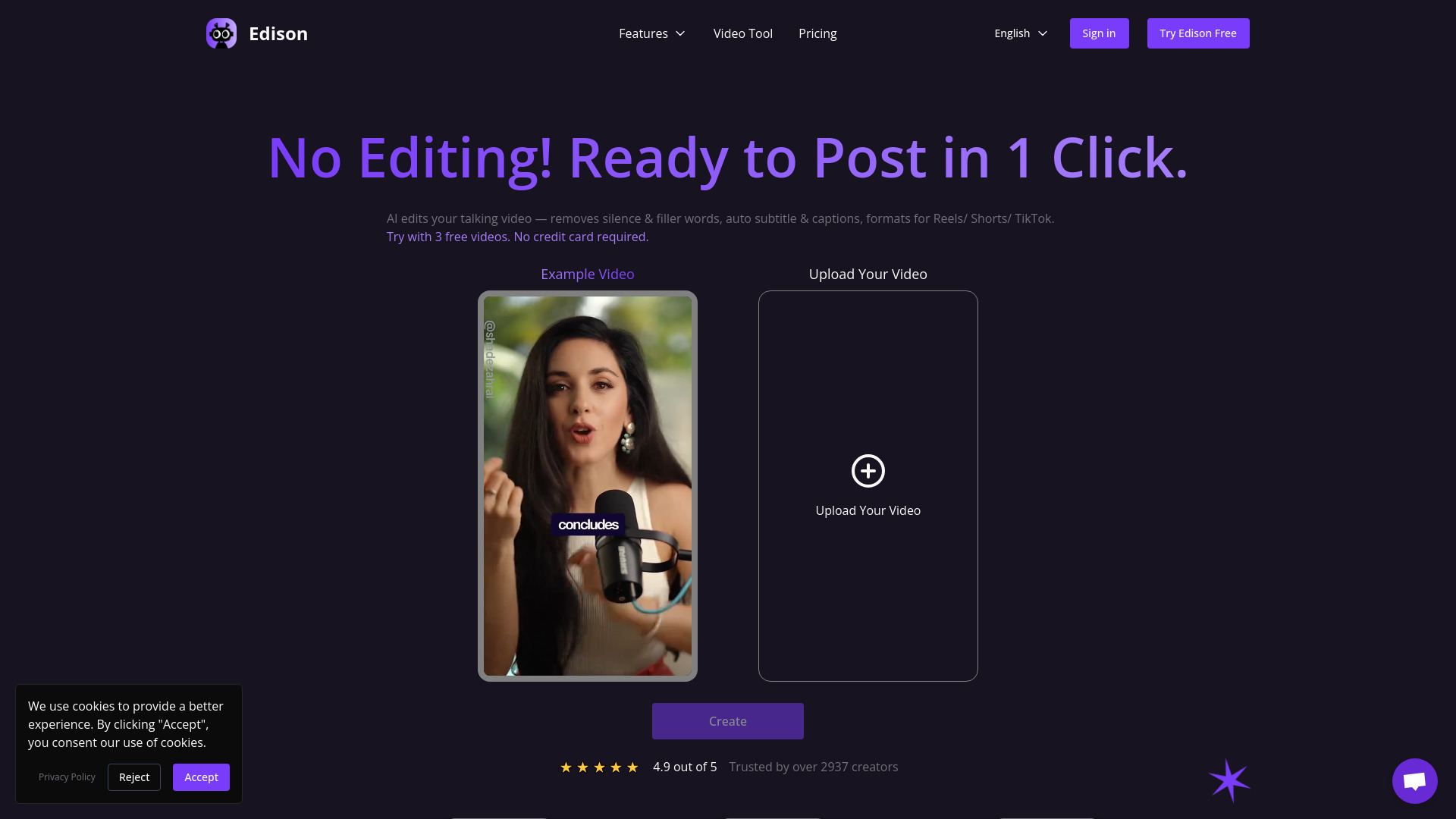
Edison AI Video Editor: Auto-captions, silence/filler removal, Reels/Shorts/TikTok formatting. Turn raw videos into polished content—in minutes. Free trial!

CoCoClip AI: Smart AI video editor for creators—effortlessly edit, caption & optimize social videos

Free AI video editor with text to video, avatars, auto-subtitles, voice translations and more. Record, edit and share your videos online with VEED.

Sure! Could you please provide the name and details of the product for me to work with?

Snapy AI: The first online AI Video Editor. Enjoy automatic silence removal and AI-powered shorts editing for video creation!

TopView.ai: Revolutionize your video creation with AI-driven scripting, editing, narrating, and beautifying. Just upload your ideas, and let TopView.ai do the rest!
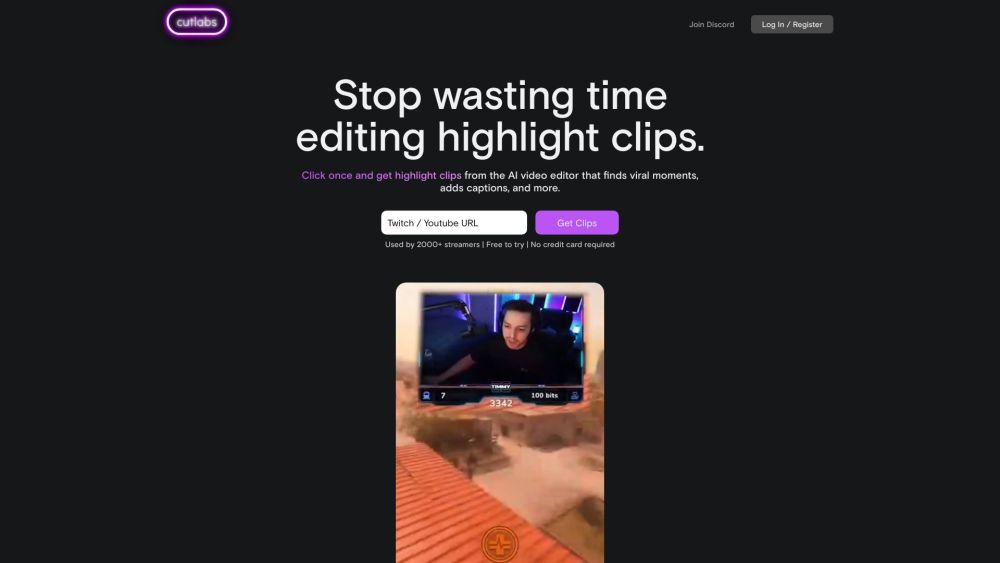
cutlabs is an AI video editor that helps streamers make highlight clips. Drop a VOD link and get post-ready clips in 30 minutes or less - even if your stream is 8 hours long. Powered by state-of-the-art video AI model (not just a wrapper).

Flowjin: Transform lengthy audio/video into engaging short clips with our AI. Effortlessly generate standout content in seconds!
FAQ
Practical answers to help you take the next step.
These tools help create, edit or repurpose moving images. Text-to-video, image animation and video editing solve different tasks, so start with the source material you already have.
Compare text prompts, reference frames, source footage and audio support. Check duration, aspect ratio and whether the tool lets you keep a subject consistent between shots.
Watch the entire clip for motion errors, distorted objects, changing identities, lip-sync problems and abrupt transitions. Inspect the downloaded file as well as the preview.
Use a short shot with one subject and one camera movement. Keep the prompt and duration constant, then compare usable seconds and the number of regenerations.
GStory AI: Free AI video & photo editor to remove watermarks, translate videos, enhance images, and auto-generate subtitles. Start today!
Read about GStory AICreate scroll-stopping videos fast with Reeroll AI. Pick a template, customize via chat, and publish to TikTok, Reels & Shorts
Read about ReerollCreate tutorials and demos with Camtasia’s AI screen recorder and video editor. Add auto captions, remove backgrounds, and generate AI voices
Read about CamtasiaRiveo: AI-powered video effects editor for iPhone, iPad & Mac—add motion FX, fluid sims & export in 4K. Create pro videos instantly!
Read about Riveo - AI Video Effects EditorRunway Aleph AI: Edit videos with text prompts—swap angles, erase objects, tweak lighting. Pro-grade AI editing, simplified.
Read about Runway Aleph AIRunway Aleph: AI-powered video editing via simple text prompts—edit, add/remove objects, change scenes instantly. Free & no login needed!
Read about Runway Aleph - AI Video Editor