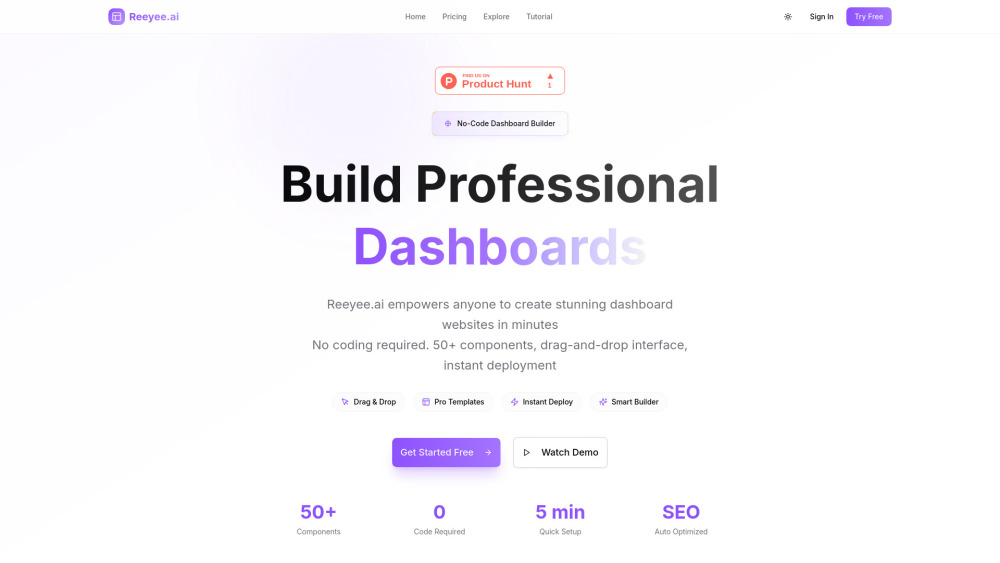
Reeyee: Build stunning, AI-powered dashboard websites—zero coding required. Fast, professional, and intuitive.
AI tools by category
Explore ai design assistant tools through the product profiles below. Visual AI tools cover image generation, photo editing, enhancement and design tasks. Choose between creating a new image and modifying an existing asset before comparing products.
Look for text prompts, image references, masks or sketches as appropriate. Compare composition control, supported upload types and the ability to revise a selected area.
Inspect text, hands, edges, reflections and repeated objects at full size. Check that important product or brand details survive editing.
Reeyee: Build stunning, AI-powered dashboard websites—zero coding required. Fast, professional, and intuitive.
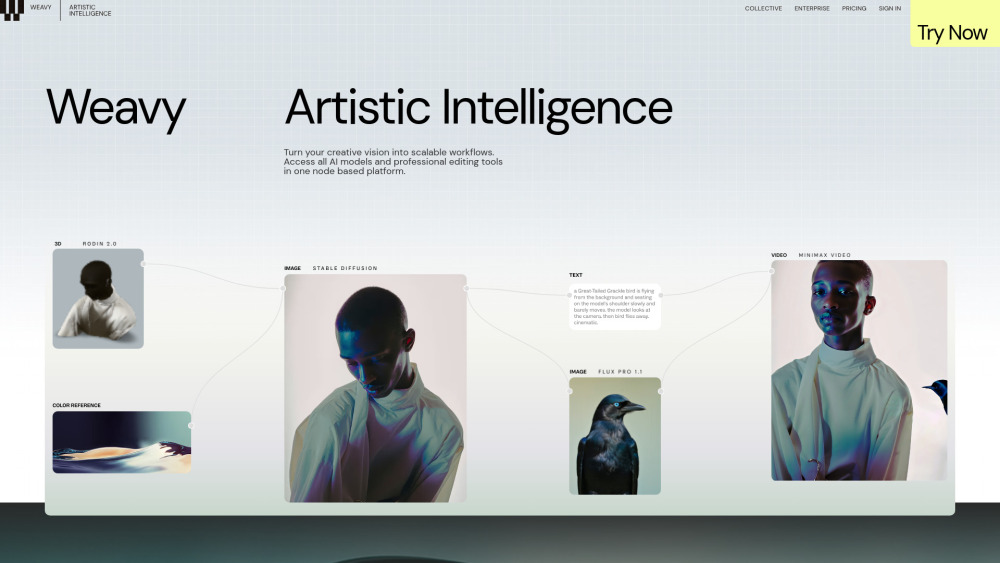
Weavy: A node-based AI design platform empowering creative pros to build, iterate, and ship visuals—fast, flexible, and fully controllable.
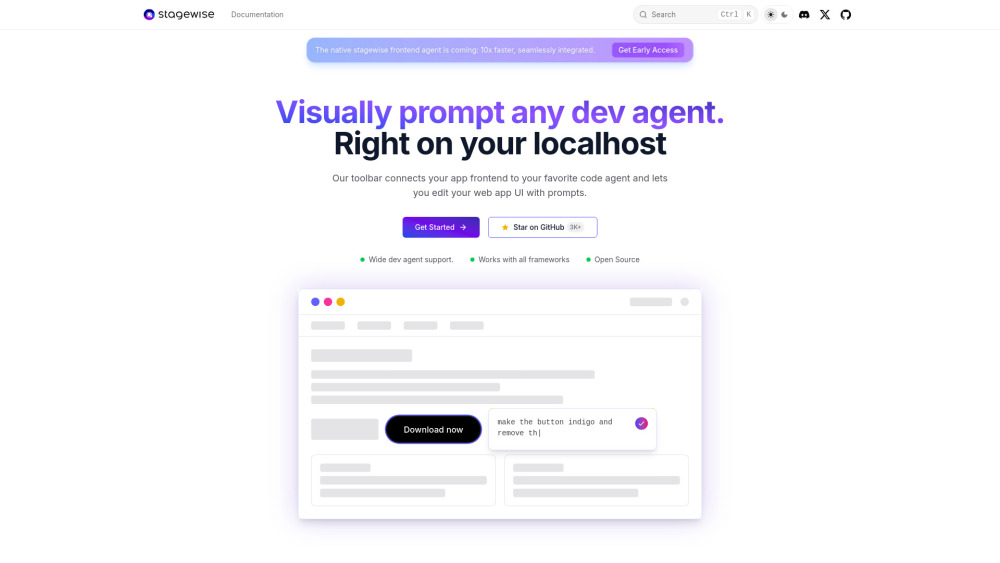
Stagewise: Build UIs visually—prompt-driven AI dev agents edit designs in real time. No code, just results.
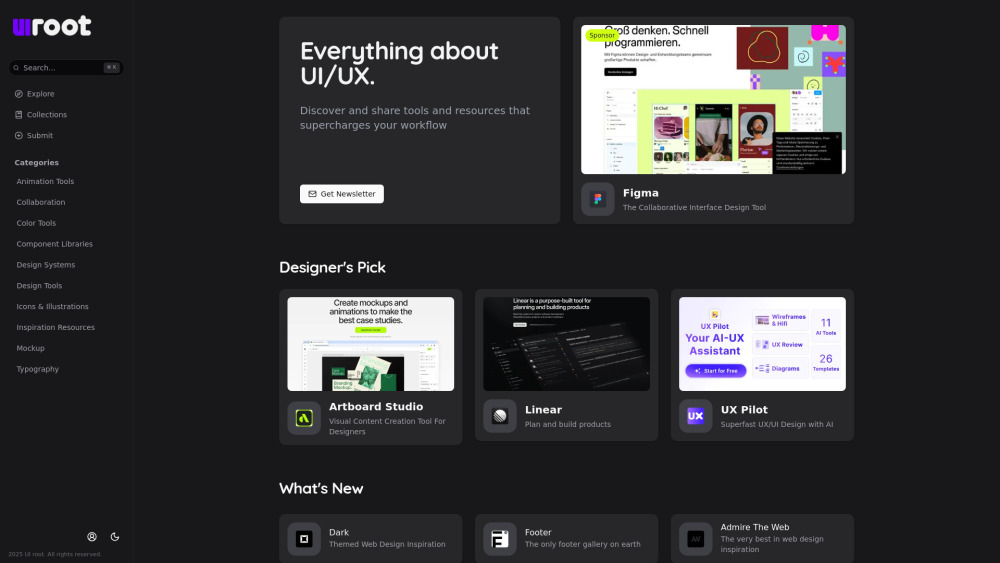
UI root: Your go-to hub to discover, compare, and share top UI/UX tools & resources—curated for designers, by designers.

Flowstep: AI-powered design assistant that instantly generates UI mockups, wireframes & user flows—speed up design, not compromise quality.

Morphic AI Studio: Generate images, videos, ads & in-game assets—all in one powerful AI studio. Create faster, smarter, limitless.

Smart Palette: AI-powered platform to create, customize & order artwork & prints—effortlessly.
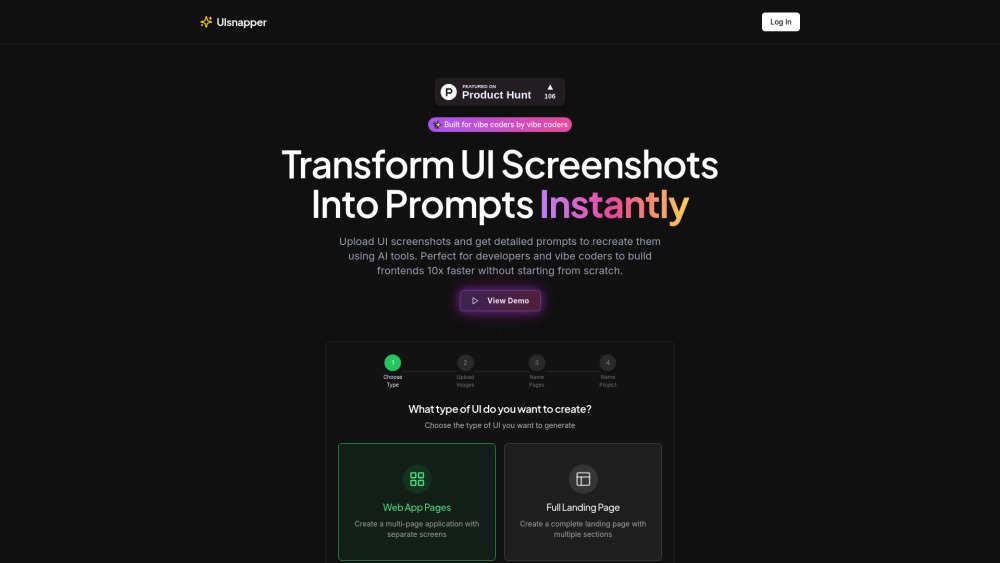
UIsnapper turns UI screenshots into精准 AI prompts—clone interfaces instantly, no code needed. Fast, intuitive, and built for designers & devs.

Maxel AI: Cloud-powered 3D print prep & smart G-code generation—fast, precise, zero setup. Optimize prints in seconds.

ClarityUX: AI-powered design review platform that streamlines feedback & delivers actionable heat maps—faster insights, better UX decisions.
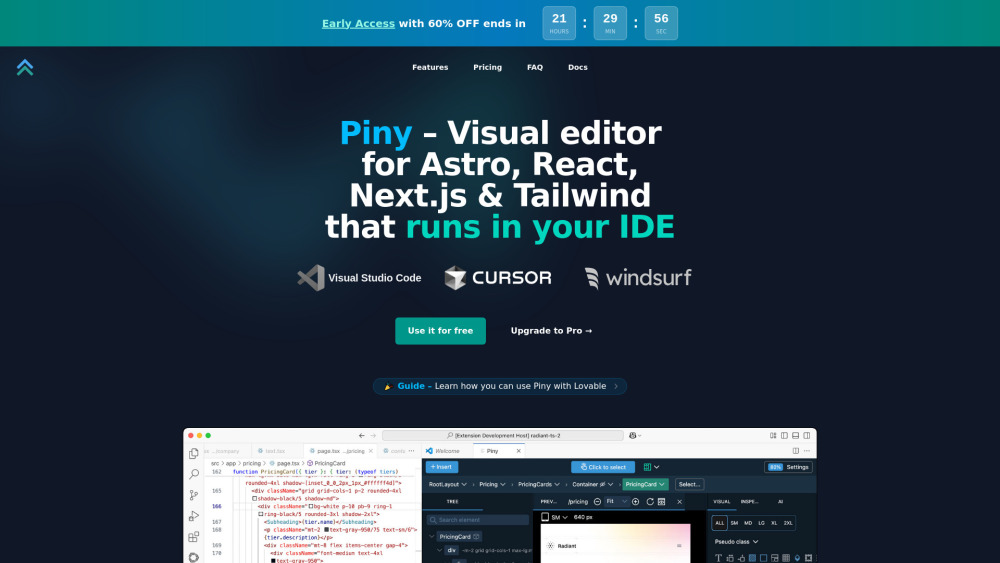
Piny: Visual editor for Astro, React, Next.js & Tailwind—right in your IDE. Build faster, code smarter.
FAQ
Practical answers to help you take the next step.
Visual AI tools cover image generation, photo editing, enhancement and design tasks. Choose between creating a new image and modifying an existing asset before comparing products.
Look for text prompts, image references, masks or sketches as appropriate. Compare composition control, supported upload types and the ability to revise a selected area.
Inspect text, hands, edges, reflections and repeated objects at full size. Check that important product or brand details survive editing.
Prepare a brief with a subject, composition, lighting and required output size. Test a first generation and a targeted revision to see how much control you retain.
Reeyee: Build stunning, AI-powered dashboard websites—zero coding required. Fast, professional, and intuitive.
Read about ReeyeeWeavy: A node-based AI design platform empowering creative pros to build, iterate, and ship visuals—fast, flexible, and fully controllable.
Read about WeavyStagewise: Build UIs visually—prompt-driven AI dev agents edit designs in real time. No code, just results.
Read about StagewiseUI root: Your go-to hub to discover, compare, and share top UI/UX tools & resources—curated for designers, by designers.
Read about UI rootFlowstep: AI-powered design assistant that instantly generates UI mockups, wireframes & user flows—speed up design, not compromise quality.
Read about FlowstepMorphic AI Studio: Generate images, videos, ads & in-game assets—all in one powerful AI studio. Create faster, smarter, limitless.
Read about Morphic AI Studio