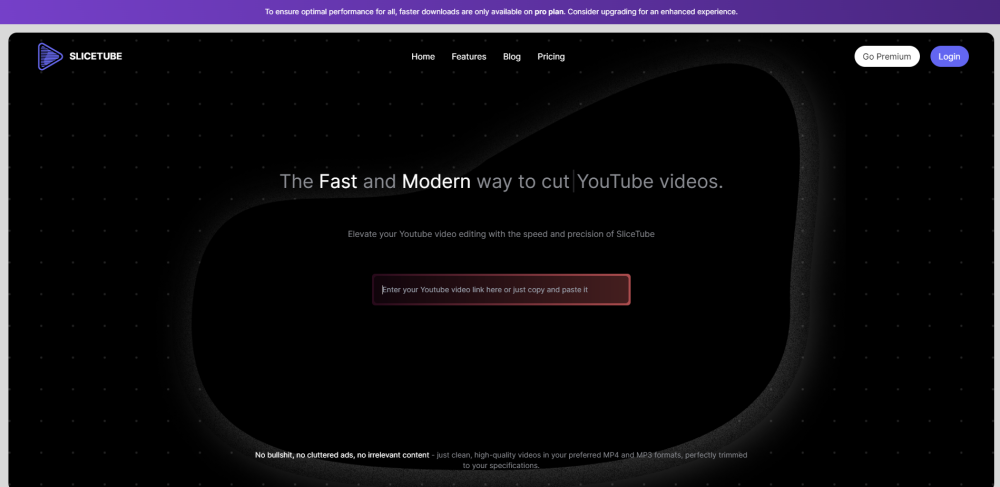
SliceTube: Effortlessly download and trim YouTube videos in any format. A sleek, no-frills tool for easy video management. Try SliceTube today!
Explore a specific workflow
Explore video trimming tools through the product profiles below. These tools help create, edit or repurpose moving images. Text-to-video, image animation and video editing solve different tasks, so start with the source material you already have.
Compare text prompts, reference frames, source footage and audio support. Check duration, aspect ratio and whether the tool lets you keep a subject consistent between shots.
Watch the entire clip for motion errors, distorted objects, changing identities, lip-sync problems and abrupt transitions. Inspect the downloaded file as well as the preview.
SliceTube: Effortlessly download and trim YouTube videos in any format. A sleek, no-frills tool for easy video management. Try SliceTube today!
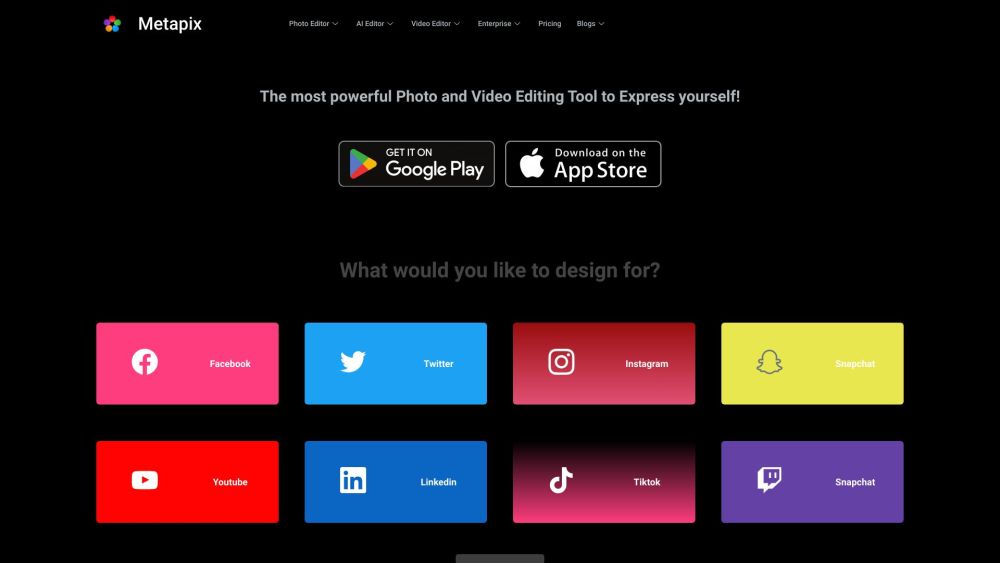
MetaPix is a mobile app for photo editing, AI editing, and video editing. Apply filters, add text or stickers, trim and merge video clips. AI editing automatically enhances photos. A versatile app for content creation and sharing.
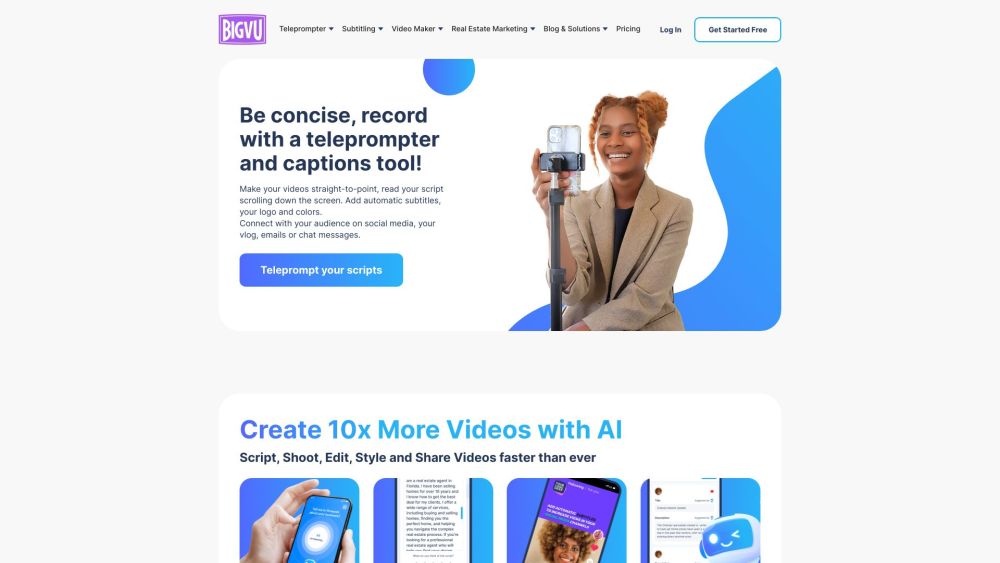
BIGVU is an innovative teleprompter tool, caption maker, and video editor that provides a user-friendly interface and automatic editing features. It offers teleprompter apps for Android, iPhone, iPad, and desktop, allowing users to create professional videos with ease. The AI Magic Writer feature helps brainstorm ideas and quickly transform them into scripts, enabling users to create videos faster. The platform also includes automatic captioning and transcription capabilities, allowing users to generate closed captions for their videos. Users can style their captions for social media platforms like TikTok and Instagram, elevating their content. Additionally, BIGVU offers video editing features such as video trimming, cropping, and adding logos. The platform also provides social video analytics to track views across multiple channels.
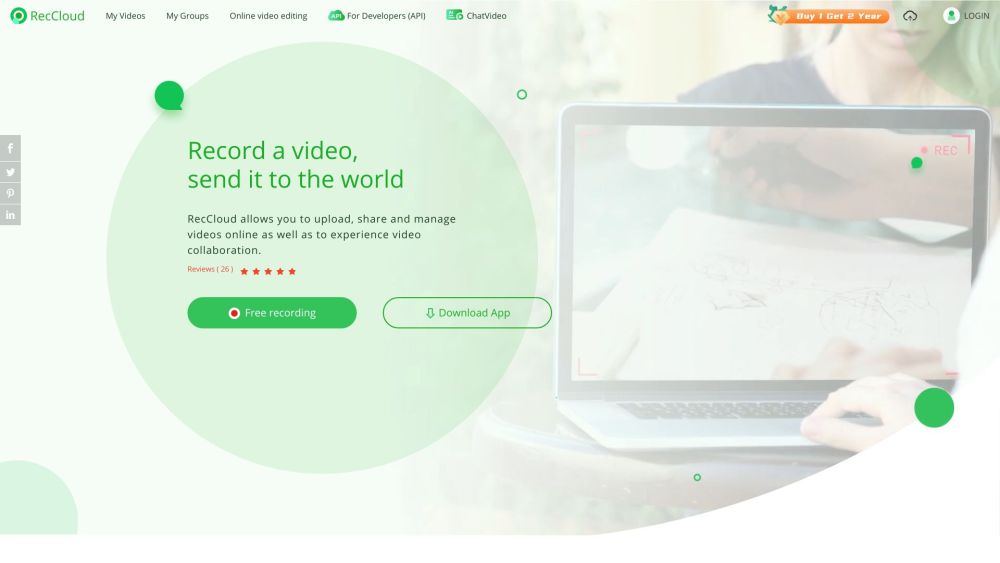
Capture, edit, and enhance videos effortlessly with RecCloud: Free online app with AI-powered Chatvideo, speech-to-text, and subtitles for creation.

GhostCut: Online Video Editing Tool. Effortlessly trim and cut videos to create shorter clips or specific segments. Perfect for video editing!
FAQ
Practical answers to help you take the next step.
These tools help create, edit or repurpose moving images. Text-to-video, image animation and video editing solve different tasks, so start with the source material you already have.
Compare text prompts, reference frames, source footage and audio support. Check duration, aspect ratio and whether the tool lets you keep a subject consistent between shots.
Watch the entire clip for motion errors, distorted objects, changing identities, lip-sync problems and abrupt transitions. Inspect the downloaded file as well as the preview.
Use a short shot with one subject and one camera movement. Keep the prompt and duration constant, then compare usable seconds and the number of regenerations.
SliceTube: Effortlessly download and trim YouTube videos in any format. A sleek, no-frills tool for easy video management. Try SliceTube today!
Read about SliceTubeMetaPix is a mobile app for photo editing, AI editing, and video editing. Apply filters, add text or stickers, trim and merge video clips. AI editing automatically enhances photos. A versatile app for content creation and sharing.
Read about MetaPixBIGVU is an innovative teleprompter tool, caption maker, and video editor that provides a user-friendly interface and automatic editing features. It offers teleprompter apps for Android, iPhone, iPad, and desktop, allowing users to create professional videos with ease. The AI Magic Writer feature helps brainstorm ideas and quickly transform them into scripts, enabling users to create videos faster. The platform also includes automatic captioning and transcription capabilities, allowing users to generate closed captions for their videos. Users can style their captions for social media platforms like TikTok and Instagram, elevating their content. Additionally, BIGVU offers video editing features such as video trimming, cropping, and adding logos. The platform also provides social video analytics to track views across multiple channels.
Read about BIGVU WebsiteCapture, edit, and enhance videos effortlessly with RecCloud: Free online app with AI-powered Chatvideo, speech-to-text, and subtitles for creation.
Read about RecCloudGhostCut: Online Video Editing Tool. Effortlessly trim and cut videos to create shorter clips or specific segments. Perfect for video editing!
Read about GhostCutCheck export resolution, frame rate, aspect ratio, audio tracks and watermark rules. A good preview is not a substitute for an export that fits your publishing channel.