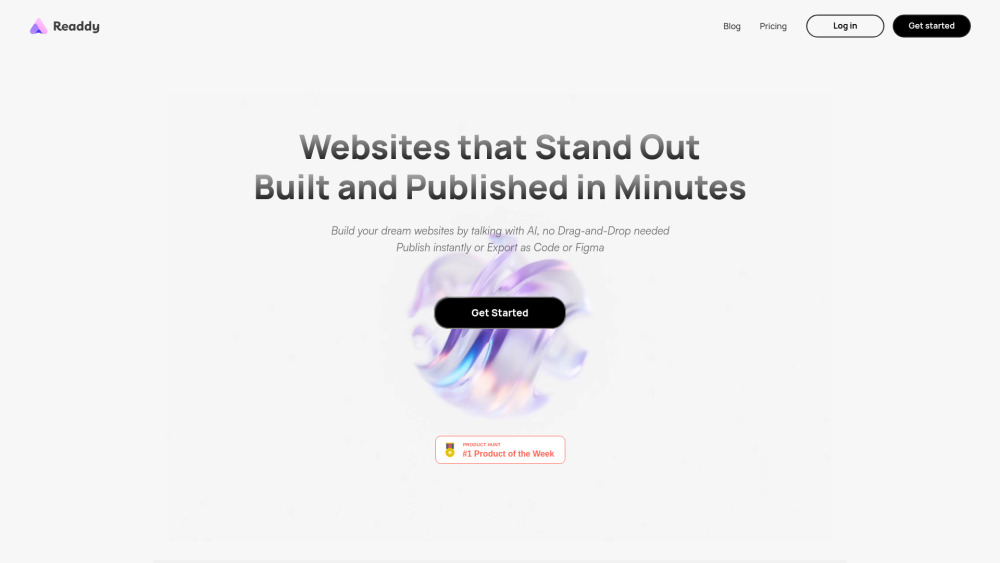
Readdy: Build websites using plain English—then export clean, customizable code. AI-powered, no coding needed.
Explore a specific workflow
Explore ui design tools through the product profiles below. Visual AI tools cover image generation, photo editing, enhancement and design tasks. Choose between creating a new image and modifying an existing asset before comparing products.
Look for text prompts, image references, masks or sketches as appropriate. Compare composition control, supported upload types and the ability to revise a selected area.
Inspect text, hands, edges, reflections and repeated objects at full size. Check that important product or brand details survive editing.
Readdy: Build websites using plain English—then export clean, customizable code. AI-powered, no coding needed.

Flowstep: AI-powered design assistant that instantly generates UI mockups, wireframes & user flows—speed up design, not compromise quality.
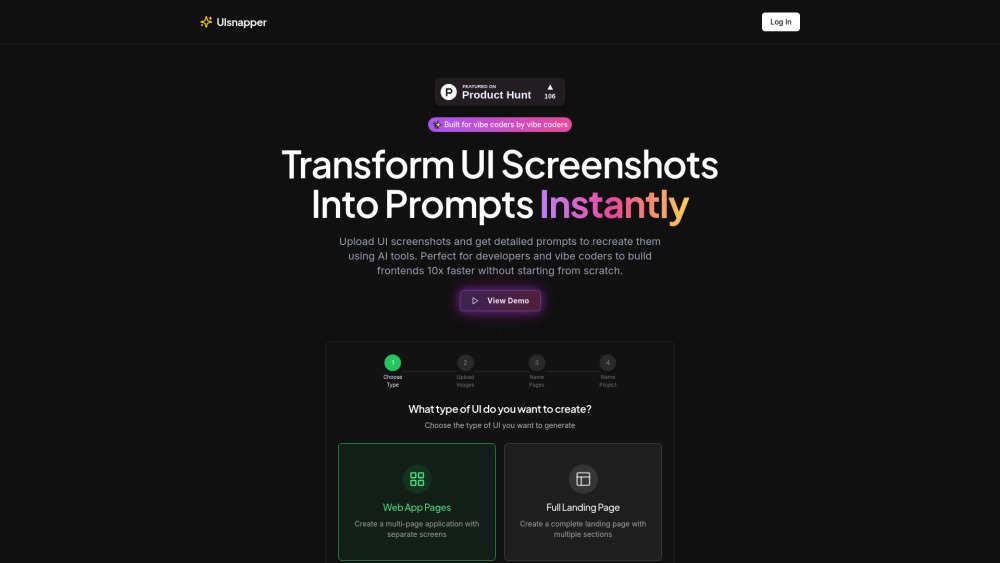
UIsnapper turns UI screenshots into精准 AI prompts—clone interfaces instantly, no code needed. Fast, intuitive, and built for designers & devs.

Visily Chrome Extension: AI-powered design platform for non-designers. Create visuals effortlessly with intuitive tools and smart features.

CraftUI: Effortlessly generate UI components from simple text prompts—save time, boost creativity, and streamline your design process!

The fastest way to build beautiful wireframes and prototypes.

AI-driven platform for app UIs in minutes.

Ticket Artisan: Transform UI designs into actionable dev tickets with AI precision. Streamline your workflow and boost efficiency effortlessly.

Get expert insights with Roast My Design: AI-powered website analysis that elevates your design, usability, and performance. Perfect your site today!
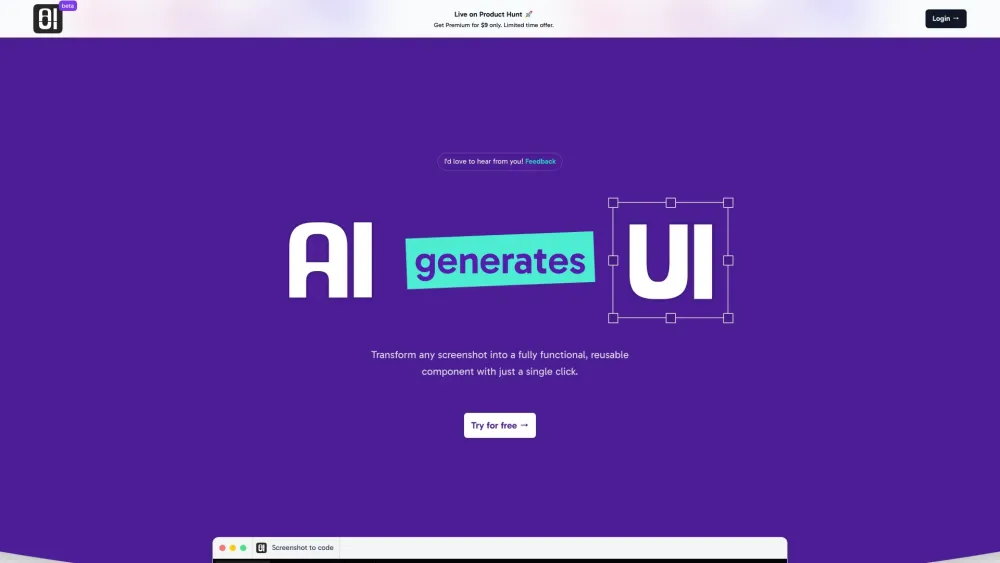
Transform screenshots into interactive UIs with AIUI.me. Effortlessly convert static images into functional interfaces. Simple, fast, and intuitive.

I can help with that! Could you please provide the details of the product named ''?

Screenshot2Code: Instantly convert UI screenshots into HTML with the power of GPT-Vision API. Simplify your workflow and save time effortlessly!

Elevate your startup with Baked Studio's design subscription—premium, tailored product design for founders and beyond. Boost your brand today!

Unlock limitless creativity with Design Champ: Get unlimited high-quality UI/UX designs for a flat monthly fee. Perfect for crafting exceptional products.

Create illustrations effortlessly with Stelvio.app, the AI-powered tool for social media, blogs, and UI design. Transform text into art instantly!

Boost your design workflow with 'AI Tools for Designers'—a curated collection of AI tools to streamline UI/web design and create results effortlessly.
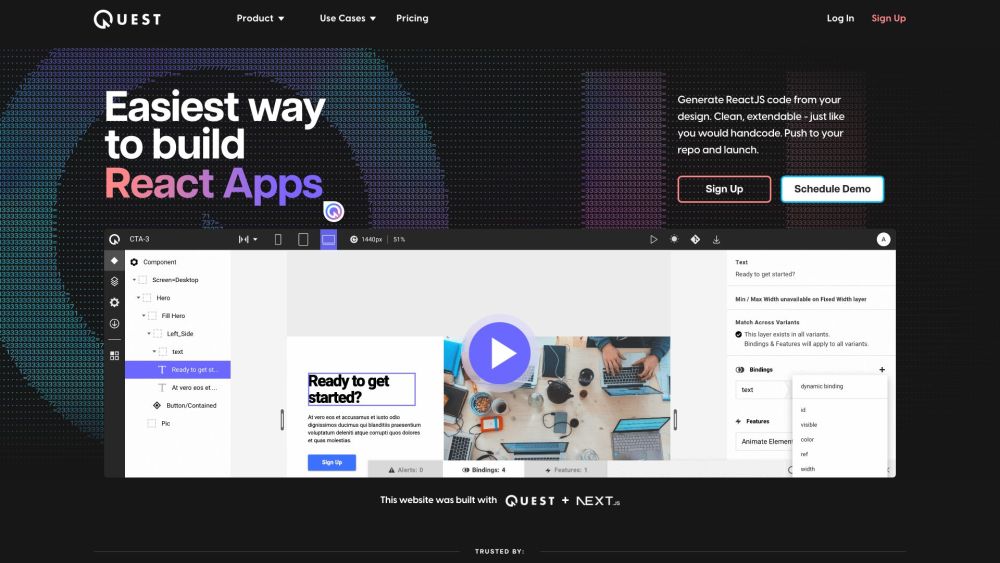
Quest is a platform that allows users to generate React components and clean code from their Figma designs. It simplifies the process of building React apps by automatically converting designs into code that is extendable and follows industry standards. With built-in support for Material-UI (MUI) and Chakra UI, Quest makes it easy to create beautiful animations and responsive, multi-screen experiences without the need to write a line of code.
Unleash your creativity with Diagram's AI-powered design tools. Elevate your designs effortlessly with advanced features tailored for every designer.
FAQ
Practical answers to help you take the next step.
Visual AI tools cover image generation, photo editing, enhancement and design tasks. Choose between creating a new image and modifying an existing asset before comparing products.
Look for text prompts, image references, masks or sketches as appropriate. Compare composition control, supported upload types and the ability to revise a selected area.
Inspect text, hands, edges, reflections and repeated objects at full size. Check that important product or brand details survive editing.
Prepare a brief with a subject, composition, lighting and required output size. Test a first generation and a targeted revision to see how much control you retain.
Readdy: Build websites using plain English—then export clean, customizable code. AI-powered, no coding needed.
Read about ReaddyFlowstep: AI-powered design assistant that instantly generates UI mockups, wireframes & user flows—speed up design, not compromise quality.
Read about FlowstepUIsnapper turns UI screenshots into精准 AI prompts—clone interfaces instantly, no code needed. Fast, intuitive, and built for designers & devs.
Read about UIsnapperVisily Chrome Extension: AI-powered design platform for non-designers. Create visuals effortlessly with intuitive tools and smart features.
Read about Visily - Chrome ExtensionCraftUI: Effortlessly generate UI components from simple text prompts—save time, boost creativity, and streamline your design process!
Read about CraftUIThe fastest way to build beautiful wireframes and prototypes.
Read about **Visily