
Handcraftd: Your go-to subscription service for premium design & no-code website launches. Start, scale, and succeed effortlessly.
Explore a specific workflow
Explore typography tools through the product profiles below. The collection groups applications around a shared task. Product scope can overlap, so compare the specific workflow each tool describes rather than the category name alone.
Identify the files, text or account connections your task needs. Confirm that the product accepts those inputs and offers controls for reviewing its work.
Test one representative task and inspect the result for accuracy and completeness. Record where manual corrections or extra tools are needed.
Handcraftd: Your go-to subscription service for premium design & no-code website launches. Start, scale, and succeed effortlessly.

Unleash creativity with Font Vibes! Discover perfect fonts tailored for any project—elevate your design with the ideal typeface today.
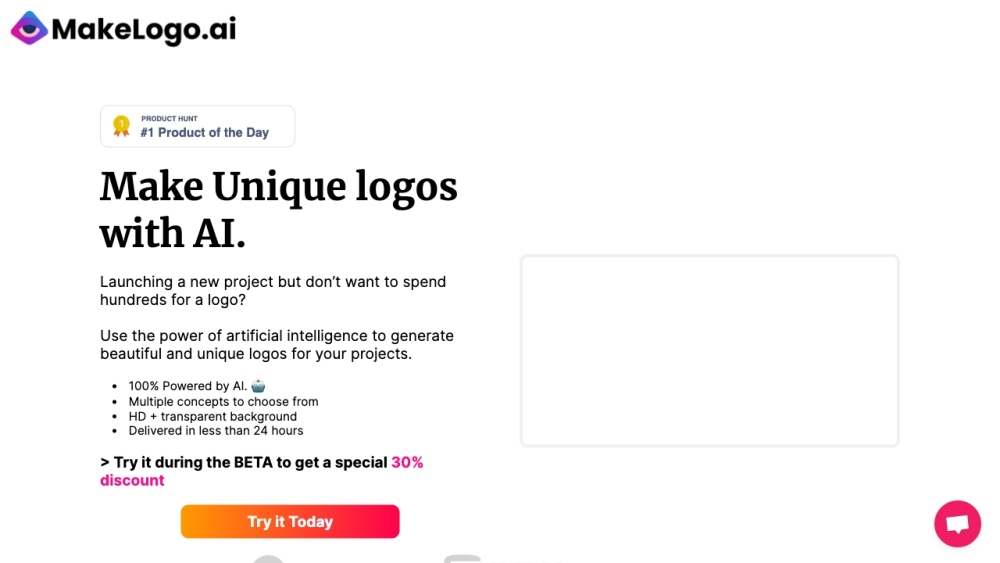
MakeLogoAI: Get 100% AI-generated unique logos in minutes. Quick, hassle-free, and perfect for your projects. Create beautiful logos effortlessly!

Boost your design workflow with 'AI Tools for Designers'—a curated collection of AI tools to streamline UI/web design and create results effortlessly.
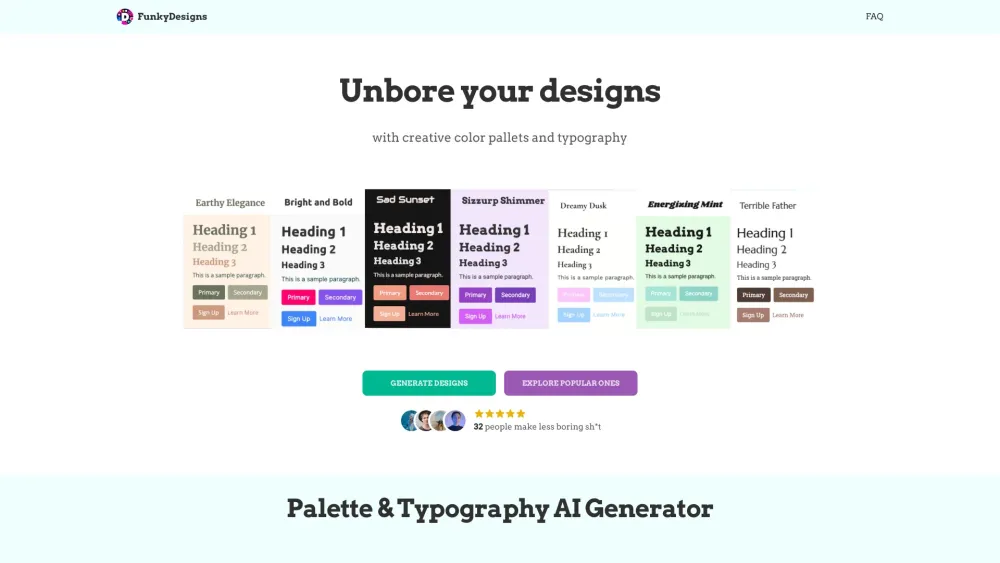
Create funky designs, typography, and color palettes effortlessly with AI assistance. Elevate your creativity with FunkyDesigns!
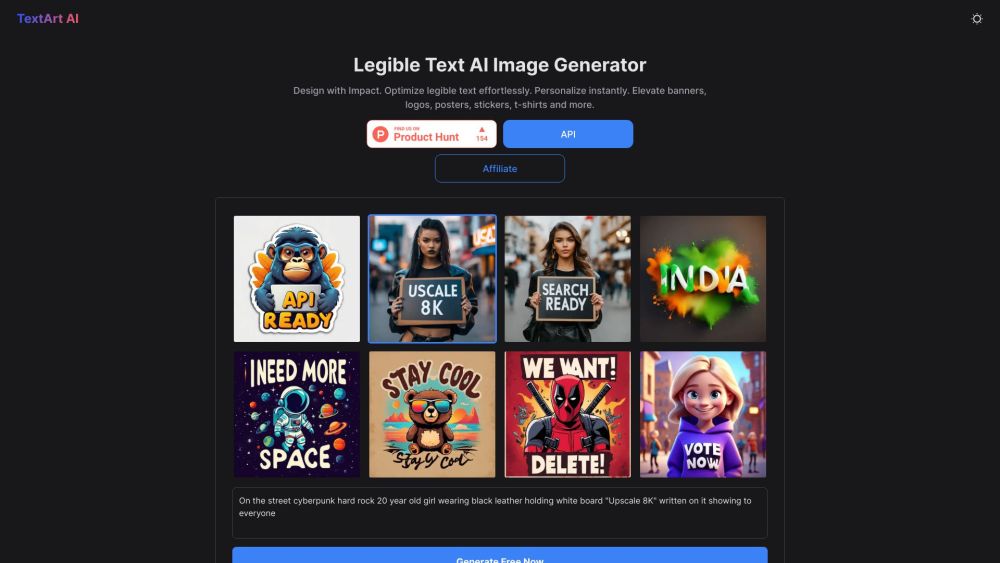
Transform your designs with TextArt AI: Instantly generate impactful, personalized visuals for banners, logos, posters, and more. Elevate with ease!

PostNitro: Create stunning, AI-powered social media carousels in minutes. Customize with ease and captivate your audience effortlessly!
FAQ
Practical answers to help you take the next step.
The collection groups applications around a shared task. Product scope can overlap, so compare the specific workflow each tool describes rather than the category name alone.
Identify the files, text or account connections your task needs. Confirm that the product accepts those inputs and offers controls for reviewing its work.
Test one representative task and inspect the result for accuracy and completeness. Record where manual corrections or extra tools are needed.
Choose one task with a clear success condition. Keep the input consistent, record the time spent reviewing and compare the complete workflow cost.
Handcraftd: Your go-to subscription service for premium design & no-code website launches. Start, scale, and succeed effortlessly.
Read about HandcraftdUnleash creativity with Font Vibes! Discover perfect fonts tailored for any project—elevate your design with the ideal typeface today.
Read about Font VibesMakeLogoAI: Get 100% AI-generated unique logos in minutes. Quick, hassle-free, and perfect for your projects. Create beautiful logos effortlessly!
Read about MakeLogoAIBoost your design workflow with 'AI Tools for Designers'—a curated collection of AI tools to streamline UI/web design and create results effortlessly.
Read about AI Tools for DesignersCreate funky designs, typography, and color palettes effortlessly with AI assistance. Elevate your creativity with FunkyDesigns!
Read about FunkyDesignsTransform your designs with TextArt AI: Instantly generate impactful, personalized visuals for banners, logos, posters, and more. Elevate with ease!
Read about TextArt AI