AI Design Generator

MakeLogoAI

MakeLogoAI: Get 100% AI-generated unique logos in minutes. Quick, hassle-free, and perfect for your projects. Create beautiful logos effortlessly!

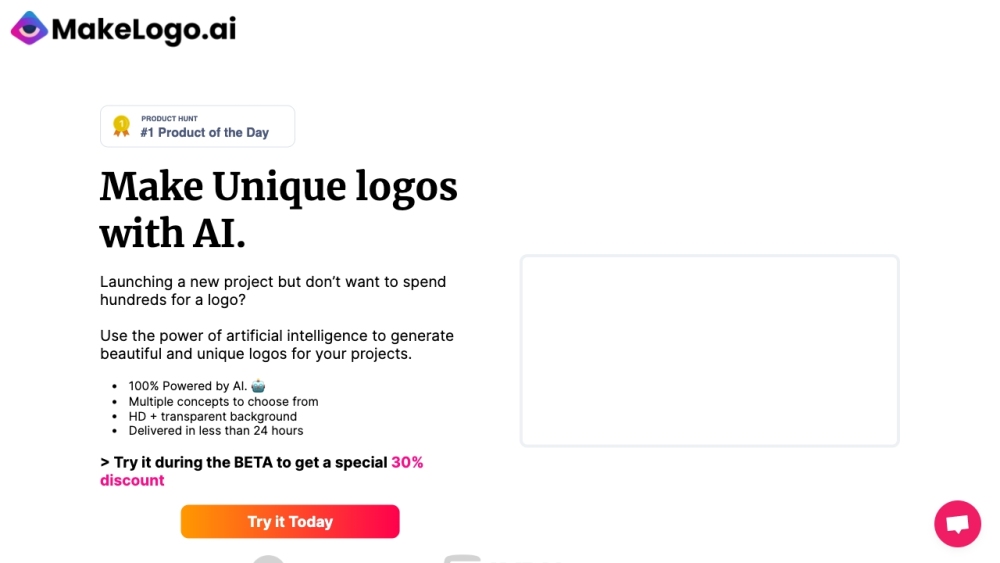
MakeLogoAI website preview

MakeLogoAI Website screenshot

What is MakeLogoAI?

MakeLogoAI is a cutting-edge platform dedicated to creating 100% AI-generated logos that are unique and tailored for any project. It streamlines the logo creation process, making it quick and hassle-free, allowing users to generate stunning logos within minutes.

How to use MakeLogoAI?

Using MakeLogoAI is simple. Input your project details and requirements, and the AI will produce a variety of text-based logo concepts. You can then review these ideas, select your favorite, and refine it with the Logo Editor. The platform also enables you to export the final logo as a vector image for maximum versatility.

MakeLogoAI's Core Features

100% AI-generated logos

Quick logo generation

Dozens of unique logo ideas

Logo customization with color, text, and fonts

Vector image export

MakeLogoAI's Use Cases

Business logo design

Project logo design

Brand identity creation

Logo exploration and inspiration

Product source: MakeLogoAI official website. Check the provider for current plans, limits and availability.

FAQ

MakeLogoAI questions and answers

Product context and practical checks for evaluating MakeLogoAI.

What is MakeLogoAI used for?

MakeLogoAI: Get 100% AI-generated unique logos in minutes. Quick, hassle-free, and perfect for your projects. Create beautiful logos effortlessly!

How do I get started with MakeLogoAI?

Using MakeLogoAI is simple. Input your project details and requirements, and the AI will produce a variety of text-based logo concepts. You can then review these ideas, select your favorite, and refine it with the Logo Editor. The platform also enables you to export the final logo as a vector image for maximum versatility.

Which capabilities are described for MakeLogoAI?

100% AI-generated logosQuick logo generationDozens of unique logo ideasLogo customization with color, text, and fontsVector image export

What projects can I evaluate MakeLogoAI for?

Business logo designProject logo designBrand identity creationLogo exploration and inspiration MakeLogoAI Company MakeLogoAI Company name: Make Logo AI. MakeLogoAI Login MakeLogoAI Login Link: https://app.makelogo.ai/login MakeLogoAI Sign up MakeLogoAI Sign up Link: https://app.makelogo.ai/new MakeLogoAI Pricing MakeLogoAI Pricing Link: https://makelogo.ai/

What should I compare before choosing a MakeLogoAI plan?

MakeLogoAI Pricing Link: https://makelogo.ai/ Confirm current prices and allowances on the provider’s website before purchasing.

What inputs should I prepare for a MakeLogoAI trial?

Look for text prompts, image references, masks or sketches as appropriate. Compare composition control, supported upload types and the ability to revise a selected area.

How can I check the quality of a MakeLogoAI result?

Inspect text, hands, edges, reflections and repeated objects at full size. Check that important product or brand details survive editing.

Which export options should I check in MakeLogoAI?

Compare pixel dimensions, transparency, file formats and any enlargement options. Confirm that the downloaded result works in your design or publishing software.

What is a practical way to test MakeLogoAI against alternatives?

Prepare a brief with a subject, composition, lighting and required output size. Test a first generation and a targeted revision to see how much control you retain.

Where is the official MakeLogoAI website?

The website linked from this profile is https://makelogo.ai. Use the provider’s own documentation, account area and support channels to confirm current product details.

Visit MakeLogoAI