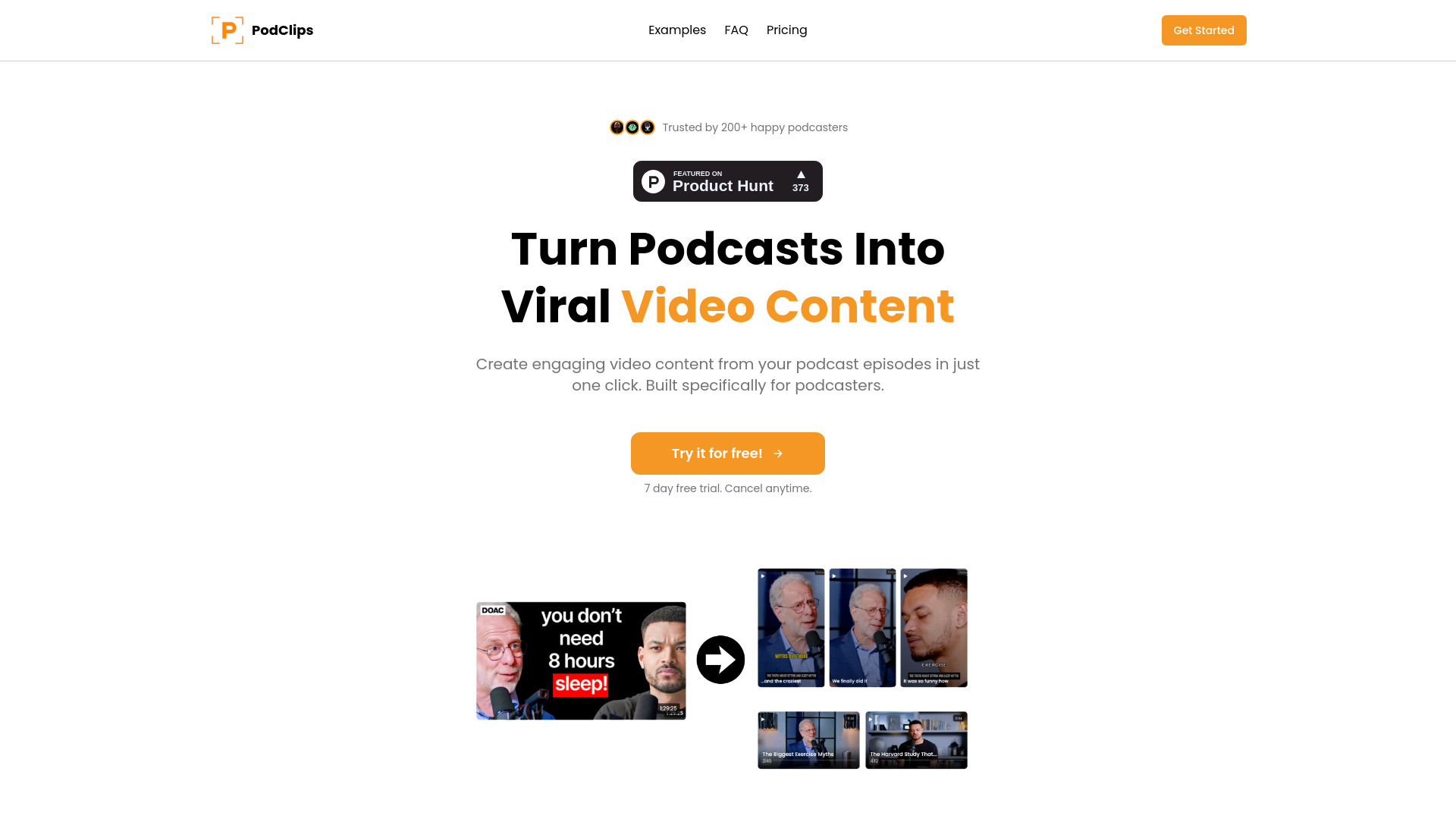
PodClips turns podcasts into viral video clips—AI-generated captions, B-rolls & thumbnails. Get 20+ shorts instantly
Explore a specific workflow
Explore social media clips tools through the product profiles below. The collection groups applications around a shared task. Product scope can overlap, so compare the specific workflow each tool describes rather than the category name alone.
Identify the files, text or account connections your task needs. Confirm that the product accepts those inputs and offers controls for reviewing its work.
Test one representative task and inspect the result for accuracy and completeness. Record where manual corrections or extra tools are needed.
PodClips turns podcasts into viral video clips—AI-generated captions, B-rolls & thumbnails. Get 20+ shorts instantly

Cyclips auto-creates viral video clips from long videos—fast, smart, and share-ready. See pricing, reviews, features & top alternatives!

Repurpose LOL: Turn audio/video into transcripts, clips, and social posts. Discover use cases, pricing, reviews, core features & alternatives. Streamline content creation today!
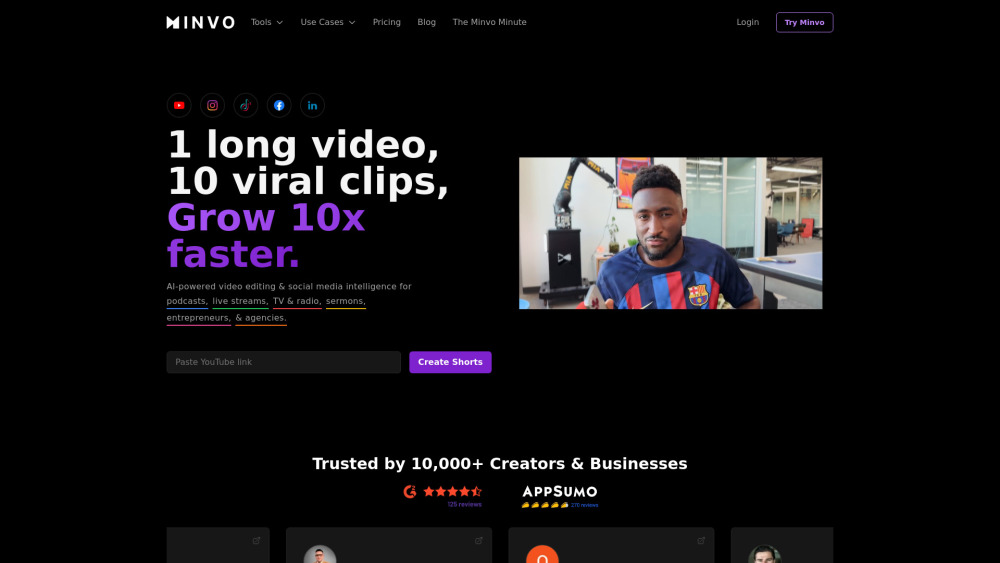
Minvo: AI Video Editor for Short Clips. Instantly turn long videos into engaging short clips with powerful AI—fast, easy, and perfect for social media!
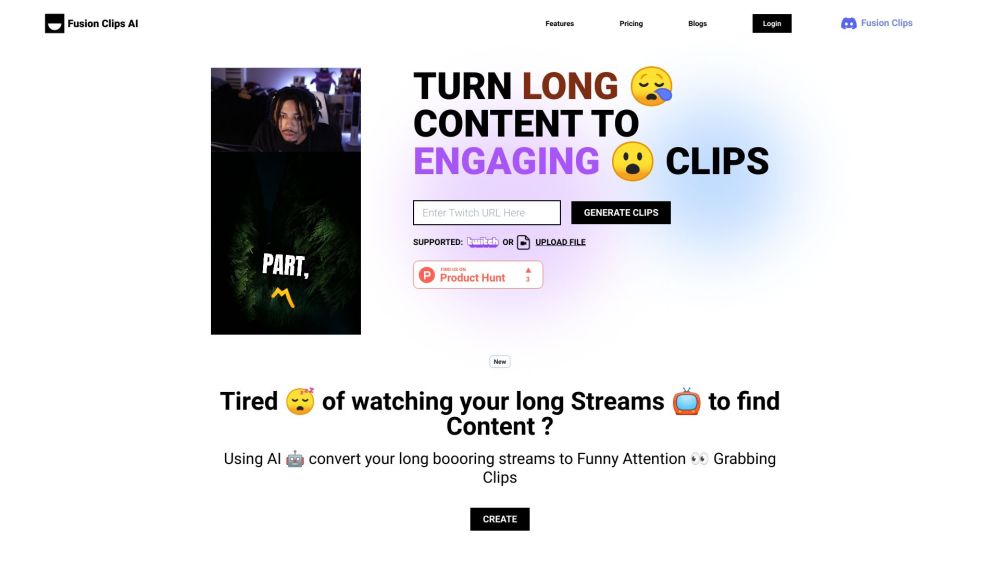
Transform your long streams into funny, engaging clips with Fusion Clips AI! Find the best moments with one click. Say goodbye to boring content!
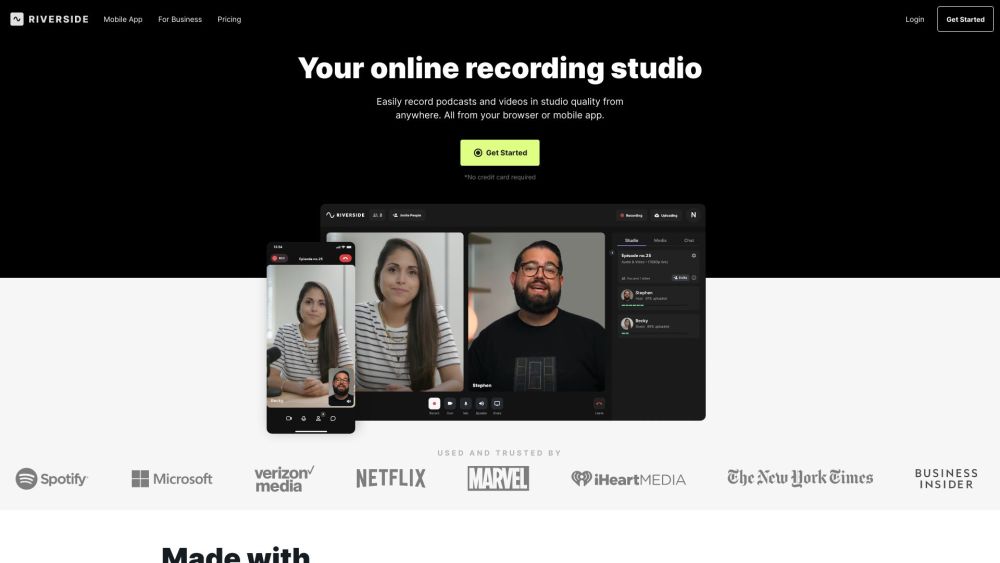
Riverside.fm is a virtual studio that enables podcasters and media companies to record high-quality podcasts and videos remotely. It offers studio-quality audio and 4k video recording capabilities, allowing users to create professional content from anywhere.
FAQ
Practical answers to help you take the next step.
The collection groups applications around a shared task. Product scope can overlap, so compare the specific workflow each tool describes rather than the category name alone.
Identify the files, text or account connections your task needs. Confirm that the product accepts those inputs and offers controls for reviewing its work.
Test one representative task and inspect the result for accuracy and completeness. Record where manual corrections or extra tools are needed.
Choose one task with a clear success condition. Keep the input consistent, record the time spent reviewing and compare the complete workflow cost.
PodClips turns podcasts into viral video clips—AI-generated captions, B-rolls & thumbnails. Get 20+ shorts instantly
Read about PodClips - AI Podcast to Video Clips GeneratorCyclips auto-creates viral video clips from long videos—fast, smart, and share-ready. See pricing, reviews, features & top alternatives!
Read about CyclipsRepurpose LOL: Turn audio/video into transcripts, clips, and social posts. Discover use cases, pricing, reviews, core features & alternatives. Streamline content creation today!
Read about Repurpose LOLMinvo: AI Video Editor for Short Clips. Instantly turn long videos into engaging short clips with powerful AI—fast, easy, and perfect for social media!
Read about MinvoTransform your long streams into funny, engaging clips with Fusion Clips AI! Find the best moments with one click. Say goodbye to boring content!
Read about Fusion Clips AIRiverside.fm is a virtual studio that enables podcasters and media companies to record high-quality podcasts and videos remotely. It offers studio-quality audio and 4k video recording capabilities, allowing users to create professional content from anywhere.
Read about Riverside.fm