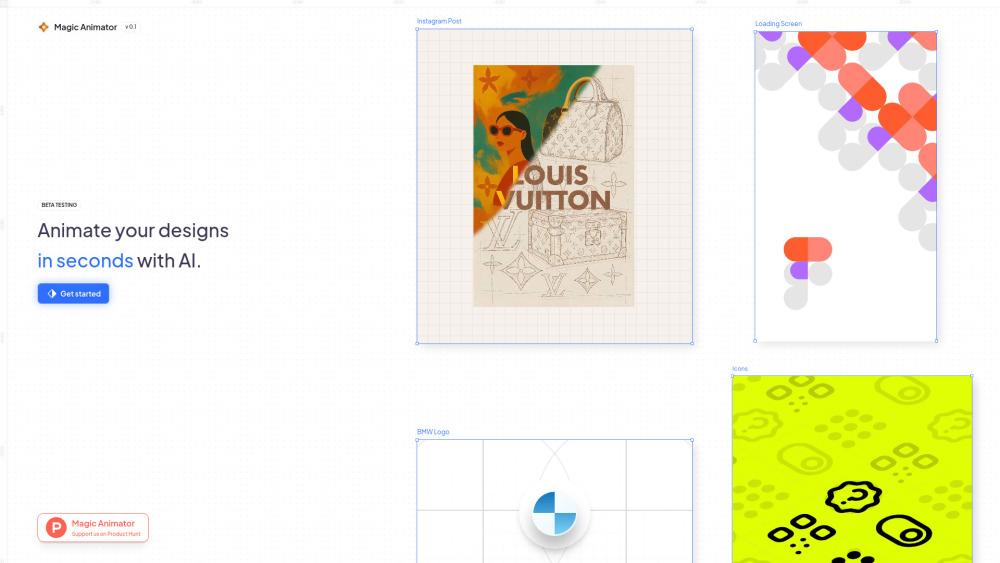
Magic Animator: AI-powered tool that transforms designs into smooth animations—export instantly to Lottie, GIF, or MP4. Effortless. Professional. Stunning.
Explore a specific workflow
Explore figma integration tools through the product profiles below. The collection groups applications around a shared task. Product scope can overlap, so compare the specific workflow each tool describes rather than the category name alone.
Identify the files, text or account connections your task needs. Confirm that the product accepts those inputs and offers controls for reviewing its work.
Test one representative task and inspect the result for accuracy and completeness. Record where manual corrections or extra tools are needed.
Magic Animator: AI-powered tool that transforms designs into smooth animations—export instantly to Lottie, GIF, or MP4. Effortless. Professional. Stunning.

ClarityUX: AI-powered design review platform that streamlines feedback & delivers actionable heat maps—faster insights, better UX decisions.

The fastest way to build beautiful wireframes and prototypes.

Bravo Studio is a tool that helps users transform Figma designs into interactive prototypes with native features. It allows for fast and building through its powerful Figma plugin.

Transform Figma designs into interactive prototypes fast with Bravo Studio! build with native features using our powerful Figma plugin.

Unlock creativity with Lummi: 13,000+ AI-crafted, curated stock photos and royalty-free images from global creators. Perfect for all your projects!

Corebook°Ai: Your online brand-building assistant, leveraging generative design to craft precise rebranding guidelines and eliminate blank page struggles.
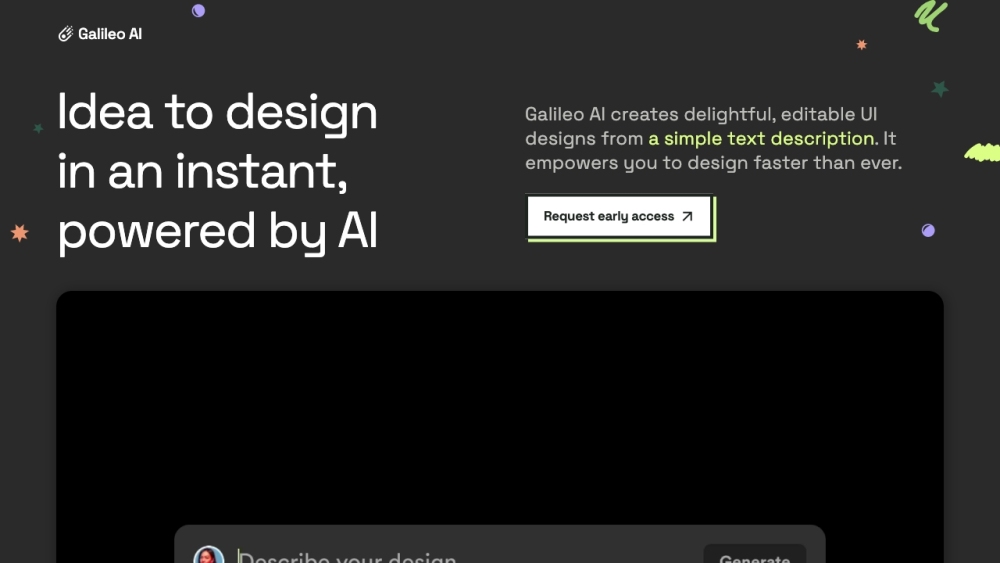
Meet Galileo AI: Your AI copilot for instant UI design generation. Simply input a text prompt and watch as it creates designs within seconds. Boost your design process now!
Unleash your creativity with Diagram's AI-powered design tools. Elevate your designs effortlessly with advanced features tailored for every designer.
FAQ
Practical answers to help you take the next step.
The collection groups applications around a shared task. Product scope can overlap, so compare the specific workflow each tool describes rather than the category name alone.
Identify the files, text or account connections your task needs. Confirm that the product accepts those inputs and offers controls for reviewing its work.
Test one representative task and inspect the result for accuracy and completeness. Record where manual corrections or extra tools are needed.
Choose one task with a clear success condition. Keep the input consistent, record the time spent reviewing and compare the complete workflow cost.
Magic Animator: AI-powered tool that transforms designs into smooth animations—export instantly to Lottie, GIF, or MP4. Effortless. Professional. Stunning.
Read about Magic AnimatorClarityUX: AI-powered design review platform that streamlines feedback & delivers actionable heat maps—faster insights, better UX decisions.
Read about ClarityUXThe fastest way to build beautiful wireframes and prototypes.
Read about **VisilyBravo Studio is a tool that helps users transform Figma designs into interactive prototypes with native features. It allows for fast and building through its powerful Figma plugin.
Read about Bravo StudioUnlock creativity with Lummi: 13,000+ AI-crafted, curated stock photos and royalty-free images from global creators. Perfect for all your projects!
Read about LummiCorebook°Ai: Your online brand-building assistant, leveraging generative design to craft precise rebranding guidelines and eliminate blank page struggles.
Read about Corebook°Ai