AI Content Generator

Galileo AI

Meet Galileo AI: Your AI copilot for instant UI design generation. Simply input a text prompt and watch as it creates designs within seconds. Boost your design process now!

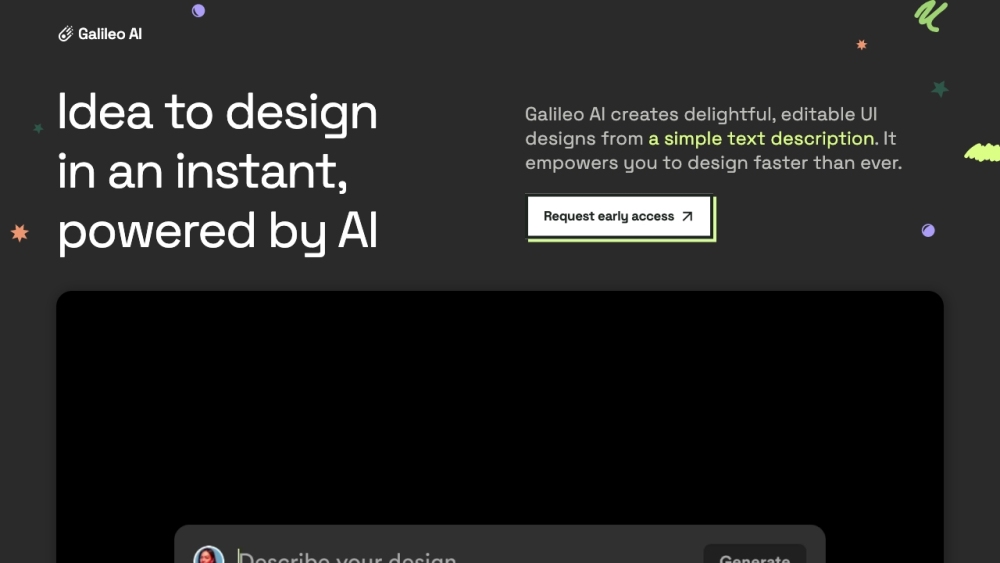
Galileo AI website preview

Galileo AI Website screenshot

What is Galileo AI?

Galileo AI is an innovative AI-driven tool designed to assist in interface design. It swiftly generates visually appealing UI designs from simple text prompts, integrating various UI elements, images, and content to enhance designers' productivity.

How to use Galileo AI?

To utilize Galileo AI, provide a text prompt that describes your desired UI design. The AI will produce a high-quality design drawing from its extensive training on exemplary designs. These designs can be easily edited in Figma, allowing you to tailor them to your needs.

Galileo AI's Core Features

Galileo AI offers the following core features: 1. Instant generation of UI designs from a text prompt 2. Seamless integration with Figma for easy modifications 3. Learning from a vast array of superior user experience designs 4. Creation of AI-generated illustrations and images 5. Generation of accurate, end-to-end product copy

Galileo AI's Use Cases

Galileo AI can be used in various scenarios, such as: 1. Designing a profile page for a reading app 2. Crafting a settings page for user information management 3. Rapidly generating complex UI designs 4. Enhancing designs with visual elements 5. Automatically creating product copy

Product source: Galileo AI official website. Check the provider for current plans, limits and availability.

FAQ

Galileo AI questions and answers

Product context and practical checks for evaluating Galileo AI.

What is Galileo AI used for?

Meet Galileo AI: Your AI copilot for instant UI design generation. Simply input a text prompt and watch as it creates designs within seconds. Boost your design process now!

How do I get started with Galileo AI?

To utilize Galileo AI, provide a text prompt that describes your desired UI design. The AI will produce a high-quality design drawing from its extensive training on exemplary designs. These designs can be easily edited in Figma, allowing you to tailor them to your needs.

Which capabilities are described for Galileo AI?

Galileo AI offers the following core features: 1. Instant generation of UI designs from a text prompt 2. Seamless integration with Figma for easy modifications 3. Learning from a vast array of superior user experience designs 4. Creation of AI-generated illustrations and images 5. Generation of accurate, end-to-end product copy

What projects can I evaluate Galileo AI for?

Galileo AI can be used in various scenarios, such as: 1. Designing a profile page for a reading app 2. Crafting a settings page for user information management 3. Rapidly generating complex UI designs 4. Enhancing designs with visual elements 5. Automatically creating product copy Galileo AI Company Galileo AI Company name: Galileo AI . Galileo AI Sign up Galileo AI Sign up Link: https://www.usegalileo.ai/explore Galileo AI Pricing Galileo AI Pricing Link: https://www.usegalileo.ai/pricing

What should I compare before choosing a Galileo AI plan?

Galileo AI Pricing Link: https://www.usegalileo.ai/pricing Confirm current prices and allowances on the provider’s website before purchasing.

What inputs should I prepare for a Galileo AI trial?

Look for text prompts, image references, masks or sketches as appropriate. Compare composition control, supported upload types and the ability to revise a selected area.

How can I check the quality of a Galileo AI result?

Inspect text, hands, edges, reflections and repeated objects at full size. Check that important product or brand details survive editing.

Which export options should I check in Galileo AI?

Compare pixel dimensions, transparency, file formats and any enlargement options. Confirm that the downloaded result works in your design or publishing software.

What is a practical way to test Galileo AI against alternatives?

Prepare a brief with a subject, composition, lighting and required output size. Test a first generation and a targeted revision to see how much control you retain.

Where is the official Galileo AI website?

The website linked from this profile is https://www.usegalileo.ai. Use the provider’s own documentation, account area and support channels to confirm current product details.

Visit Galileo AI