
iDox.ai Chrome Extension: Effortlessly streamline document handling with AI-powered tools. Edit, convert, and manage files within your browser.
Explore a specific workflow
Explore document comparison tools through the product profiles below. The collection groups applications around a shared task. Product scope can overlap, so compare the specific workflow each tool describes rather than the category name alone.
Identify the files, text or account connections your task needs. Confirm that the product accepts those inputs and offers controls for reviewing its work.
Test one representative task and inspect the result for accuracy and completeness. Record where manual corrections or extra tools are needed.
iDox.ai Chrome Extension: Effortlessly streamline document handling with AI-powered tools. Edit, convert, and manage files within your browser.
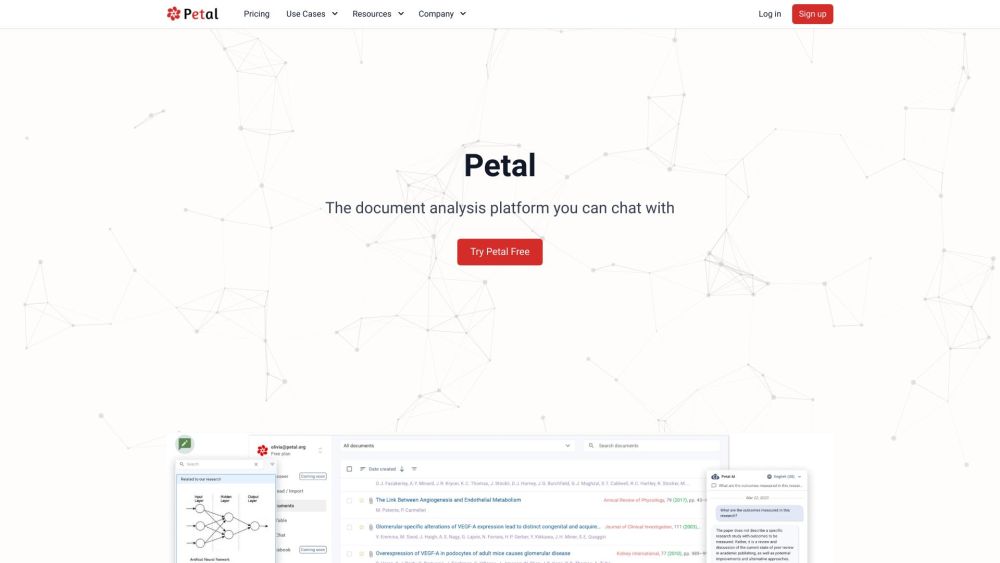
Petal is an AI-powered document analysis platform that allows users to chat with their documents. It utilizes generative AI to provide accurate and reliable answers sourced directly from trusted documents. Users can quickly understand complex topics, summarize and translate content, and even draft new content using the built-in Notebook. Petal also enables collaboration with team members through document sharing, annotations, and comments. It offers a multi-document AI table for document comparison and filtering using conversational natural language.

AI-Lawyer: Get instant AI-powered legal help with jargon-free explanations. Perfect for lawyers and individuals seeking clear, quick legal guidance.
FAQ
Practical answers to help you take the next step.
The collection groups applications around a shared task. Product scope can overlap, so compare the specific workflow each tool describes rather than the category name alone.
Identify the files, text or account connections your task needs. Confirm that the product accepts those inputs and offers controls for reviewing its work.
Test one representative task and inspect the result for accuracy and completeness. Record where manual corrections or extra tools are needed.
Choose one task with a clear success condition. Keep the input consistent, record the time spent reviewing and compare the complete workflow cost.
iDox.ai Chrome Extension: Effortlessly streamline document handling with AI-powered tools. Edit, convert, and manage files within your browser.
Read about iDox.ai Chrome ExtensionPetal is an AI-powered document analysis platform that allows users to chat with their documents. It utilizes generative AI to provide accurate and reliable answers sourced directly from trusted documents. Users can quickly understand complex topics, summarize and translate content, and even draft new content using the built-in Notebook. Petal also enables collaboration with team members through document sharing, annotations, and comments. It offers a multi-document AI table for document comparison and filtering using conversational natural language.
Read about PetalAI-Lawyer: Get instant AI-powered legal help with jargon-free explanations. Perfect for lawyers and individuals seeking clear, quick legal guidance.
Read about AI-LawyerCheck export formats, integrations and whether you can keep using your work outside the service. Test a real export before committing to a longer plan.
Run the same small task in each shortlisted product. Compare the price per usable result, usage limits, regeneration costs and time spent correcting the output. Confirm current terms with the provider.
Check who can access uploaded material, how long it is retained and how deletion works. Use a non-confidential test file while evaluating a product.