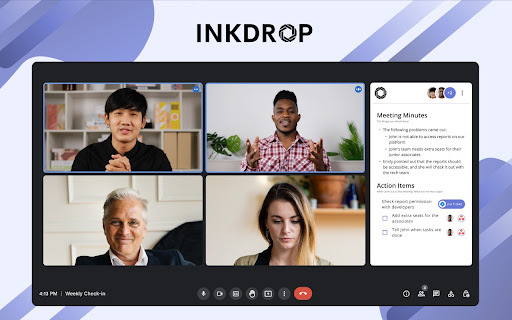
Inkdrop Chrome Extension: Elevate meetings with AI automation. Capture notes, automate tasks, and maximize productivity effortlessly.
Explore a specific workflow
Explore automatic transcription tools through the product profiles below. Audio tools handle tasks such as transcription, speech synthesis, sound generation and editing. Distinguish converting existing audio from creating a new recording.
Compare recording length, file types, language support and speaker handling. For voice generation, check pronunciation controls and permission to use any reference voice.
Listen for mispronounced names, unnatural pauses, clipped words and noise. For transcripts, compare the text with the recording and correct speaker labels.
Inkdrop Chrome Extension: Elevate meetings with AI automation. Capture notes, automate tasks, and maximize productivity effortlessly.
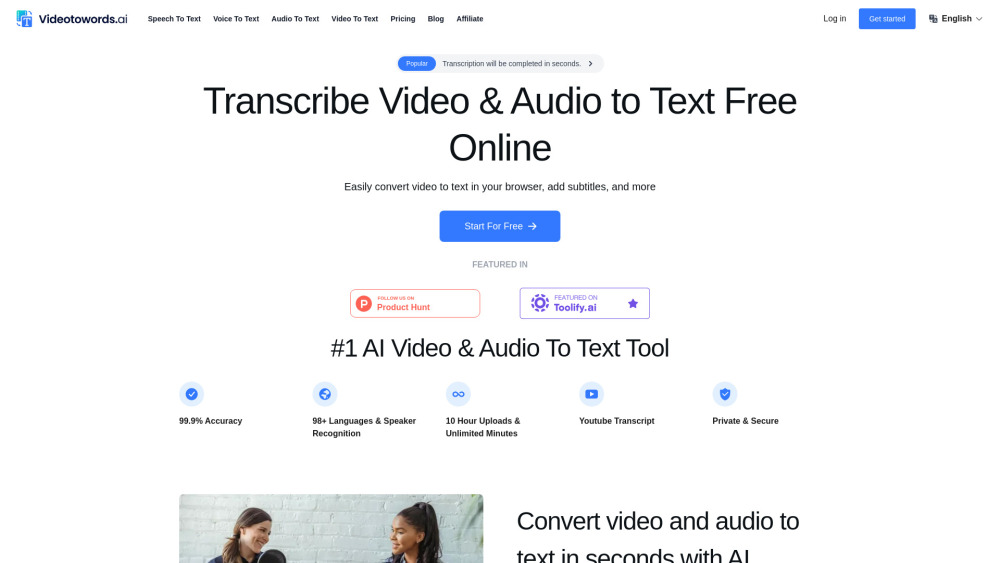
VideoToWords.ai: Fast & accurate AI transcription for audio and video files. Convert your content to text effortlessly with technology.

File Transcribe: Experience fast, accurate, and automatic transcription service online. Perfect for converting audio to text with precision and ease.
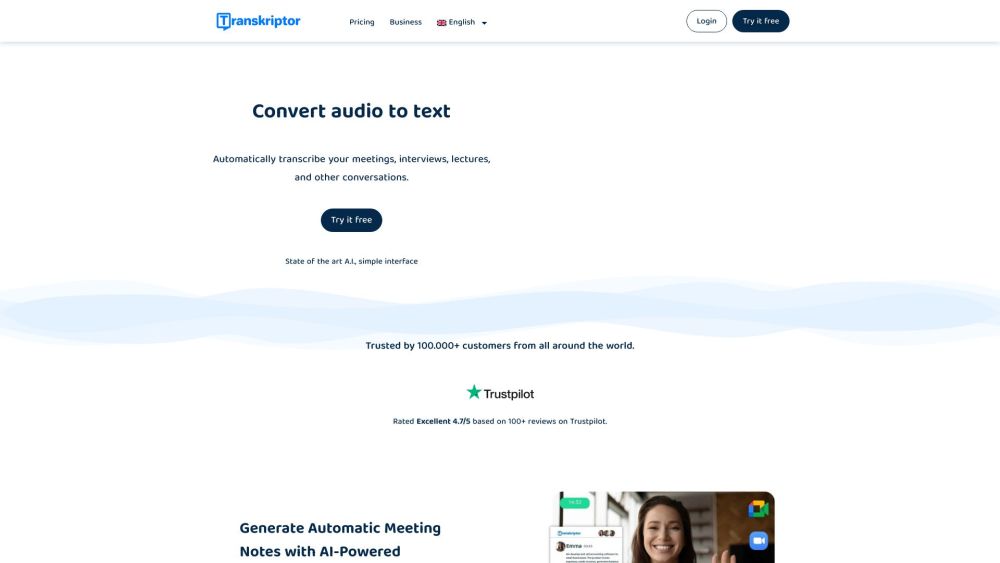
Transkriptor is an online transcription software that converts audio and video to text using state-of-the-art AI technology. With Transkriptor, you can transcribe meetings, interviews, lectures, and other conversations quickly and automatically.
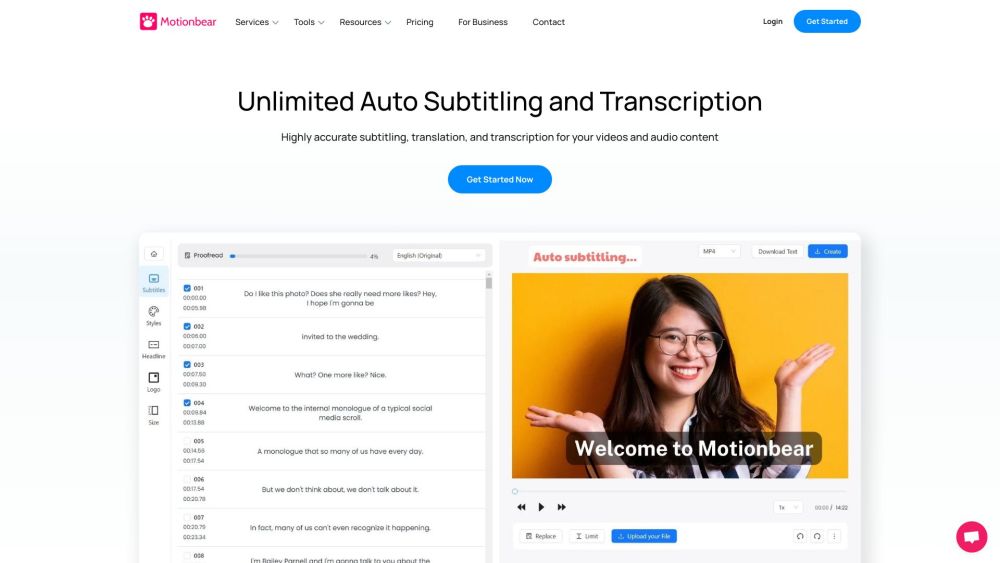
Motionbear.io: AI-powered transcription and subtitles in 40+ languages. Save hours with automatic speech recognition. Perfect for fast, accurate video captions!
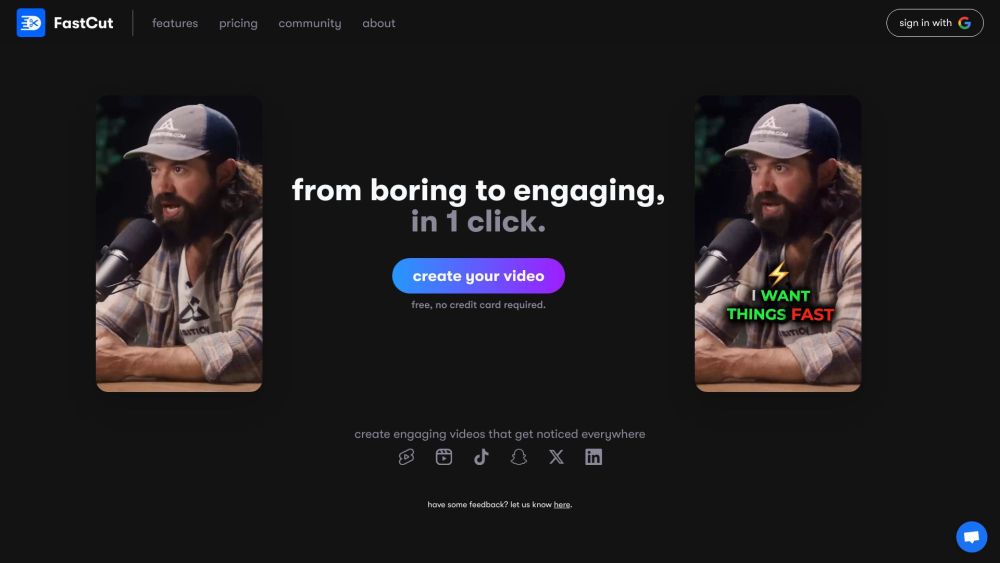
FastCut: Generate engaging captions for reels, shorts, and TikToks in 1 click. Auto-transcribes and styles like top creators Alex Hormozi, Ali Abdaal, and MrBeast.
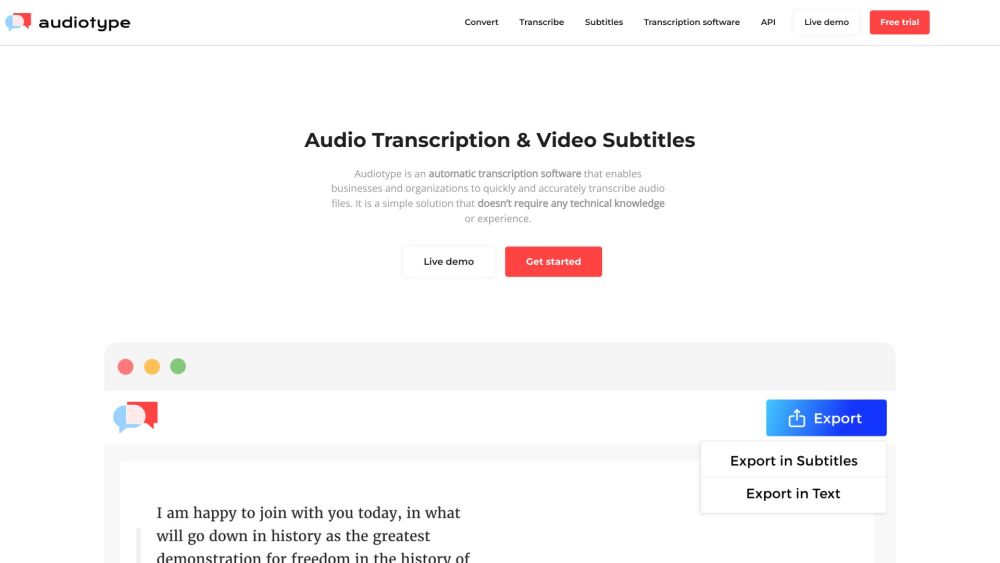
Audiotype: Automatic Transcription & Quick Audio File Conversion. Easily transcribe audio files accurately without technical skills. Perfect for businesses & organizations.
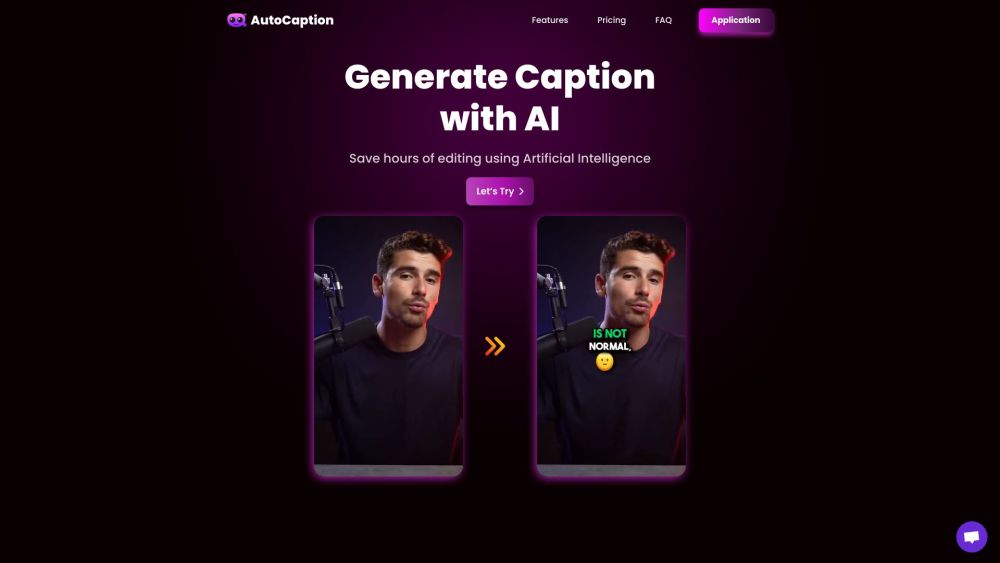
AutoCaption: Instantly transcribe videos with animated emojis! Perfect for Instagram, TikTok, and YouTube. Elevate your content with AI-powered captions!
FAQ
Practical answers to help you take the next step.
Audio tools handle tasks such as transcription, speech synthesis, sound generation and editing. Distinguish converting existing audio from creating a new recording.
Compare recording length, file types, language support and speaker handling. For voice generation, check pronunciation controls and permission to use any reference voice.
Listen for mispronounced names, unnatural pauses, clipped words and noise. For transcripts, compare the text with the recording and correct speaker labels.
Use a short recording with names, numbers and more than one speaker, or a script with difficult pronunciation. Review the exported audio or transcript in full.
Inkdrop Chrome Extension: Elevate meetings with AI automation. Capture notes, automate tasks, and maximize productivity effortlessly.
Read about Inkdrop - Chrome ExtensionVideoToWords.ai: Fast & accurate AI transcription for audio and video files. Convert your content to text effortlessly with technology.
Read about VideoToWords.aiFile Transcribe: Experience fast, accurate, and automatic transcription service online. Perfect for converting audio to text with precision and ease.
Read about File TranscribeTranskriptor is an online transcription software that converts audio and video to text using state-of-the-art AI technology. With Transkriptor, you can transcribe meetings, interviews, lectures, and other conversations quickly and automatically.
Read about TranskriptorMotionbear.io: AI-powered transcription and subtitles in 40+ languages. Save hours with automatic speech recognition. Perfect for fast, accurate video captions!
Read about Motionbear.ioFastCut: Generate engaging captions for reels, shorts, and TikToks in 1 click. Auto-transcribes and styles like top creators Alex Hormozi, Ali Abdaal, and MrBeast.
Read about FastCut